---
title: "Create Shipping Labels Fast Online"
url: "https://www.shipstation.com/en-gb/fulfillment/shipping/create-shipping-label/"
type: "page"
modified: "2026-07-27T15:52:08-05:00"
---
Create Shipping Labels Faster With ShipStation
==============================================
Need to create shipping label files fast, without bouncing between carrier sites? ShipStation helps you create shipping label workflows from one dashboard, so orders flow in, rates show up, and labels print on cue. Compare services, reduce retyping, and keep your customers in the loop with branded tracking and notifications.
[ Get Started ](/start-a-free-trial) [ Request a Demo ](/contact-us)
Connected to the platforms that power your business
- 
- 
- 
- 
- 
- 
- 
- 
- 
- 
- 
- 
- 
- 
- 
- 
- 
- 
- 
- 
- 
- 
- 
- 
- 
- 
- 
- 
- 
- 
- 
- 
- 
- 
Save time with automated label generation
-----------------------------------------
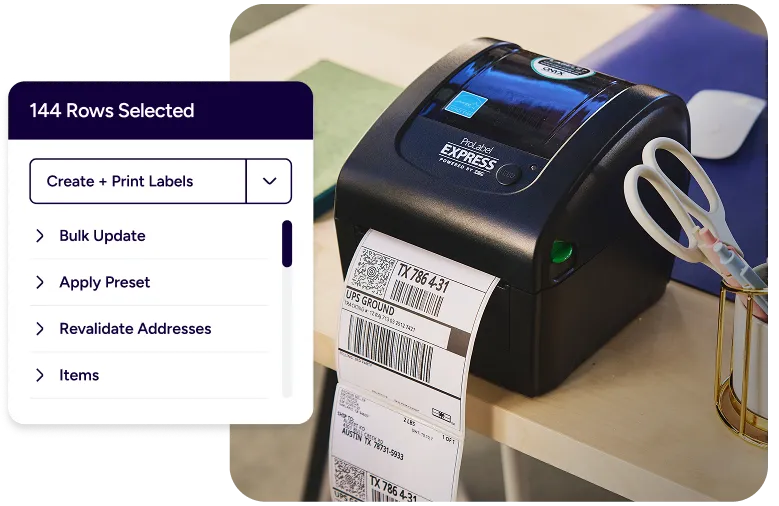
Move from paid order to printed label in fewer clicks. Import orders, shop rates, apply rules, and print in bulk. Get a cleaner workflow, fewer mistakes, and more time for the work that grows your business.
 ### Create shipping labels online instantly
ShipStation is powerful fulfilment software built for real shipping days. As shipping label software, it helps you pull in orders, choose a service, and print labels for packages instantly. Your team stays in one screen with a centralised shipping label management platform that’s easy to learn and quick to repeat.
 ### Create labels from ecommerce orders
Connect to 100+ channels so you can create labels from ecommerce orders across Shopify, Amazon, eBay, Etsy, Walmart, BigCommerce, and more. That means you can generate shipping labels from orders automatically, keep shipment statuses updated, and streamline the order-to-label process without copy and paste.
 ### Improve fulfilment speed and accuracy
When volume spikes, small errors get expensive. ShipStation helps you reduce manual data entry for shipping labels and keep key shipment details consistent. The result is simple: you improve fulfilment speed and accuracy while keeping your operation steady, even on your busiest days.
Shipping labels created fast — results from the first print
-----------------------------------------------------------
We’ve helped 130,000+ businesses create and print shipping labels in seconds, automatically. Let us speed up every label in your workflow, too.


**4.9 rating** 67 reviews

**4.6 rating** 897 reviews

**4.3 rating** 531 reviews
Automate shipping label creation workflows
------------------------------------------
Build repeatable shipping decisions with rules, presets, and smart defaults. Combine fast printing with barcode-driven steps, and you get fast shipping label generation tools that scale from a home setup to a multi-user warehouse.
### How to create a shipping label step by step
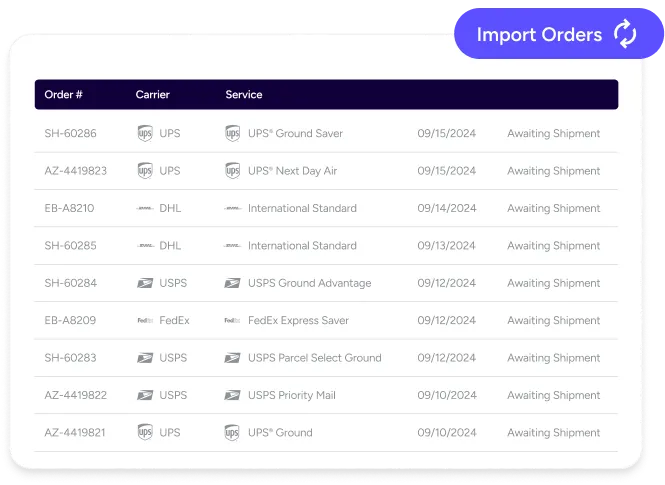
Start by importing your orders, then select an order to configure shipment details. Choose your ship-from location, package type, weight, and service. Next, review the available rates and create the label. ShipStation can automatically mark the order as shipped and send tracking back to your store, keeping your workflow tight and your customers updated quickly.
### What information is needed for a shipping label
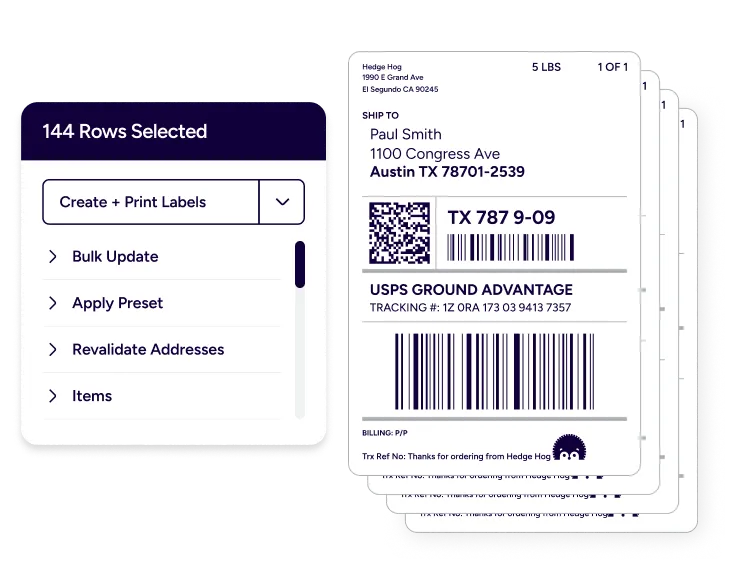
Most labels need a ship-from address, ship-to address, package weight, and a carrier service. Dimensions may also be required for some services, and they help keep rates accurate. To reduce touchpoints, save common package setups and defaults, then reuse them across orders. That’s a simple way to keep data clean as you scale.
### Print labels for Royal Mail, Evri, DPD, UPS®, FedEx®, GlobalPost™, and DHL Express
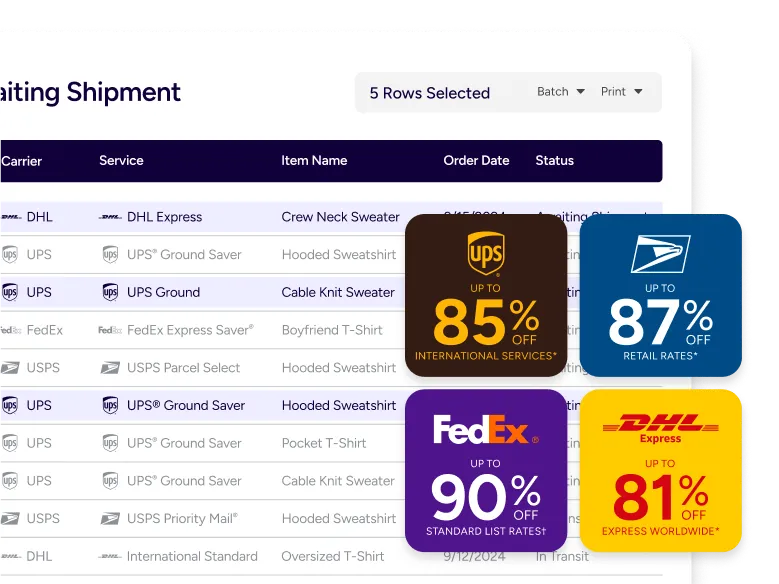
You can create labels for multiple carriers in one place and keep your options open until you’re ready to purchase postage. With ShipStation, you can compare carrier rates before label creation across Royal Mail, Evri, DPD, UPS, FedEx, GlobalPost, and DHL Express. That makes it easier to meet delivery promises and protect margins without juggling tabs. For more options, visit carriers.
### Batch print shipping labels for orders
Big pick runs should feel easy. With batch tools, you can select multiple orders and create labels in fewer steps, supporting batch label printing for fulfilment teams. Add ShipStation Connect to send labels directly to your thermal printer without extra print screens. For experienced shippers, Quickship keeps you moving while labels generate in the background.
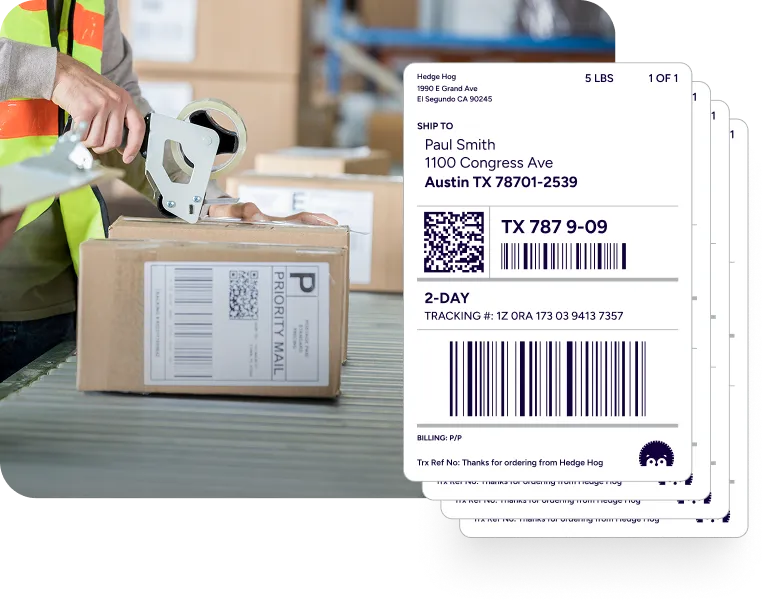
### Create shipping labels from home or office
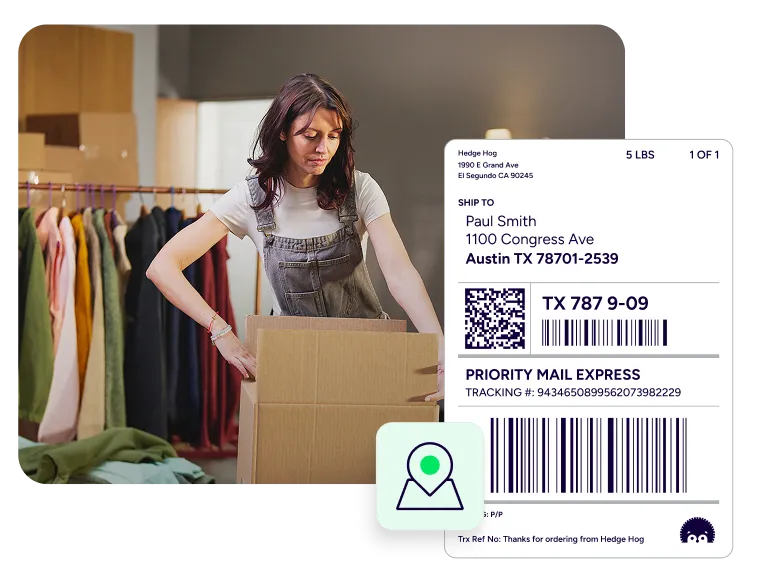
Some days you ship from a spare room. Other days you’re on the warehouse floor. ShipStation is built so you can create shipping labels from home or the office and keep the same workflow as you grow. Use the mobile app for quick actions on the go, and keep your tracking experience on brand with branded tracking.
### Scaling label creation for high volume shipping
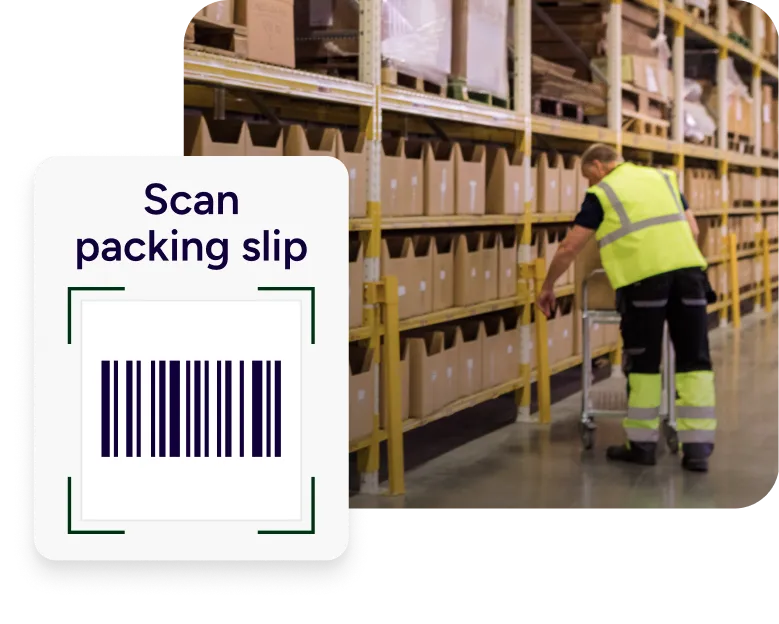
As orders climb, you need an engine, not a patchwork. ShipStation supports scan-to-print flows that cut mouse time and help prevent wrong-box mistakes. Use Scan to Print for quick handling, or Scan to Verify & Print to confirm items before the label prints. This ecommerce shipping automation approach helps you scale shipping label production easily, turning ShipStation into your high-volume shipping label creation system.
RELATED CONTENT
Helpful Shipping Resources
--------------------------
Browse additional articles, guides, and insights related to shipping and fulfillment. These resources provide practical advice and best practices to support your day-to-day operations.
##### The Cheapest Way to Ship Packages
Finding the cheapest way to ship a package doesn’t mean sacrificing quality. Affordable shipping rates are available to anyone that knows where to look.
[Read the Blog](/blog/cheapest-way-to-ship/)
##### Calculate Shipping Costs and Start Saving Now
Whether you’re shipping a single order or managing high-volume ecommerce fulfillment, ShipStation’s shipping cost calculator helps you get fast, reliable quotes from top carriers so you can save time and money with every label.
[Use the Shipping Rates Calculator](/fulfillment/shipping/shipping-rates-calculator/)
##### USPS Flat Rate Boxes, Envelopes, and Prices
USPS Flat Rate boxes and envelopes allow you to ship up to 70 lbs with USPS Priority Mail® at one low rate to anywhere in the US. The advantage of Flat Rate is that regardless of how much you fit into the packaging, it’s allowable.
[Read the Blog](/stories/cocktail-courier-ensures-compliant-last-mile-delivery-with-shipstation-dropship-manager/)
Try us free
-----------
What you can look forward to in your 30-day free trial:
-  Get instant access to all of our features
-  Connect to over 400 integrations
-  See how much our rates can save you on shipping









### Create your ShipStation account
First Name *\**
Last Name *\**
Email *\**
Country *\** Select your shipping origin country United States Canada Australia New Zealand United Kingdom France Germany Other
Company *\**
How did you hear about us? Please select… Banner Ad Search engine (Google, Bing, etc.) Recommended by Friend Social Media Ad (Facebook, LinkedIn, etc.) Received Mailer Podcast / Youtube Influencer (Instagram/TikTok) Event / Tradeshow Radio / Streaming Audio / SiriusXM TV Commercial Shopping Cart (Shopify, eBay, etc.) Other (Please specify below)
Phone† *\**
Select your current number of shipments per month *\** Select your current number of shipments per month I only need to ship one package 50 shipments or less, I’m just getting started 51-500 shipments 501-1,000 shipments 1,001-2,000 shipments 2,001-5,000 shipments 5,001-7,500 shipments 7,501+ shipments I don’t plan to ship anything
Offer Code
Password *\**
I consent to receive personalised marketing communications
Back By clicking 'Get Started', you agree to our Terms & Privacy Policy and [ Carriers' Terms ](/carriers-terms-of-service/).
† By providing your phone number, you agree that ShipStation may contact you by call or text, including using AI or automated technology, for onboarding and support. Phone number is optional.
This site is protected by reCAPTCHA and the Google [Privacy Policy](https://policies.google.com/privacy) and [Terms of Service apply.](https://policies.google.com/terms)
No commitment. No credit card needed. By providing a telephone number and submitting this form you are consenting to be contacted by SMS text message. Message and data rates may apply. You can reply STOP to opt-out of further messaging.
Country *\** Select your shipping origin country United States Canada Australia New Zealand United Kingdom France Germany Other
First Name *\**
Last Name *\**
Company *\**
Email *\**
Password *\**
Phone† *\**
Offer Code
Select your current number of shipments per month *\** Select your current number of shipments per month I only need to ship one package 50 shipments or less, I’m just getting started 51-500 shipments 501-1,000 shipments 1,001-2,000 shipments 2,001-5,000 shipments 5,001-7,500 shipments 7,501+ shipments I don’t plan to ship anything
How did you hear about us? Please select… Received Mailer Podcast / Youtube Banner Ad Event / Tradeshow Search engine (Google, Bing, etc.) Radio / Streaming Audio / SiriusXM Recommended by Friend TV Commercial Social Media Ad (Facebook, LinkedIn, etc.) Influencer (Instagram/TikTok) Shopping Cart (Shopify, eBay, etc.) Other (Please specify below)
I consent to receive personalised marketing communications
By clicking 'Get Started', you agree to our Terms & Privacy Policy and [ Carriers' Terms ](/carriers-terms-of-service/).
† By providing your phone number, you agree that ShipStation may contact you by call or text, including using AI or automated technology, for onboarding and support. Phone number is optional.
This site is protected by reCAPTCHA and the Google [Privacy Policy](https://policies.google.com/privacy) and [Terms of Service apply.](https://policies.google.com/terms)
No commitment. No credit card needed. By providing a telephone number and submitting this form you are consenting to be contacted by SMS text message. Message and data rates may apply. You can reply STOP to opt-out of further messaging.
Questions? Contact our sales team at (855)892-2954 or email content\[country\].questions.email. We’re available Monday – Friday: 8:00 AM – 8:00 PM CST.
### Shipping label FAQs for faster fulfilment
##### Can I create shipping label files without an order in ShipStation?
Yes. You can create a manual order or use the Rate Calculator to create a label when you don’t have an imported order. It’s helpful for one-off shipments, replacements, or B2B shipments.
##### Can ShipStation automate shipping label workflows ecommerce teams rely on?
Yes. You can build automation rules to assign carrier, service, package, and other settings. This helps automate the shipping label workflows ecommerce operations rely on for speed, especially when orders come from multiple channels.
##### How do I save time with automated label generation for repeat shipments?
Save presets for package types and shipping defaults, then apply rules based on tags, order items, or destination. You’ll spend less time making the same decisions and reduce rework when new staff join.
##### Does ShipStation support batch label printing for fulfillment teams?
Yes. You can batch-select orders, create labels together, and print them in a single run. This supports high-volume pick-pack-ship days and helps keep your station running smoothly.
##### Can I create shipping labels online instantly and still keep my brand front and center?
Yes. After you create the label, ShipStation can send branded tracking notifications and route shoppers to a branded tracking page. That means fewer “Where is my order?” messages and a smoother post-purchase experience.