Back
Back














































 Technology & Integrations


Selling on eBay is easy. Shipping is where things become inconvenient. Between choosing carriers, comparing rates, printing labels, and getting tracking back to buyers fast, sellers often juggle multiple tabs and manual steps to get a package out the door.
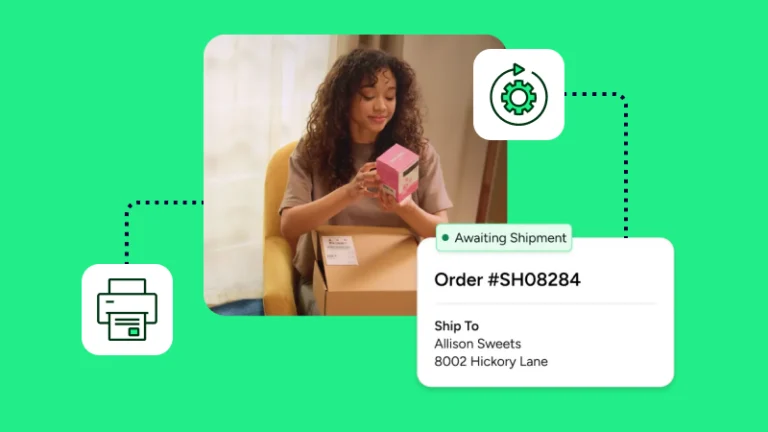
eBay shipping with ShipStation brings eBay fulfillment into one place and keeps every order moving without bouncing between tabs. With ShipStation, eBay sellers can import orders, buy shipping labels, shop carrier rates, batch-print labels, and send tracking updates back to eBay in seconds.
You connect eBay to ShipStation in your account settings. Once you approve access, the platform pulls new orders into one queue. That means less manual entry, faster setup, and fewer missed updates for your eBay seller account.
You can print shipping labels from one screen and compare services before you buy. You can easily view UPS®, USPS®, FedEx®, and DHL Express rates side by side and pick the best fit for each order, whether that means speed, flat-rate mail, or your own carrier account.
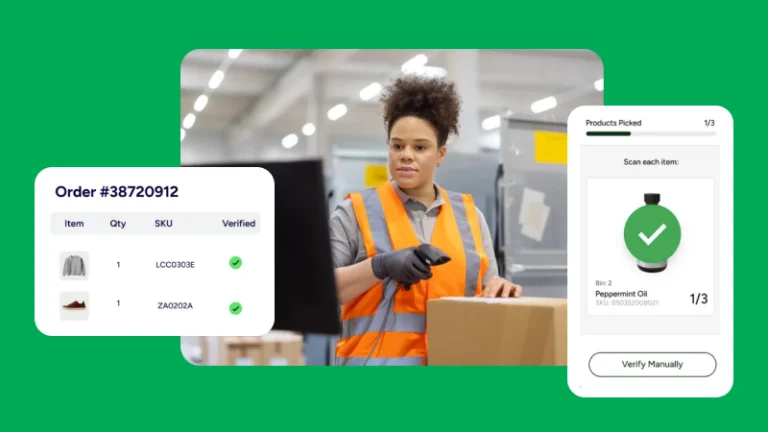
For busy days, print labels in batches instead of one by one. Tracking updates push back to eBay after you ship. You can also connect your own accounts, use ours where available, or mix both in the same workflow. If you ship in Canada, Canada Post can fit into that setup too.
By connecting the platforms, you can manage Bay shipping, shipping returns, and cross-channel orders from a single dashboard. ShipStation pulls orders together, helps you set rules, and sends tracking from the same place, so your store stays organized all year.
Use automation to tag an order, set a service, or route repeat work faster. You can also brand tracking pages and customer emails, then run a report on eBay orders when you need a clearer view.
Having a single source, web-based platform for all sales channels that also allows us to use a hub for picking/packing and light production has been critical for our operational growth.
eBay shipping works better when orders, labels, returns, and tracking live in one place. With our platform, you can connect your store, ship faster, and keep customers informed without extra manual work. Start with the eBay integration, then add the rules and carrier setup that match how you ship.