Back
Back













































 Technology & Integrations


ShipStation for Shopify shipping and fulfillment gives growing stores one queue for orders, one screen for rates, and one fast path to printed labels. With ShipStation, a store can pull Shopify orders in real time, compare UPS®, USPS®, FedEx®, and DHL Express options, print in bulk, and send tracking back to customers automatically. This guide shows how setup works, where time savings come from, and when added shipping tools make sense.
ShipStation connects Shopify order flow with multi-carrier shipping tools, so fulfillment moves faster with less manual work. Instead of opening orders one by one, a store can import orders, compare shipping rates, print labels, update tracking, manage returns, and keep customers informed from one place.
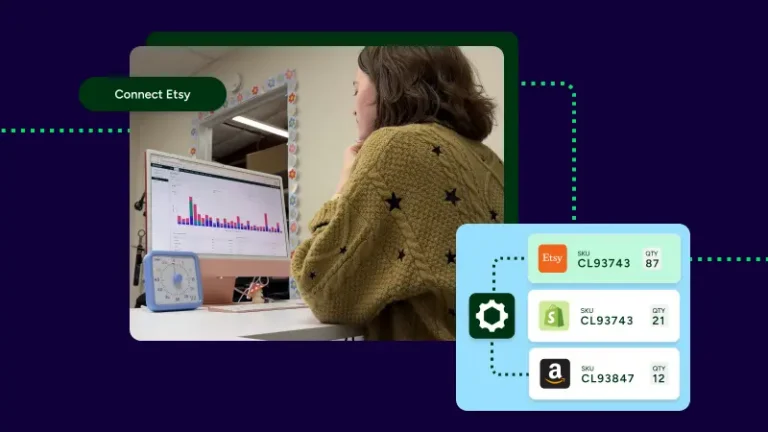
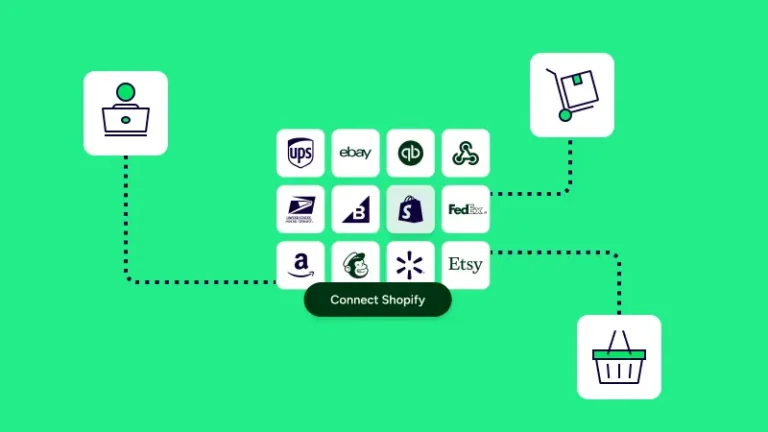
That matters most when volume starts to climb. A few orders per day can feel simple inside Shopify alone. Fifty, one hundred, or several hundred orders change the job fast. Teams need batch printing, automation rules, cleaner carrier access, and fewer clicks per shipment. The ShipStation platform is built for that stage. It also helps when a business sells beyond Shopify on Amazon, eBay, Etsy, Walmart, or WooCommerce and wants every order in one fulfillment queue.
Shopify and ShipStation work well together because orders move into one shipping workspace without extra copy and paste. That gives a team one place to review orders, filter by status, sort by store, tag special shipments, and get labels out the door faster.
For many businesses, that single queue is the biggest win. Your pack team doesn’t need one browser tab for Shopify, another for a carrier site, and another for tracking emails. New Shopify orders can appear in ShipStation, then move through one order fulfillment flow from import to label to delivery update. If your business runs more than one Shopify store, those stores can sit side by side in the same account.
Connecting Shopify usually starts in account settings, where a merchant adds a store, enters the Shopify domain, and authorizes the connection. Once access is approved, the ShipStation platform can begin pulling orders into the shipping queue so fulfillment work starts in one place.
The setup feels practical, not heavy. A team is not building a custom integration from scratch. After connection, common next steps include:
That last step matters. Simple rules can tag orders, assign services, apply package presets, or route a shipment automatically based on weight, address, SKU, or destination.
Automation rules cut manual sorting, which is often the slowest part of daily shipping. Instead of checking every order by hand, the ShipStation platform can apply logic as orders arrive so the right label setup, service choice, or tag is already in place.
Examples are easy to picture:
For stores with seasonal peaks, that helps even more. Temporary staff can follow a cleaner process because the system already did much of the sorting. Less manual choice usually means fewer shipping errors, less rework, and more time back for customer service or growth tasks.
Printing labels is where the Shopify and ShipStation connection becomes obvious. Orders are already in queue, carrier services are already available, and staff can print shipping labels from one screen instead of jumping between separate carrier tools.
The ShipStation platform supports label printing for major carriers, including UPS, USPS, FedEx, and DHL. It also supports batch printing, which saves real time once daily volume grows. Rather than open each order and buy one label at a time, a team can select many orders, confirm service choices, then print labels in one run. Pick lists, packing slips, and end-of-day workflows also get easier when the whole day sits in one system.
A shipping label created through ShipStation looks like the label created through the carrier because the carrier generates the label through the integration. In most cases, the label includes the recipient address, ship-from or return address, service details, and tracking information when that service supports tracking.
That keeps the process familiar. The benefit isn’t a different-looking label. The benefit is faster creation and better control around it. A team can:
ShipStation stores labels created in the system for 180 days, and those labels can be reprinted during that period. For busy businesses, that helps with customer questions, shipment checks, and day-to-day warehouse work.
Many Shopify merchants want a simple answer here: yes, a business can use existing carrier accounts, ShipStation carrier options, or both side by side. That gives the shipping team more control over service choices and more ways to compare a shipping rate before buying a label.
A common setup looks like this:
That structure is useful because not every order ships the same way. One customer may need fast delivery. Another may care more about cost. One package may go across town. Another may go to Canada. The platform gives access to those options without forcing a single carrier workflow on every order.
Shipping rates change by package size, weight, destination, service level, and carrier account. ShipStation helps by showing available rates side by side, which makes it easier to pick the best fit for each order instead of guessing or defaulting to one carrier every time.
Rate choice affects margin and delivery promise at the same time. A store may prefer one service for lightweight orders, another for heavy boxes, and another for international shipping. When those options are visible in one rate screen, the decision gets faster and cleaner. For stores that use both their own carrier accounts and ShipStation carrier access, the comparison becomes even more useful because the business can see more than one path to the same destination.
ShipStation offers a one-stop shop when it comes to shipping. The ability to not only rate shop, but to have all of your carriers’ rates available within ShipStation in real time, generate all the labels, ship out, and meet all the needs of your customers. There’s no reason for us to use anything else. It has everything we need.
Rate shopping works best when it removes small decisions from the daily rush. The ShipStation platform can surface rates from UPS, USPS, FedEx, and DHL side by side, then let a team choose the best option for that shipment based on cost, speed, or service rules.
In practice, merchants often use rate shopping in two ways:
For example, a store might set lighter parcels to USPS, heavier domestic boxes to UPS Ground, and time-sensitive orders to FedEx. That keeps the process simple for staff. It also gives a business a better shot at controlling shipping costs without slowing down the pick-pack-ship flow.
International shipping gets easier when labels, customs forms, and tracking stay close to the order record. ShipStation supports shipping to 250 countries and territories, which helps Shopify stores expand beyond domestic delivery without building a separate workflow for global orders.
The key benefit is consistency. A merchant does not need one process for US shipments and a totally different one for cross-border orders. Depending on the carrier and service, customs documents may print with the label, print separately, or submit electronically. That reduces guesswork at the pack station. For USPS international shipments, some customs details can appear directly on the label, while other international programs may submit customs data electronically instead of requiring printed forms.
For stores shipping to Canada, Europe, or other global markets, that simple workflow matters. Staff can ship orders from the same queue, use the same label process, and keep the same tracking system customers already know.
Shipping doesn’t end when the label prints. Customers still want clear delivery updates, easy tracking access, and a simple path for returns. ShipStation helps by pushing tracking back to Shopify and supporting branded tracking pages, notifications, and return workflows that feel more connected to the store experience.
That helps in two ways. First, customers stay informed with shipped, in transit, and delivered updates. Second, the business gets fewer “where is my order” messages because the status is easier to find. Merchants can also set up self-serve returns, email return labels, and track returned items back to the warehouse. When the post-purchase experience feels clear, the customer has fewer reasons to lose trust after checkout.
Order fulfillment usually gets messy before it gets efficient. Growth brings more orders, more carrier choices, more exceptions, and more pressure on a small team. ShipStation helps by keeping those moving parts in one platform so a business can handle more volume without adding the same amount of manual work.
That shows up in several places at once:
For stores with more than one warehouse, the platform can also support multiple ship-from locations. Orders can route based on rules, which helps teams ship from the right place faster. If the business later adds Amazon, eBay, or Etsy, those orders can join the same queue instead of creating another disconnected process.
Shopify shipping may be enough when order volume is low, the carrier mix is simple, and one person can still manage every shipment without much friction. Once orders rise, stores usually need faster label printing, clearer rate comparison, better tracking updates, and stronger automation.
A simple way to think about it:
Shopify-only can work well when:
Added tools often help when:
That’s why ShipStation often becomes part of the next stage, not the first stage. It is less about replacing Shopify and more about giving a growing business better shipping control around Shopify.
The best results usually come from using a few core features well instead of turning everything on at once. Start with the connection, clean up label printing, then add automation rules and branded customer updates as volume grows.
A smart rollout often follows this order:
That sequence keeps setup clear. It also helps a team see quick wins early, especially around time savings and fewer manual steps. For many businesses, the first “this is working” moment comes when a full queue of Shopify orders appears in one place and the day’s labels print in one run.
ShipStation for Shopify shipping and fulfillment works best when a store needs faster label printing, better shipping rates, cleaner order fulfillment, and less manual work. The ShipStation platform brings orders, carriers, tracking, returns, and automation into one workflow that can grow with the business. Start a free 30-day trial, connect Shopify, and see how much faster daily shipping can feel.