































Wix Integration That Turns Orders Into Labels Fast

Our Wix integration pulls your store orders into one shipping queue, so you can move from paid to shipped without tab hopping. With this Wix integration, you can compare rates, print shipping labels for Wix orders in batches, and push tracking back automatically. Keep Wix for your storefront, then run fulfillment in ShipStation. Try it free for 30 days, no credit card needed.


Wix icon

Wix integration results you can feel in your daily ship queue

Spend less time clicking, more time shipping. Sync orders, automate decisions, and keep customers updated. When volume spikes, your workflow stays calm, consistent, and ready for the next batch.

Centralize every Wix shipment in one place

When you sync Wix orders and shipping details into ShipStation, your team works from a single screen. No copying addresses. No retyping service notes. You see line items, weights, and buyer notes, then pick, pack, and print. This is centralized shipping management Wix sellers can use day one, even if you’re still shipping from a home office.

Shop rates and protect your margins

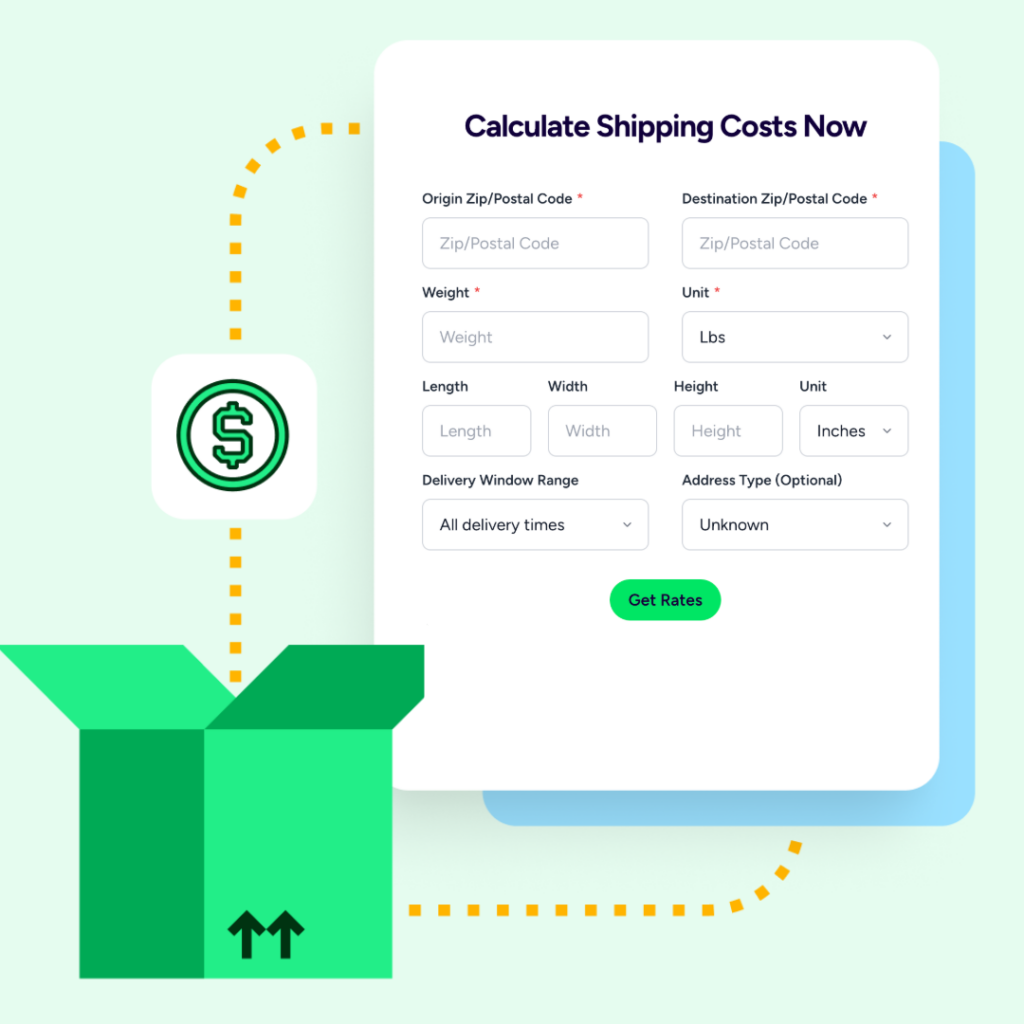
Shipping cost optimization for Wix starts at the rate screen. Compare UPS®, USPS®, FedEx®, DHL Express, and GlobalPost™ side-by-side, then pick the best fit per package. Bring your own carrier accounts, use ours, or mix both. If you’re U.S.-based, you can also send ShipStation rates to Wix Checkout, so buyers see options that match how you actually ship.

Automate repeat work, even when orders surge

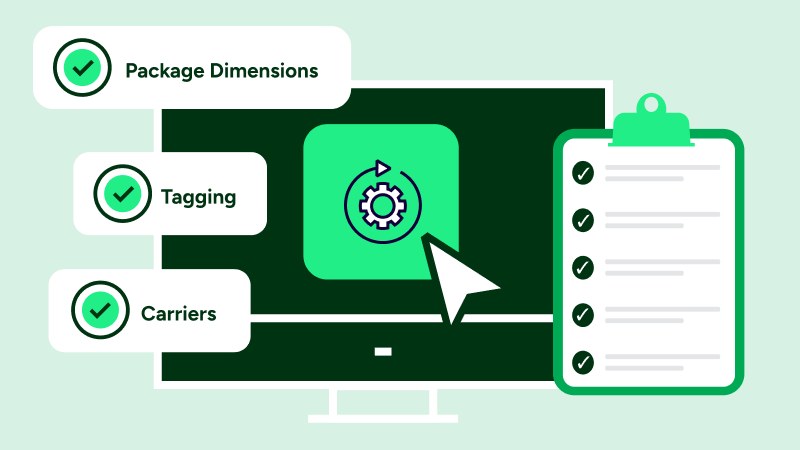
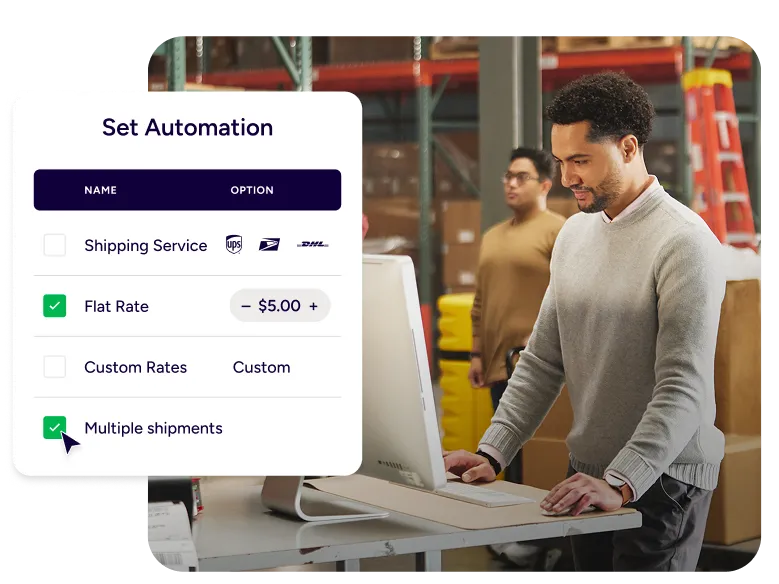
Wix fulfillment automation keeps your process consistent as you grow. Set automation rules to choose a service by weight, tag orders as they import, or apply package presets by SKU. Then batch print and move on. This is Wix order fulfillment automation that scales from “a few labels” to “print all” in one click.

Rated #1 by Industry Leaders

We’ve helped 130,000+ businesses manage their shipping smarter. Let us save your team time and money, too.
Google 4.9 rating 67 reviews
Capterra 4.6 rating 897 reviews
G2 4.3 rating 531 reviews

Wix integration features built for real fulfillment work

Connect your store, import orders, and ship using the same workflow you’d use across other channels. You’ll rate shop, automate steps, print labels, and send tracking updates without adding manual cleanup to your day.

Wix shipping integration that keeps orders synced

Our Wix shipping integration imports your orders into ShipStation, so your shipping team can work from one queue instead of bouncing between tools. You can connect Wix from inside ShipStation, or install the ShipStation app from the Wix App Store, then log in and approve permissions. Running more than one Wix store? Log out of Wix before connecting each additional store, so each connection finishes cleanly.
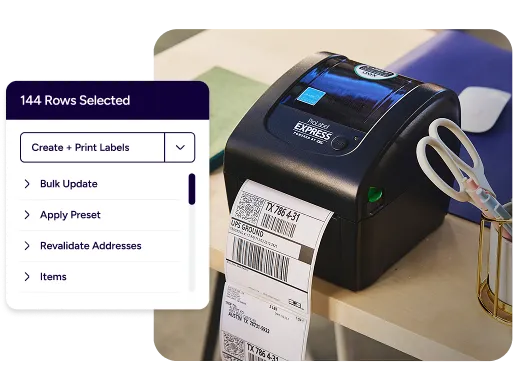
Print shipping labels for Wix orders in fast, clean batches

Print shipping labels Wix sellers can trust for a repeatable pick-pack-ship rhythm. Update weights in bulk, select a batch, and print labels together instead of one-by-one. If you’re using a thermal label printer, ShipStation Connect can help your workstation find it. That means fewer workstation headaches and more time moving cartons out the door.
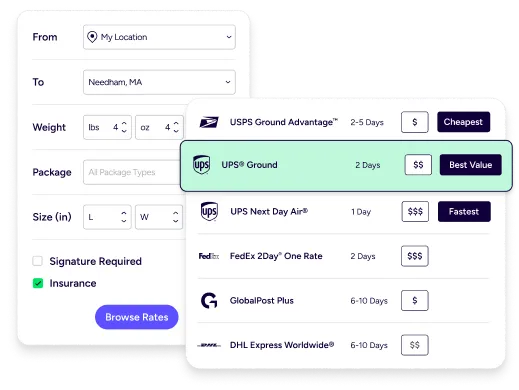
Multi carrier shipping Wix sellers can rate shop in seconds

Multi carrier shipping for Wix gets simpler when every rate shows up on one screen. Compare carrier rates Wix merchants care about, then choose cheapest, fastest, or a service that matches your promise. You can also apply your negotiated UPS or FedEx rates automatically after you connect those accounts. The goal is simple: better decisions per label, without manual math.
Ecommerce shipping automation platform rules that match your business

As an ecommerce shipping automation platform, we let you automate shipping workflows Wix teams repeat all day. Set rules once, then let them run on every import. Common patterns include:

  • Auto-pick a carrier by package weight
  • Route orders by ZIP to the closest ship-from location
  • Apply box, dimensions, and service presets by SKU

This reduces mis-shipments and keeps training time short for new staff.
Tracking, notifications, and returns that stay on brand

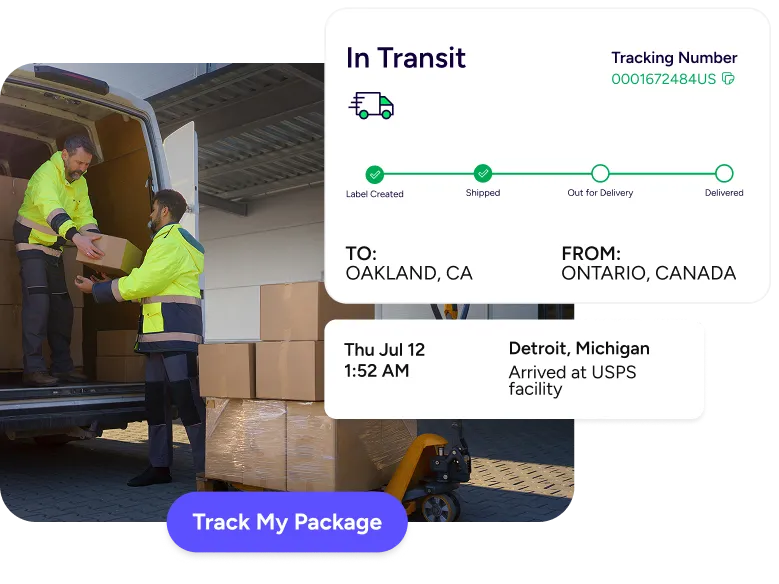
After you ship, ShipStation sends shipment notifications back to Wix with status updates, tracking numbers, and carrier info. Your customers get proactive “shipped” and “delivered” messages, plus a branded tracking page that looks like your store, not a carrier page. Need returns? Email pre-paid return labels in one click and track items back to your warehouse, using the same tracking flow.

Wix integration FAQ for shipping, automation, and order sync

The ShipStation Wix integration connects your Wix store to ShipStation so orders import automatically for shipping. You then create labels, compare rates, and send tracking updates back to Wix. It’s built to keep Wix as your storefront while you run fulfillment in a dedicated workflow.
You can connect from inside ShipStation or from the Wix App Store by installing the ShipStation app. Either way, you’ll log in and approve permissions for the site you want to link. Once connected, you can adjust store settings like branding and customer notifications.
Yes. When order data includes a Ship To address, ShipStation can import it so you can buy labels and ship without manual re-entry. ShipStation also supports importing pick-up orders when the “Import pick-up orders” setting is enabled for your store.
Yes. If you need Wix ecommerce shipping software that supports batch printing and automation rules, this workflow is designed for day-to-day throughput. It also helps if you expand beyond Wix, since ShipStation connects to many selling channels, including Shopify, Amazon, eBay, Etsy, Walmart, and WooCommerce.
Yes. ShipStation sends a shipment notification that includes a status update, tracking number, and carrier. Some fields, like service and carrier fee, aren’t sent to Wix in the shipment notification.
Some Wix features aren’t supported in the integration, such as custom statuses, gift order identification, and internal notes. Many core fields are supported, including customer emails, phone numbers, item images, item options, discounts, requested service, and notes from the buyer.