
































Wix Integration That Turns Orders Into Labels Fast

Our Wix integration pulls your store orders into one shipping queue, so you can move from paid to shipped without tab hopping. Compare rates, print shipping labels for Wix orders in batches, and push tracking back automatically. Keep Wix for your storefront, then run fulfilment in ShipStation. Try it free for 30 days, no credit card needed.


Wix icon

Wix integration results you can feel in your daily ship queue

Spend less time clicking, more time shipping. Sync orders, automate decisions, and keep customers updated. When volume spikes, your workflow stays calm, consistent, and ready for the next batch.

Centralise every Wix shipment in one place

When you sync Wix orders and shipping details into ShipStation, your team works from a single screen. No copying addresses. No retyping service notes. You see line items, weights, and buyer notes, then pick, pack, and print. All from the one easy-to-use dashboard.

Shop rates and protect your margins

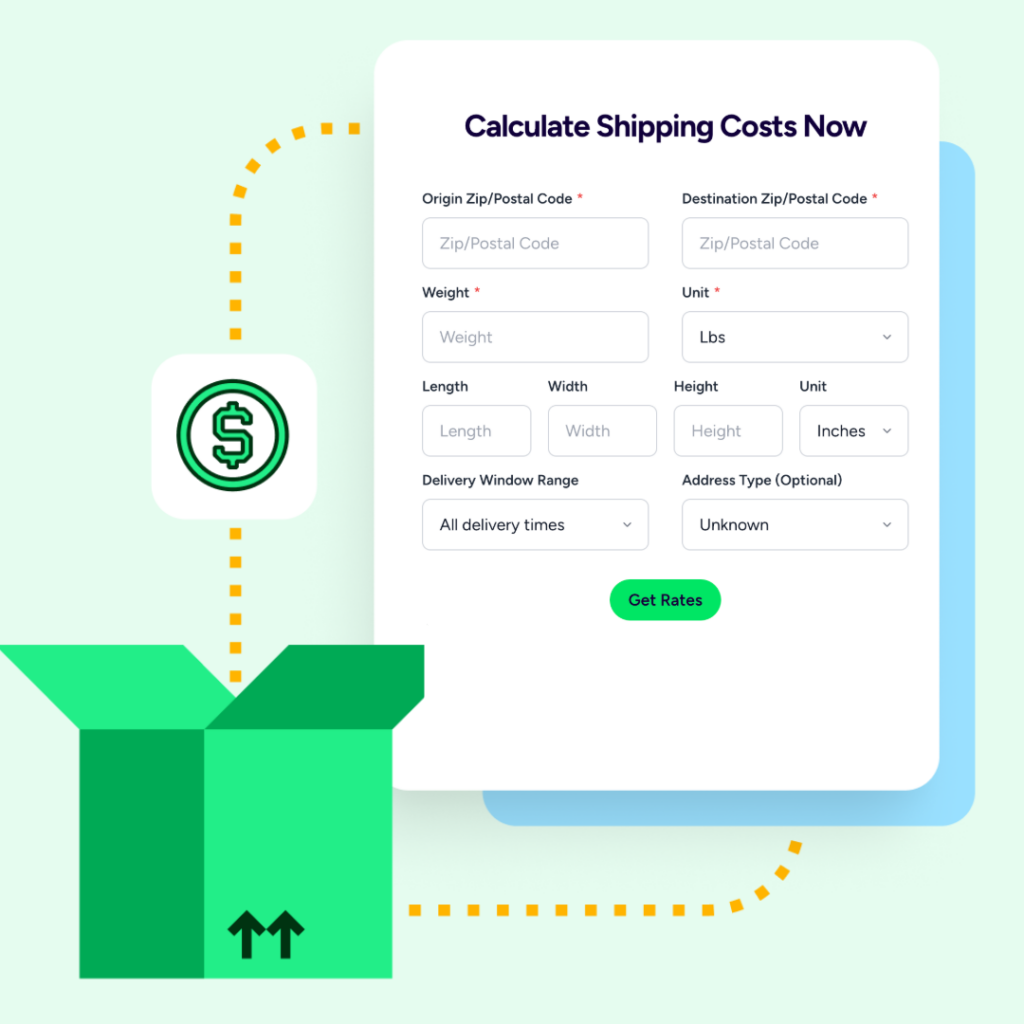
Shipping cost optimisation for Wix starts at the rate screen. Compare Aramex and Couriers Please rates side-by-side, then pick the best fit per package. Bring your own carrier accounts, use ours, or mix both. Choose the shipping options that suit your business.

Set automation rules to keep orders moving

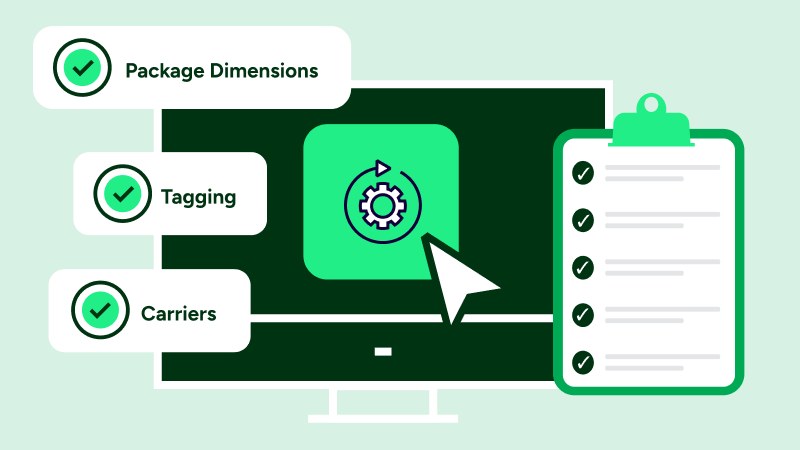
Wix fulfilment automation keeps your process consistent as you grow. Set automation rules to choose a service by weight, tag orders as they import, or apply package presets by SKU. Then batch print and move on.

Rated #1 by Industry Leaders

We’ve helped 130,000+ businesses manage their shipping smarter. Let us save your team time and money, too.
Google 4.9 rating 67 reviews
Capterra 4.6 rating 897 reviews
G2 4.3 rating 531 reviews

Wix integration features built for real fulfilment work

Connect your store, import orders, and ship using the same workflow you’d use across other channels. You’ll rate shop, automate steps, print labels, and send tracking updates without adding manual cleanup to your day.

Sync your Wix orders from the one place

Our Wix shipping integration imports your orders into ShipStation, so your shipping team can work from one queue instead of bouncing between tools. You can connect Wix from inside ShipStation, or install the ShipStation app from the Wix App Store, then log in and approve permissions.
Various partner logos surrounding the ShipStation logo in the center.

Print shipping labels for Wix orders in fast, clean batches

Print shipping labels Wix sellers can trust for a repeatable pick-pack-ship rhythm. Update weights in bulk, select a batch, and print labels together instead of one-by-one. That means fewer workstation headaches and more time moving cartons out the door.
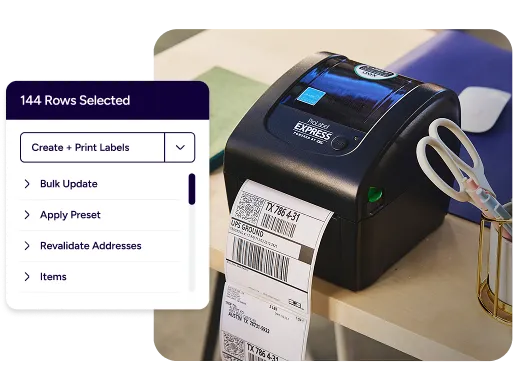
ShipStation integration with UPS.

Multi carrier rate shopping Wix sellers can depend on

Multi carrier shipping for Wix gets simpler when every rate shows up on one screen. Compare carrier rates Wix merchants care about, then choose cheapest, fastest, or a service that matches your promise. You can also apply your negotiated carrier rates automatically after you connect those accounts.
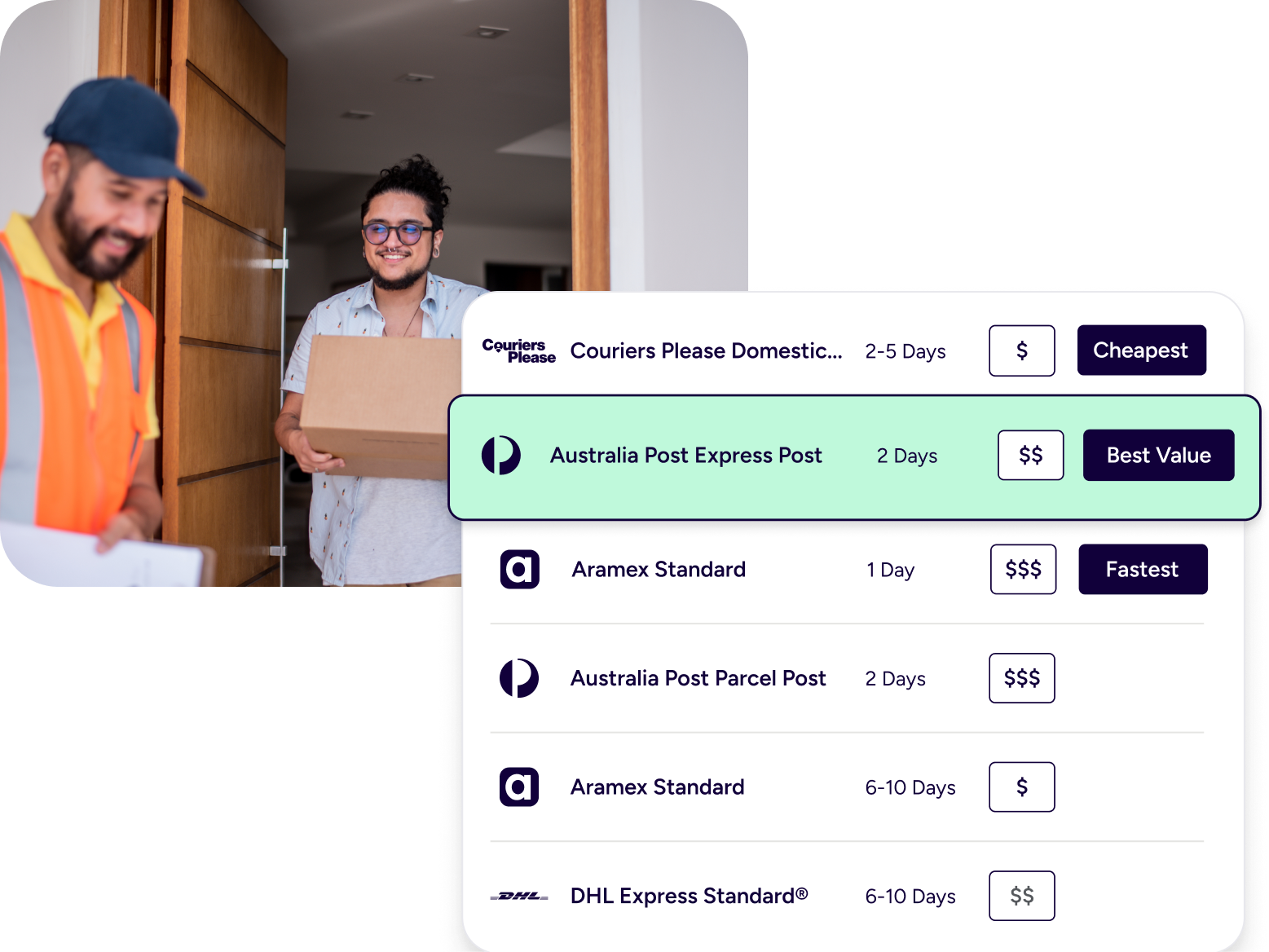
Shipping workflow in ShipStation.

Ecommerce shipping automation rules that match your business

As an ecommerce shipping automation platform, we let you automate shipping workflows Wix teams repeat all day. Set rules once, then let them run on every import. Common patterns include:

  • Auto-pick a carrier by package weight
  • Route orders by postcode to the closest ship-from location
  • Apply box, dimensions, and service presets by SKU

This reduces mis-shipments and keeps training time short for new staff.

Tracking notifications and returns that stay on brand

After you ship, ShipStation sends shipment notifications back to Wix with status updates, tracking numbers, and carrier info. Your customers get proactive “shipped” and “delivered” messages, plus a branded tracking page that looks like your store, not a carrier page. Need returns? Email pre-paid return labels in one click and track items back to your warehouse, using the same tracking flow.
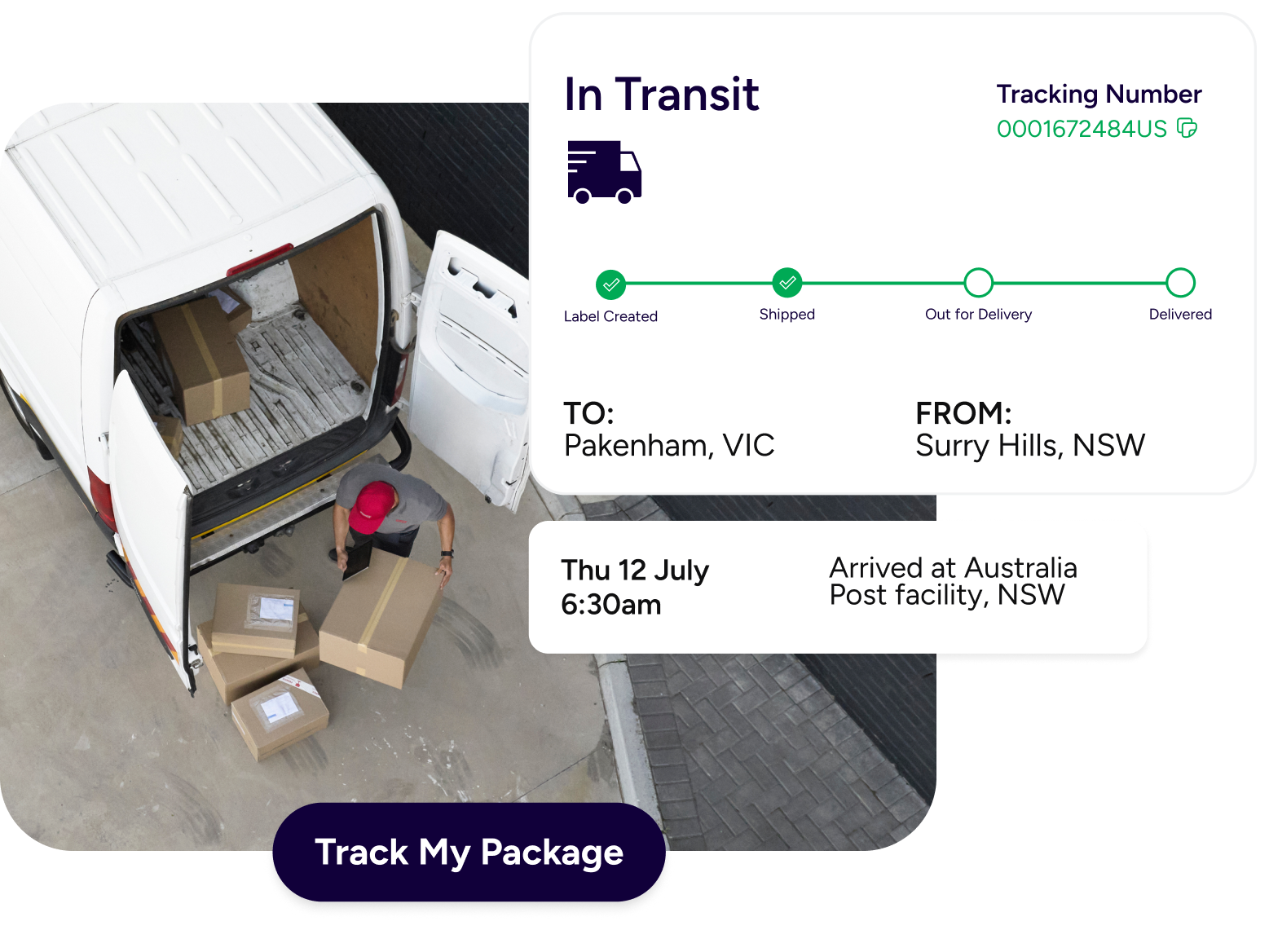
Ecommerce fulfillment workflow.

Wix integration FAQs for shipping, automation, and order sync

The ShipStation Wix integration connects your Wix store to ShipStation so orders import automatically for shipping. You then create labels, compare rates, and send tracking updates back to Wix. It’s built to keep Wix as your storefront while you run fulfilment in a dedicated workflow.
You can connect from inside ShipStation or from the Wix App Store by installing the ShipStation app. Either way, you’ll log in and approve permissions for the site you want to link. Once connected, you can adjust store settings like branding and customer notifications.
Yes. When order data includes a Ship To address, ShipStation can import it so you can buy labels and ship without manual re-entry. ShipStation also supports importing pick-up orders when the “Import pick-up orders” setting is enabled for your store.
Yes. If you need Wix ecommerce shipping software that supports batch printing and automation rules, this workflow is designed for day-to-day throughput. It also helps if you expand beyond Wix, since ShipStation connects to many selling channels, including Shopify, Amazon, eBay, Etsy, and WooCommerce.
Yes. ShipStation sends a shipment notification that includes a status update, tracking number, and carrier. Some fields, like service and carrier fee, aren’t sent to Wix in the shipment notification.
Some Wix features aren’t supported in the integration, such as custom statuses, gift order identification, and internal notes. Many core fields are supported, including customer emails, phone numbers, item images, item options, discounts, requested service, and notes from the buyer.