Back
Back







































The WooCommerce shipping plugin built for faster fulfilment
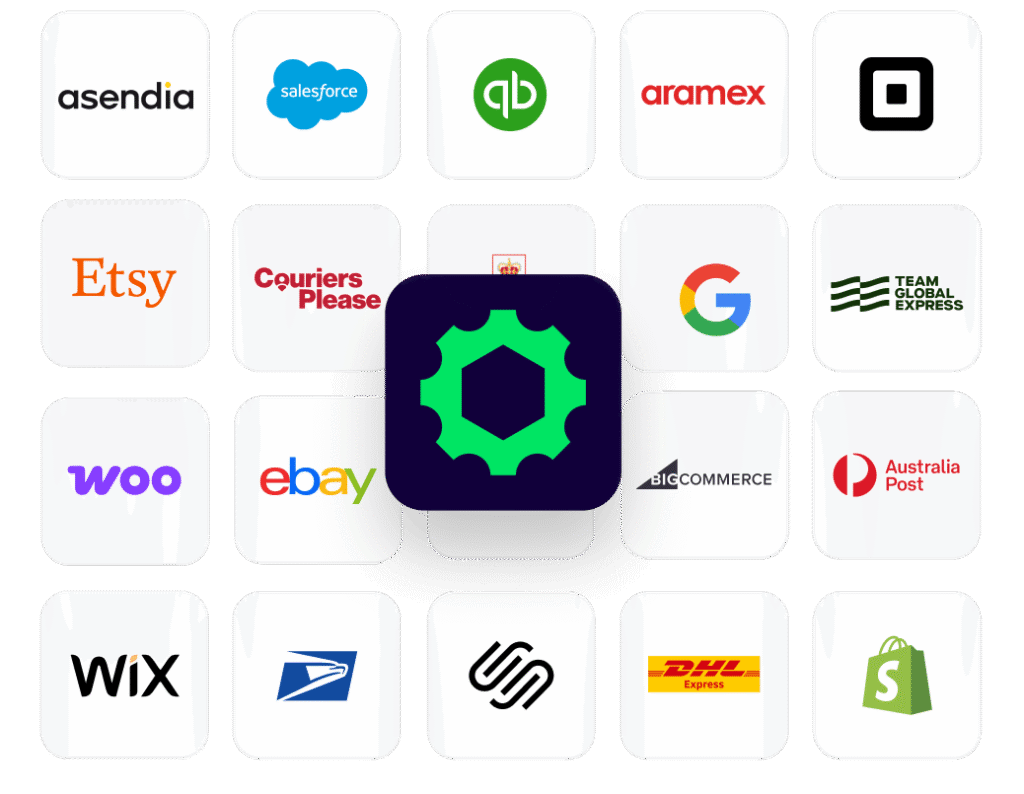
ShipStation gives WooCommerce merchants a simpler way to run shipping. Orders import automatically, services can be compared in one place, and labels print in batches—without jumping between carrier sites or extra tabs. Carriers, tracking, returns, and automation all live in the same workspace, helping teams move packages out faster while keeping customers in the loop.
Streamline fulfilment for growing WooCommerce businesses
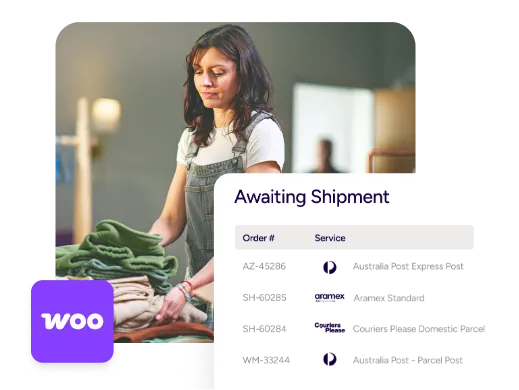
As order volume climbs, small manual tasks add up quickly. ShipStation connects your WooCommerce store to a single shipping hub that brings orders in, applies automation where it helps, and sends tracking updates back to the store.
Manage WooCommerce shipping across multiple carriers
Connect your store and start shipping
Getting started doesn’t take long. Install the ShipStation Integration plugin for WooCommerce and link your store inside ShipStation. Orders import with shipping addresses, line items, and order notes already attached, and automatically sync back to WooCommerce.
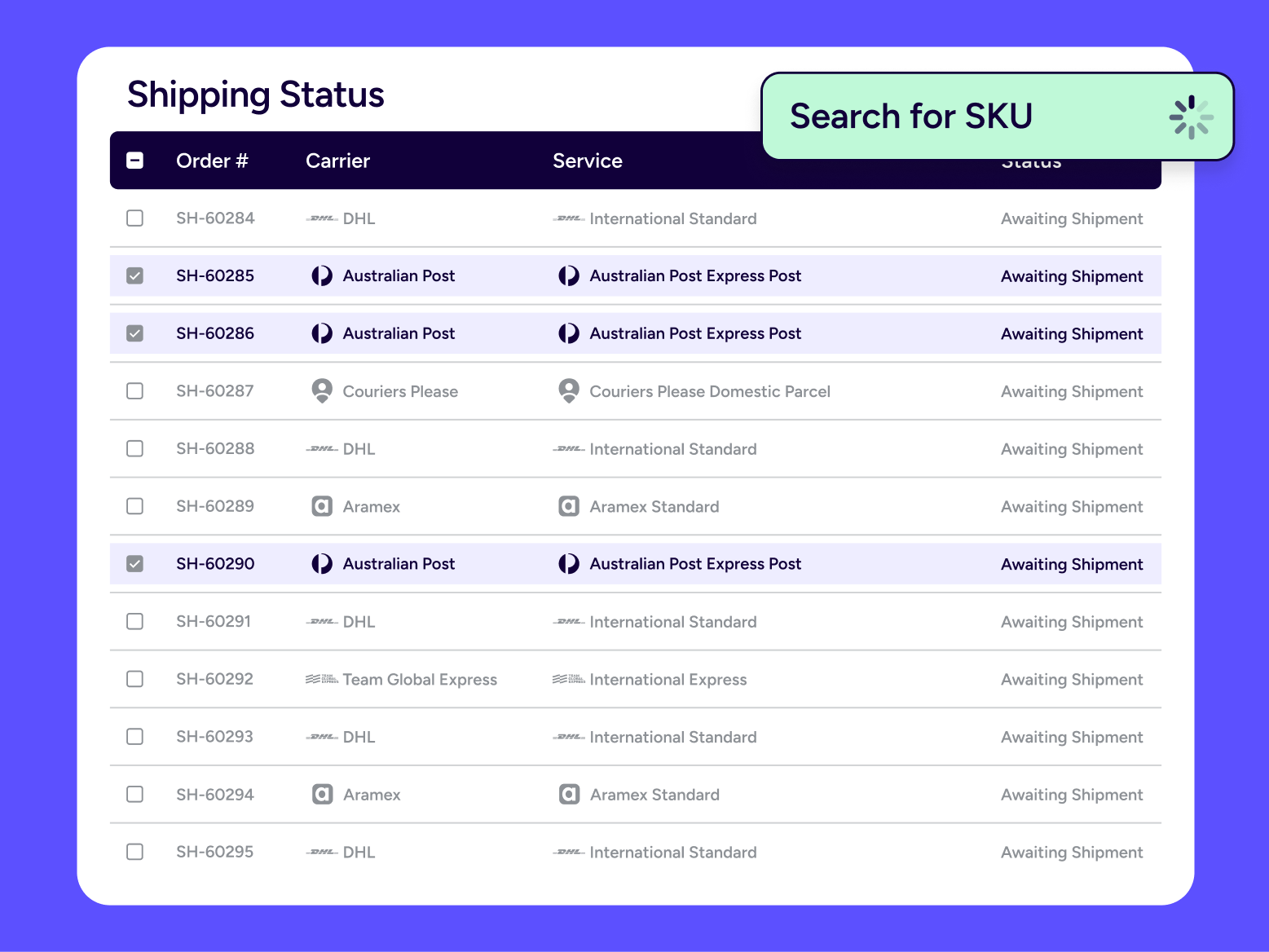
Automate order fulfilment workflows
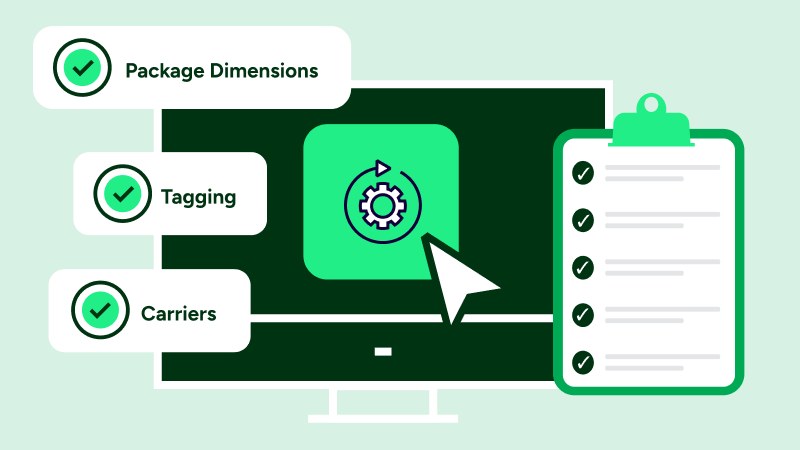
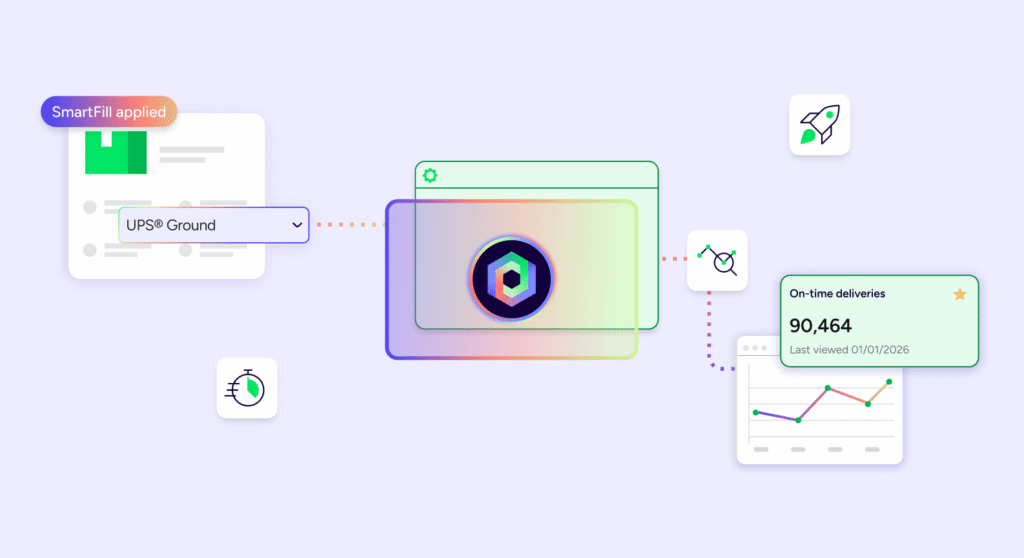
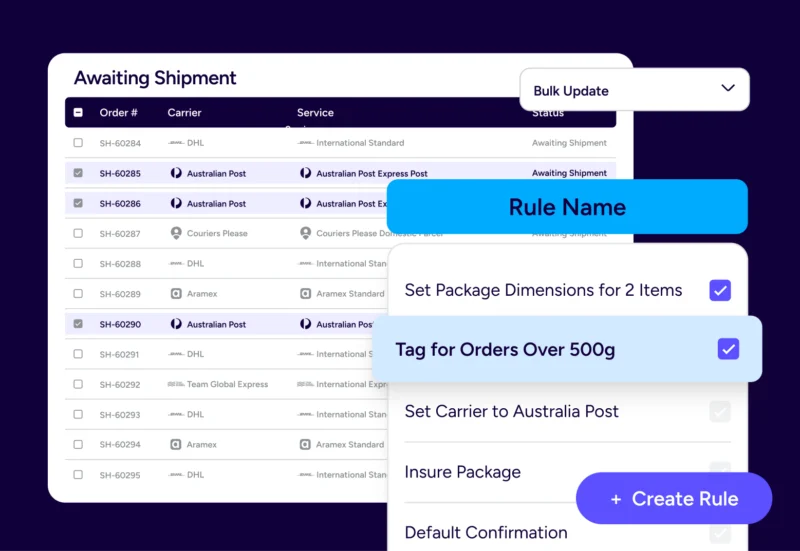
Automation rules let you route orders based on information already stored in WooCommerce—service selections, tags, notes, or mapped custom fields. That reduces repetitive work and makes onboarding new team members easier.
Easy label creation for every order
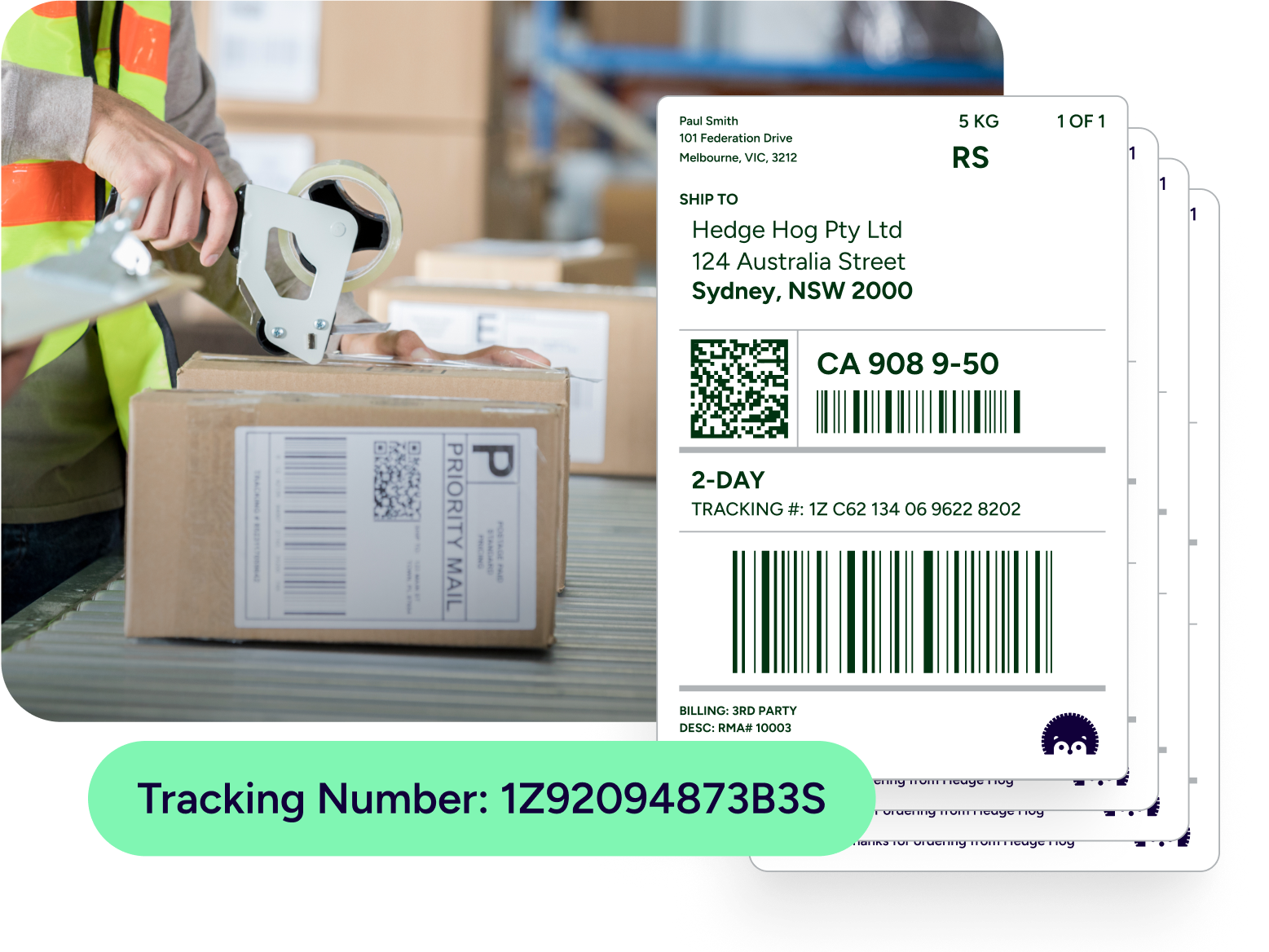
Labels can be created quickly and printed in batches. ShipStation allows presets for package type, label layout, and ship-from locations, while rules select the right service automatically. When packing lines speed up, scan-to-ship and batch printing help maintain the flow.
Compare carrier rates for WooCommerce shipments
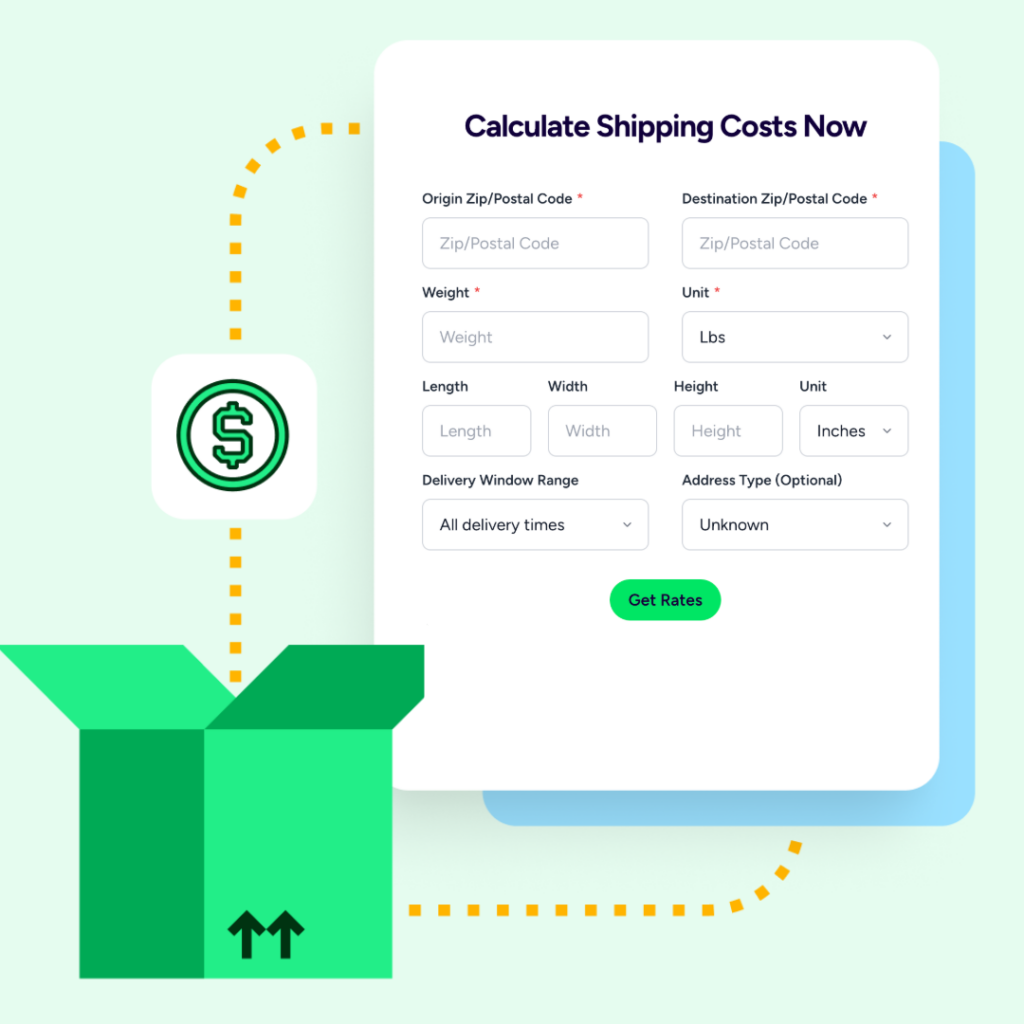
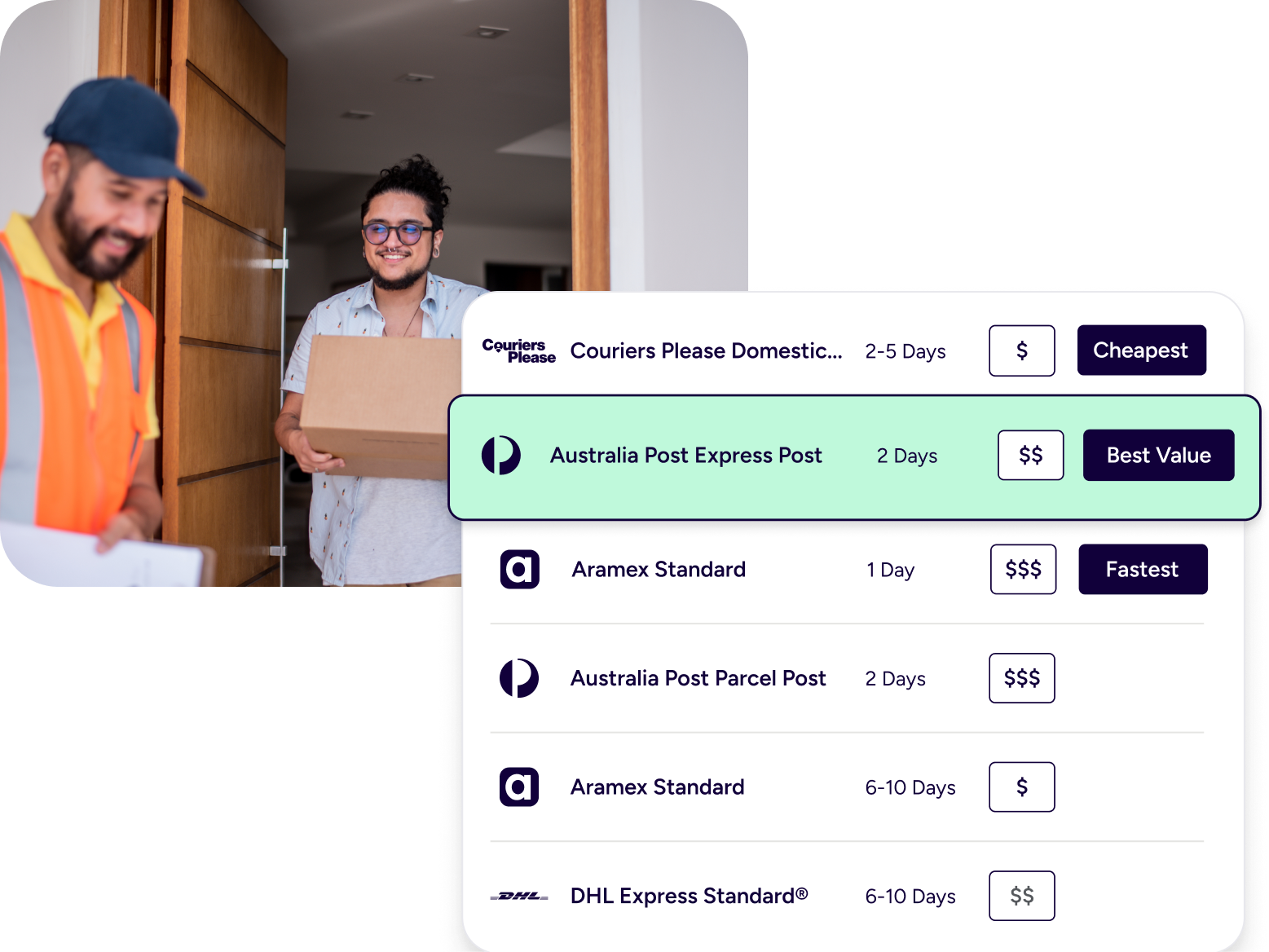
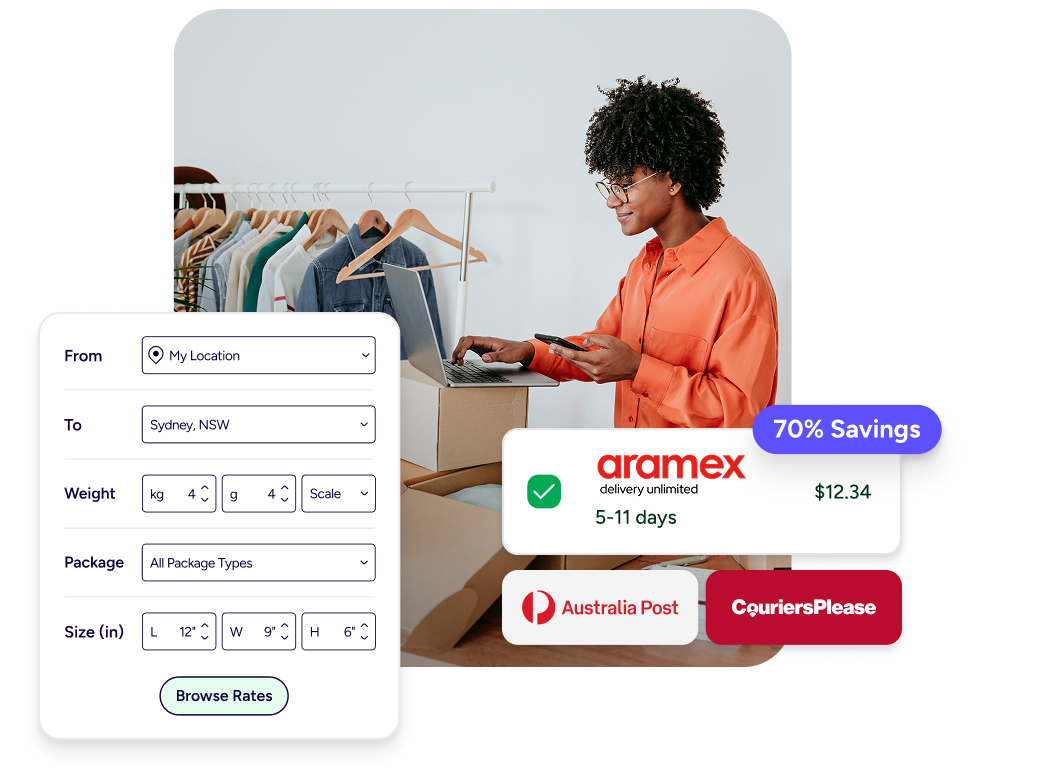
Shipping rates change constantly, and delivery expectations change with them. ShipStation lets you compare services from your preferred carriers right when you create the label. Seeing options side by side helps match cost, destination, and delivery speed for each order.
Reduce shipping costs
Keeping shipping spend predictable starts with better visibility. ShipStation displays discounted carrier rates alongside your negotiated ones so you can quickly choose the right option.
RELATED CONTENT
Helpful Shipping Resources
Browse additional articles, guides, and insights related to shipping and fulfilment. These resources provide practical advice and best practices to support your day-to-day operations.

How WooCommerce Automates Shipping
Learn all about your WooCommerce and ShipStation integration and what’s possible. Streamline your fulfilment today in a few easy steps.

How to Sync Live Checkout Rates in WooCommerce
Flat shipping rates are a gamble: charge too much and customers abandon their cart, charge too little and you absorb the loss. ShipStation’s Checkout Rates for WooCommerce fixes that.

Save Time & Money by Automating Rate Decisions
Manual rate comparison costs ecommerce businesses hours every week and thousands in missed savings. Learn how to automate your shipping rate decisions.