Back










































Shopify Shipping That Scales With Your Growing Business
Shopify shipping works best when your tools keep up with your growth. ShipStation brings your Shopify shipping, orders, carriers, and automation into one fast workflow. Import orders, compare rates, print labels in batches, and give customers branded tracking and easy returns, all from one login.
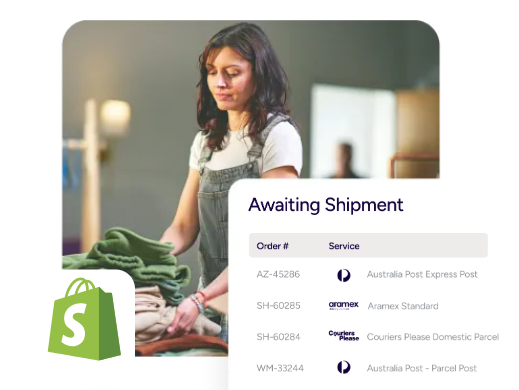
Ship faster, spend less time per order, and keep customers in your brand
ShipStation turns Shopify into a centralised Shopify shipping management platform. You get multi-carrier choices, smart automation, and a polished post-purchase experience, so your team stays quick and your customers stay happy.
The Shopify shipping workflow upgrade that keeps you in control
How Shopify shipping works
Shopify shipping is the set of tools in Shopify that helps you set rates, buy labels, and mark orders fulfilled. It’s a strong start. But as you add SKUs, warehouses, or marketplaces, you need more control. ShipStation plugs into your store and becomes your daily shipping hub, so orders flow in, labels print out, and tracking goes back to Shopify automatically.

Limitations of native Shopify shipping tools
As you scale, native tools can struggle with complex rules, multi-box shipping, and high-volume batching. Reporting can also feel scattered when you sell in more than one place. ShipStation helps you keep the Shopify admin clean while you run fulfilment in a dedicated workspace.

How Shipstation enhances Shopify shipping workflows
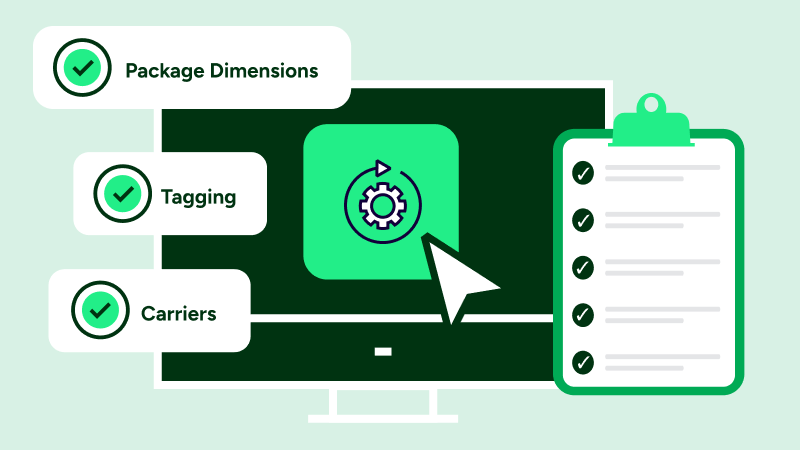
ShipStation adds structure to the day. You can search, filter, tag, and batch work in a modern UI that’s easy to learn. You also get powerful automation, a built-in rate shopper to compare rates in seconds, and warehouse-friendly tools like scan-to-ship.
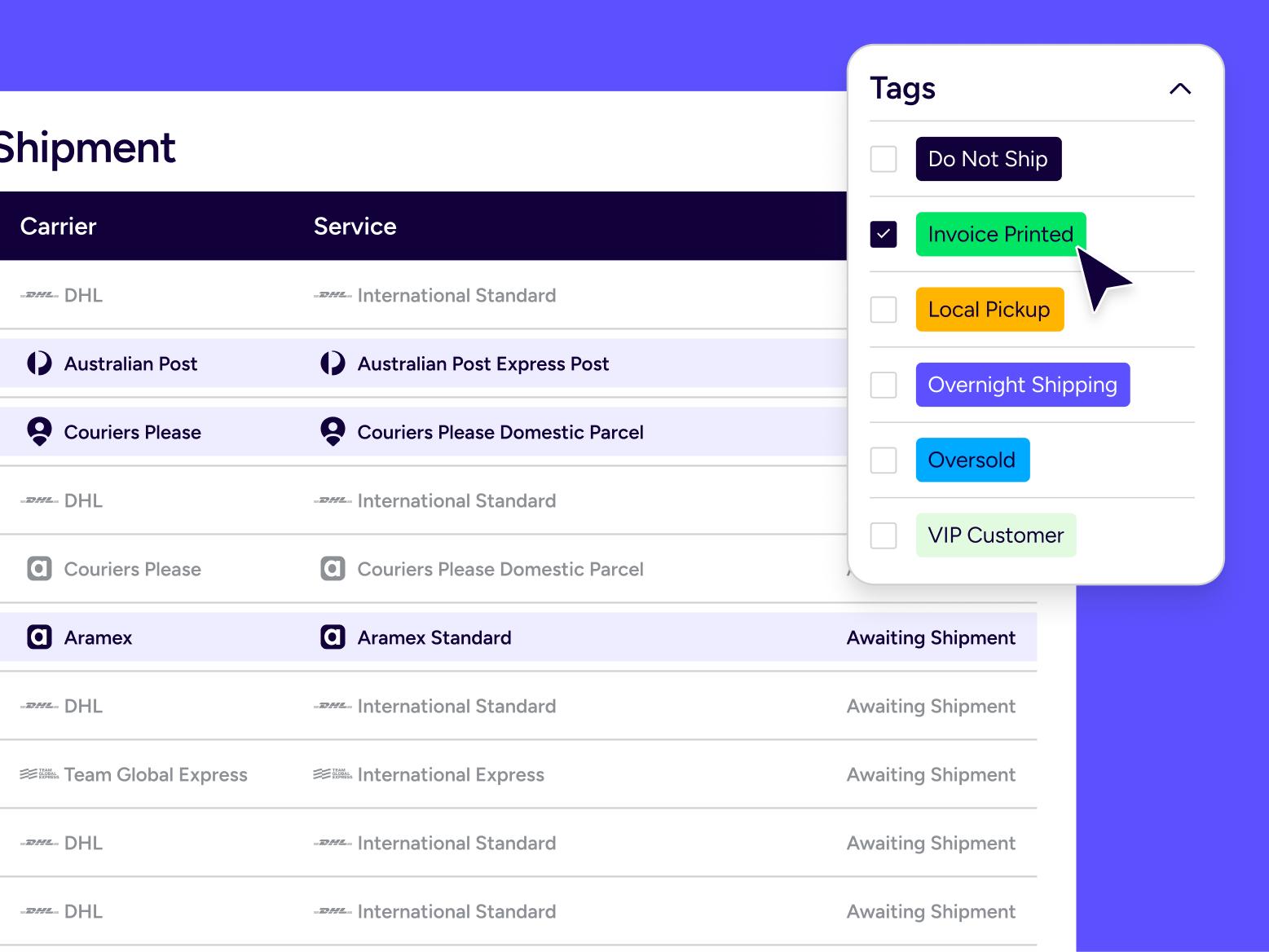
Automate your Shopify orders
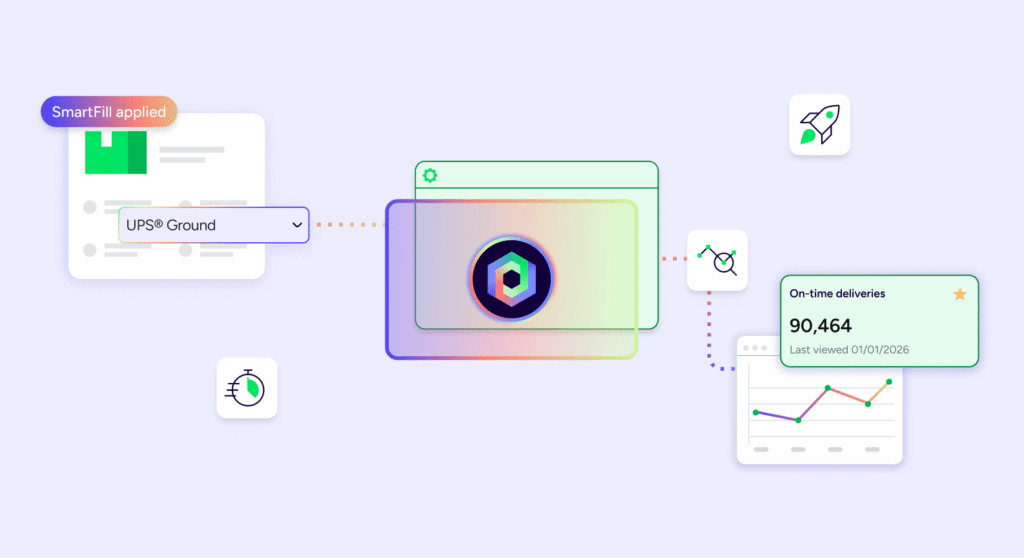
Set rules once. Let them run all day. With Automation Rules, you can route orders by service level, destination, item, tag, or other order data. You can also use custom fields from Shopify data to guide decisions, so your team isn’t guessing on every order.
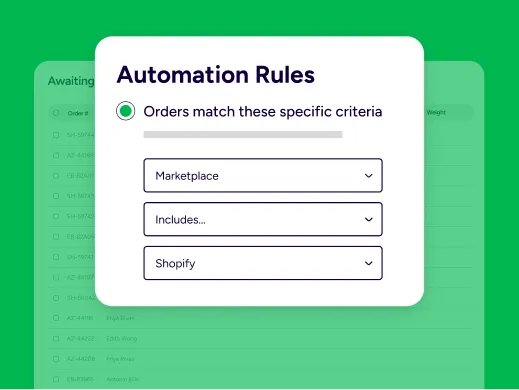
Multi-carrier shipping for Shopify stores
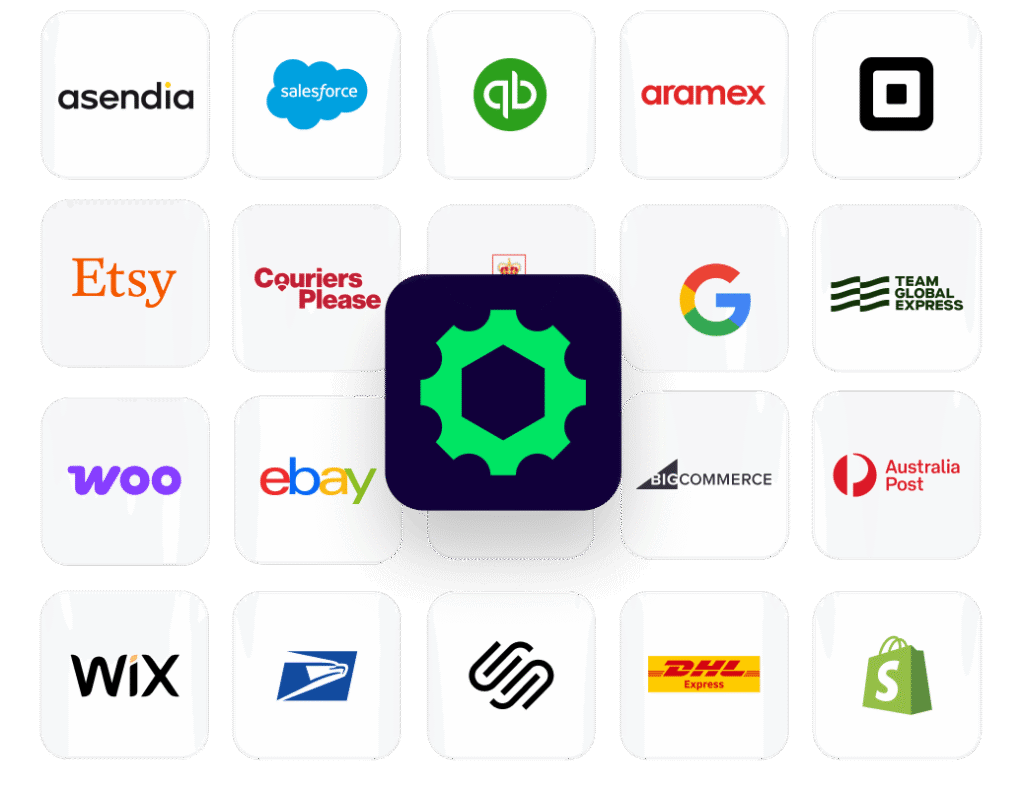
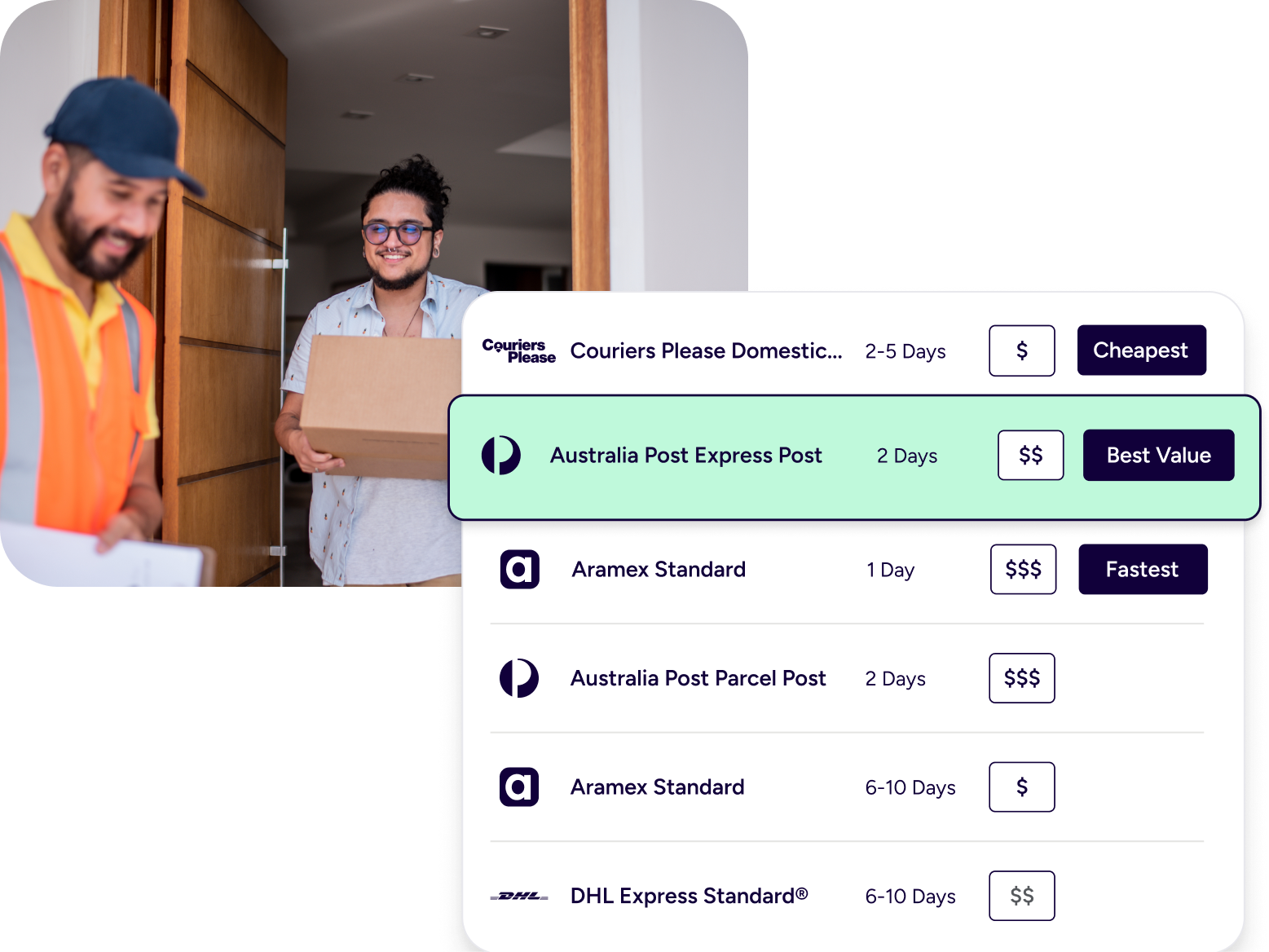
Your customers want options. Your margin does too. ShipStation supports multi-carrier rate comparison across Couriers Please and Aramex, plus your own carrier accounts. That means you can pick the right service for each package.

Compare shipping rates inside Shopify workflow
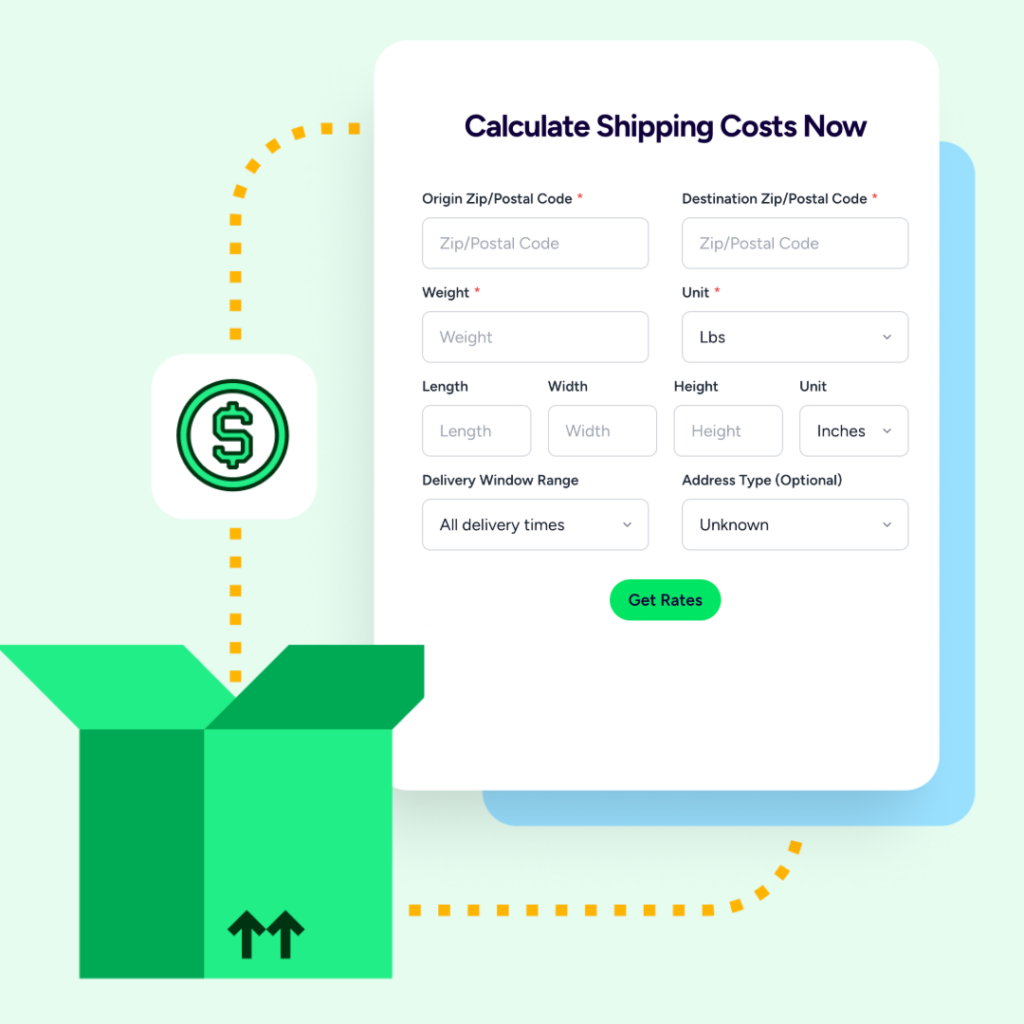
Rate shopping should be simple. ShipStation’s rate tools let you compare carrier rates for Shopify orders right where you print labels. Choose fastest delivery, lowest cost, or the best value for a promised date.
Scaling your Shopify shipping operations
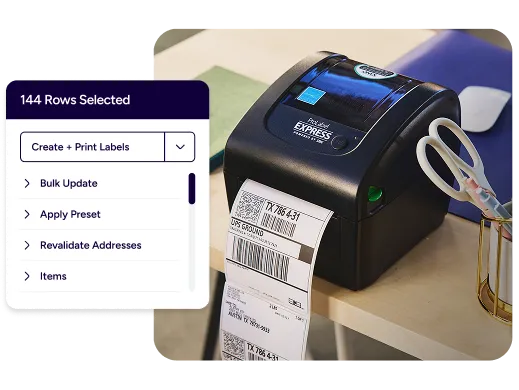
Big sales days are great. Chaos isn’t. ShipStation is built to help you manage high-volume Shopify shipments with batch processing, scanning flows, and reusable presets. It’s a scalable ecommerce shipping infrastructure that supports growth without a full IT overhaul.
RELATED CONTENT
Helpful Shopify Shipping Resources
Browse additional articles, guides, and insights related to your Shopify shipping and fulfilment. These resources provide practical advice and best practices to support your day-to-day operations.

Your Guide to Shopify shipping
Learn how ShipStation for Shopify shipping and fulfilment helps automate orders, print labels, compare rates, and simplify deliver

ShipStation vs Shopify
ShipStation vs Shopify Shipping: which is better for growing brands? Compare carriers, automation, and scaling features to choose smarter.

Save Money with ShipStation & Shopify
Quick step guide on how you can get the most from your ShipStation and Shopify integration, saving you time and money.