



























PayPal Shipping Made Faster With ShipStation

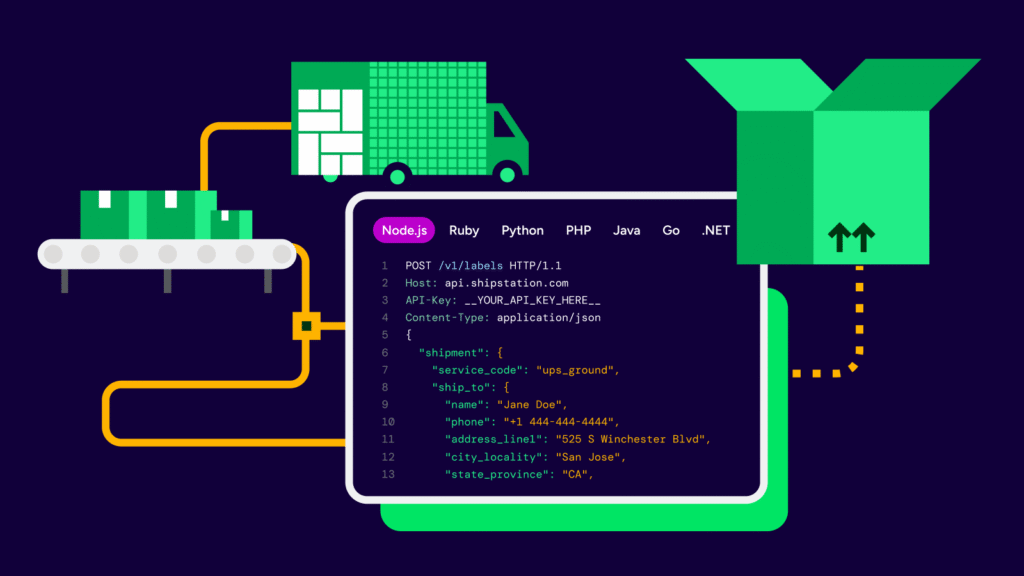
PayPal helps you get paid. ShipStation helps you get packages out the door. Connect PayPal to ShipStation and your orders show up automatically in one dashboard, where you can compare carrier rates, set shipping automation, and print labels in batches. Ship with the carriers you prefer, control shipping spend, and send branded tracking updates that look like they came from your store—not a generic carrier page. Whether you ship 10 orders a day or 10,000, ShipStation helps PayPal sellers ship with more speed and less hassle.

PayPal shipping that saves time, reduces busywork, and keeps customers updated

Bring your PayPal orders into ShipStation and move from payment to shipment with fewer steps. With multi-carrier shipping, automation rules, batch label printing, and branded tracking, ShipStation is built for growing ecommerce teams and high-volume shipping.

Spend less time creating each label

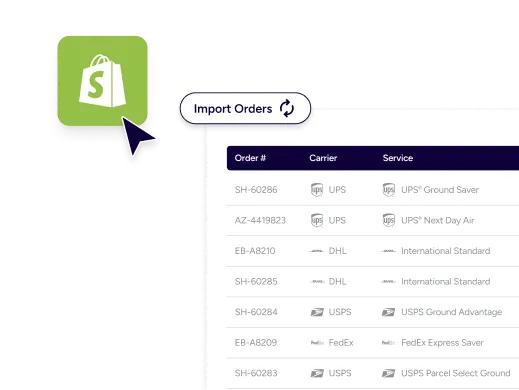
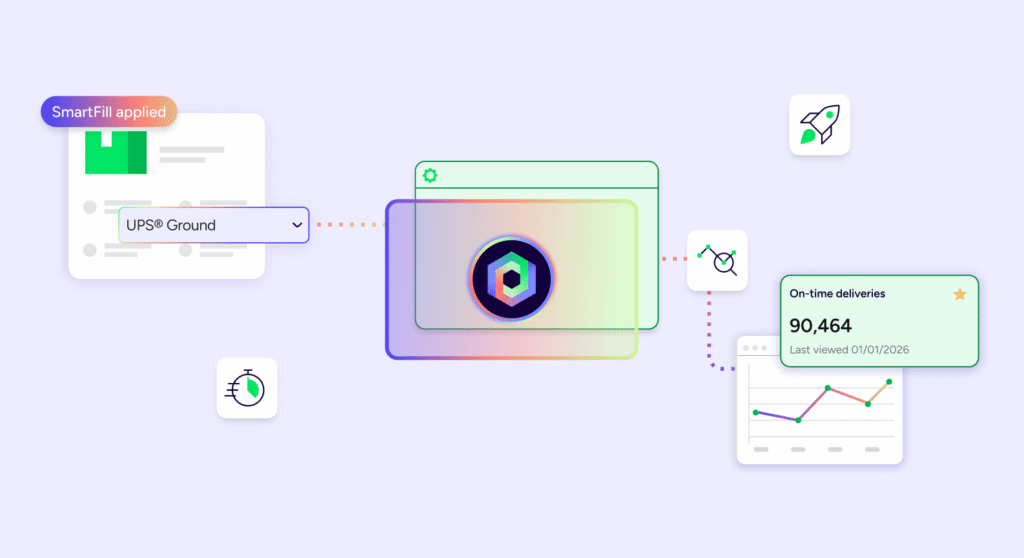
Skip the copy-and-paste routine when adding details from PayPal orders. When you connect your PayPal shipping integration to ShipStation, order information automatically imports into your dashboard so you can start shipping immediately. Process multiple shipments at once with batch label creation. Apply presets, filters, tags, or scan-based workflows to move through orders quickly. No manual busywork. Whether you’re fulfilling daily orders or managing a big promotion spike, ShipStation keeps your shipping process efficient and organized.

Shop rates without opening extra tabs

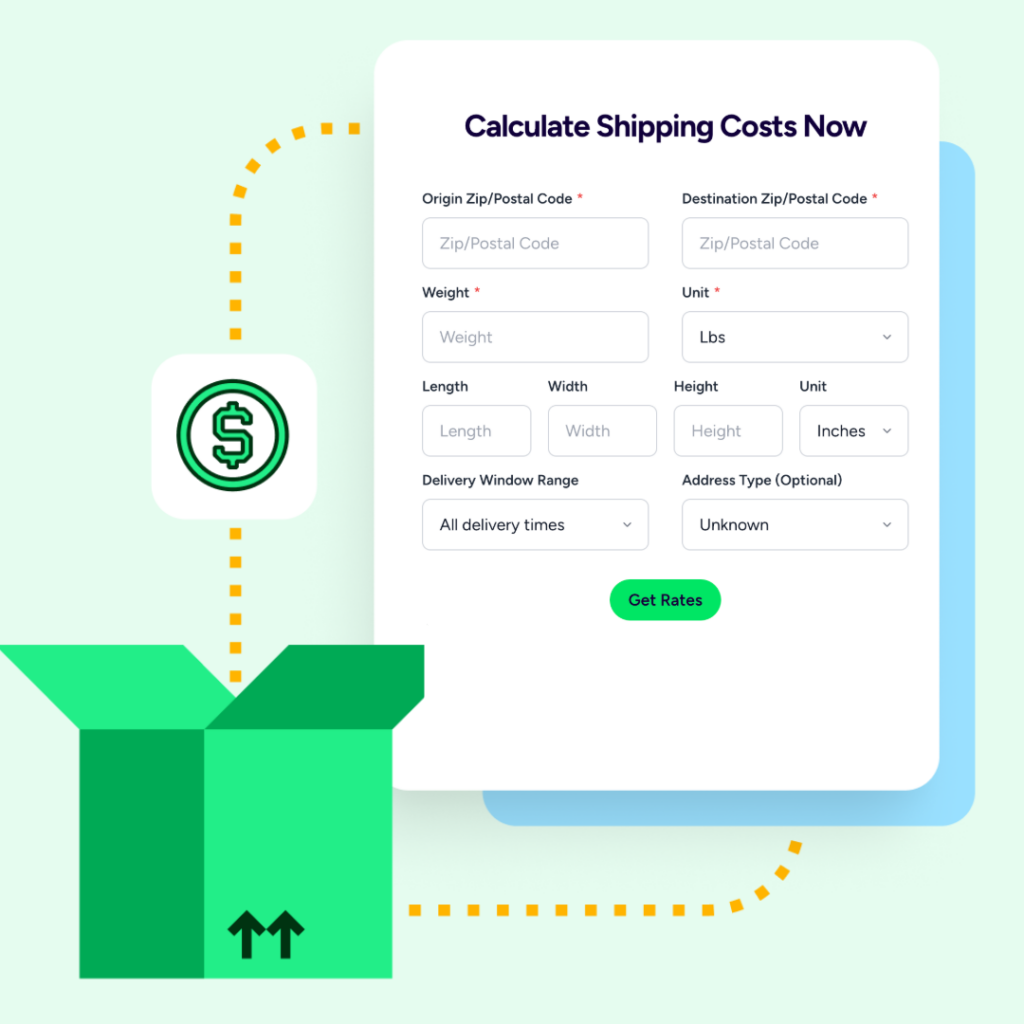
Shipping costs change quickly. Compare shipping services across major carriers—and your own negotiated rates—without leaving ShipStation. Choose the best speed and price for each order instead of relying on a one-size-fits-all shipping option. Rate shopping across carriers helps protect your margins while still meeting delivery expectations for PayPal ecommerce shipping.

Deliver a better post-purchase experience

Shipping updates are a key part of the customer experience. With ShipStation, you can send branded tracking notifications and guide buyers to a custom tracking page with your logo, messaging, and support links. That means fewer “Where’s my order?” emails, more repeat buyers, and a stronger brand experience after checkout. Your customers remember the experience, not just the box on the porch.

Rated #1 by Industry Leaders

We’ve helped 130,000+ businesses manage their shipping smarter. Let us save your team time and money, too.
Google 4.9 rating 67 reviews
Capterra 4.6 rating 897 reviews
G2 4.3 rating 531 reviews

PayPal shipping tools built for real workflows

ShipStation brings PayPal orders, shipping labels, automation, and carrier connections together into one platform. Use it as your daily shipping home base while customers keep paying with PayPal.

PayPal shipping integration that pulls orders in automatically

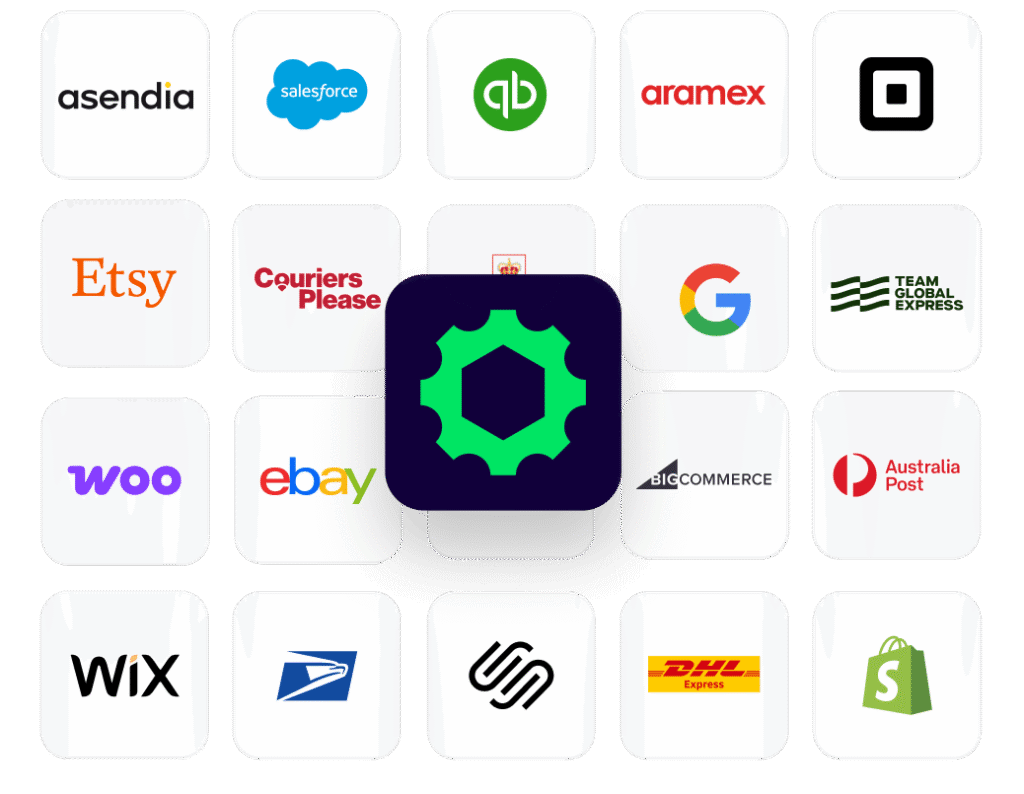
Yes, ShipStation integrates with PayPal for shipping. Once connected, PayPal transactions with a shipping address can import into ShipStation automatically, so you can create labels without manual entry. If you sell on multiple marketplaces or ecommerce platforms, ShipStation can connect those channels too and centralize fulfillment in one place.

Print PayPal shipping labels faster with batch workflows

When you need PayPal shipping labels, time matters. In ShipStation, select multiple PayPal orders, apply your shipping settings, and print labels in bulk. Multi-order shipping is simple: fewer clicks, fewer repeated steps, and a workflow that scales with your volume. If you’ve searched “PayPal ShipStation create label,” you’re probably trying to print labels faster—this is the streamlined way to do it.

Rate shopping for PayPal shipping across major carriers

The right shipping option depends on package size, destination, and delivery speed. ShipStation’s rate shopping tool compares carrier rates automatically so you can choose the best service and price for every order.

Connect major carriers like:

  • UPS®
  • USPS®
  • FedEx®
  • DHL Express
  • GlobalPost™

ShipStation can automatically select the best rate—or apply automation rules based on your shipping logic. For example, you can:

  • route lightweight orders to the lowest-cost service
  • prioritize faster delivery for premium shipments

This flexibility helps PayPal sellers keep shipping costs predictable while maintaining reliable delivery performance.

Automation rules that remove repetitive steps

Automation is one of the biggest advantages of using ShipStation for PayPal shipping. Create automation rules that apply shipping settings automatically based on order conditions like:

  • destination country
  • order weight
  • selected shipping method
  • product SKU
  • order value

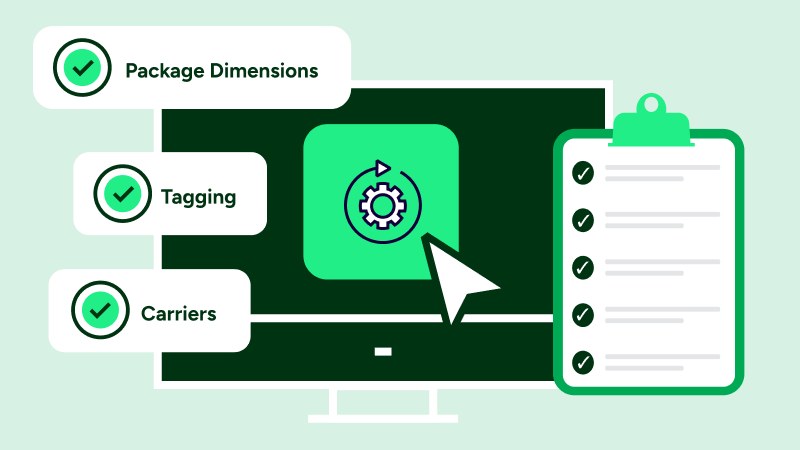
ShipStation can automatically choose the carrier service, apply package types, add insurance, split shipments, or flag orders for review.

These automated workflows allow small businesses to scale fulfillment operations without increasing manual work. Large ecommerce teams and enterprise brands use the same shipping rules across teams, warehouses, and sales channels.

Branded tracking, notifications, and returns that keep you in control

Every shipment is a customer touchpoint. With ShipStation, you can send branded emails and direct buyers to tracking pages that match your store. That helps build trust after checkout.

ShipStation also helps reduce support work and keep orders moving with tools like:

  • Branded tracking pages and notifications that keep customers informed
  • A self-serve returns portal so customers can start returns without back-and-forth emails
  • Inventory management tools to help prevent oversells across channels
  • A mobile app that lets you manage shipping from anywhere

Together, these tools help growing businesses ship faster while keeping the customer experience consistent.

PayPal shipping FAQ

Yes. ShipStation connects with PayPal and imports your PayPal orders into your ShipStation dashboard. Once the orders appear, you can create shipping labels, automate shipping settings, and ship orders alongside your other sales channels.
Yes. When your PayPal orders import into ShipStation, you can buy and print shipping labels using your connected carriers. You can also print labels in batches, which makes it much faster to ship multiple orders at once.
Use batch shipping. Select the orders you want to ship, apply presets or automation rules, and print labels in one run. This helps reduce clicks and keeps shipping consistent when order volume increases.
You can connect multiple carriers and compare options side by side. Many sellers use a mix of UPS, USPS, FedEx, DHL Express, and GlobalPost based on package size, destination, and delivery speed. You can also bring your own negotiated rates and let ShipStation rate shop between options.