Back
Back

































































 Shipping & Fulfillment


Peak season is approaching, and for 25% of merchants, it accounts for more than 40% of annual revenue, according to ShipStation’s 2026 Merchant Insights Report. Order volumes will soon climb, carrier capacity will tighten, and holiday surcharges can make every shipment more expensive.
If your shipping operation relies on a single carrier, now’s the time to prepare your peak season shipping strategy.
Using multiple carriers gives you more flexibility when rates change, services become constrained, or delivery requirements vary by order. Combine the right carrier mix with rate shopping and shipping automation, and you can manage holiday shipping more efficiently without adding unnecessary complexity.
Here’s how to prepare your multi-carrier shipping operation before the seasonal rush.
Peak season puts pressure on every aspect of fulfillment, from warehouse management to carrier pickups and final delivery. Even a reliable carrier can experience capacity constraints, service disruptions, and rate increases when shipping volumes surge.
Nearly half (49%) of merchants are concerned about capacity constraints and delivery delays during the busy season, while 47% pointed to carrier rate increases and surcharges as peak season concerns (ShipStation’s 2026 Merchant Insights Report).
Depending on a single carrier leaves you with fewer options when those challenges arise. You may have limited alternatives without an established relationship with another carrier.
A multi-carrier strategy gives you more ways to respond and keep orders moving when conditions change. You can compare available services, direct shipments to the carrier that best fits each order, and shift volume when your usual option no longer meets your needs.
For many ecommerce businesses, two or three well-chosen carriers provide a useful starting point. That gives you options without complicating your shipping operation.
Think about your current shipping needs as you consider adding another carrier:
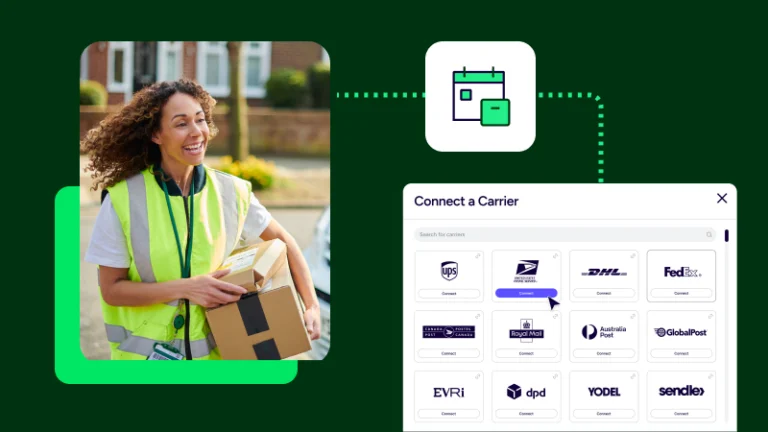
Carriers such as UPS, FedEx, USPS, and DHL can all be part of a multi-carrier strategy. The right combination depends on your destinations, shipment profiles, and delivery requirements.
Start with the gaps in your current setup. If you already have reliable coverage for most orders but lack a practical backup choice for certain destinations or package types, focus on filling those gaps rather than adding carriers without a clear purpose.
UPS, FedEx, USPS, and DHL are familiar names in the shipping landscape, but choosing a carrier isn’t simply a matter of picking one preferred provider. Each shipment has its own requirements, and the best option can change depending on the destination, package, service level, and available rate.
When evaluating your carrier mix, consider:
For shipping to and from the UK during peak or shipping to other international destinations, consider your customs documentation, duties and taxes, and delivery requirements alongside the shipping rate.
You don’t need to route every order through every carrier. Instead, establish clear rules for choosing the best available option based on your business priorities.
Carrier rates and surcharges can change how much it costs to fulfill an order. During peak season, shipping costs can rise just as you’re working to keep delivery promises and protect margins.
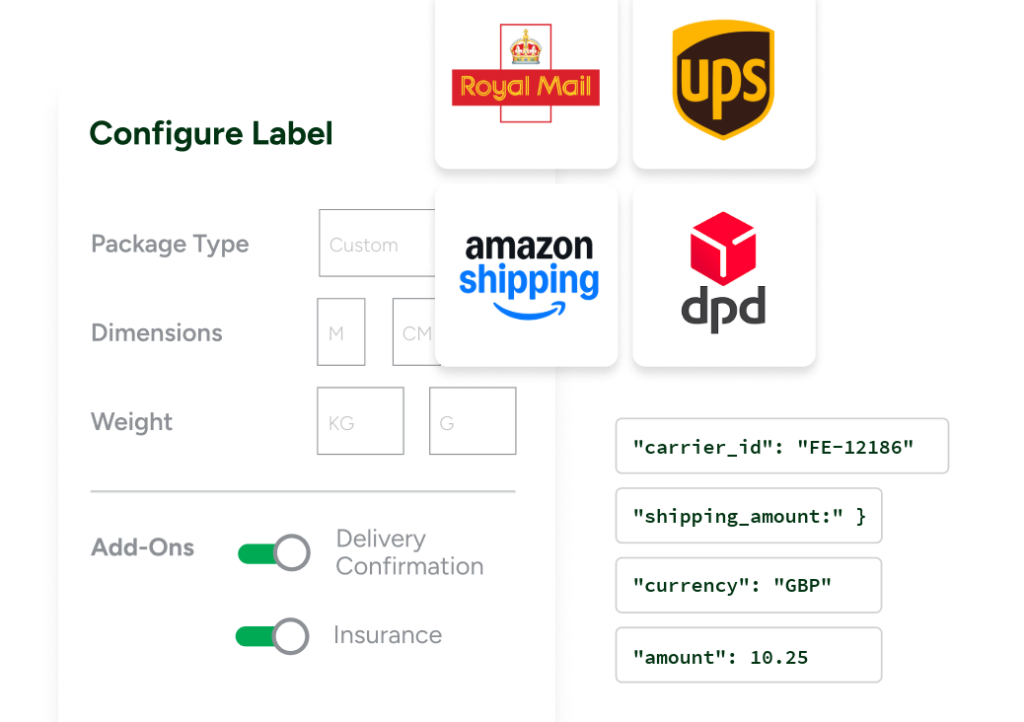
Rate shopping helps you compare available services for each shipment and choose an option that fits your cost and delivery requirements. Rather than defaulting to a single carrier, you can evaluate rates from UPS, FedEx, USPS, DHL, and other connected carriers where supported.
But the lowest rate isn’t always best. Consider the full picture, including delivery speed, service requirements, and the potential cost of a late or unsuccessful delivery.
A practical rate-shopping strategy should establish your priorities in advance. For example, you might select the lowest-cost service that meets a delivery deadline or prioritize a particular service for orders with tighter delivery windows.
ShipStation’s Rate Shopper helps merchants compare available shipping rates and choose services that best fit their shipping needs.
Set your rules before peak season begins, then review them as your order volume, costs, and carrier performance change. That way, your team can make consistent shipping decisions without manually comparing every option.
Adding carriers gives you more flexibility, but it can also introduce more work if your team has to make every shipping decision manually. Hiring seasonal staff is a common response to peak volume, with 40% of merchants planning to do so (), but adding people t make a manual carrier decision any simpler.
Peak-season shipping automation helps you manage a more complex carrier mix without increasing manual effort. Instead of evaluating every order individually, you can use rules to apply shipping preferences, assign services, and streamline repetitive fulfillment tasks.
Consider automating these decisions before peak season:
For example, a failover rule could shift a zone’s shipments to your backup carrier when the primary runs behind, while a service-selection rule could prioritize cost when a longer delivery window is acceptable.
The aim is to automate predictable decisions and leave your team free to handle exceptions. Review your rules before the rush, test them with representative orders, and make sure they work as expected across your carrier mix.
Explore ShipStation’s shipping automation features to see how rules can simplify fulfillment workflows.
Preparing for peak season is easier when you break the work into manageable steps. Nearly half merchants begin prepping for peak season at least two months early (ShipStation’s 2026 Merchant Insights Report).

If you’re starting later, use this four-week plan to focus on the carrier steps that matter most: finding gaps in your coverage, testing backup accounts, and building your rules.
Start by reviewing recent shipping data and identifying where your current setup could struggle under pressure.
Use what you learn to decide whether you need another carrier, different services, or better shipping rules.
With your priorities established, evaluate your available carrier options.
Make sure your team knows how to select an alternative when the preferred service is no longer suitable. Documenting those decisions now can prevent confusion when volume increases.
Next, set up the rules that route orders across your carriers.
Test the complete workflow rather than assuming individual rules will work correctly in combination. A small configuration issue can become a much bigger problem when hundreds or thousands of orders move through the system.
Use the final week to confirm that your operation is ready.
Even a well-planned carrier strategy can fall short if you overlook the operational details.
Choosing carriers based on price alone. A low rate may not be the best option if the service misses your delivery requirements or creates additional work. Compare cost alongside service level and reliability.
Adding carriers without a clear plan. More options can help, but each new carrier adds configuration and operational considerations. Choose carriers that address a specific need.
Waiting until volumes surge to test automation. Automation rules that work under normal conditions may behave differently when exceptions and unusual order combinations arise. Test before peak season.
Relying on manual decisions. Asking your team to compare rates and choose services for every order can slow fulfillment when volume increases. Automate predictable decisions where possible.
Ignoring carrier performance after launch. Your initial carrier mix is a starting point, not a permanent solution. Monitor costs, delivery performance, and exceptions throughout the season so you can adjust when needed.
Changing carrier rules without testing the full workflow. A new carrier or rule can affect order processing, label creation, and tracking. Test the end-to-end process before relying on it at scale.
A successful peak season shipping strategy starts before orders surge. By establishing a practical carrier mix, comparing available rates, and preparing shipping automation, you can give your team more options when capacity tightens and costs change.
You don’t need to overhaul your entire operation. Start by identifying where your current setup is most vulnerable, then make targeted improvements that help you ship efficiently and meet customer expectations.
Prepare now, test your workflows, and give your team the flexibility to handle holiday shipping with greater confidence. If you’re not already leveraging a multi-carrier strategy, get started with a free trial of ShipStation to streamline your shipping operations before the busy season hits.