Back
Back




























































 Technology & Integrations


As your Etsy order volume increases, manually shipping becomes time-consuming, making it difficult to keep up with demand. You end up spending more effort keeping up with demand than improving other areas of your business.
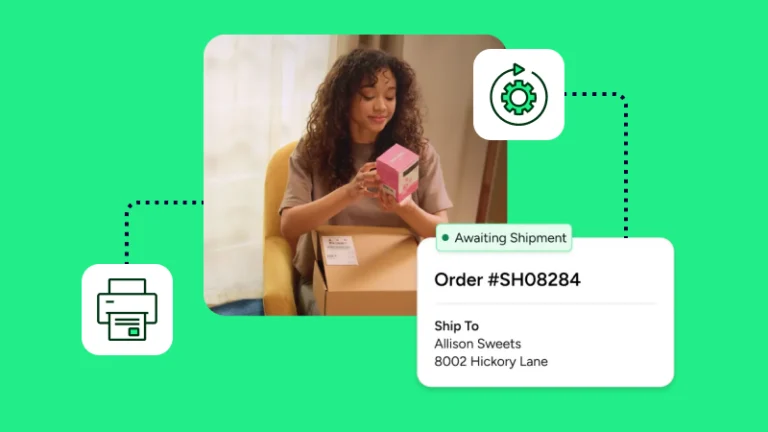
Etsy shipping with ShipStation alleviates that pain by giving you one place to import orders, buy labels, compare carrier rates, and push tracking back to Etsy. You can connect your account, create shipping labels in batches, and keep order fulfilment moving without hopping between tabs all day. By simplifying those tasks, you can ship faster and get precious time back in your day.
The core benefit is simple: ShipStation connects your Etsy shop so your orders import automatically and are easier to manage. Instead of checking Etsy, carrier sites, and shipping apps one by one, you work from one screen and keep delivery steps moving.
Once connected, Etsy orders flow into the ShipStation platform with the order data you need to create labels and send tracking updates back to Etsy. If you also sell on Shopify, Amazon, eBay, or other marketplaces, you can pull those orders into the same queue. That gives you one view for ecommerce shipping, inventory management, and daily warehouse work.
You can connect Etsy in a few steps:
After that, you can tune import settings, defaults, and notifications to fit how you ship. From there, new orders can automatically appear in your queue with an integration that helps you connect shops without building a custom workflow.
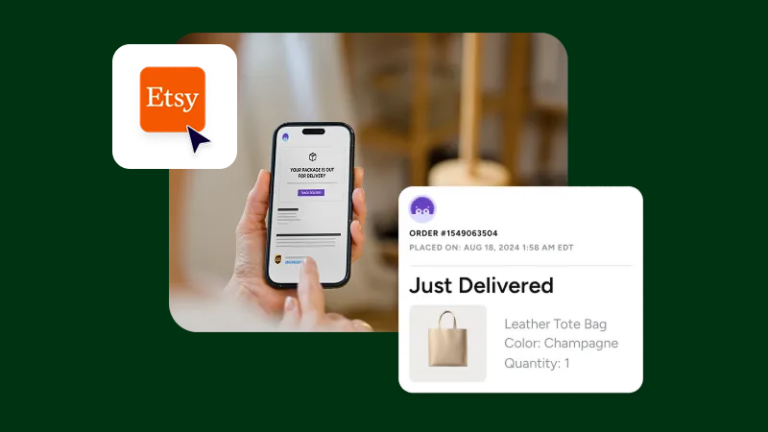
You create Etsy shipping labels from a single screen, then send tracking information back without manual entry. That cuts down on repetitive work quickly and helps when you need to print many orders at once instead of opening each one by hand.
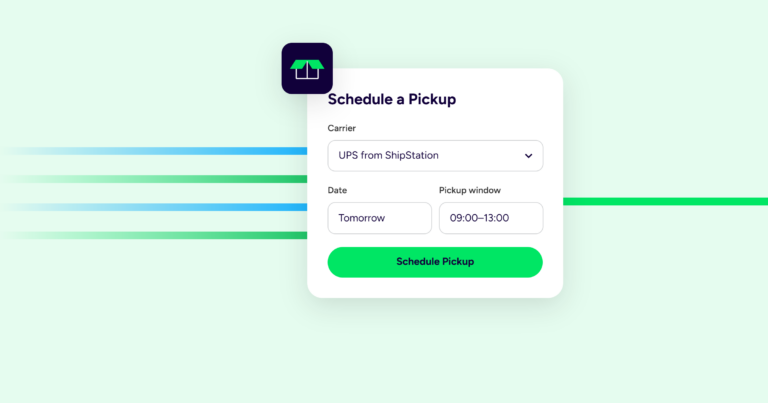
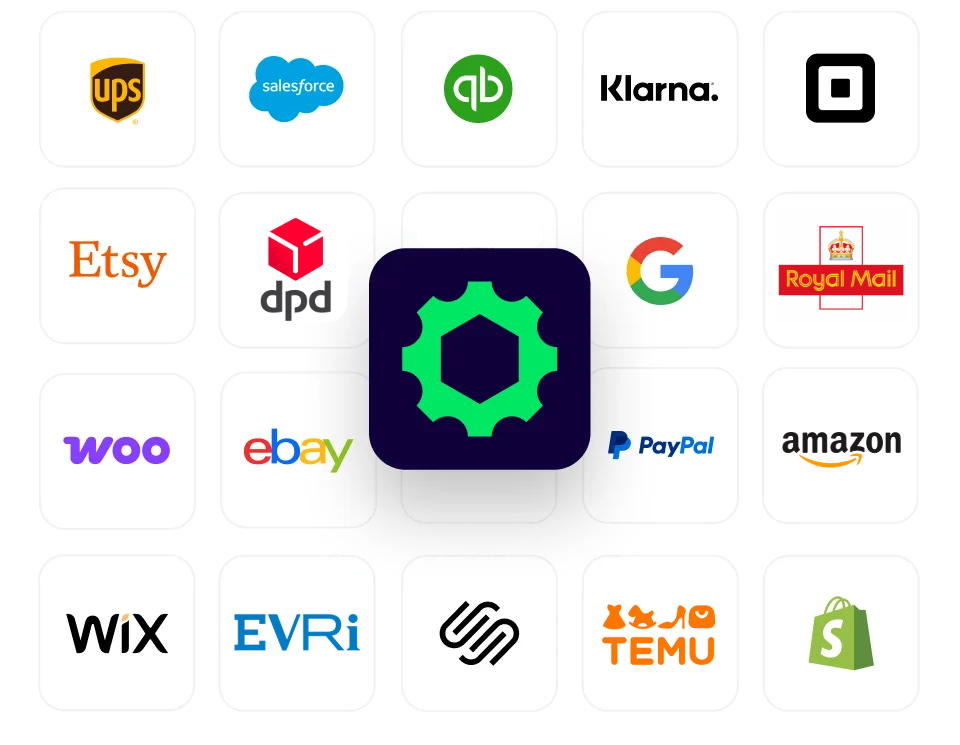
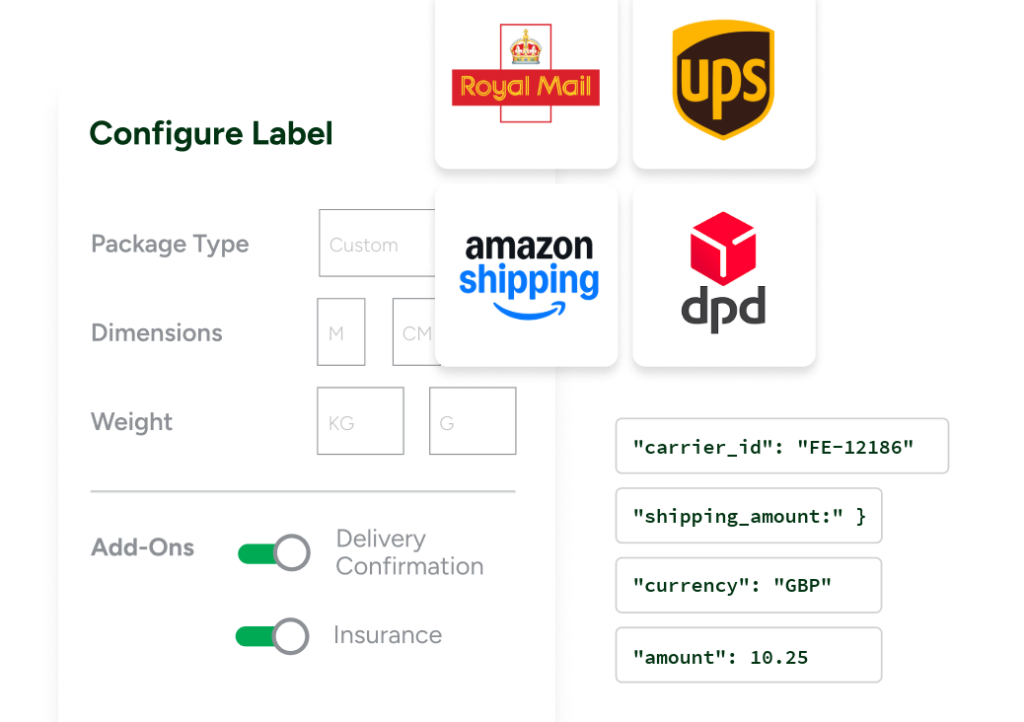
ShipStation shows live rates from all the UK’s major carriers including Royal Mail, DPD, UPS, Evri, InPost and more, side-by-side so you can pick the service that fits the package and delivery window. You can buy labels, print in batches, and use automation rules for package presets, service selection, or carrier choice. When you print, tracking can post back to Etsy automatically. For many sellers, that’s the biggest time saver.
The ShipStation platform also supports thermal label printing, end-of-day batch work, and branded tracking pages that keep your customer focused on your shop.
The best carrier depends on what you ship, where it’s going, and how fast it needs to arrive. There isn’t one right answer for every Etsy order. Rate shopping matters more than sticking with one carrier for every box.
For light packages, many sellers check Royal Mail first. For larger boxes or ground delivery, DPD or Evri may make more sense. For international shipping to the EU, US, Canada, Australia, and other destinations, you may want to compare speed, customs needs, and tracking details before you buy.
ShipStation supports the common setup sellers ask for:
That means you can connect your existing carrier accounts, use discounted ShipStation rates, and compare all available carriers in one place.
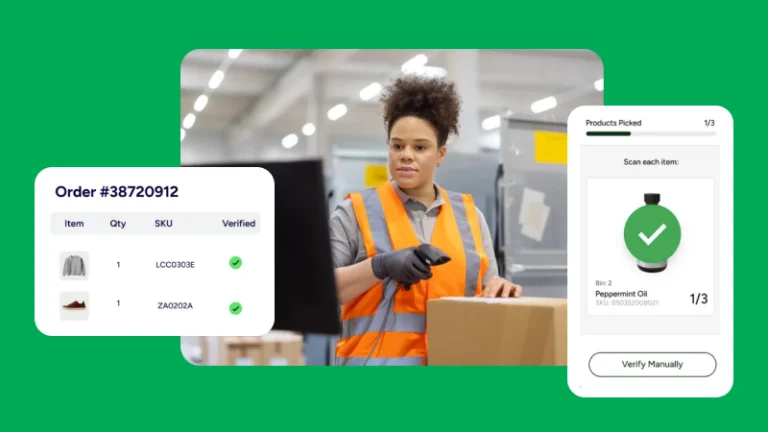
Etsy shipping is only part of the job. After orders are imported, you may also need returns, tracking messages, warehouse rules, and better inventory control. ShipStation helps you keep those tasks tied to the same order flow instead of scattering them across tools.
You can:
If you ship internationally, you can also handle customs forms in the same workflow. That helps when your Etsy orders extend beyond the UK to the EU, USA, Canada, Australia, or other markets.
ShipStation was the only company to respond to my initial contact for help and was very patient in talking me through the options. So customer service definitely made them stand out.
Etsy shipping gets easier when your orders import automatically, rates appear side by side, and tracking goes back to Etsy without extra steps. ShipStations help you connect your shop, print faster, and keep fulfilment clear as volume grows. Start with a free 30-day trial (no credit card needed) and see how much manual work you can cut from each shipping day.