Back
Back
































































 Shipping


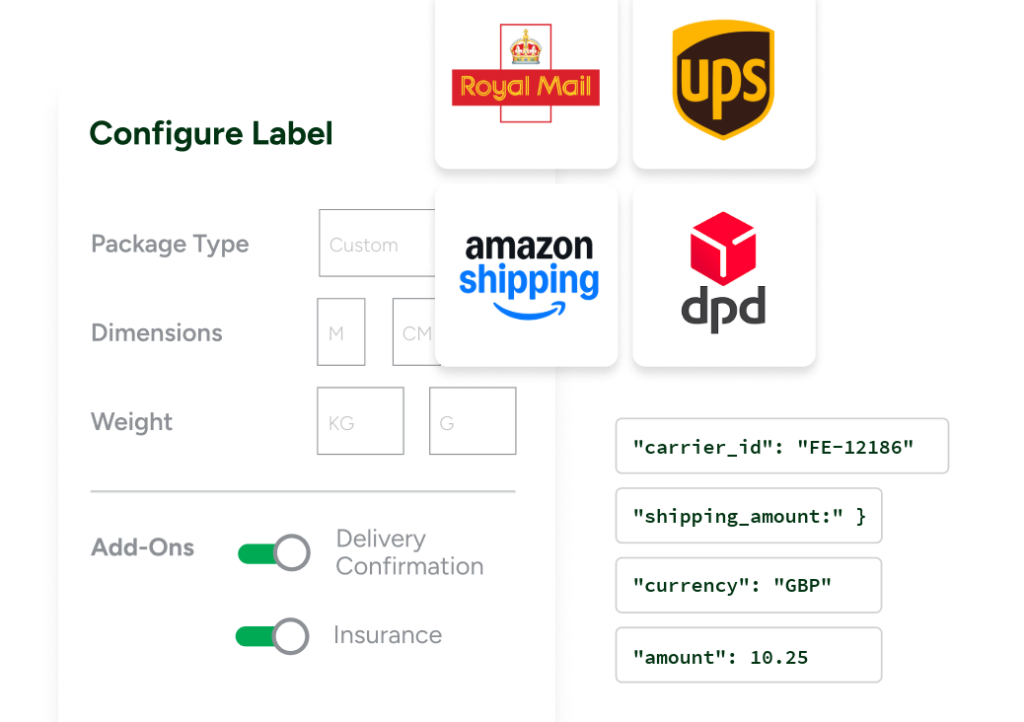
To ship a package, just make sure it’s accurately weighed, sized, and packaged. If the parcel qualifies for a service that allows its size and weight, you’re good to go. With ShipStation, preparing and shipping a package is simple and affordable. The platform offers a range of shipping services and efficiency tools that make shipping hundreds of parcels as simple as shipping one.
When you ship a package, you need the right materials. This includes boxes or packaging, packing materials, tape, and, of course, a label.
Box or packaging: Choose a sturdy box or suitable packaging that can safely hold your items. Many businesses use polymailers for durable items. However, if a mailer is more than 0.6 cm thick, it’s classed as a thick envelope and rated the same as a standard parcel.
Packing materials: Use appropriate packing materials to protect your items in transit. Common options include bubble wrap, packing chips, air pillows, foam inserts, or scrunched-up paper.
Tape: Good-quality packing tape is essential for sealing a box securely. Even if you’re shipping in a polymailer, a little extra tape helps protect the contents. Use a strong tape, such as clear or brown packing tape, to reinforce the seams and stop the box from opening in transit.
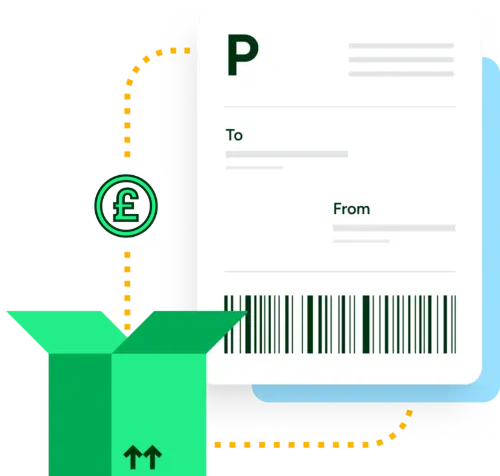
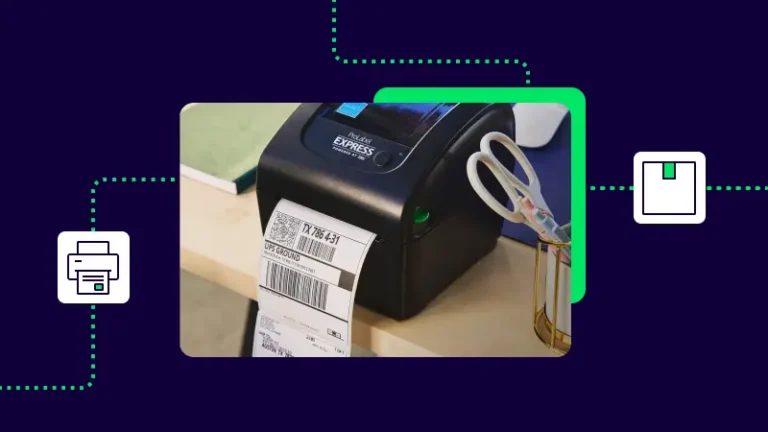
Labels: The label is what gets your shipment to the right customer. You can print it onto thermal paper or standard printer paper and tape it to the box. Thermal printers tend to be neater, quicker, and harder to tear.
Weight is a major factor in determining a parcel’s shipping rate. To get an accurate weight, weigh the parcel with everything packed inside. You can weigh it at a carrier depot or Post Office, but if you’re shipping multiple parcels regularly, buying a set of postal scales is usually worth it. Postal scales are generally affordable, and unless you’re shipping something very heavy, most will do the job.
It’s best to use a proper postage scale to weigh and ship parcels—they’re calibrated for the weight ranges you’re likely to send. Kitchen scales are designed for weighing small amounts of food and can be imprecise, which can affect the rate you end up paying. Postage scales accurately weigh items from a few hundred grams up to around 10–12 kg.
Measurements affect shipping rates differently to weight. If a parcel is very large or very small, it can significantly change your shipping cost. For instance, if a heavy parcel is small, it may qualify for cheaper pricing. But if a parcel is large and light, it’s usually charged based on its volumetric weight (also known as dimensional weight).
1. Measure the length, width, and height of your box.
2. Understand your dimensional (DIM) divisor
If your parcel takes up a lot of space but is lightweight, carriers calculate its volumetric weight by multiplying the length, width, and height (in centimetres), then dividing that total by a specific DIM divisor.
3. Enter package details in your shipping software
Once measured, input these dimensions into your shipping platform to get accurate rates.
Warning: don’t skip your dimensions. It might be tempting to save time by leaving dimension fields blank or entering a generic size for standard boxes. But carriers increasingly flag or surcharge parcels with missing or inaccurate dimensions, and you’ll have a harder time disputing a rate adjustment without accurate records on file. Always enter your true length, width, and height, or use ShipStation’s Automation Rules to apply saved dimension presets to your common box sizes automatically.
The third component in a shipping rate is the distance between the sender and the receiver. While you might think of this as pure distance between postcode and postcode, UK carriers rely on something called shipping zones. Most group postcodes into a handful of bands—typically UK Mainland, the Scottish Highlands and Islands, Northern Ireland and the Isle of Man, and the Channel Islands—and remote-area postcodes often carry a surcharge on top of the standard rate.
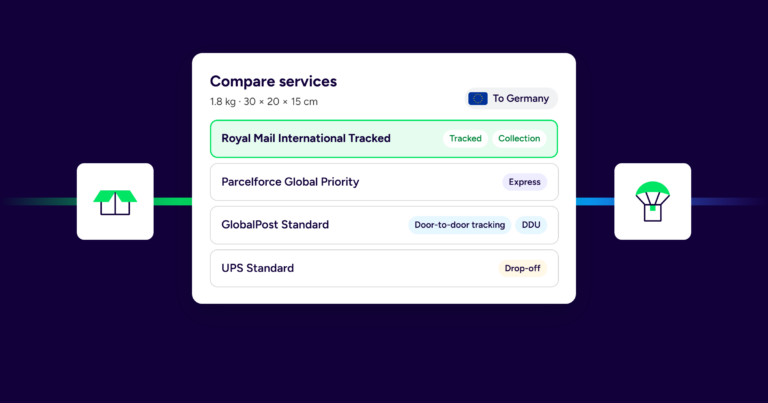
Once you’ve got the above sorted, you’re ready to select a shipping service. A shipping service generally bases its rates on the distance, size, and weight of a parcel. But there’s a fourth element too: time. Carriers generally charge higher rates for express services. While some services rely heavily on weight or size band, the reason for choosing one service over another usually comes down to delivery timeframe. Using a shipping calculator can help you find the best option—ShipStation offers a shipping rates calculator so you can compare Royal Mail, DPD, Evri, and UPS rates side by side.
Printing the shipping label requires a printer, but the label itself doesn’t have to be printed onto special stock. A thermal label printer is a good idea if you’re printing a lot of labels, but a regular desktop inkjet works just fine, so long as you tape the label to the box and don’t cover any of the barcode or recipient information that needs to be scanned.
Shipping the package is as simple as dropping it off with the appropriate carrier. However, you can also schedule a carrier pickup if you use shipping software like ShipStation. Platforms like ShipStation also save you money on label costs—get discounted shipping rates for carriers like Royal Mail, DPD, Evri, UPS, and DHL Express today.