Back
Back




























































 Shipping Basics


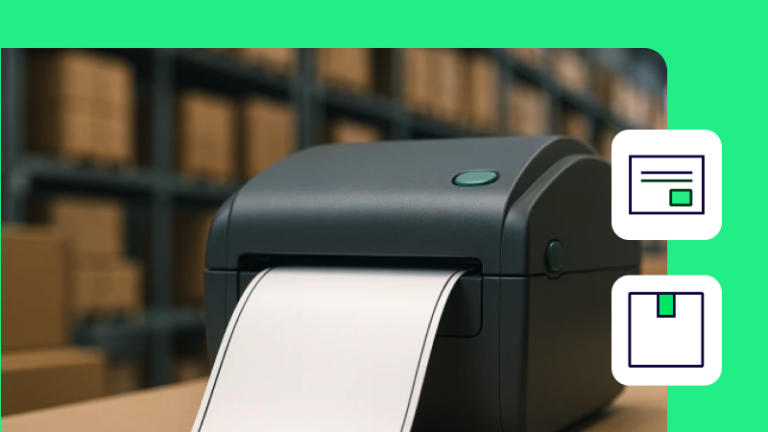
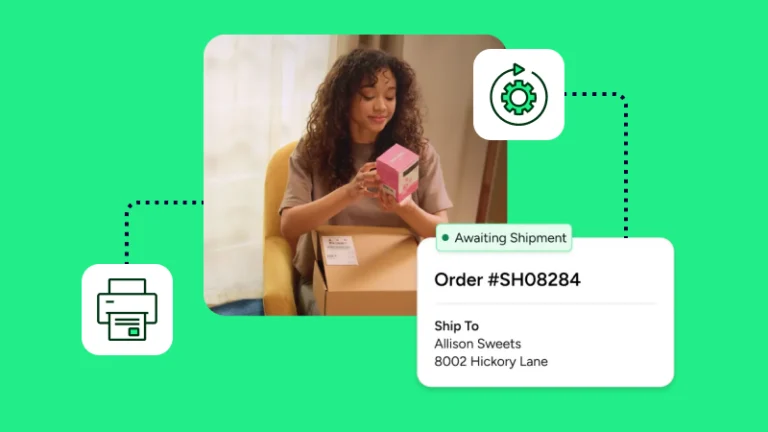
Efficient fulfillment often results from small operational improvements repeated thousands of times. Using a limited number of label sizes and one order queue helps reduce manual work and creates a more predictable shipping process across teams and locations. With ShipStation, you can easily print 4×6 thermal labels, which are standard for parcel shipping across major carriers and ecommerce operations. Simply set the label size in the document options and match it in your printer settings. From there, you can connect your stores, compare UPS®, USPS®, FedEx®, and DHL Express rates, and print in batches with less work.
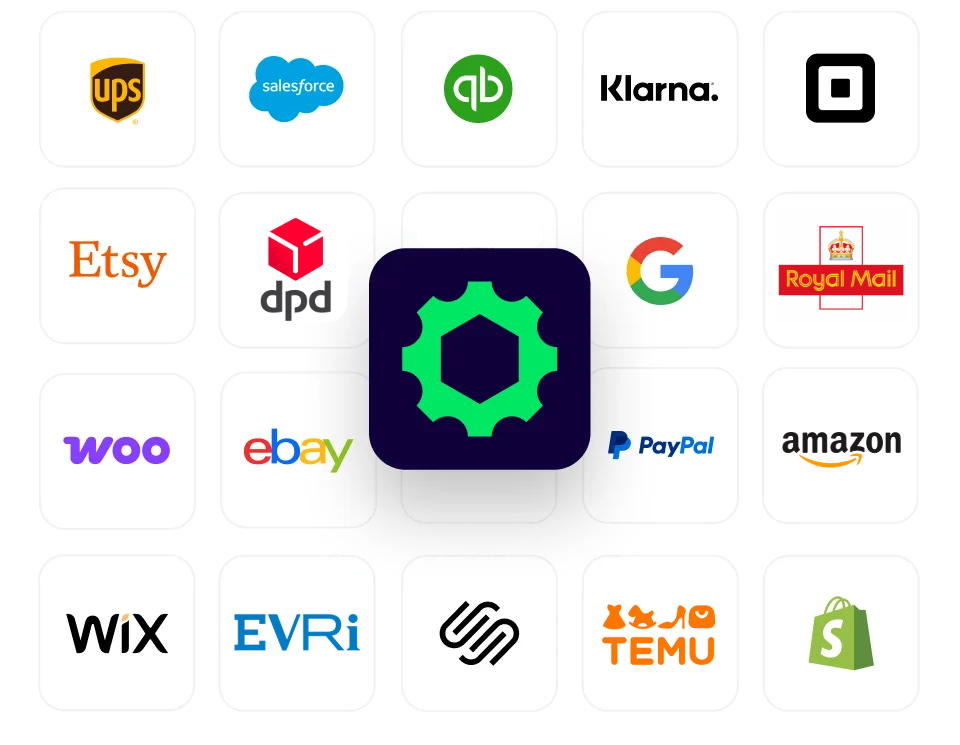
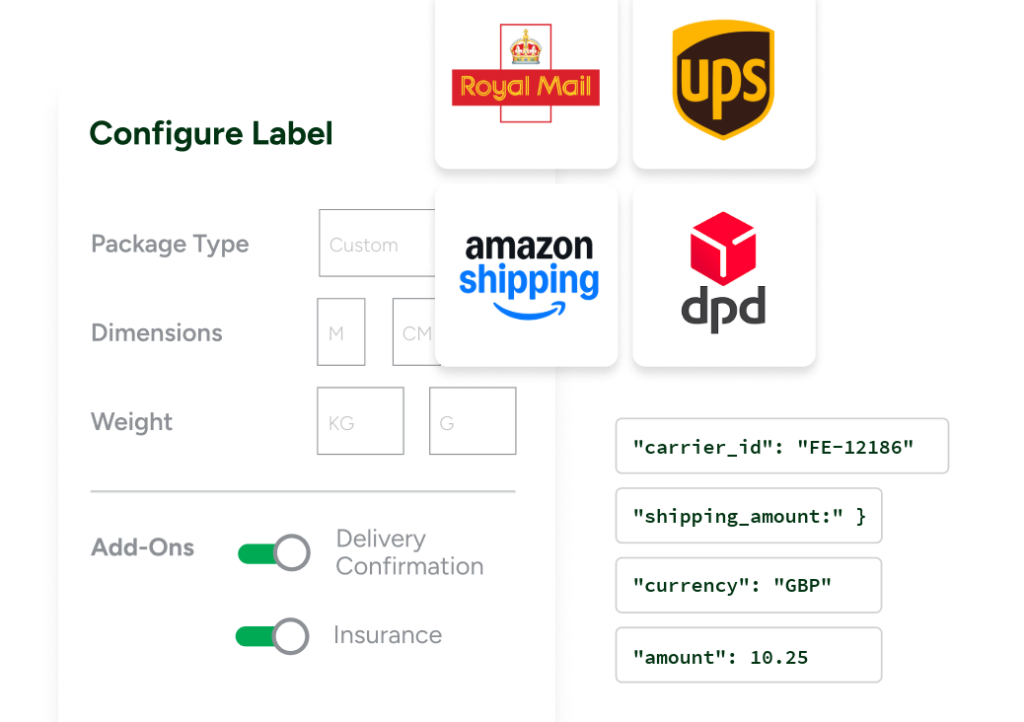
Once configured, your thermal printer becomes part of a connected fulfillment workflow rather than a standalone tool. When you connect Shopify, Amazon, eBay, Etsy, or WooCommerce, orders automatically flow into a single workspace. Instead of jumping between marketplaces and carrier websites, teams can manage shipping from one place, compare rates across UPS®, USPS®, FedEx®, and DHL Express, and generate labels with fewer manual steps.
Using a single 4×6 shipping label format across packing stations can help reduce setup complexity, improve label readability, and support faster fulfillment during peak periods. Combined with shipping automation and batch processing, businesses can spend less time managing individual shipments and more time optimizing their overall fulfillment strategy. ShipStation supports processing and printing multiple labels at once, allowing teams to continue working while labels are generated in the background.