Back
Back






















































 Shipping & Fulfillment


ShipStation for Amazon FBA and FBM orders gives sellers one place to manage two very different fulfillment paths. Instead of bouncing between Amazon Seller Central, carrier tools, and other sales channels, ShipStation keeps every order visible, routes non-Amazon demand to Amazon fulfillment when needed, and makes FBM shipping faster with labels, tracking, and automation rules.
ShipStation supports both Amazon FBA and Amazon FBM, but the workflows differ for each. FBM orders import so sellers can create labels, compare shipping rates, and push tracking back to Amazon. FBA marketplace orders can also appear in the dashboard for visibility, even though Amazon handles the delivery.
That split matters. FBA is Amazon fulfillment. Amazon stores, picks, packs, and ships those products. FBM keeps shipping in the seller’s hands. The ShipStation platform helps you manage both without forcing a separate process for every order.
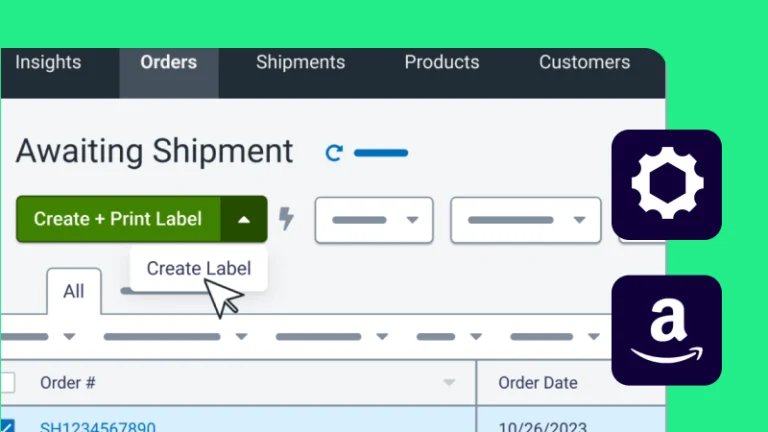
For FBM, ShipStation acts like your working queue. Orders are imported from Amazon Seller Central, then you can review details, choose a carrier, print labels, and send tracking updates back.
Common FBM tasks include:
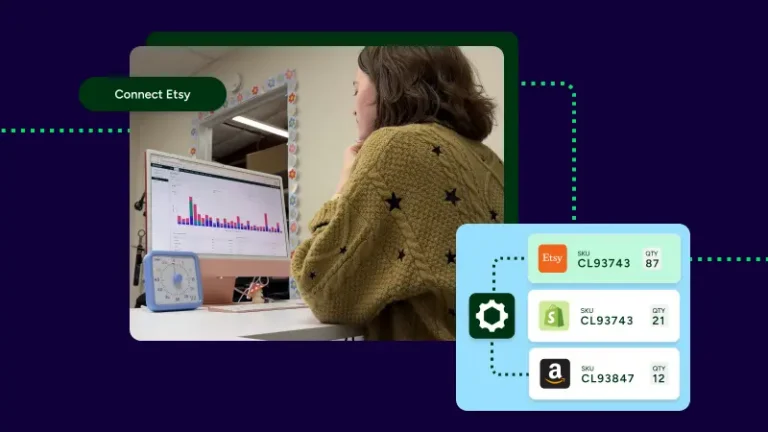
This helps sellers ship Amazon orders alongside Shopify, eBay, Etsy, Walmart, or TikTok Shop orders on a single platform.
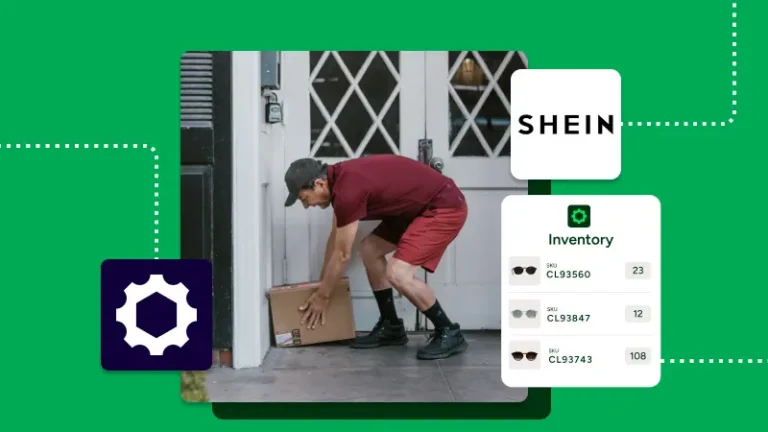
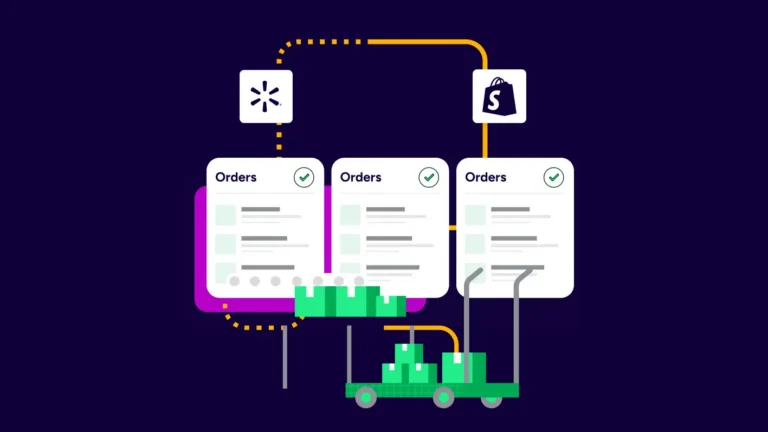
FBA is not limited to Amazon Marketplace orders. ShipStation can import orders from other connected stores and then send them to Amazon via the Send to Fulfillment workflow. When Amazon ships the order, ShipStation updates the original sales channel with shipment details.
That means a business can sell through Shopify or TikTok Shop, keep products in Amazon fulfillment, and still manage order fulfillment from one dashboard. It reduces tab switching and keeps customer updates cleaner.
A simple flow looks like this:
The most common FBA setup problem is simple: the fulfillment SKU does not match the SKU Amazon expects. When that happens, ShipStation may not be able to get rates or submit the fulfillment request correctly.
The fix is usually product mapping. For FBA, the fulfillment SKU in ShipStation should match the Merchant SKU used in Amazon. If a business sells the same products across channels, clean SKU mapping keeps orders moving and reduces manual cleanup later.
This matters even more at scale. A few mismatched products can slow dozens of orders across stores, especially during peak volume.
Shipping gets messy when teams grow across channels. ShipStation helps by centralizing orders across Amazon, Shopify, eBay, Walmart, and more than 200 integrations. You can tag Amazon orders on import, set automation rules, and keep delivery updates consistent.
Useful examples include:
For businesses selling in the US, Canada, and other markets, this kind of visibility helps. For the FBA connection itself, Amazon.com, Amazon.ca, and Amazon.co.uk are supported. Australia is not currently available for that FBA connection in ShipStation.
Many sellers do not choose one forever. They use FBA and FBM together. FBA can cover fast-moving products and multi-channel fulfillment, while FBM can handle special packaging, lower-volume items, or orders that need direct control.
Using both also gives your business more flexibility when shipping rates, inventory placement, or customer expectations change. Our platform keeps those workflows in one place, which makes it easier to ship, track, and scale without adding more tools.
ShipStation gives Amazon sellers a practical way to manage FBA visibility, FBM shipping, and multi-channel order fulfillment in one workflow. That means fewer manual steps, better tracking, and more control over every order. For teams ready to save time and connect Amazon with the rest of the business, starting with ShipStation is a smart next move.