


















































Automated inventory management that keeps every order, SKU, and label in sync
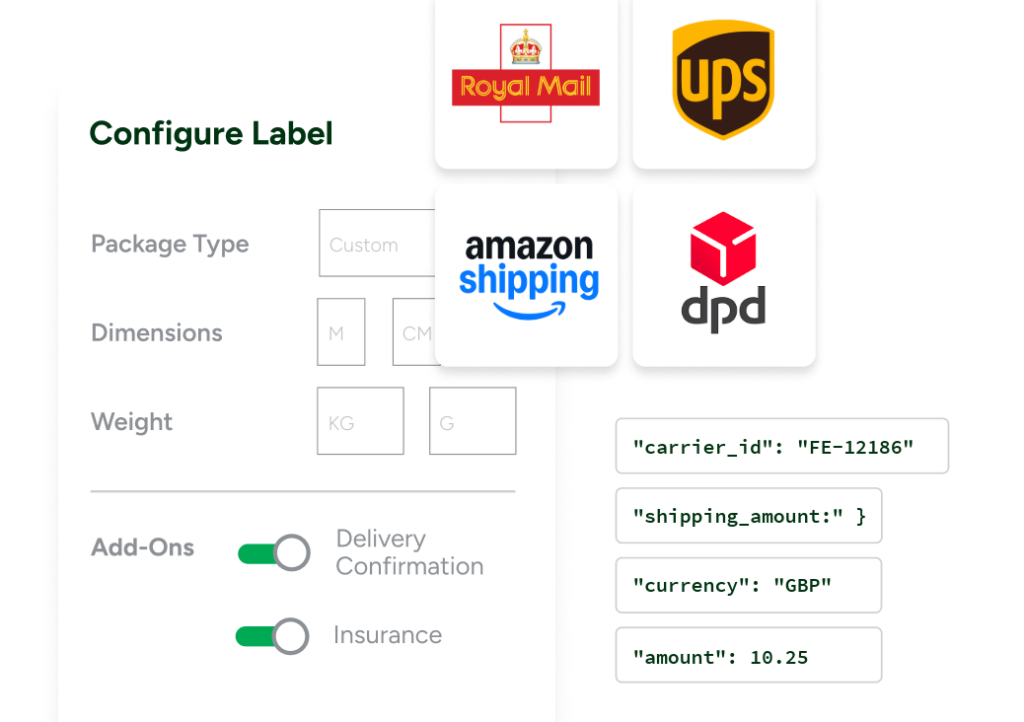
With ShipStation, inventory automation isn’t a separate system to manage. It lives where you already ship. Manage orders from all your sales channels in one place, keep warehouse workflows moving, and ship faster with fewer manual steps. Rate Shopper helps you compare options across 200+ carriers so you can choose the best rate for every order.
Awaiting Shipment
Order #
Recipient
Carrier
SH-59744
Sofia Vasquez
USPS
AZ-44198
Edith Wong
UPS
EB-A8210
Antonio Ellis
GlobalPost
SH-59743
Cecilia Edwards
UPS
SH-59742
Tara Simon
USPS
EB-A8209
Rushina Singh
UPS
SH-59741
Ming Zhao
UPS
AZ-44197
Zara Wells
GlobalPost
AZ-44196
Priya Rivas
USPS
Automation Rules
Rule Name
Last Modified
Active
Actions
Set Package Dimensions for 2 Items
10/15/2024
Tag for Orders Over 4.0 lbs
10/15/2024
Set Carrier to UPS
10/15/2024
Insure Package
09/29/2024
Set International Orders to GlobalPost
09/05/2024
Default Confirmation
08/26/2024
Create Rule
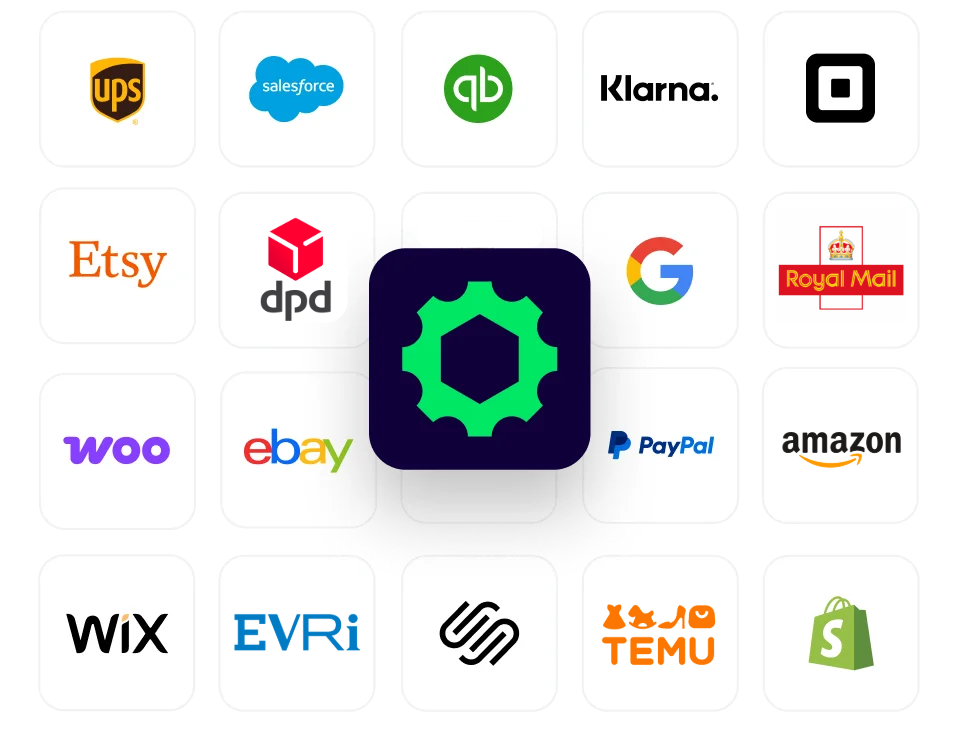
Connected to the platforms that power your business
Ecommerce automation tools that cut busywork and keep operations moving
Replace spreadsheets and tab hopping with one place to manage orders, inventory, shipping, and returns. Stay accurate across every sales channel, choose the best rates with Rate Shopper, and deliver a post-purchase experience that feels like your brand.
Automated inventory management results that free your team from manual work
We’ve helped 130,000+ businesses automate inventory and shipping workflows, sync orders, and cut fulfillment errors in one platform. Let us take the repetitive work off your team’s hands, too.
Inventory automation software meets fulfillment automation software in one UI
Automated stock tracking across your connected channels
ShipStation supports internal inventory tools, and it also connects with select external inventory systems, so you can see stock counts on orders before you ship. With Inventory Sync, updated quantities push to your connected selling channels as orders are fulfilled. You get one source of truth you can trust during launches, promos, and peak season.
Sources
ShipStation Inventory
Current Configuration
Leather Sneaker
LS-204
42
Available
Crew Neck Sweater
CN-118
18
Available
Leather Tote Bag
LT-310
7
Available
Target
SShopify
Last Synced 2 hours ago
Synced just now
3 SKUs updated
Target
AAmazon
Last Synced 2 hours ago
Synced just now
3 SKUs updated
Target
eeBay
Last Synced 2 hours ago
Synced just now
3 SKUs updated
ShipStation automation rules that act on inventory and order details
Set shipstation automation rules once, then let them run every day. Route orders by SKU, tag, order value, destination, or shipping promise. Apply presets automatically, split shipments when needed, and keep exceptions from slowing down the line. It’s a practical way to automate inventory and shipping workflows without scripts or heavy IT.
Trigger
Orders imported
Order Import Workflow
Step 1
ActiveDefault Confirmation
Filter
No filters
Action
Delivery Confirmation
Step 2
InactiveActiveRate Shopper Rule
Filter
Every order
Action
Set Rate Shopper
Rule Configuration
Rule Name
Rate Shopper Rule
Filter
Orders
Every order
This step will run for all orders.
Action 1
Set Rate Shopper
Rate Shopper
Cheapest
Best Value
Fastest
Batch processing for order fulfillment that keeps teams moving
When your days are busy, speed matters. ShipStation supports batch processing for order fulfillment so you can select groups of orders, create labels in bulk, and keep pick-pack-ship flowing. Add scan tools and clear filters to cut mis-picks, print batches of labels and packing slips fast, and keep work organized with views, tags, and presets
Label Batch:
100512Batch Notes:
Add a note
Process Shipments▾Print ▾Ready To Pick ▾Scan to AddScan OrdersOrder #
Item SKU
Recipient
Allocation Status
Picking Status
Qty
#1051
canvas-tote
Dana K.
1
AllocatedReady To PickProcessingLabel Created#1052
wool-socks
Luis M.
3
AllocatedReady To PickProcessingLabel Created#1053
trail-cap
Priya S.
1
AllocatedReady To PickProcessingLabel Created#1054
rain-shell
Owen T.
2
AllocatedReady To PickProcessingLabel Created#1055
water-bottle
Mia R.
1
AllocatedReady To PickProcessingLabel Created5 labels created · batch 100512 processed
Print AllTestimonials
Hear From our Customers
From Shipping Bottleneck to Multi-Channel Empire: How Allure Wedding Jewelry Built a Thriving Business with ShipStation
How Nakie Went From Garage to Global Growth with ShipStation
Take the guesswork out of restocking with Reorder Assist
Reorder Assist uses your sales history to flag what needs to be replenished, so you’re not relying on instinct alone. Build a simple process with purchase orders, then check inventory in with Scan to Receive using barcodes. It’s a faster, more reliable way to stay stocked without slowing down fulfillment.
Reorder Assist
Leather Tote Bag · On Hand
Suggested Reorders
Create Purchase OrderProduct
Available
Est. Days of Supply
Stock Status
Suggested Qty
Leather Tote Bag
LT-310
7
4 days
Low Stock60
Crew Neck Sweater
CN-118
18
11 days
Low Stock40
Leather Sneaker
LS-204
42
26 days
In Stock—
Integrations and carrier options that fit how you actually ship
ShipStation connects with 200+ selling channels and pulls your orders into one place—so you don’t have to bounce between tabs. From there, you can compare rates across carriers like UPS®, FedEx®, DHL Express®, and USPS® to stay on budget while still hitting delivery expectations. Explore integrations and carriers to see what works for your setup.

