Back
Back













































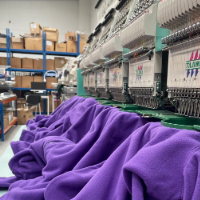













From $33,000 to 18,000 Stores: How Black Girl Sunscreen Ships at Scale
"ShipStation is seamless when it comes to international. We wouldn't prefer it any other way."
Read Story
UPS Ground boxes sound simple, until box size changes your billed cost. Enter your dimensions once and we pull live UPS® Ground rates alongside your other carrier options — including ShipStation’s pre-negotiated rates of up to 81% off — so you’re comparing everything on the same screen. The right box, the right rate, the label printed. No switching tools mid-shipment.
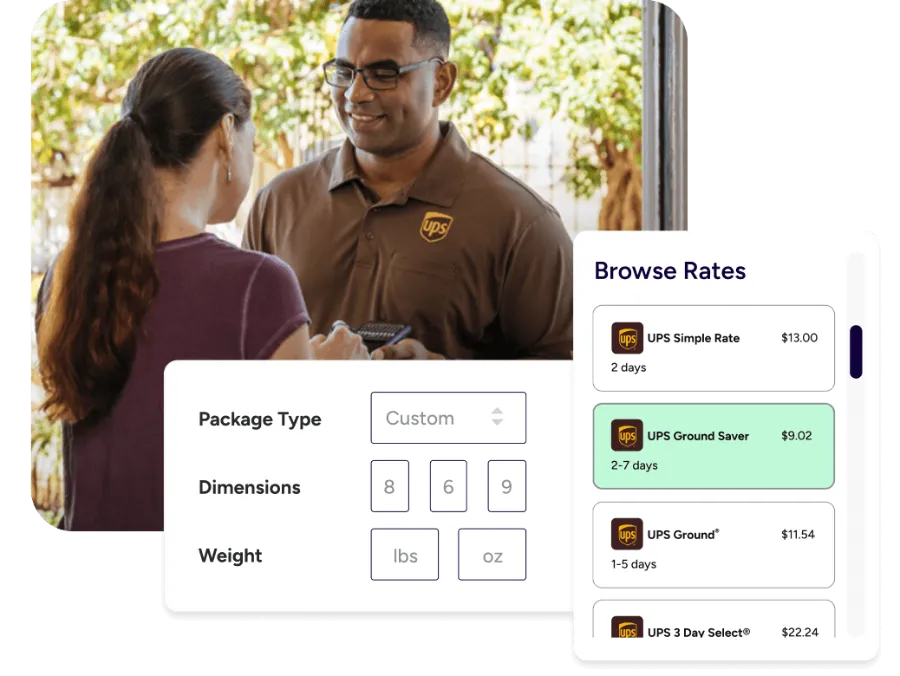
When your boxes, weights, and service don’t line up, you pay for it later. We keep your packaging details tied to rate shopping, label printing, pickup, and customer updates, so every shipment moves cleanly.

Some branded boxes are meant for specific services. If you ship UPS Ground in the wrong packaging, you can trigger adjustments or delays. In our platform, you can set clear package defaults, save box details, and use automation rules so your team doesn’t have to guess at the pack table. Less rework. Fewer “why did this rate change?” surprises.

Shipping decisions happen at the rate screen. You shouldn’t have to open another site, copy numbers, then come back. We show UPS®, USPS®, FedEx®, and DHL Express rates side-by-side for the same package details, so you can pick the best service for that shipment. If you have negotiated rates, you can bring them in. If not, you can still shop competitively.

Once the box is taped, speed matters. Pull orders in, print labels in batches, and hand off packages with fewer steps. After the drop-off or pickup, tracking can stay on your brand, not the carrier’s. Your customer gets clear updates, and you get fewer “where is my order?” emails.






Enter the weight and box dimensions, and we pull UPS Ground rates alongside UPS Simple Rate and UPS® Ground Saver®. Simple Rate prices by box size. Standard Ground pricing moves with weight and dimensions. Ground Saver is a separate domestic option you can turn on for eligible shipments. The difference between those services adds up across a week of orders. Pick the one that fits the shipment. We keep your box details attached to whichever rate you choose.
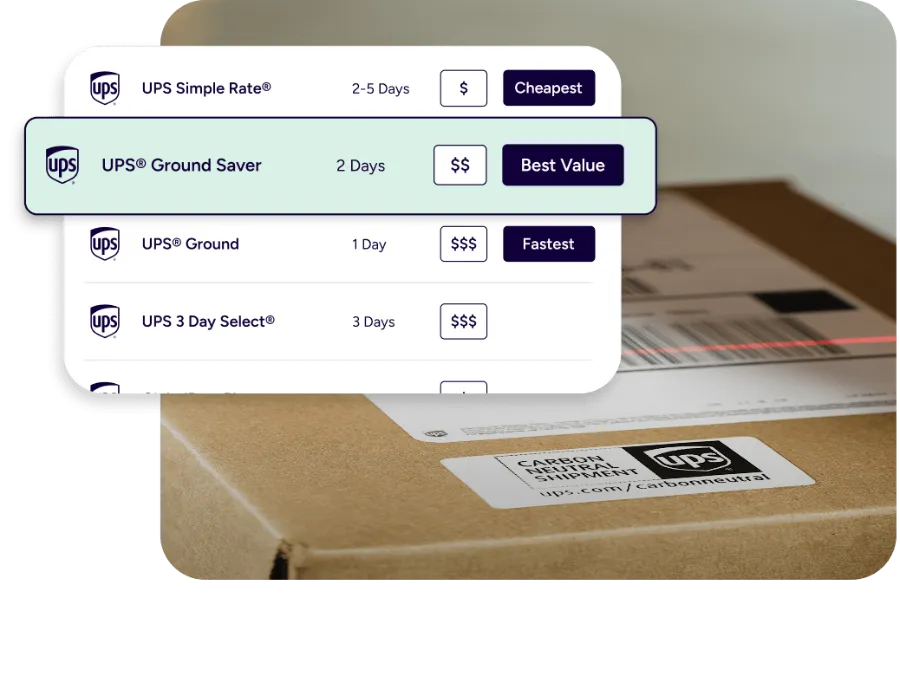
Post-shipping rate adjustments usually come from one place: the box type didn’t match the service. Set up the package types your team actually uses — your own custom sizes, standard carrier options — and apply them consistently no matter which channel the order came from. When the right box is already saved and tied to the right service, your team stops guessing at the label screen. And you stop getting adjustments after the fact.
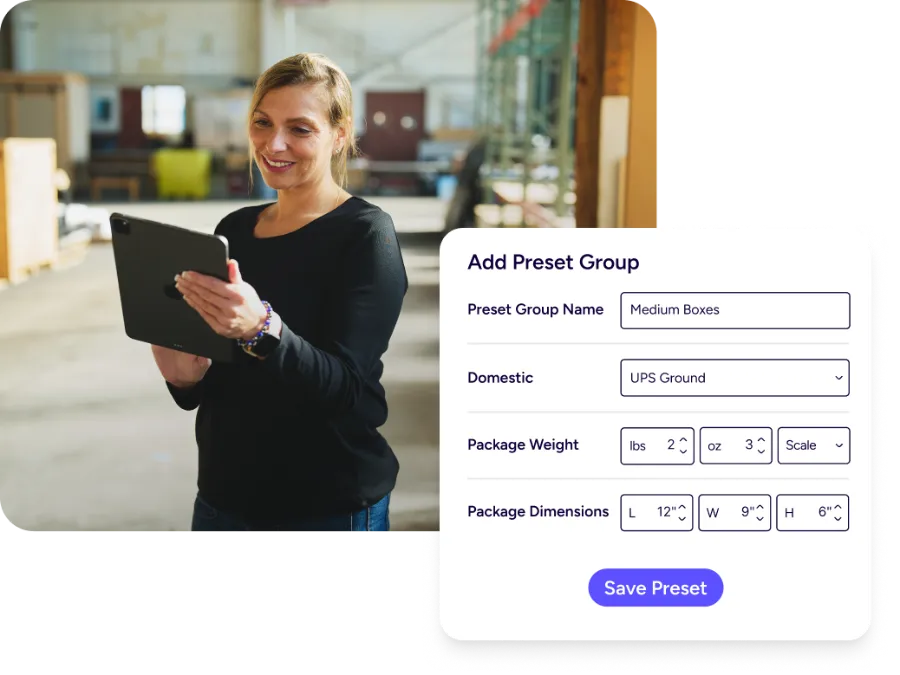
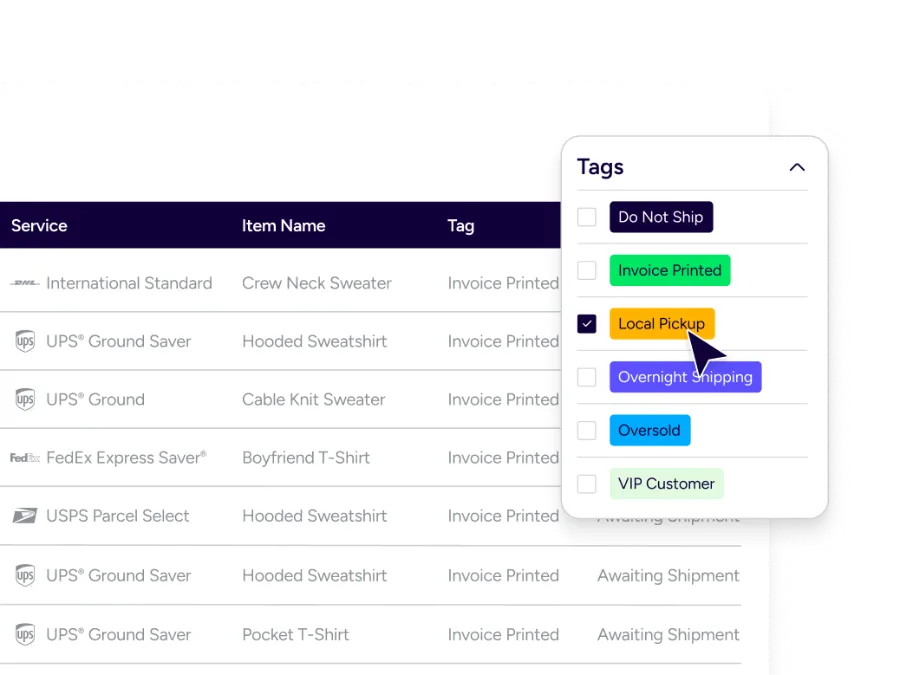
If you ship the same item every day, you shouldn’t be re-entering the same box dimensions every day. Save packaging as presets and reuse them. Tie them to products, tags, or order rules so the right box and service shows up when the order imports—not after someone has to look it up. Useful if you’re managing three box sizes. More useful if you’re managing twelve.
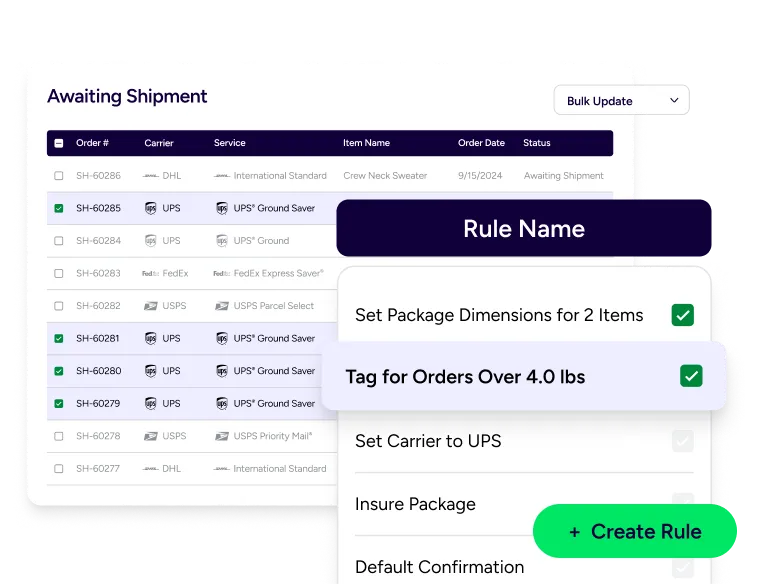
Automation rules take the decisions your team makes repeatedly and make them automatic. Build if-then logic so orders get the right service and box without manual steps — set service class by SKU, tag on import, apply dimensions from a preset. Your team sees it already applied when the shipment opens. When a new hire starts, there’s less to explain. When volume spikes, nothing falls through.
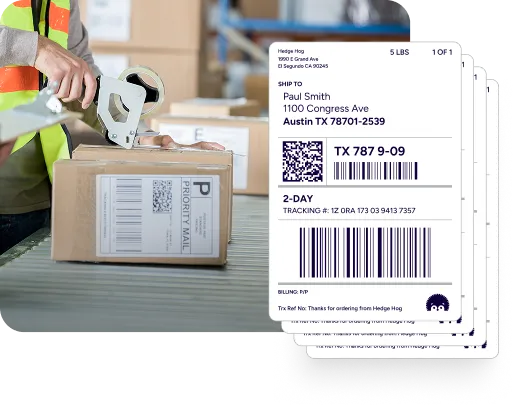
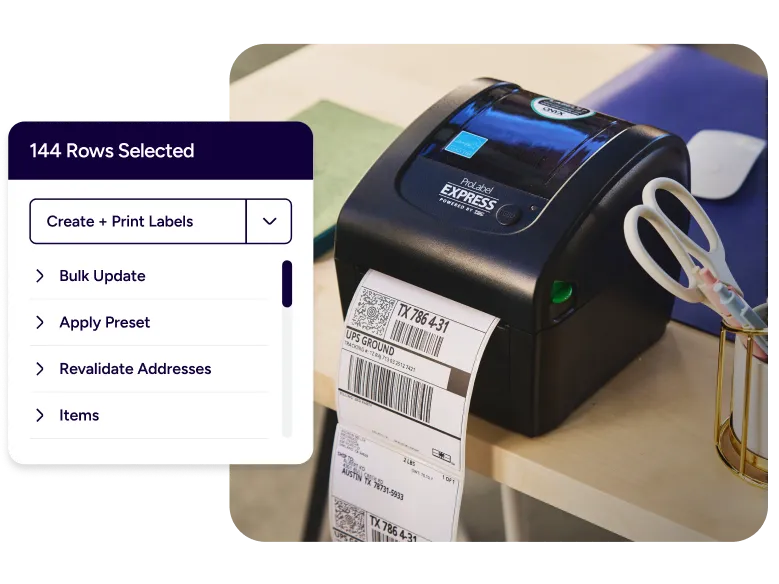
Printing one label at a time is the fastest way to bottleneck a pack station. Select the orders, print the batch, then work down the stack. If your workflow calls for packing slips — B2B shipments, marketplace orders, internal pick verification — add those to the same run. One pass through the queue instead of five.
A pack station works best when hardware “just works.” With ShipStation Connect, you can bridge printers, scales, and scanners to your workstation so your team can print to a thermal label printer with less setup hassle. That means fewer setup headaches when you add a new table, move to a new warehouse, or staff up for season. You keep the same label flow, even as volume changes.
Testimonials



Pickup planning shouldn’t live in a separate workflow. You can schedule ad hoc UPS pickups directly in ShipStation, right where you manage shipments. That’s helpful when you’ve got multiple daily waves or when you need a backup plan for a late pack-out. Prefer a drop-off? Keep it simple: label, manifest as needed, then drop packages at your carrier. Fewer tabs. Cleaner handoff.
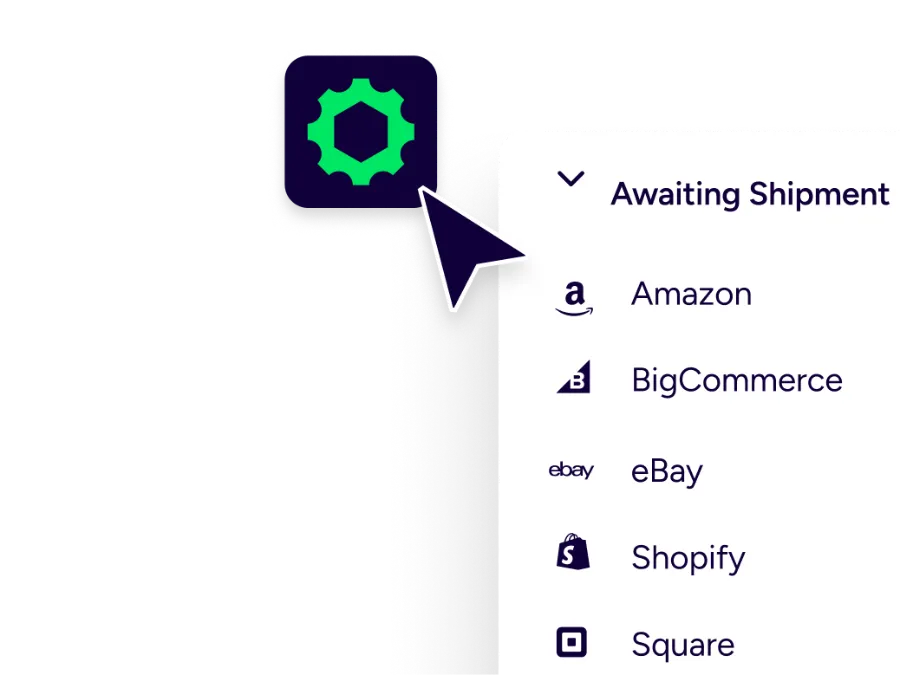
Boxes don’t ship themselves. Orders do. Connect the channels you sell on, then handle them together. Many sellers run a mix, like Shopify plus Amazon, eBay, Etsy, Walmart, BigCommerce, or WooCommerce. Once connected, orders flow into one queue, ready for the same packaging logic and the same UPS Ground service choices. You can even split Amazon FBA and Amazon FBM orders by rule, so each order goes where it belongs.
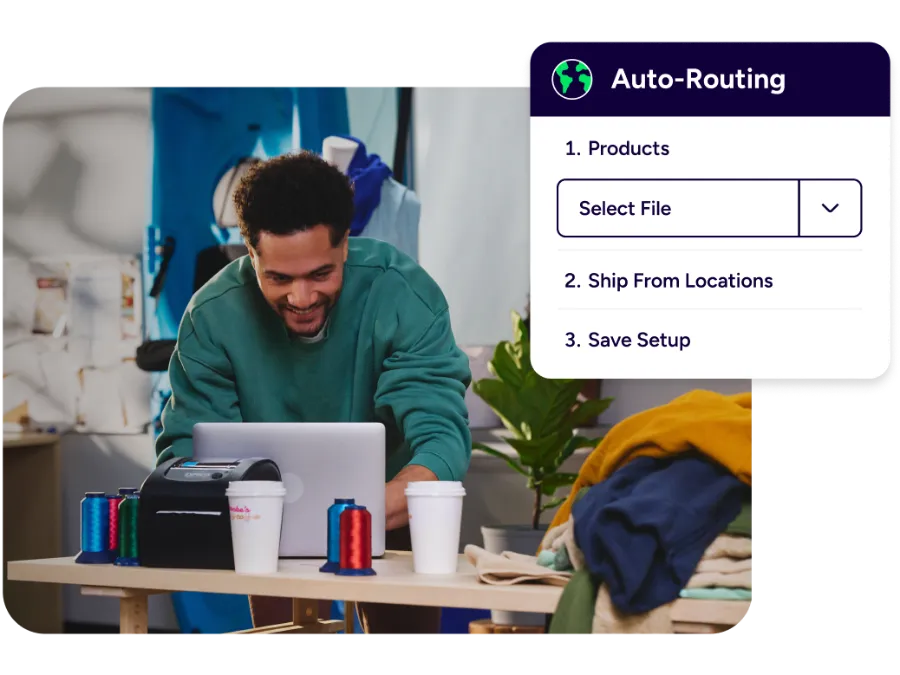
When you stock product in more than one place, shipping gets tricky fast. Set up multiple ship-from locations, name them how your team talks, and route orders based on what makes sense for your operation. That can mean the closest warehouse by ZIP, or splitting shipments based on stock. For DTC and B2B teams growing faster than their processes, that routing logic means fewer manual decisions per order—and fewer shipments going out of the wrong door.
After you ship, your customer wants one thing: a clear update. Replace carrier-branded tracking with your own branded tracking page and notifications. You can send proactive shipped, in transit, out for delivery, and delivered updates so customers don’t wonder if their package got lost. Customers who know where their package is don’t email to ask. That matters most when UPS Ground volume spikes and your support queue doesn’t need to.”

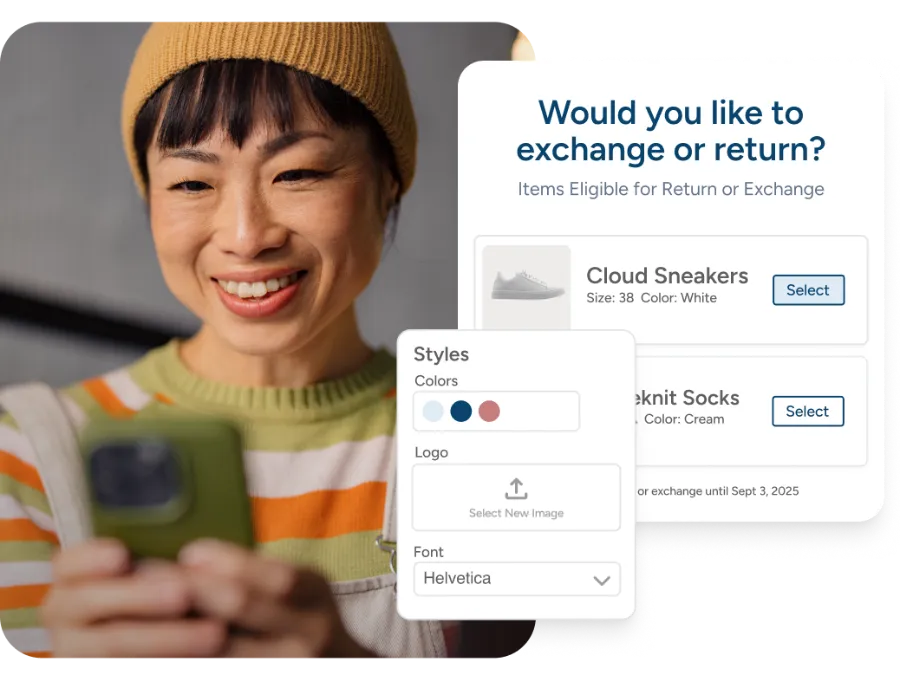
Returns are part of the deal. Give your customer a clear choice for how to send items back, then manage the process without manual back-and-forth. You can generate return labels and run a branded returns portal experience, so your team isn’t stuck emailing PDFs all day. Tie return reasons to workflows, track what comes back, and keep your inventory and customer messages consistent.
UPS Ground is domestic, but many businesses also ship cross-border. When you do, packaging rules and paperwork change. You can create international labels, auto-fill customs forms, and keep shipment data consistent across services like UPS Worldwide Express. For some lanes, you may also need a plan for tariff payments and duties at label time.