

















































Walmart Shipping Software That Keeps Up With Your Order Volume

Walmart shipping can get complicated fast when you’re juggling carriers, service levels, and marketplace rules. ShipStation connects your Walmart Marketplace orders to one centralized shipping workflow so you can create labels, compare rates, and send tracking updates back automatically. Ship faster, reduce manual work, and stay ready for every sales spike.

Simplify Walmart Marketplace shipping and fulfillment

Keep orders moving without bouncing between tabs. Bring Walmart orders, carriers, automation, and tracking into one streamlined workflow that’s easy to learn and built to scale as your volume grows.

Streamline fulfillment for Walmart sellers

Turn daily fulfillment into a repeatable, efficient routine. Automatically import Walmart Marketplace orders, organize workflows with filters and tags, and move from pick to pack to label with fewer clicks. Whether you’re a small team or scaling with seasonal staff, ShipStation helps you ship accurately and on time with a modern, easy-to-use interface.

Compare carrier rates for Walmart shipments

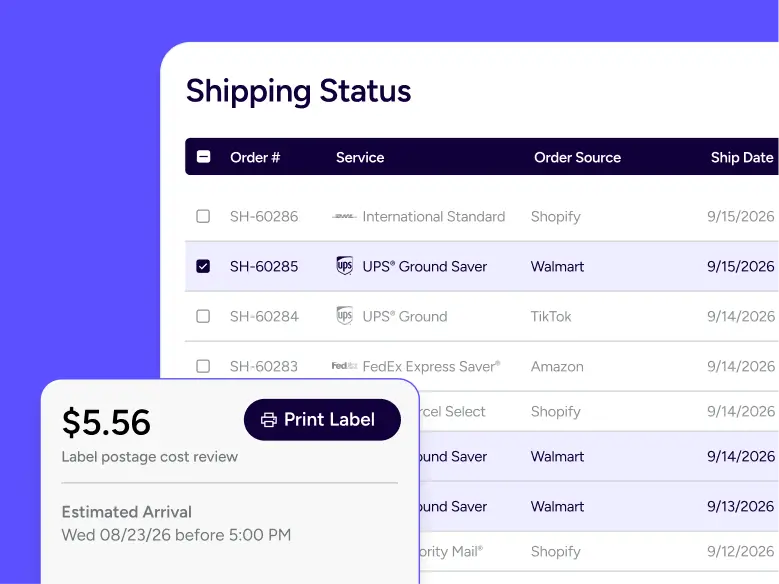
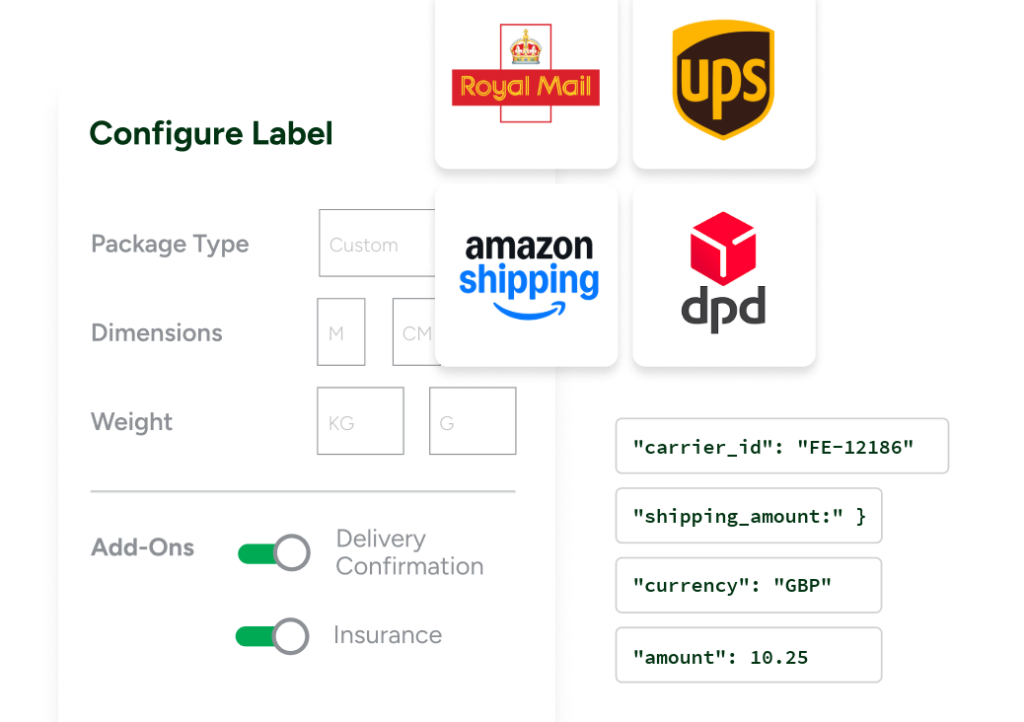
Every order is a chance to protect your margin. With ShipStation, you can compare rates across USPS®, UPS®, FedEx®, DHL Express, and GlobalPostTM in the same screen where you create labels. Use your own negotiated rates, ShipStation carrier options, or both. Then pick the best service for speed, cost, and package needs without manual searching.

Improve shipping efficiency for marketplace orders

Walmart Marketplace shipping is all about speed and consistency. Use batch label printing to handle high-volume days without feeling buried. Add branded tracking pages for your own online store shipments, plus clear internal status updates that keep your team aligned. Less rework. Fewer errors. More orders out the door.

Rated #1 by Industry Leaders

We’ve helped 130,000+ businesses manage their shipping smarter. Let us save your team time and money, too.
Google 4.9 rating 67 reviews
Capterra 4.6 rating 897 reviews
G2 4.3 rating 531 reviews

How Walmart Marketplace shipping works

Connect your Walmart Marketplace account, automatically import orders, create shipping labels, and send tracking updates back to Walmart. Add automation, batch processing, and multi-carrier rate shopping to keep your workflow fast, accurate, and compliant.

Connect Walmart orders to shipping software

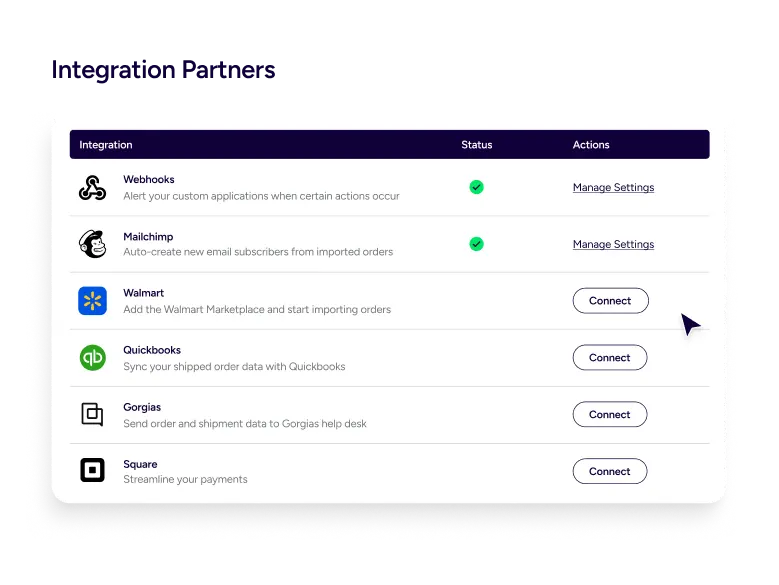
ShipStation’s Walmart Marketplace shipping integration connects through a partner integration built for marketplace sellers. Once you’re approved and onboarded with Walmart Marketplace, your orders automatically import into ShipStation with all necessary shipping details. If reauthorization is required due to Walmart security updates, you can quickly reconnect and keep fulfillment running smoothly—all from one centralized dashboard.

Create shipping labels for Walmart orders

Creating labels shouldn’t mean copying and pasting addresses or jumping into carrier sites. With ShipStation, you can create shipping labels for Walmart orders directly from your order view, then print in batches for faster fulfillment. As soon as labels are created, tracking information is automatically sent back to Walmart to help maintain marketplace performance standards.

Automate Walmart Marketplace shipping workflows

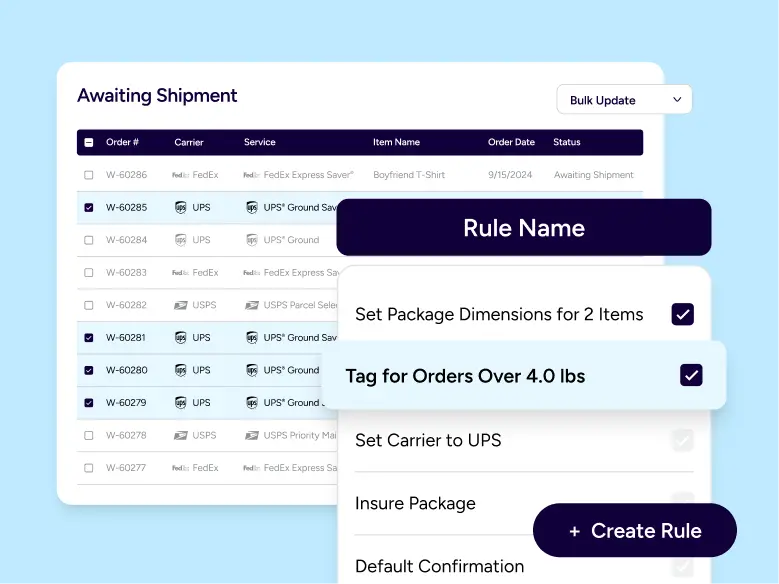
Reduce repetitive tasks with powerful automation rules. Automatically assign carriers, services, package types, and insurance based on order details. You can also route orders by warehouse, weight, or shipping method so your team follows the same process every time. This is how you automate shipping labels for Walmart Marketplace orders while keeping accuracy high and training time low.

Manage Walmart and other sales channels together

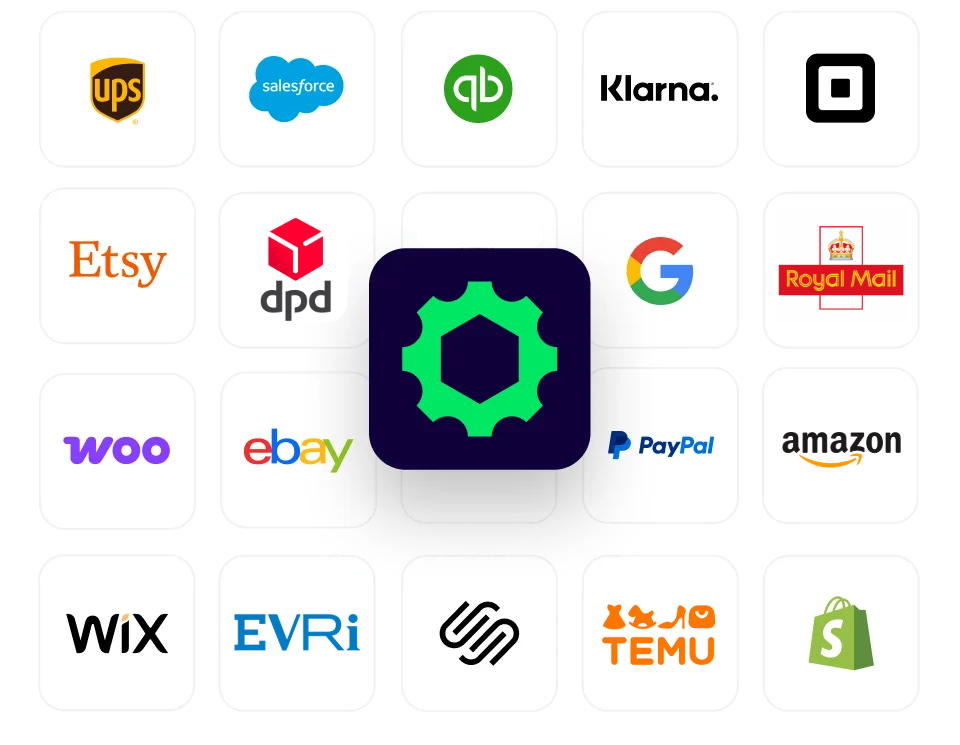
Most sellers operate across multiple channels. ShipStation lets you manage Walmart Marketplace alongside your ecommerce store and other marketplaces in one centralized shipping platform. Standardize workflows, share presets, and manage exceptions without switching tools.

Scale Walmart Marketplace fulfillment operations

Growth adds complexity. More SKUs. More locations. More “Can you ship this today?” moments. ShipStation is designed to help you scale Walmart Marketplace fulfillment operations with tools like batch processing, scan-to-ship workflows, and inventory management that supports smarter picking and fewer oversells. Walmart’s Simplified Shipping Settings (when flagged on an order) can also show a recommended ship-from location and service inside ShipStation. Those recommendations help you ship with confidence, but you still control the label you buy.

Walmart Marketplace shipping FAQs

You’ll need an active Walmart Marketplace seller account and to be approved and fully onboarded with Walmart. Then you can connect your store and start importing orders into ShipStation for fulfillment.
Yes. When you create a label and ship the order, ShipStation sends tracking details back to Walmart automatically. This helps you keep order status accurate without extra manual updates.
Use ShipStation views, filters, tags, and automation rules to standardize what happens after import. You can route orders, apply presets, and batch print so your process stays consistent across shifts and locations.
Yes. You can compare carrier rates for Walmart shipments inside ShipStation, using supported carriers and services in one place. That makes it easier to balance delivery speed and shipping cost on every package.
Yes. Automation rules can assign service, package, or other shipping settings based on order details, and you can set up workflows that match how each location fulfills. This is a practical way to scale without adding extra steps.
No. When Walmart flags an order for Simplified Shipping Settings, ShipStation displays Walmart’s recommended ship-from location and service as helpful references. You can still choose a different option and print your label.
Walmart connections may require reauthorization as security protocols update. If you see an import or connection issue, reauthenticate your Walmart account in ShipStation to restore the connection and avoid fulfillment delays.