Back
Back































 LTL Shipping
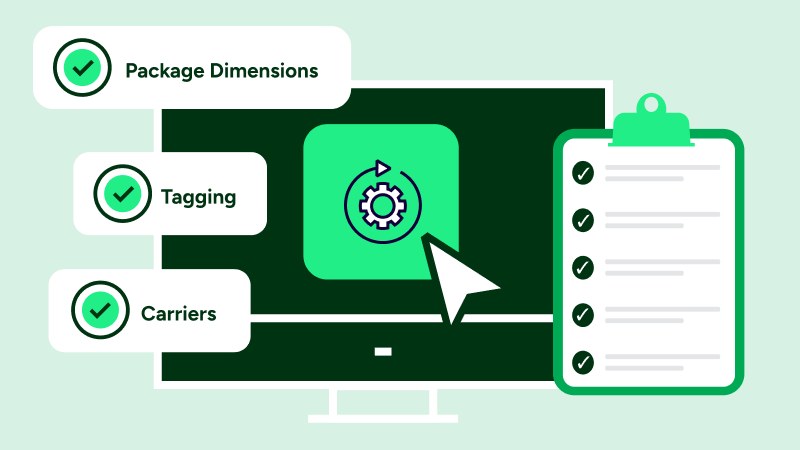
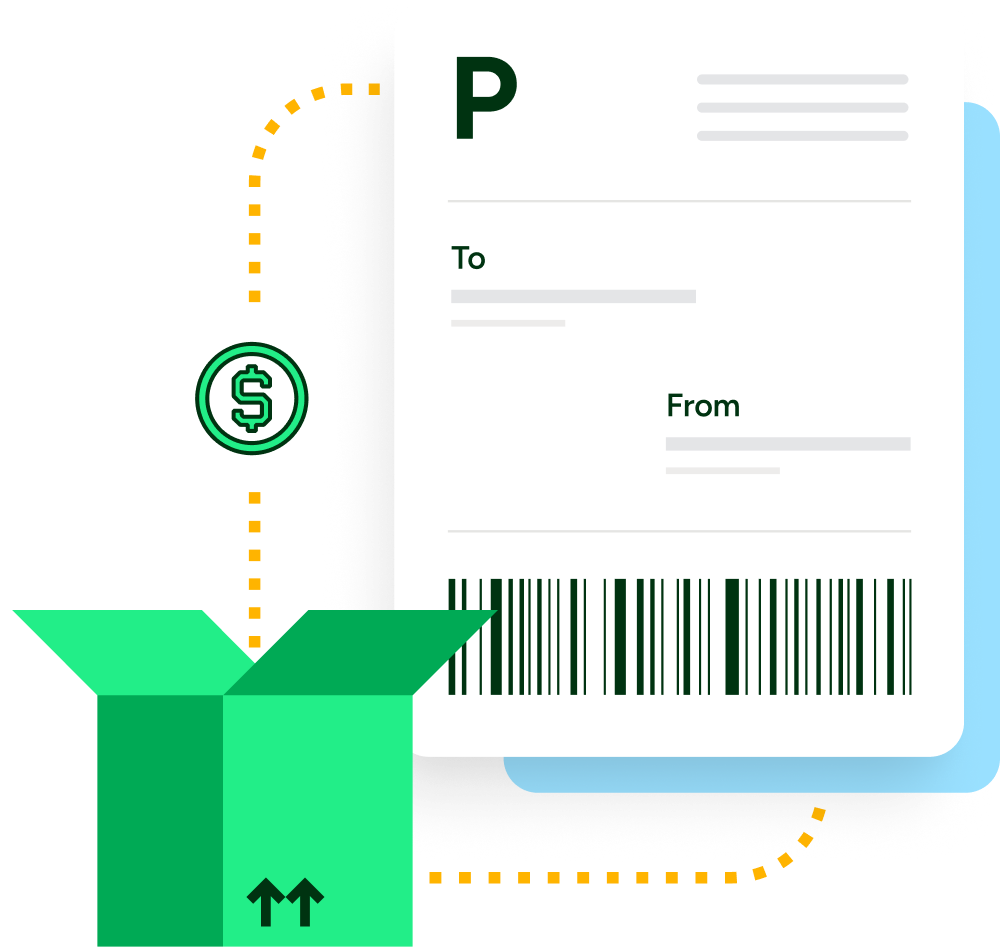
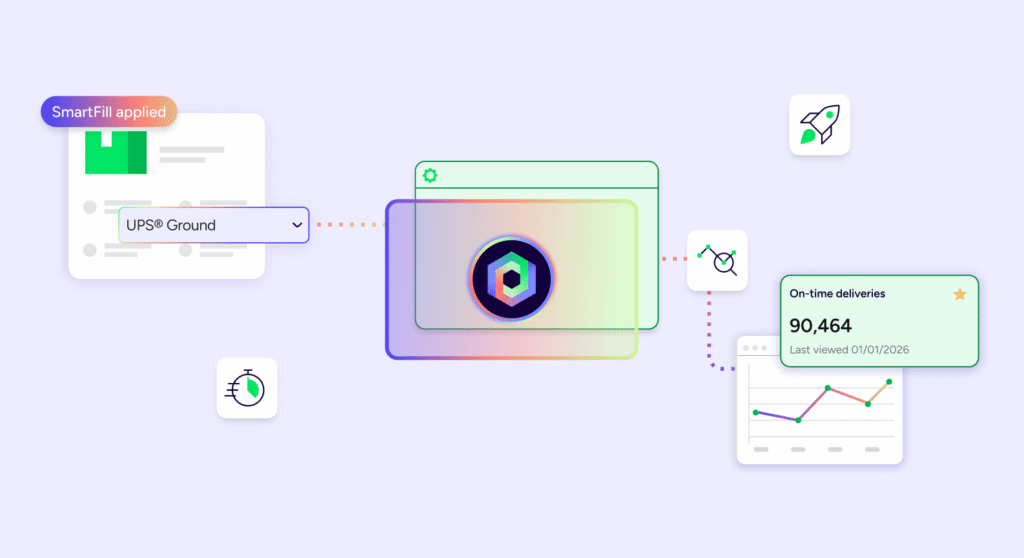
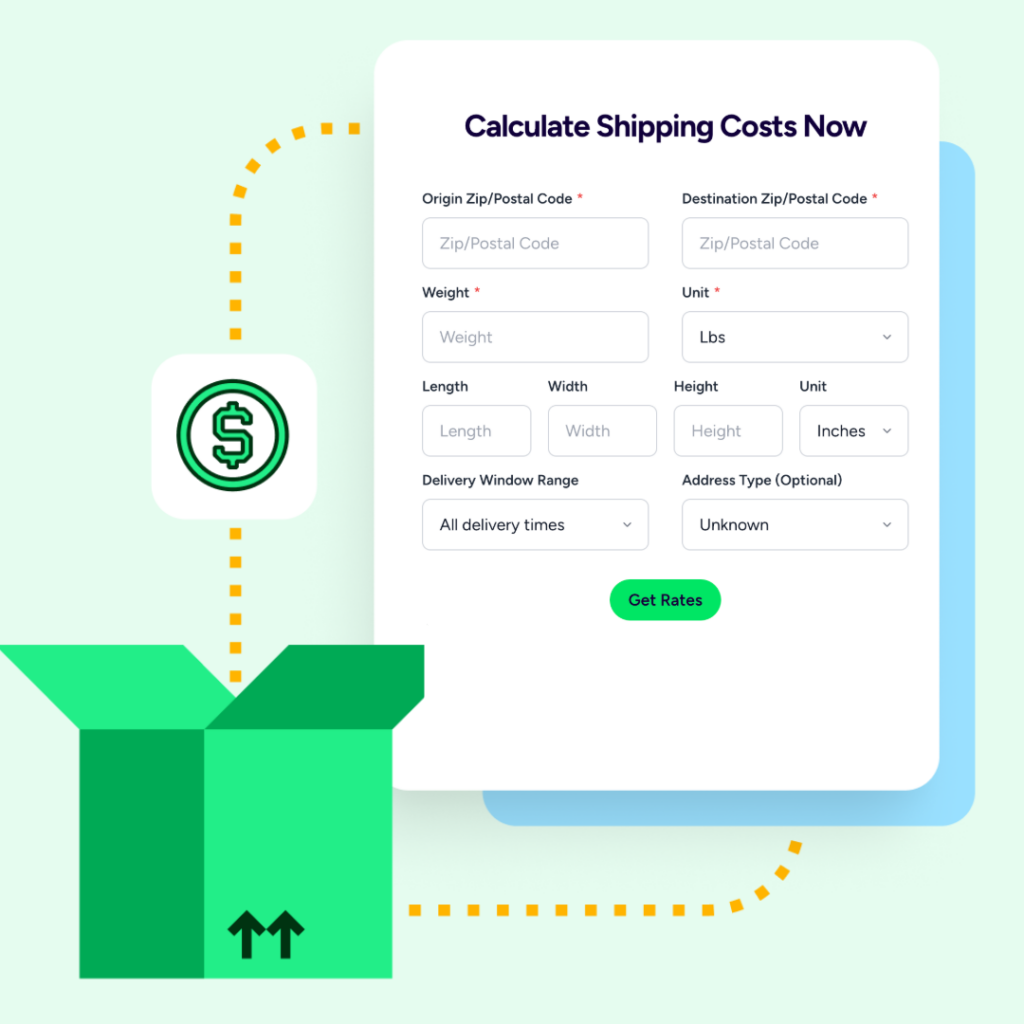
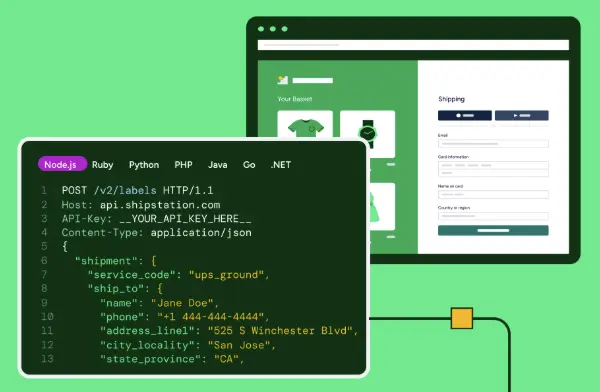


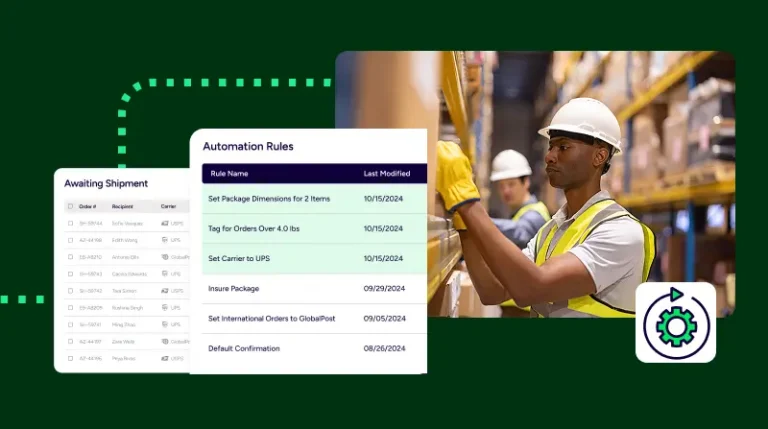
ShipStation automation rules examples show simple IF/THEN logic in action: if an order matches your criteria, our platform does the next step for you. In ShipStation, you can tag orders, set a service, or add shipment details automatically on import. Below, we cover three useful rules and a safe way to test them first.
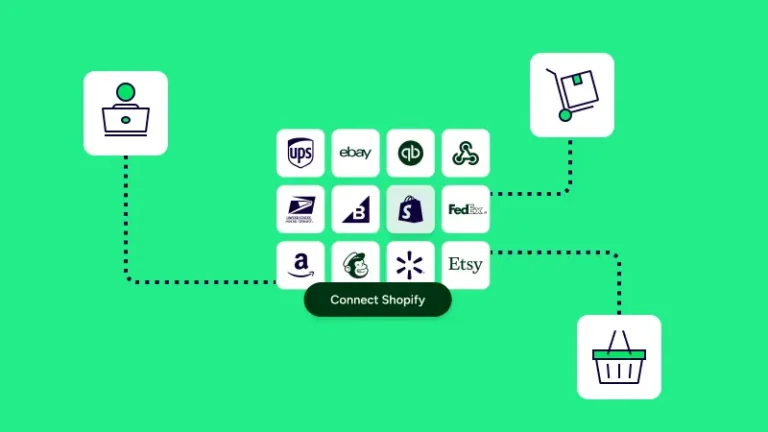
You create automation rules in Account Settings. Pick your criteria, add an action, and save the rule. Test on Awaiting Shipment orders first. Reprocess older orders if you want the new setup on them. We connect you to UPS®, USPS®, FedEx®, and DHL Express in one rate view so you can select a faster option.
Start with rules that remove repeat clicks. A weight rule can set USPS for lighter orders and UPS Ground for heavier ones. An international rule can set the service and customs. A SKU rule can add the same box data each time. These keep ecommerce shipping and the customer experience more consistent.
We use automation rules for everything. I think I get the most out of my money.
Good automation is powered by real order data, not guesswork. Begin with one rule, watch the result, and add more as patterns show up. Our team can help you connect stores, create automation rules, and keep shipping and delivery management easier on busy days.