





























Learn how to print labels in batches for multi carrier shipping, save time, and streamline fulfillment with ShipStation.
Last Updated Aug 04, 2026 – 2 min read
One intelligence layer behind every order. Automate workflows, optimise rates in real time, and strengthen delivery performance across every shipment.
See Intelligent Delivery in Action
Compare Australia Post, Couriers Please, and Aramex shipping rates in real-time, so you can start saving on every label.
Start Calculating
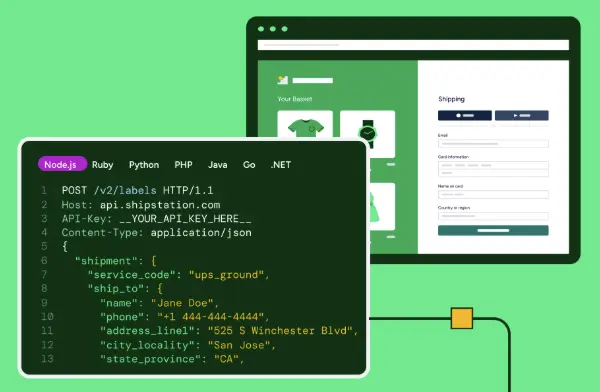
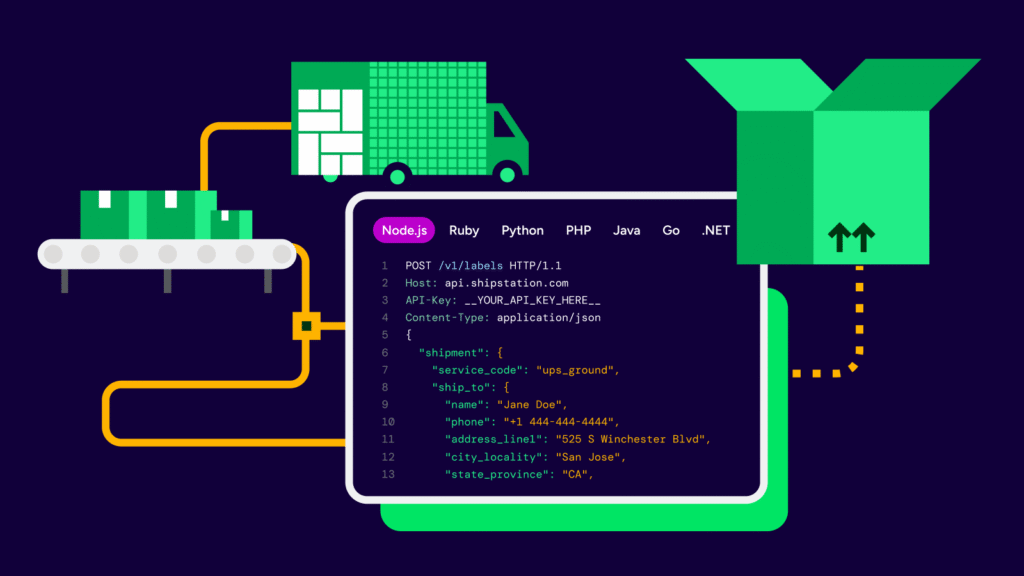
We're ready to answer any questions you may have about ShipStation API.
Talk to an Expert
We integrate with how you do business. Move fulfilment onto a single platform that scales with your shipping needs.
Explore All Integrations
We integrate with how you do business. Move fulfillment onto a single platform that scales with your shipping needs.
Explore All Integrations
We integrate with how you do business. Move fulfilment onto a single platform that scales with your shipping needs.
Explore All Integrations
We integrate with how you do business. Move fulfilment onto a single platform that scales with your shipping needs.
Explore All Integrations
We integrate with how you do business. Move fulfilment onto a single platform that scales with your shipping needs.
Explore All Integrations
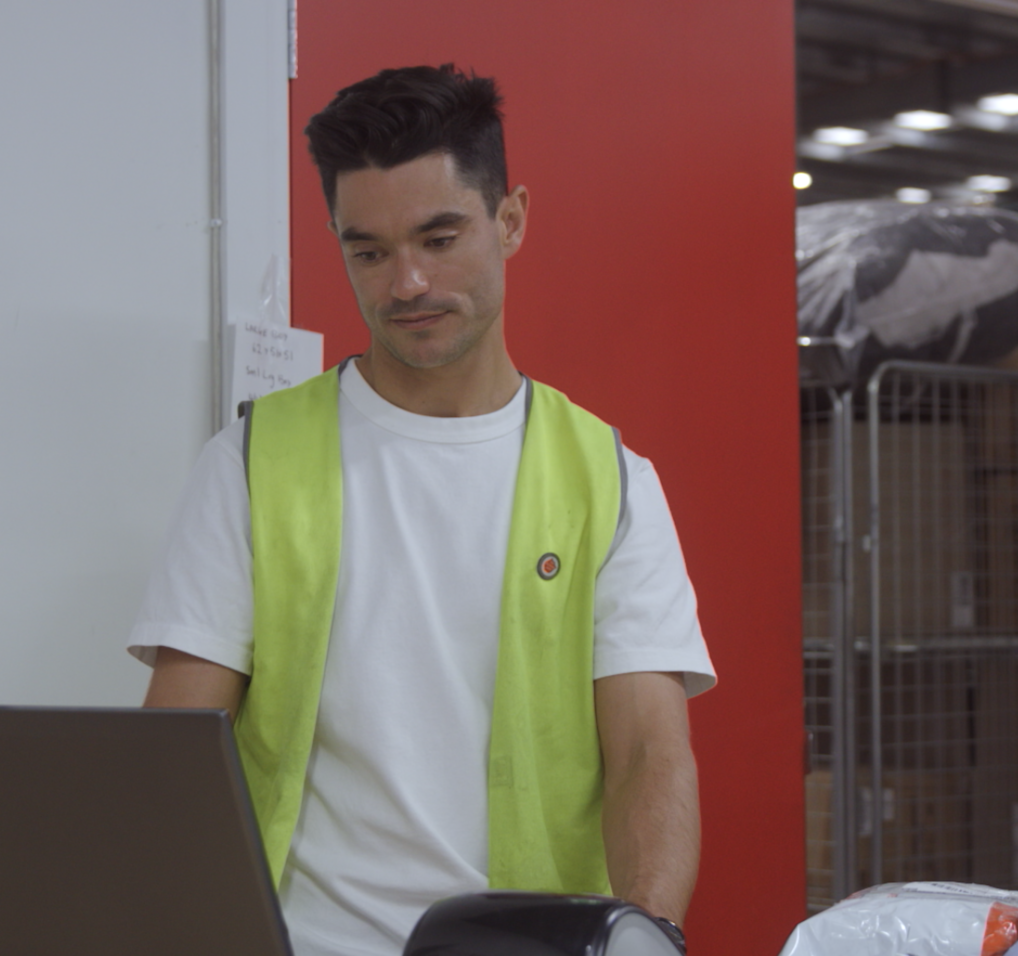
ELK The Label, a Melbourne-based sustainable fashion brand, was growing fast but held back by manual fulfilment. By centralising operations in ShipStation, the team cut order processing time by up to 70%, reduced picking errors by 98% and grew customer retention by 30%.
Read the Customer Story
The conclusion is clear: AI is already influencing demand, competition, and delivery performance—and retailers that fail to adapt risk being excluded from AI-led shopping journeys altogether.
Get the ReportWe're ready to answer any questions you may have about ShipStation API.
Get in Touch
Learn how to print labels in batches for multi carrier shipping, save time, and streamline fulfillment with ShipStation.
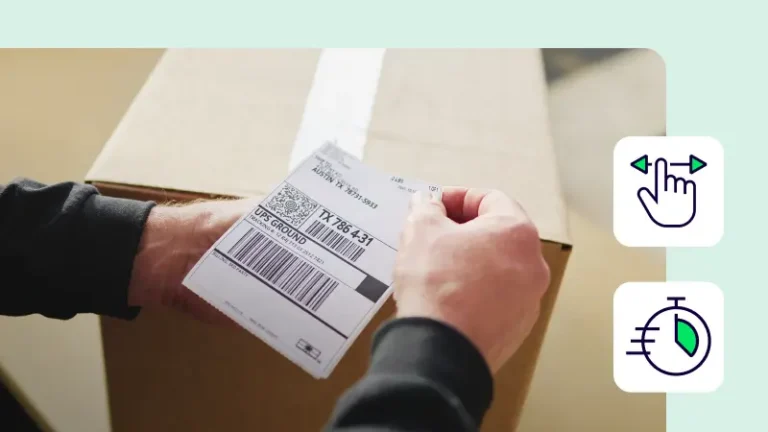
Printing labels in batches cuts repeat clicks and helps get multiple orders shipped faster. With ShipStation, you can pull Shopify and eBay orders into one queue, compare UPS®, USPS®, FedEx®, and DHL Express rates, and print shipping labels for many shipments at once. This guide covers batch print steps, service choices, insurance, returns, and international orders.
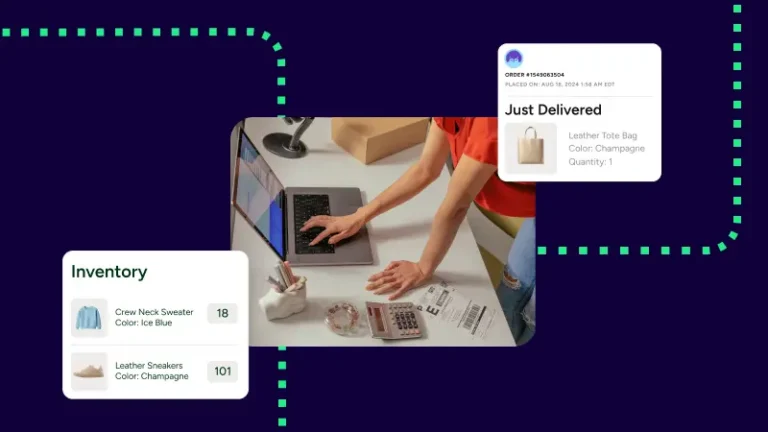
Batch print works best when every order sits in one place. In the ShipStation platform, you select multiple orders, review rates, choose a service, and generate each shipping label in one flow. That means less order time lost to tabs, copy-paste, and manual printing labels.
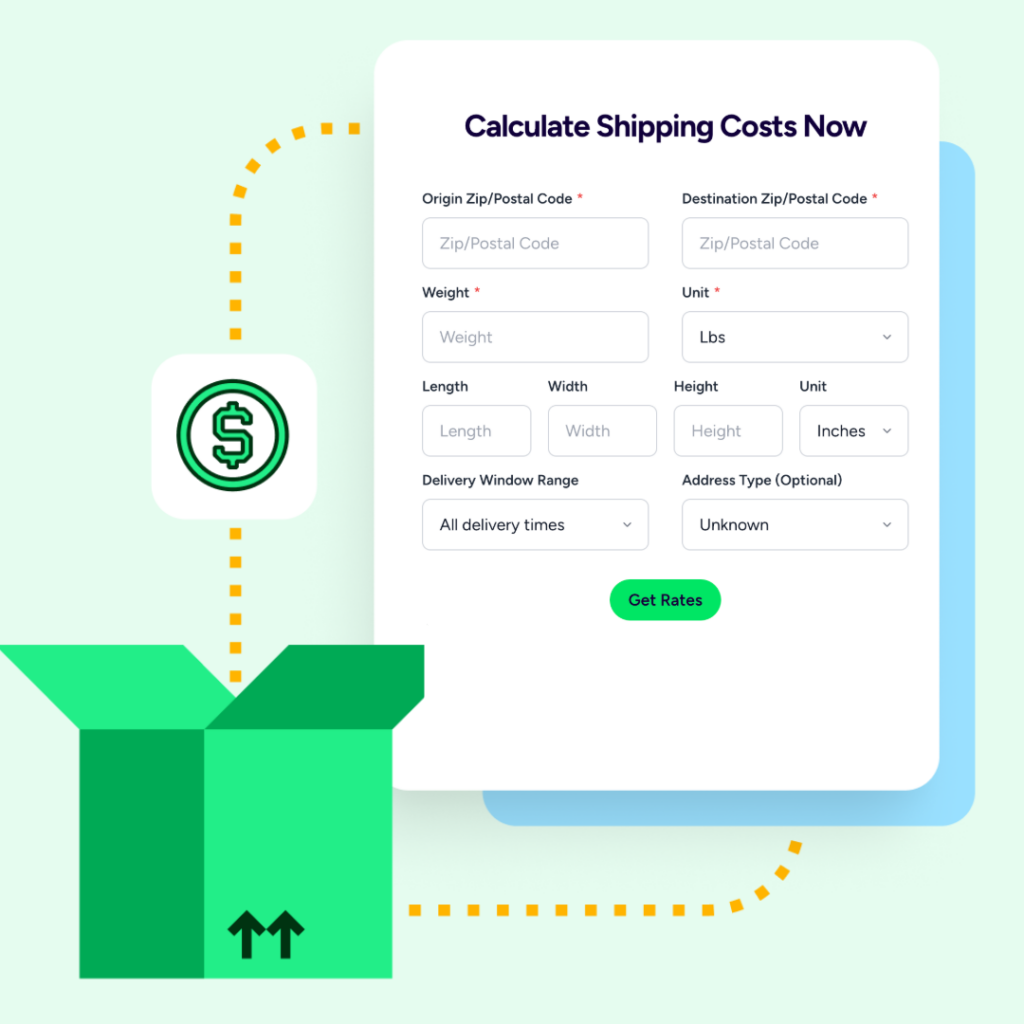
Batch printing helps most during daily rushes, marketplace spikes, and global sales. You can group multiple orders, print faster, and keep orders shipped on time. If you need rate checks first, use the shipping calculator view to compare discounted options before you print.
It also helps with more complex work. You can generate labels for international shipments, send returns labels, and keep insurance tied to the right order. If you’re ready to test it, create an account and see how one queue speeds up printing.
Without ShipStation’s batch tools and Automation Rules, our team would spend hours each day manually configuring individual shipments. During peak season when we might process 10,000+ orders in a day, that would be physically impossible with our current team size.
Print labels in batches when speed and control both matter. You get one queue, clear rates, fewer clicks, and faster output for everyday order volume. Start a free trial, create an account, or contact us to see how our platform helps you print shipping labels with less manual work.