Back
Back







































 Shipping Basics


To migrate from Stamps.com to ShipStation, connect your existing Stamps.com® account inside ShipStation, then bring your stores, shipping labels, and rules into one workflow. This is especially useful because shipping orders get harder as volume grows. This guide shows the setup steps, how postage and USPS® access work, and how to keep tracking, rates, and daily shipments moving without extra manual work.
The fastest path is simple: create your ShipStation account, connect your Stamps account, then test one label before you move full volume. For most sellers, that means less time spent switching tabs and more control in one online dashboard.
Use these steps:
You’ll need a US-based account and your Stamps credentials. If you already purchased ShipStation, setup can move quickly. Once the integration is live, your postage provider stays connected while your team gains broader shipping options.
You can continue using your Stamps account to generate USPS labels in ShipStation. That means you can create domestic and international shipping labels, manage funds, and keep work moving from one place instead of bouncing between accounts.
A few details matter: your Stamps balance must stay positive before you buy labels. You can add funds inside ShipStation, either manually or with auto-funding. Take one clear action here: only enable auto-funding in one place. If it runs in both systems, funds can be added twice.
If you use USPS negotiated rates, you may also need to link your USPS Business Account and Enterprise Payment Account so those rates continue to apply. That setup preserves access to the rates you expect to receive.
We were losing about an hour and a half each day,
After your carrier account is linked, connect the stores that drive your daily volume. The ShipStation platform pulls orders from channels such as Shopify, Amazon, eBay, Etsy, and WooCommerce into a single queue, so you can manage shipments without switching tabs.
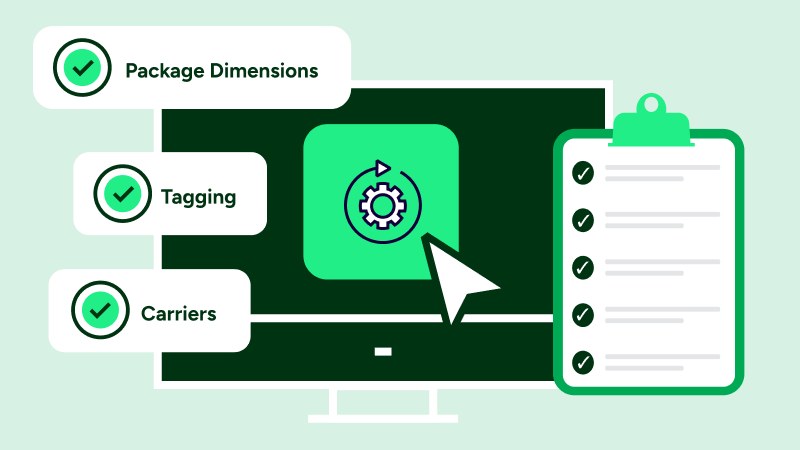
Set up these basics next:
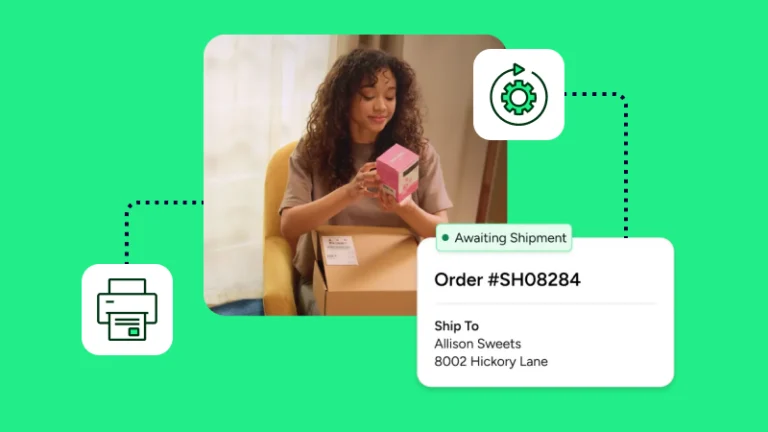
This is where the better workflow shows up. You can batch print shipping labels, compare shipping rates, and push tracking back to each sales channel. If your commerce stack includes more than one store, centralizing those accounts gives you clearer visibility, better support for growth, and fewer manual steps per order.
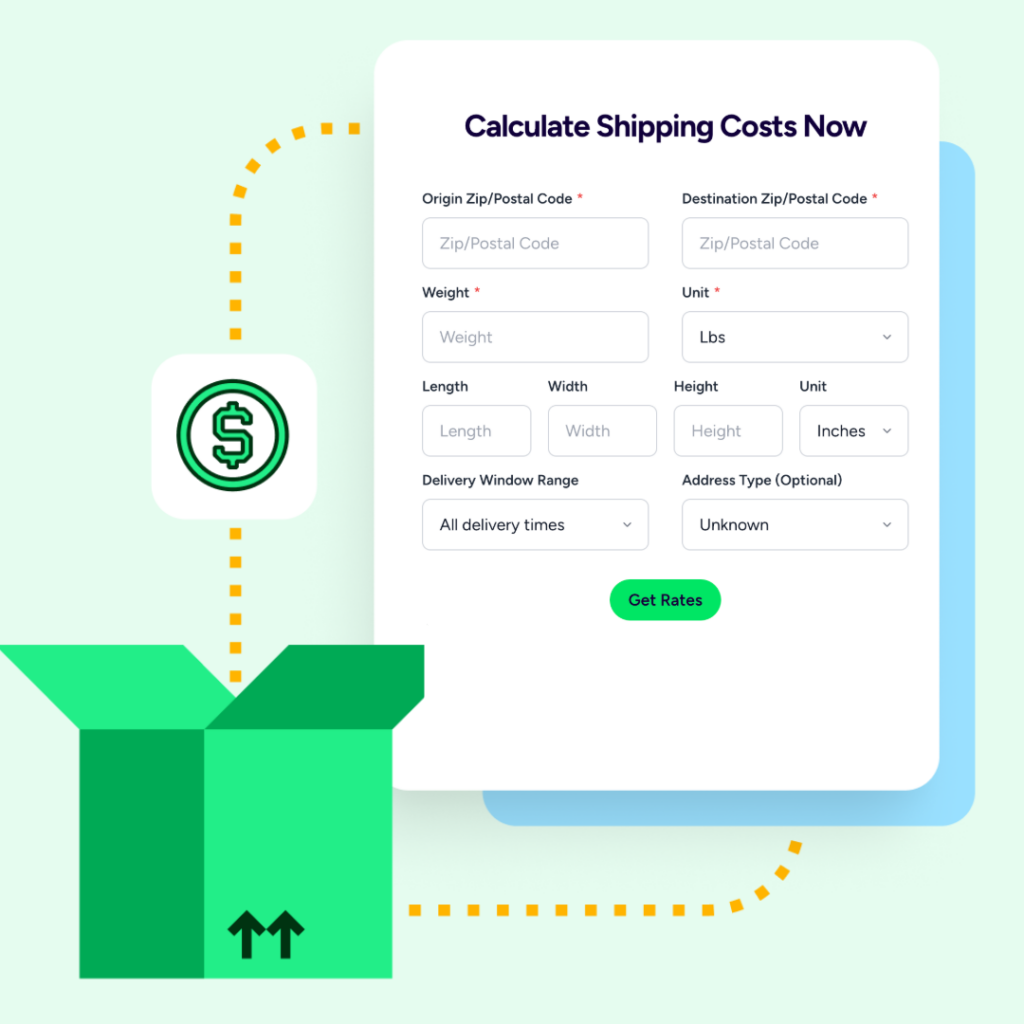
For many sellers, the advantage is range. Stamps is strong for USPS postage, but ShipStation gives you one place to compare UPS®, USPS®, FedEx®, and DHL Express shipping rates, connect store accounts, and manage more shipping services as your business expands.
That broader view can lower shipping costs on some shipments because you can rate-shop instead of defaulting to one carrier. It also helps when your needs change. You may start with label printing, then add automation, returns, inventory tools, or multi-location shipping later.
The real decision is not about acquisition history. It’s about fit. If you want one dashboard for labels, tracking, carrier access, and ecommerce solutions for commerce growth, ShipStation gives you more room to expand while keeping your Stamps account in the mix.
Migrating does not need to disrupt daily shipping. Connect your Stamps account, bring stores into ShipStation, confirm your USPS setup, and build a few rules so new orders flow cleanly. From there, our platform helps you create labels faster, compare rates, and keep tracking organized. Start a free trial to see how the move works in your own account.