Back









































 Feature Spotlight


Say a customer orders a standing desk, a monitor arm, and a cable kit, and it all ships in two boxes. Which items go in which box? Someone on your team has to decide, usually at the packing bench, and usually without a good way to write it down.
Then come the estimated weights, a rate based on a guess, and a carrier invoice a few weeks later with an adjustment you didn’t expect.
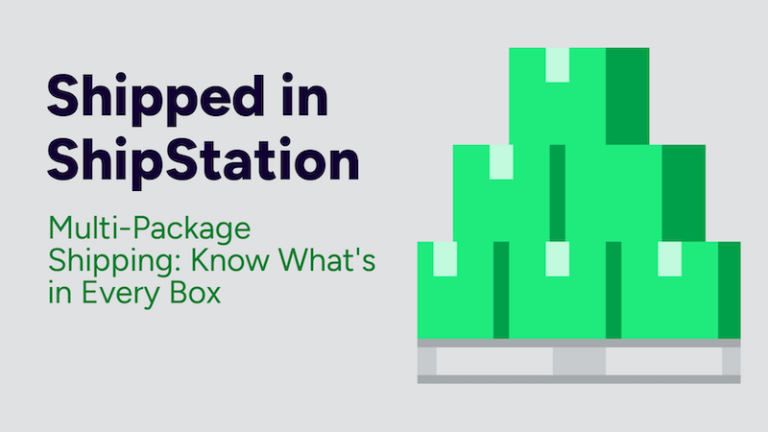
ShipStation’s Multi-Package Shipping is built for exactly this. You plan each box before anyone starts packing, and ShipStation uses those details to create the labels.
Most shipping tools assume one order means one box. Plenty of orders don’t work that way. Furniture ships in pieces, bundles pull from different product lines, and sometimes a big order just won’t fit in one carton.
When your shipping software can’t handle that well, the work ends up somewhere else. Many merchants send multi-box shipments straight to the carrier, which means giving up the order records, automation, and single view of their orders they use for everything else.
Even if you keep the order in your shipping software, it’s hard to see what’s going in each box. Someone decides at the bench and types in the weights and dimensions by hand. If those numbers don’t match what the carrier measures, you find out later through wrong rates and billing adjustments. Meanwhile, the packing line slows down every time a multi-box order comes through.
One or two of these a week is no big deal. Dozens a week is a real problem, especially if you’re trying to handle more orders without hiring more people.
Multi-Package Shipping lets you set up a multi-box shipment step by step, right inside ShipStation. Open an order and use the multi-package drawer to create each package, enter its weight and dimensions, and choose which items go in it. You decide what goes in each box, and ShipStation keeps it all together on the order.
When you’re ready, you create the labels for each package from the same place. You don’t have to re-enter anything on the carrier’s website, and the shipment is set up the way carriers require for multi-piece shipments, using the weights and dimensions you entered instead of estimates.
We also updated the order details page and the shipment modal, so multi-box orders show up in the same places you already work. They don’t need their own separate process.
The short version: create the packages, enter the weights and dimensions, assign items if you want to, and create the labels.
When each package has its own weight and dimensions, the rate you see is based on what you’re actually shipping. That means less second-guessing before you ship, and it helps you avoid carrier billing adjustments afterward.
Multi-box orders stay in ShipStation with everything else, so your team doesn’t have to leave to finish them. That means far less re-typing and more time for the parts of your business that need you.
When you assign items ahead of time, your team has a clear record of what belongs in each box. Less guessing and double-checking helps orders get out the door faster.
Multi-box orders are no longer the ones that need special handling. As they become a bigger part of your volume, you can keep up without adding people to the packing line.
Say you run an online store that sells home office furniture. A customer orders a desk frame, a desktop, and a cable kit, and you’ll ship them in two boxes.
Without Multi-Package Shipping, someone determines which items go where, estimates the weights, and builds the shipment manually on the carrier’s website. The person packing the order goes from memory. If the numbers are off, the carrier catches it and bills you for the difference.
With it, you open the order in ShipStation and open the multi-package drawer. You create two packages, enter the weight and dimensions for each, and put the desk frame in the first and the desktop and cable kit in the second. Then you create labels for both packages. The item assignments are saved with the order, so the plan is there when your team needs it.
It’s the same order with fewer steps and a lot less guessing, and you never have to leave ShipStation to ship it.
If multi-box orders are eating up your team’s time, Multi-Package Shipping is worth a look. It takes the guesswork out of packing and rating, and keeps the whole job in ShipStation.
Ready to see it for yourself? Get started with a free trial of ShipStation!