
































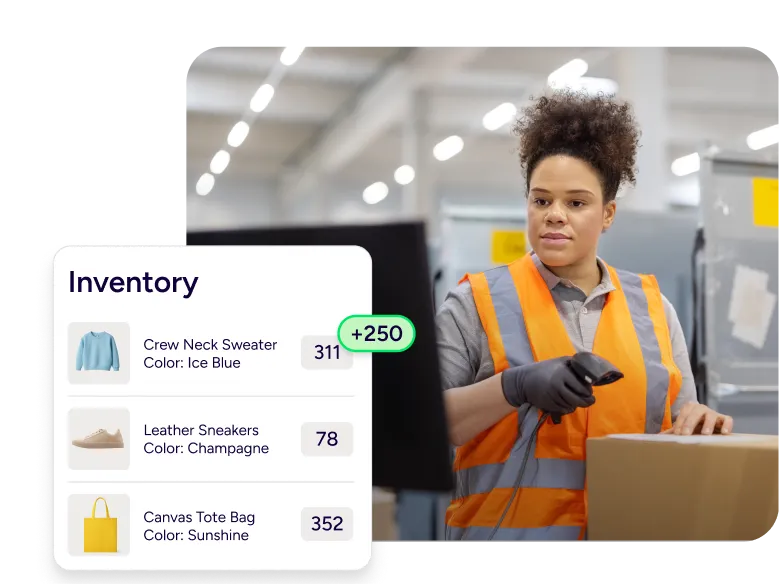

Cloud based inventory management software built for shipping and fulfillment

With cloud based inventory management software inside ShipStation, you can see stock levels, commit inventory to open orders, and ship without guessing. You’ll work in one place, pull orders across sales channels, and act in real time from anywhere. Rate shop across UPS®, USPS®, FedEx®, and DHL Express, then push tracking back fast so your customer gets updates without extra steps.

Protect stock, orders, and the customer experience

Run daily operations with fewer tabs and fewer surprises. Keep inventory counts current, route each order with rules, and keep your warehouse team focused. You get clearer data, faster shipping, and better service.

Manage cloud based inventory anywhere, in real time

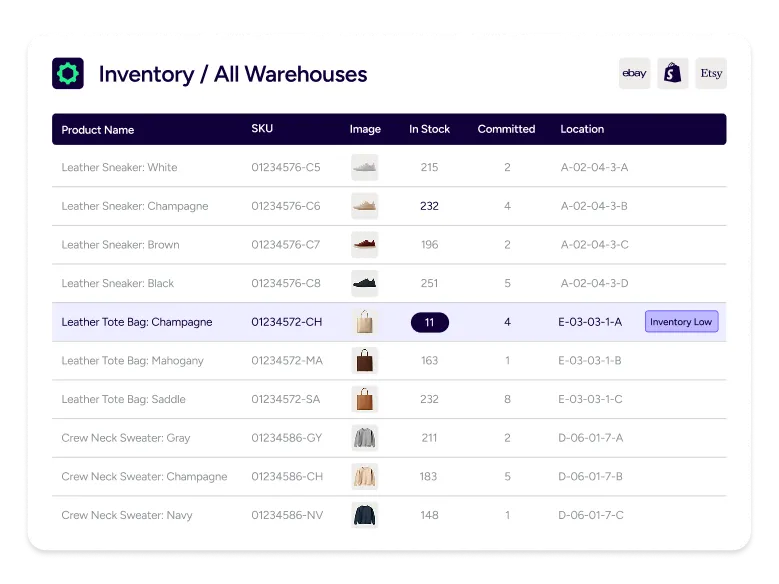
When inventory changes, you need to see it now, not tomorrow. Our platform keeps inventory visibility close to the shipping queue, so you can act fast from your desk, your warehouse, or your phone. Check stock levels, confirm what’s committed to open orders, and keep work moving even when you’re off site. This is cloud computing that fits real fulfillment work.

Keep one stock count across sales channels

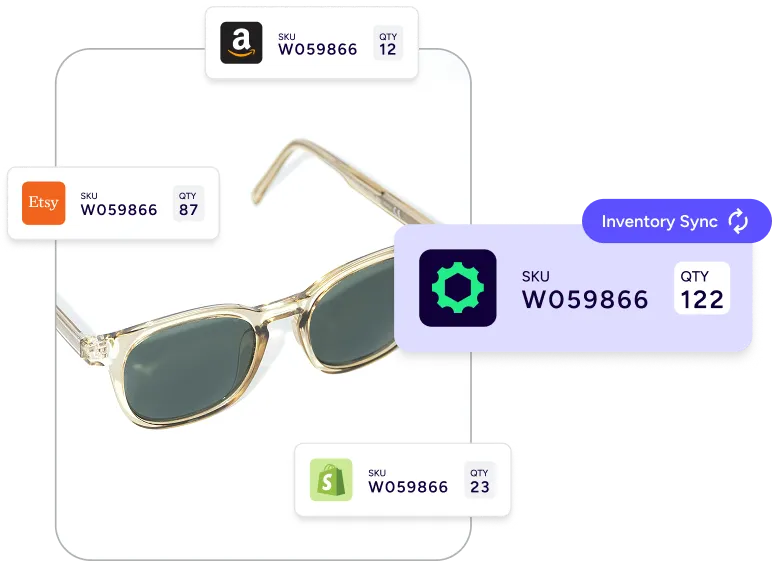
Multi-channel selling breaks inventory when each store lives on its own island. Bring orders into one queue, then sync the count so the same unit doesn’t sell twice. Connect Shopify, Amazon, eBay, Etsy, Walmart, WooCommerce, and BigCommerce, then track what’s available as you ship. Your customer gets fewer backorder emails, and you keep more sales you already earned.

Scale warehouse operations without extra headcount

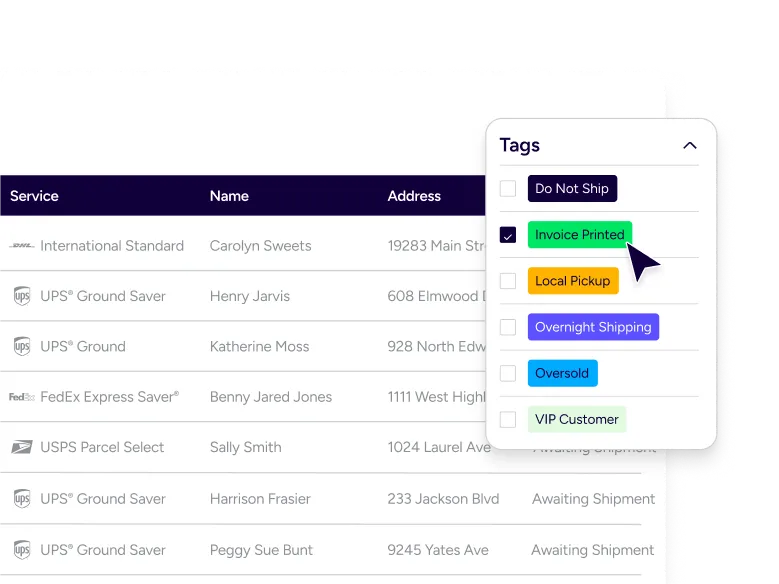
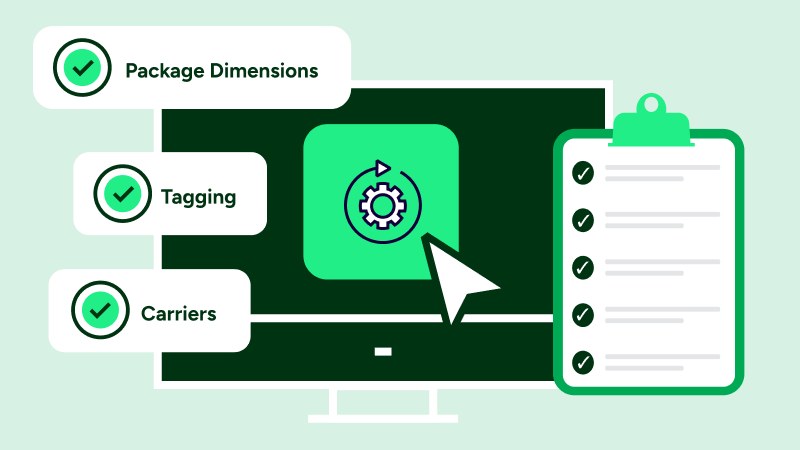
Growth is great until the manual steps stack up. Use automation rules to tag orders, pick services, and apply presets, so your team doesn’t retype the same information all day. Pair that with batch label printing and a clearer pick-pack rhythm. You get consistent service, fewer missed steps, and inventory management software that still feels simple.

Manage inventory, warehouse work, and shipping in one place

You shouldn’t need separate tools just to track inventory, create labels, and send tracking. We keep inventory management systems practical: sync counts, trigger reorder work, scan in the warehouse, and keep customer updates tied to each order.

Keep inventory levels consistent across channels

Inventory Sync helps you keep stock levels aligned across the stores you sell on. As orders flow in and labels get created, counts can update so your team trusts what they see. This is where cloud based inventory management software earns its keep: one view, fewer manual edits, and fewer oversells. You can also set buffer stock logic so you don’t promise the last unit when you know returns, damage, or promos can swing demand.

Use Reorder thresholds and Reorder Assist forecasting in your supply chain

Reorder Assist uses your order history to guide smarter replenishment. Instead of guessing, you can use shipping and sales data to plan what to order next, and when. You can tune assumptions like buffer stock, sales trends, and lead time so the forecast matches your business. With lookback coverage up to 2 years, you can factor seasonality into purchasing and keep your supply chain steadier.

Use barcode scanning workflows that match real warehouse work

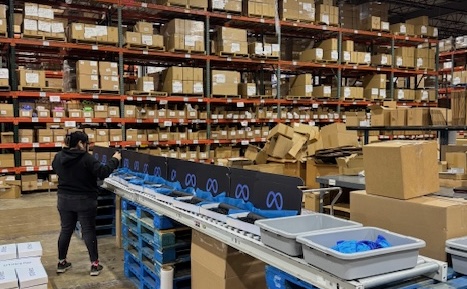
Scan, confirm, ship — that’s the rhythm most warehouse teams already work in, and ShipStation fits into it without adding steps. Barcode-driven receiving and put-away checks cut down on mispicks, and because the right item ships the first time, tracking stays clean all the way from the pack station to carrier handoff. For anything expiry-sensitive, you can layer in FIFO lot tracking where it actually matters rather than everywhere at once.

Learn more https://help.shipstation.com/hc/en-us/articles/360026157731-Track-Shipments?utm_source=chatgpt.com

Save time with order management and automation rules

Inventory and shipping collide at the order level. Pull each order into one place, then use automation rules to apply tags, set service, and route work without constant hand edits. You can split Amazon FBA and Amazon FBM orders by rule, so each fulfillment path stays clean. When it’s time to ship, batch label printing keeps momentum. Click print, and you can print 200 labels in one run.

Connect inventory management systems with the ShipStation API and proven partners

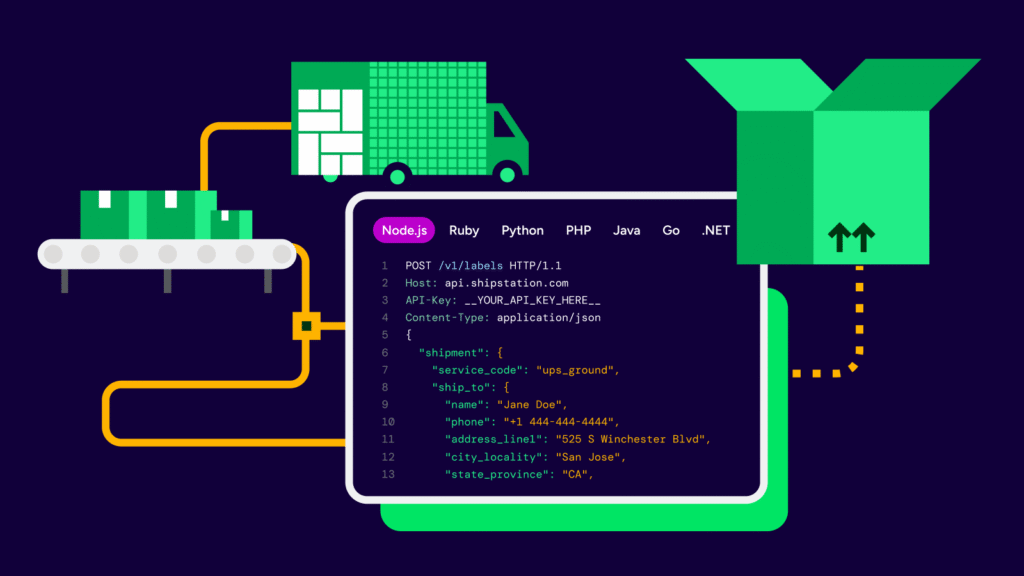
Some teams keep inventory in a dedicated WMS or ERP, then connect shipping on top. That’s fine. We connect you to external inventory management systems through the ShipStation API, including REST API workflows used by partners. For example, SkuVault can pull orders and enable inventory counts to display in ShipStation (when enabled), and it can add bin locations to packing slips.Extensive Warehouse Management can connect with ShipStation and send pick and pack updates into custom fields for easier warehouse tracking.

Make delivery updates and returns feel like part of your brand

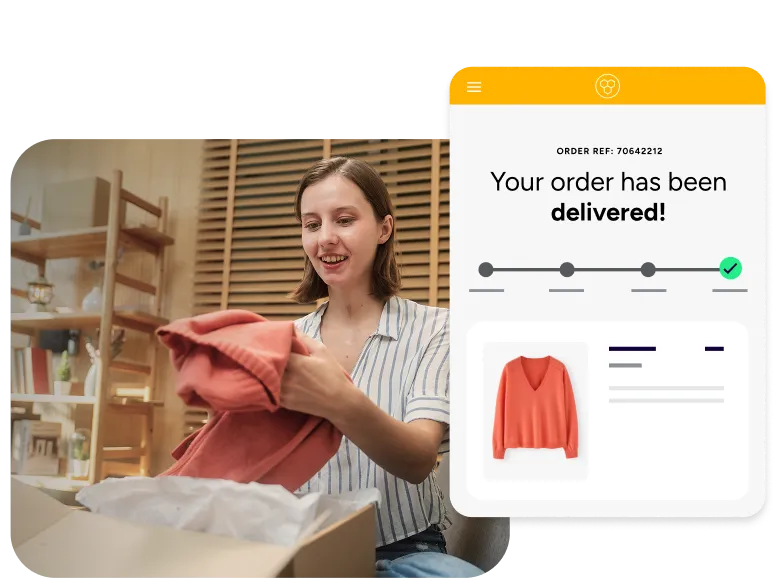
Shipping doesn’t end when the label prints. Tie inventory, order status, and tracking together so your customer sees clear updates. Use branded tracking pages and notifications so shoppers don’t have to dig through carrier pages to find information. Returns matter, too. Email pre-paid return labels in one click and track returned items back to the warehouse, so your counts recover faster and your service stays consistent.

Cloud based inventory management software FAQs for ecommerce and warehouse teams

Overselling usually starts when inventory numbers stop matching across stores. Maybe something sold on Shopify but the quantity didn’t update yet on Amazon or eBay. ShipStation’s Inventory Sync helps keep those counts more consistent as orders come in. Some teams also keep a small buffer stock in place during busy periods so they aren’t accidentally selling the very last unit right before inventory changes again.
Yes. Once your store or inventory system is connected, you can view inventory counts inside ShipStation while working through orders and shipments. Some businesses keep inventory directly in ShipStation, while others connect a separate inventory platform and mainly use ShipStation for shipping. Either setup can save teams from bouncing between tabs all day just to double-check what’s actually in stock.
Yes. Barcode scanning can help warehouse teams keep picking, packing, and receiving work more organized as order volume grows. Scanning items during fulfillment also helps catch mistakes before the wrong product ships out. For businesses that track inventory by lot number or expiration date, FIFO workflows can help move older inventory first instead of letting products sit too long on the shelf.
Some businesses use ShipStation on its own for shipping and inventory management, while others connect it to a dedicated warehouse management system. It depends on how complex the operation is. If your company already uses a larger platform or ERP, ShipStation can usually fit alongside it rather than replacing everything you already have in place.
A lot of scaling comes down to reducing repetitive work. Teams usually start by automating small tasks like service selection or shipping presets, then add batch workflows and more structured warehouse processes as volume increases. The goal is less manual sorting, fewer fulfillment mistakes, and a workflow that doesn’t completely fall apart during busy periods.
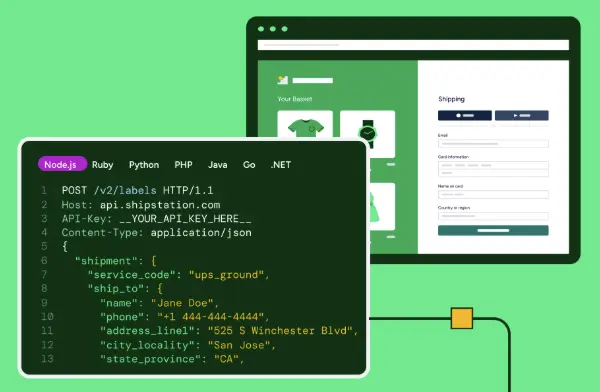
The ShipStation API allows outside inventory systems, warehouse tools, and ecommerce platforms to exchange order and shipment data with ShipStation automatically. Different businesses use it in different ways. Some push orders into ShipStation for fulfillment, while others send shipment and tracking information back into their main system once labels are created. API credentials are managed inside account settings so access stays controlled.
Most modern websites use cookies to help things function normally, like keeping users signed in or remembering settings between visits. If you look through browser tools, you may see technical labels tied to analytics, sessions, or site preferences.Those terms are usually related to how the website functions and tracks activity, not to your actual inventory data. You can always accept or reject cookies.