Back
Back




































Order Boxes That Keep Fulfillment Fast With ShipStation
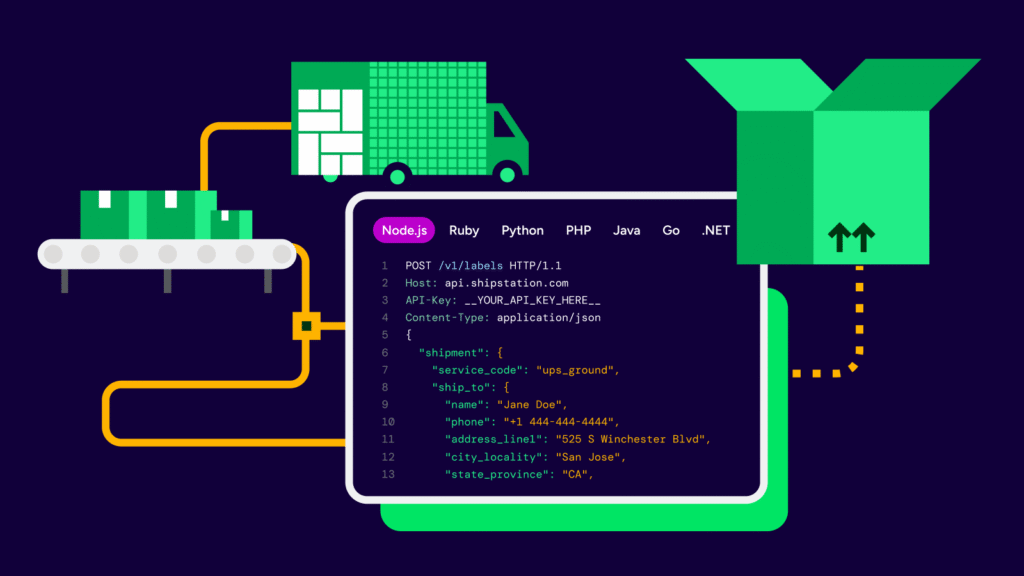
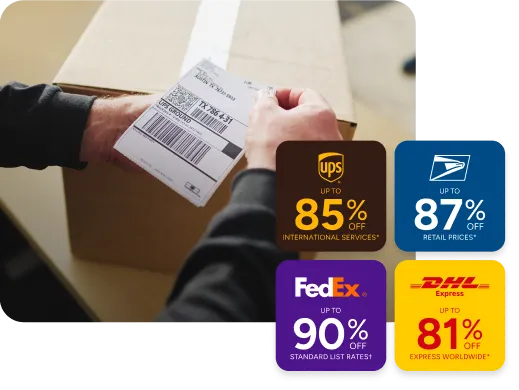
Order boxes aren’t just packaging. They’re a cost lever and a speed lever. With ShipStation, you can import orders, choose the right service, and print labels in batches while you pack. Compare rates across USPS®, UPS®, FedEx®, DHL Express, and GlobalPostTM for every boxed shipment, then send branded tracking that looks like your store.
Connected to the platforms that power your business


What are order boxes for ecommerce shipping?
They’re the last touchpoint before delivery. The right boxes protect products, reduce damage, and help you hit delivery promises. ShipStation brings your orders, carriers, labels, and tracking into one simple workflow.

Cut wasted time at the packing table
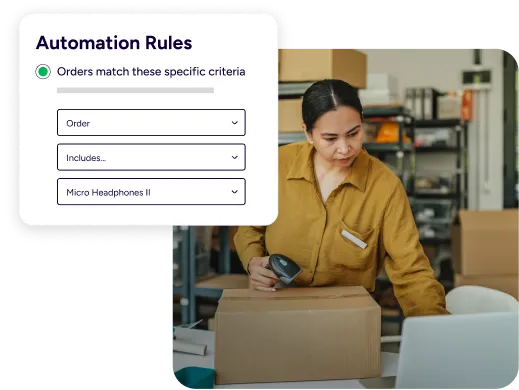
When orders live in one dashboard, packing gets easier. Pull orders from your online store plus marketplaces, then use filters, tags, and batch tools to keep work moving. This helps teams handle order boxes for ecommerce fulfillment operations without bouncing between tabs, carrier sites, and spreadsheets.

Spend less on every box you ship
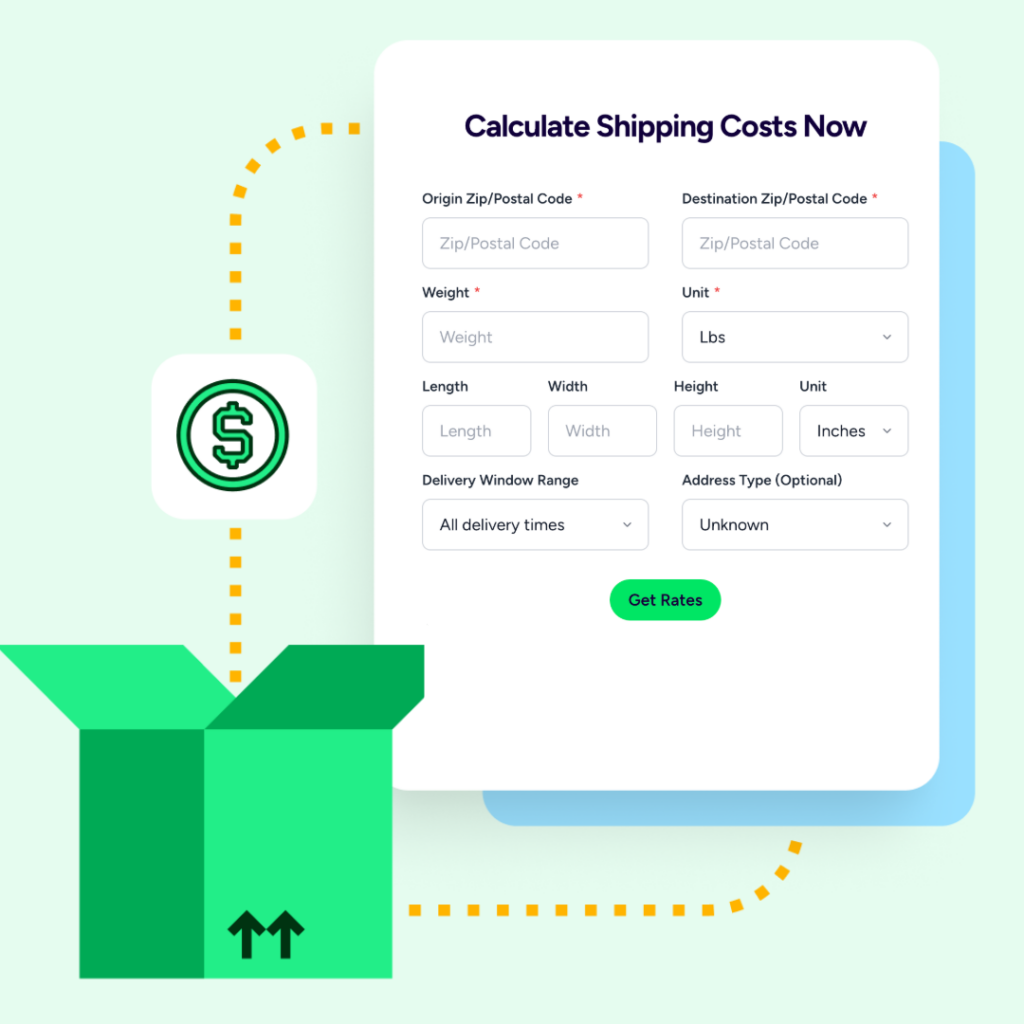
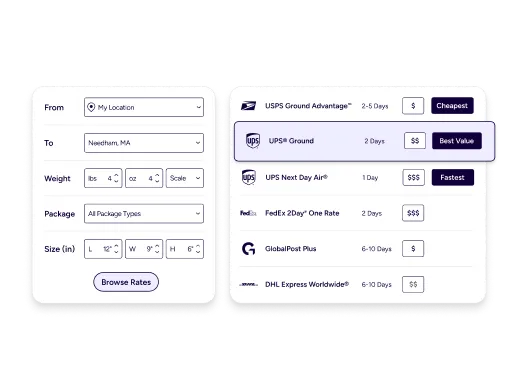
Box choices affect billable weight and surcharges. ShipStation helps you compare options fast so you don’t overpay out of habit. You can compare carrier rates for boxed shipments in the same screen where you buy labels, so cost checks happen at ship time, not after margins shrink.

Keep customers confident after checkout
Your customer sees the box, then the tracking. Make both feel on brand. ShipStation branded tracking pages and notifications reduce “Where is it?” questions and keep your logo front and center. Add returns and exchanges so customers can self-serve when a size, shade, or part isn’t right.
Order box shipping results that keep every package moving
We’ve helped 130,000+ businesses ship products in the right order boxes while saving on carrier rates and automating fulfillment workflows. Let us take the friction out of packing and shipping yours, too.


4.9 rating 67 reviews

4.6 rating 897 reviews

4.3 rating 531 reviews
Streamline box shipping workflows with ShipStation
Types of shipping boxes for order fulfillment
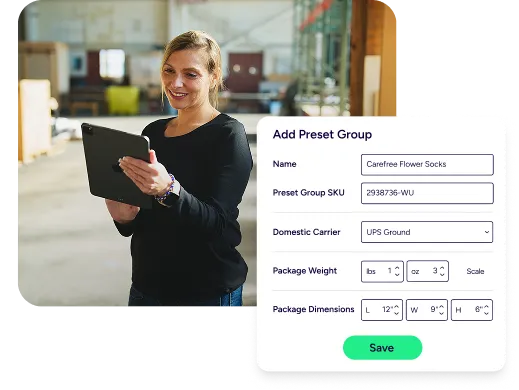
Not every order needs the same container. ShipStation supports the day-to-day reality of ecommerce shipping boxes for product packaging, whether you use poly mailers, rigid cartons, or inserts for fragile items. Save package presets for common SKUs, then apply them in seconds. Your team packs with fewer guesses, and you get cleaner data for future decisions.
Optimize box shipping costs with carrier comparisons
Rates change by zone, service, and dimensions. Dimensional weight can turn a “cheap” box into an expensive shipment. ShipStation gives you multi-carrier rate comparison so you can pick the best fit for each order, including your own negotiated rates. You can also automate choices with rules, so speed and savings show up together, not as a tradeoff.
Automations that match how you ship
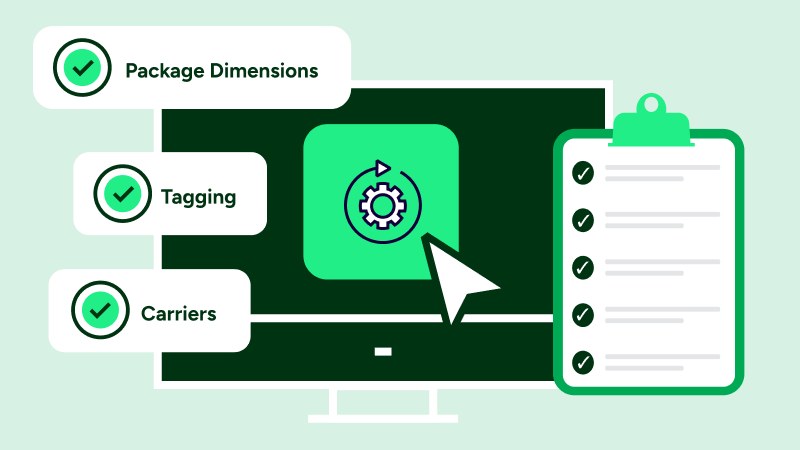
Busy days need guardrails. Use automation rules to set carrier, service, and package details based on order tags, item traits, or shipping methods. That’s how you automate order box shipping labels with ShipStation and keep work consistent across staff and shifts. Add batch label printing, scan-to-ship, and a mobile app for quick fixes on the floor.