
































Centralize fulfillment with over 200 shipping integrations
Shipping integrations should simplify operations, not add complexity. ShipStation pulls orders from your stores and marketplaces, lets you rate shop, print labels in batches, and trigger automations—all in one dashboard. Connect carriers, channels, and key apps, then manage orders, automate decisions, track performance, and handle returns in one unified workflow.
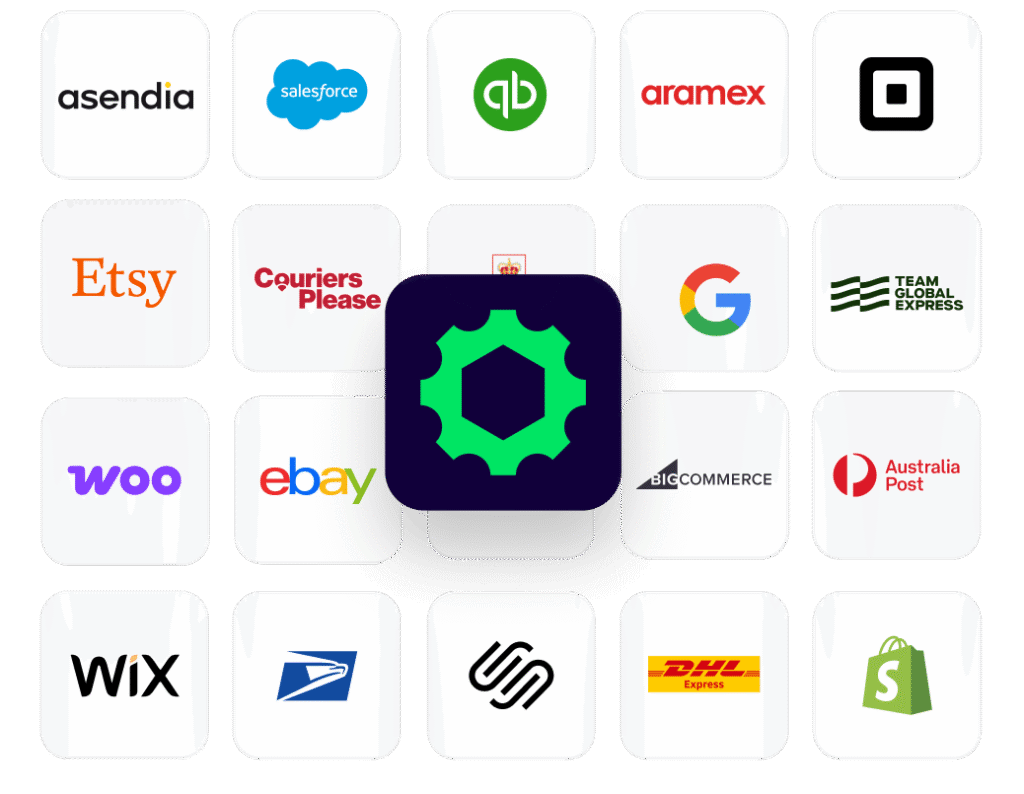
Connected to the platforms that power your business
All your shipping integrations, working together
From order import to label creation, tracking, and returns, everything flows through one system. You get one place to manage orders, shop rates, automate decisions, and share clean shipping data with the rest of your stack, whether you’re shipping 50 orders a week or 15,000+ a day.
Shipping integrations that connect your entire fulfillment stack
We’ve helped 130,000+ businesses centralize fulfillment across 200+ carriers, marketplaces, and ecommerce platforms. Let us connect yours, too.
Shipping software integrations explained
Ecommerce platform shipping integrations
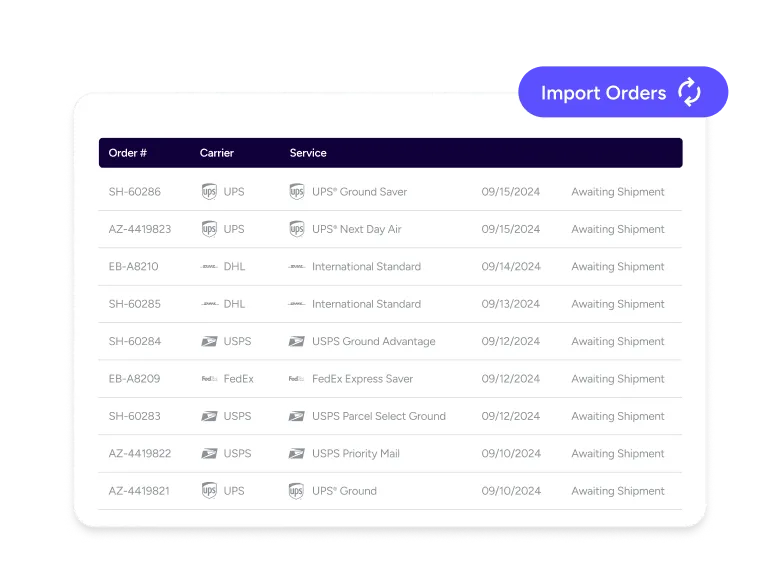
ShipStation supports 200+ store and marketplace integrations, giving you one of the broadest connection networks in shipping. Plug into the platforms you already sell on— including Shopify, BigCommerce, and WooCommerce— or explore the full directory.Orders flow into ShipStation automatically, no manual entry required. Multichannel syncing standardizes order details, tags, and statuses across every channel, so your team can follow one consistent shipping process—no matter where the order originated.
Marketplace integrations for order syncing
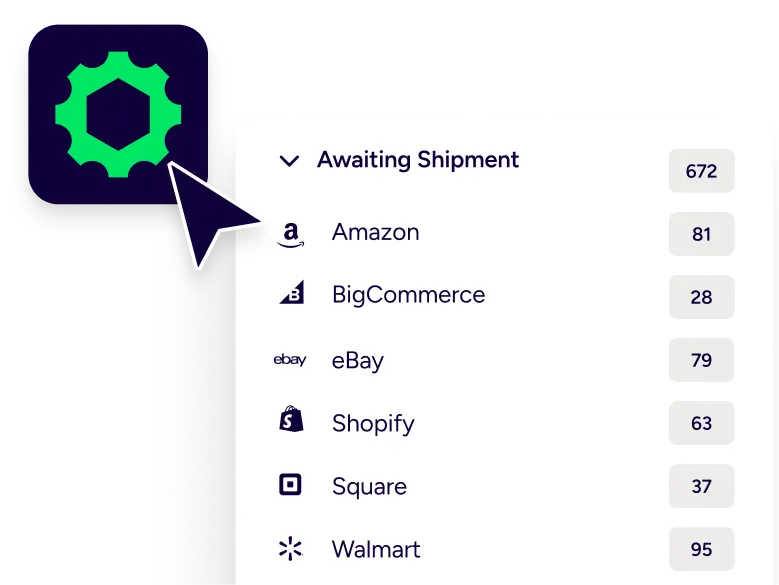
Marketplaces move fast. Your shipping has to keep up. With marketplace integrations for order syncing, ShipStation can auto-import orders from places like Amazon, eBay, Etsy, and Walmart, then push shipment updates back. This makes it easier to connect marketplaces to shipping platform workflows and keep SLAs on track. It also helps when you split shipments, route certain SKUs, or ship from multiple locations. Clean data in. Tracking out. Simple.
Carrier integrations for fulfillment automation
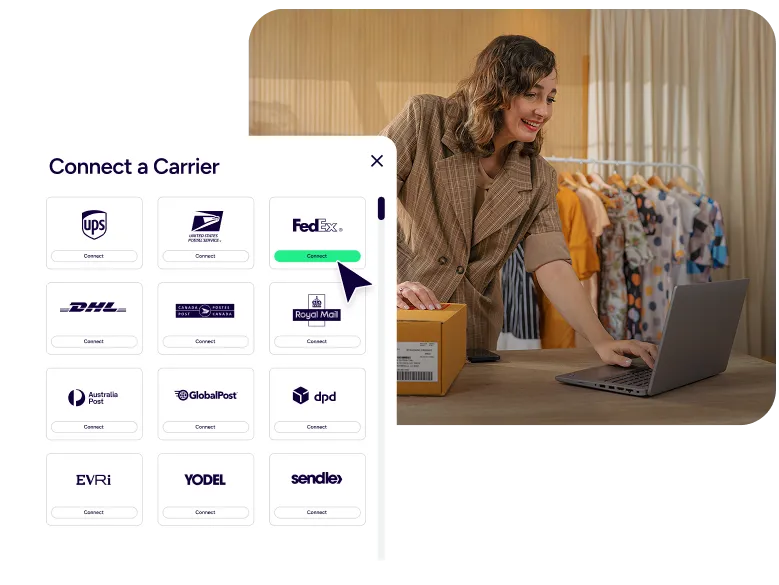
Access 200+ global carriers—4x more than Shippo, 13x more than Pirate Ship, and 3x more than Veeqo—so you’re never limited to a narrow rate mix. ShipStation connects you to major carriers like USPS, UPS, FedEx, and DHL Express, plus regional and international providers.Compare services side by side, use your own negotiated rates, or access ShipStation’s discounted options when they fit. Bring your existing accounts—including partners like eShipper—to support domestic and cross-border shipping without disrupting your workflow.
Testimonials
Hear From our Customers
Keep Growing: How Kyn You Believe It Turned Viral Moments and Big Dreams into a Thriving Business
How Green Gridiron Scaled from $1M to $10M+ with ShipStation
Centralize operations with connected tools
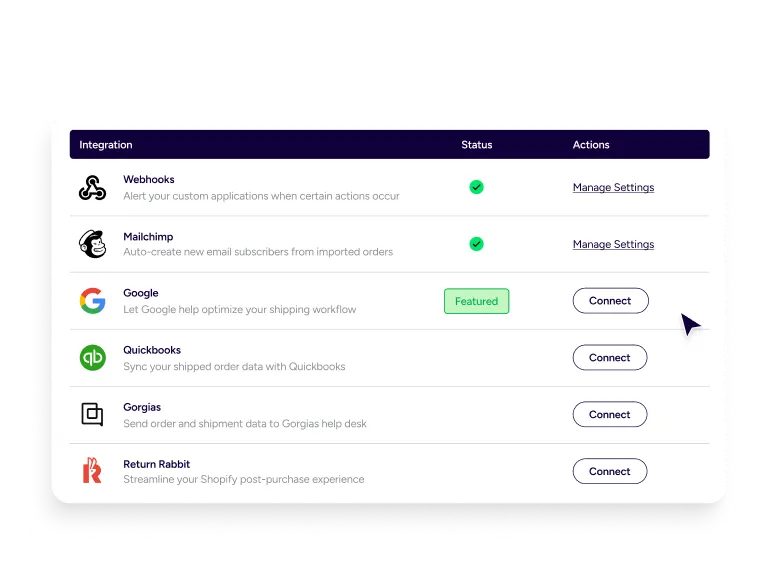
Integrations only matter if they reduce friction. ShipStation connects your ecosystem from order intake through delivery and returns. Built-in inventory tools reduce oversells and keep pick lists accurate. Branded tracking and notifications lower support tickets. A self-service returns portal streamlines exchanges and approvals, while analytics dashboards surface shipping costs and carrier performance trends. This is how integrations cut operational overhead — not add to it.
Shipping API integrations for scalability
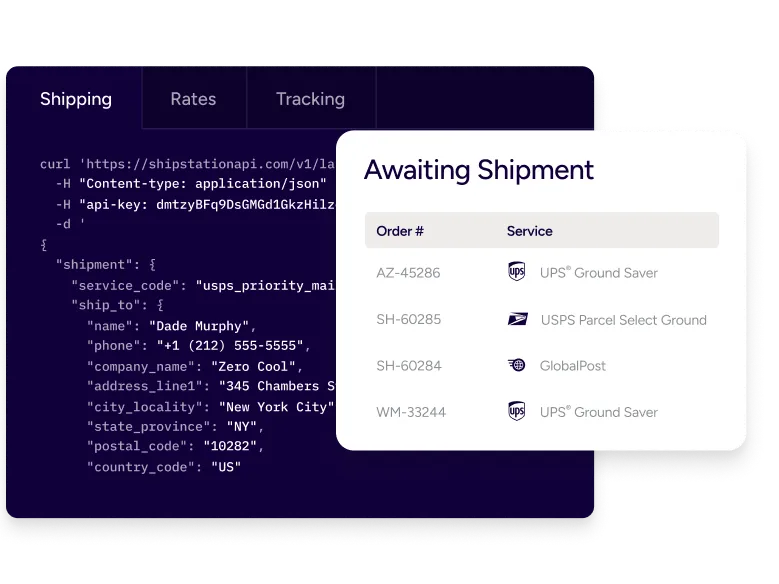
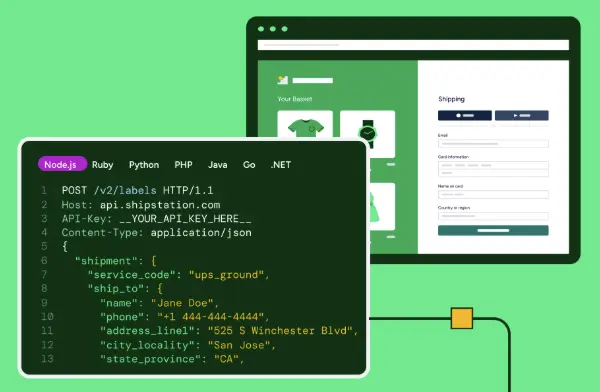
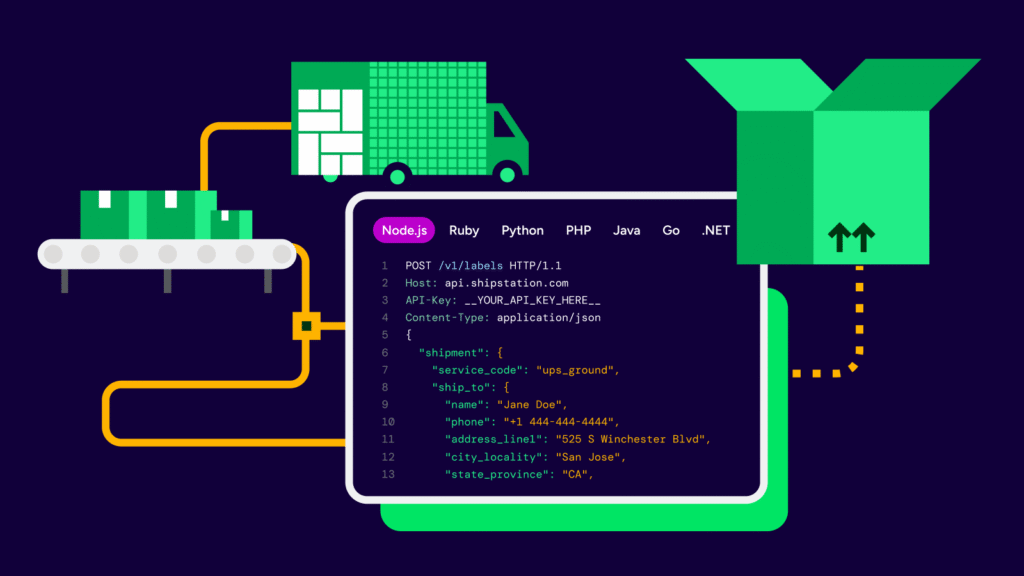
Some teams need out-of-the-box. Others need custom control. ShipStation’s APIs connect your ERP, WMS, and internal systems so your shipping logic stays consistent as you grow. Especially valuable for B2B, DTC, financial services fulfillment, and high-volume ecommerce operations, APIs let you pass shipment data to finance, trigger actions based on order tags, and extend automation across your stack—without breaking your workflow.
Integration flexibility for growing businesses
Growth introduces complexity. ShipStation keeps it manageable. As you add sales channels, fulfillment partners, or new carrier agreements, integrations plug into the same centralized system — not separate tools. Whether you’re expanding into 3PL support or connecting accounting platforms like Unify by Webgility, your shipping logic, reporting, and automation remain intact.
Shipping integrations FAQ
How do shipping integrations help reduce manual work?
They eliminate copy-paste steps between sales channels and carrier sites. ShipStation pulls orders in automatically and standardizes fields, which helps avoid address errors. You also get rules to automate common shipping choices.
Connect stores to shipping workflows without coding: is that possible?
Yes. Many store connections are turnkey, so you can connect stores to shipping workflows in a few guided steps. Once connected, orders can auto-import, and you can set defaults for service, package type, and notifications.
What does an enterprise shipping integrations strategy look like in ShipStation?
It starts with one dashboard for orders, labels, and tracking, then adds automation and reporting as volume grows. For larger teams, it can extend into API connections and tighter controls. That supports an enterprise shipping integrations strategy without forcing an enterprise-only toolset on day one.
Can I use ShipStation with my own carrier accounts?
Yes. ShipStation supports bring-your-own-carrier connections, plus access to discounted rate options. That combination helps you compare services and choose what fits each shipment.
Do these integrations help with returns and tracking too?
They do. ShipStation can send tracking back to your selling channels and power branded tracking pages and emails. You can also run a self-service returns portal that keeps customers informed and keeps your team in control.
How does ShipStation help unify shipping data across apps?
ShipStation acts as the hub, so labels, costs, and tracking live in one place. That makes it easier to share clean shipment data with accounting, support, and ops tools. In other words, you can unify shipping and order data workflows instead of chasing reports in five systems.
What do I do if an order in Shopify is refunded?
We strive to be there for wherever you sell and however you ship, so we’re always working towards having every selling channel solution ever. For the full list of our partners, check out this page.
Why after creating a label has ShipStation only updated the order with tracking information but not marked it as fulfilled?
We strive to be there for wherever you sell and however you ship, so we’re always working towards having every selling channel solution ever. For the full list of our partners, check out this page.
Why is my Shopify order not importing into ShipStation?
This occurs when we create a fulfillment update but we receive an error from Shopify stating that the fulfillment could not be created for one of the following reasons:
- The order is already fulfilled.
- One or more Shopify products in the order are set to use a fulfillment service.
- Your store is using Shopify’s inventory management features, but the Ship From Location used to create the shipping label was not linked to the correct Shopify inventory source, or the product is out of stock. See Shopify Inventory for more information.
We recommend seeing if you can update the order directly in Shopify as we will not be able to update the order as fulfilled.