Back
Back












































The WooCommerce shipping plugin built for faster fulfillment
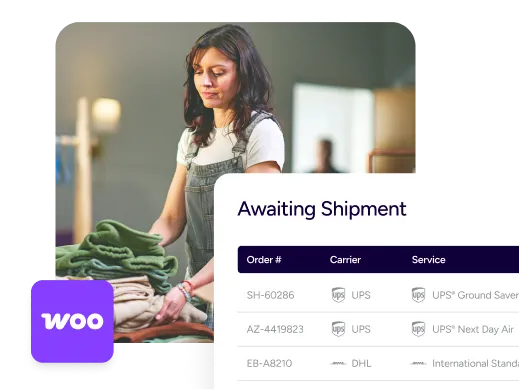
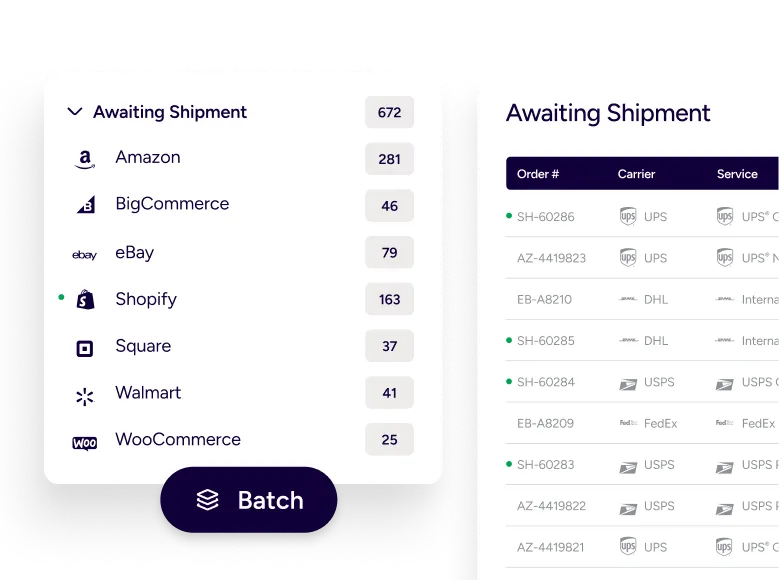
ShipStation gives WooCommerce merchants a simpler way to run shipping. Orders import automatically, services can be compared in one place, and labels print in batches—without jumping between carrier sites or extra tabs. Carriers, tracking, returns, and automation all live in the same workspace, helping teams move packages out faster while keeping customers in the loop.
Streamline fulfillment for growing WooCommerce businesses
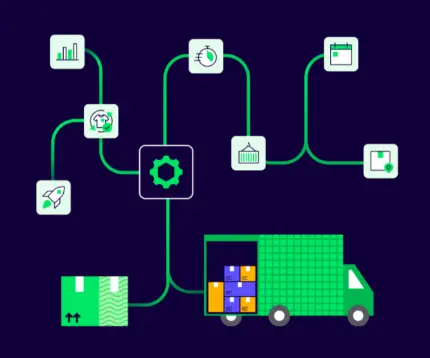
As order volume climbs, small manual tasks add up quickly. ShipStation connects your WooCommerce store to a single shipping hub that brings orders in, applies automation where it helps, and sends tracking updates back to the store.
Rated #1 by Industry Leaders






Manage WooCommerce shipping across multiple carriers
Connect your store and start shipping
Getting started doesn’t take long. Install the ShipStation Integration plugin for WooCommerce and link your store inside ShipStation. Orders import with shipping addresses, line items, and order notes already attached. After a label is created, the carrier, tracking number, and shipment status can update in WooCommerce automatically.
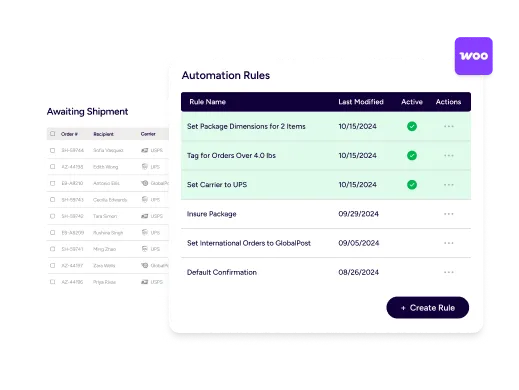
Automate order fulfillment workflows
Your best shipping process shouldn’t rely on memory. Automation rules let you route orders based on information already stored in WooCommerce—service selections, tags, notes, or mapped custom fields. That reduces repetitive work and makes onboarding new team members easier.
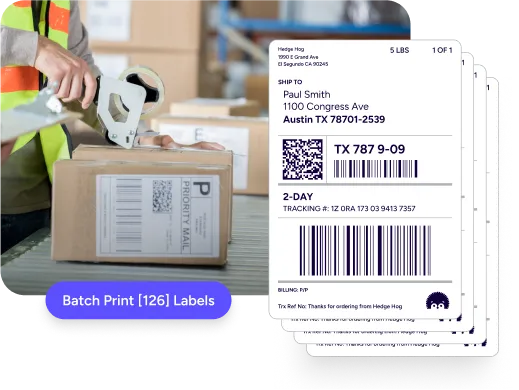
Easy label creation for every order
Labels can be created quickly and printed in batches. ShipStation allows presets for package type, label layout, and ship-from locations, while rules select the right service automatically. When packing lines speed up, scan-to-ship and batch printing help maintain the flow.
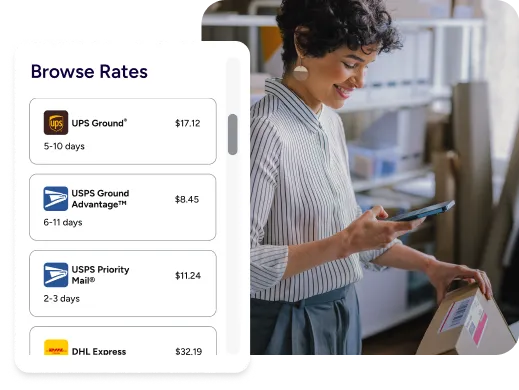
Compare carrier rates for WooCommerce shipments
Shipping rates change constantly, and delivery expectations change with them. ShipStation lets you compare services from your preferred carriers right when you create the label. Seeing options side by side helps match cost, destination, and delivery speed for each order.
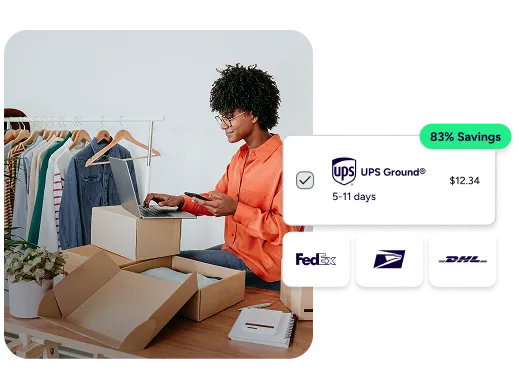
Optimize shipping costs
Keeping shipping spend predictable starts with better visibility. ShipStation displays discounted carrier rates alongside your negotiated ones so you can quickly choose the right option. Reports also reveal patterns—like rising costs in certain zones or services—before they affect margins.
Scale shipping operations for WooCommerce stores
Growth adds complexity quickly. One store becomes two. Then come marketplaces, additional warehouses, and more SKUs. ShipStation helps keep shipping organized with tools for inventory management, multi-location fulfillment, and consistent workflows across channels. As you expand into new marketplaces or platforms, those orders can flow into the same system. The mobile app also helps teams keep orders moving on the warehouse floor.