


























































Cubiscan dimension data, built into ShipStation
Stop guessing package size. With cubiscan connected to ShipStation, you can pull in weight and dimensions and use them right away for labels, rate shopping, and workflow rules. Get dimensional data once, then let ShipStation help you choose better services, reduce errors, and keep orders moving from scan to ship.
Turn accurate dimensions into faster shipping and lower costs
Warehouse teams don’t have time for manual measuring. Use warehouse dimensioning tools with ShipStation to capture clean dimensions, trigger shipping dimension automation, and keep every shipment billed with the right details.
Connect dimensioning hardware to the workflows you already use
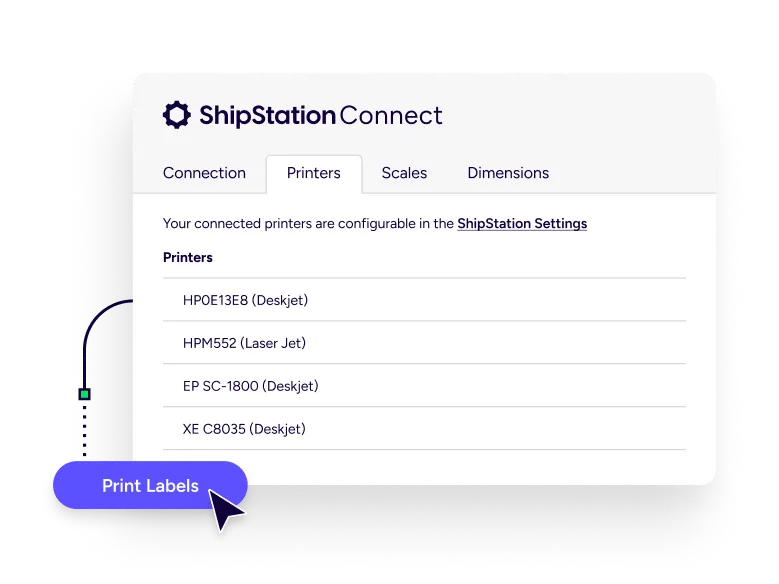
Use your Cubiscan dimensioner with ShipStation Connect
ShipStation supports popular Cubiscan models, including the Cubiscan 110, 125, 150, and 225. To connect, you’ll use ShipStation Connect, our desktop helper that links local devices to your ShipStation account. This shipstation integration for warehouse tools keeps setup simple, so a growing operation can move from bench shipping to a real pack line without a heavy IT project.
Dimensional weight measurement that matches how carriers bill
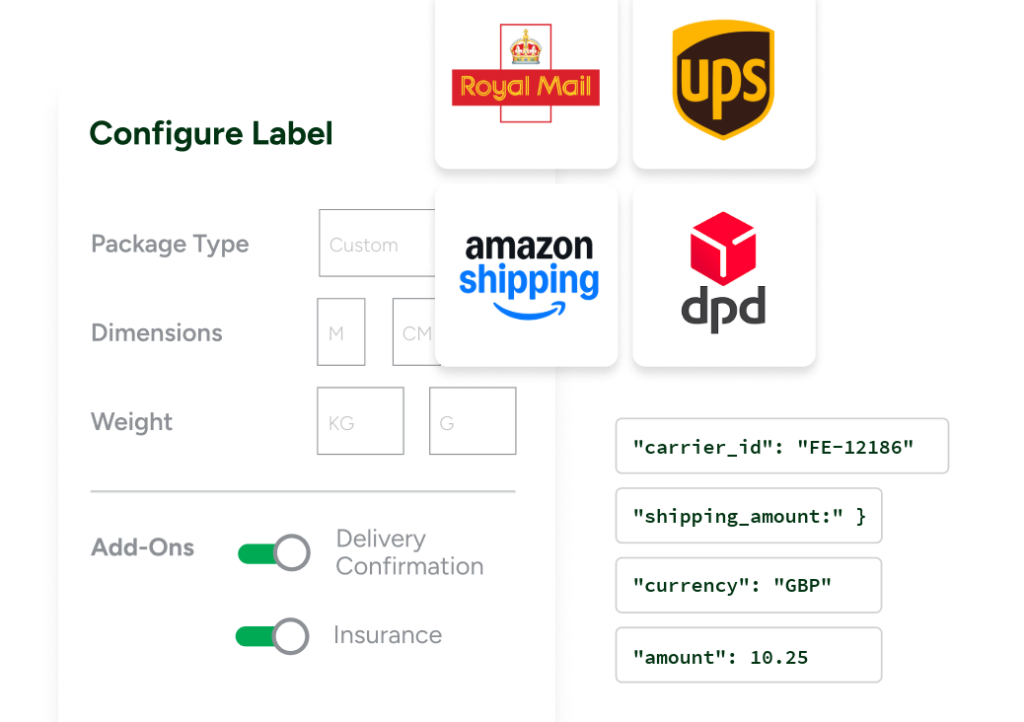
Many carriers price shipments based on dimensional weight, not just what a package weighs on the scale. ShipStation uses the dimensions you capture to calculate dimensional weight before you buy a label. That helps you compare carrier rates more accurately, avoid unexpected adjustment fees, and choose a shipping option that won’t cost more later.
Import dimensions your way: scan, click, or verify
Every warehouse has its own rhythm. ShipStation lets you bring in dimensions from your Cubiscan device in a few practical ways:
- Scan a barcode to import weight and dimensions from your dimensioner
- Pull dimensions into an order while you verify and print
- Import weight and dimensions manually when needed
This flexibility keeps the line moving, even during peak days, shift changes, or training.
Compare rates across channels
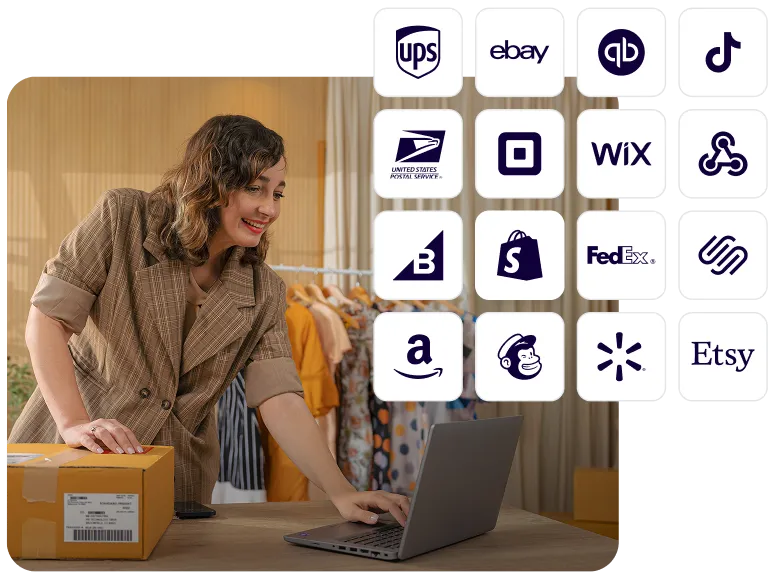
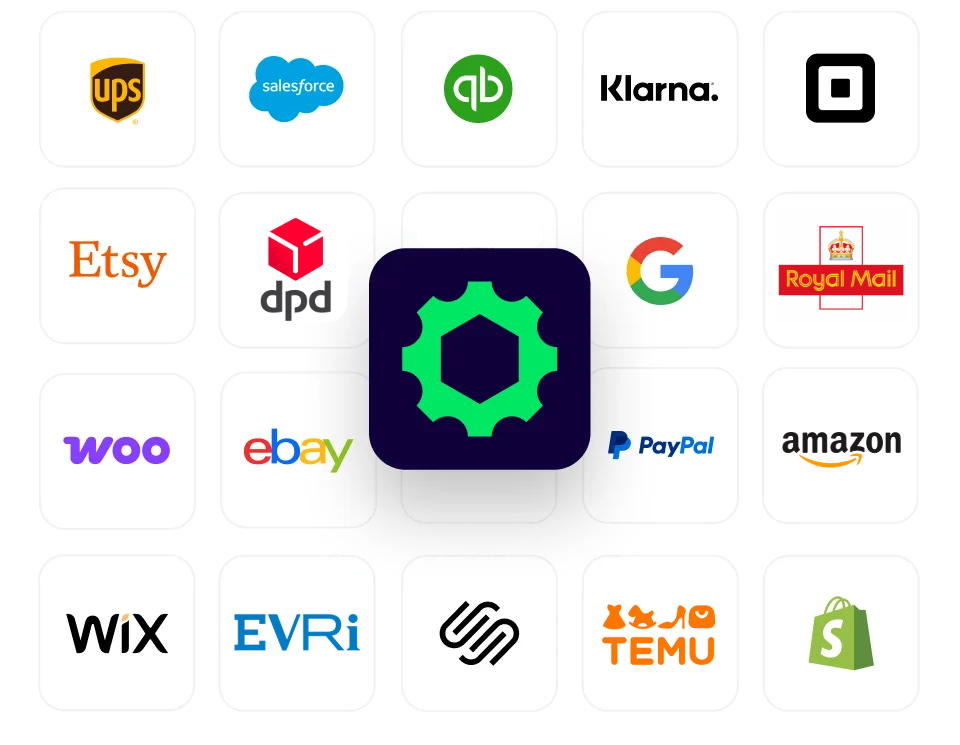
ShipStation pulls in orders from 200+ selling channels and ecommerce platforms, then applies the same dimension-driven logic to all of them. Sell on Shopify, Amazon, Walmart, Etsy, and your own site? No problem. Once dimensions are in, you can compare services across carriers and pick the best fit for cost, speed, and destination. It’s a simple way to optimize shipping costs with accurate dimensions across every channel you sell on.
Shipping dimension automation with rules, presets, and batches
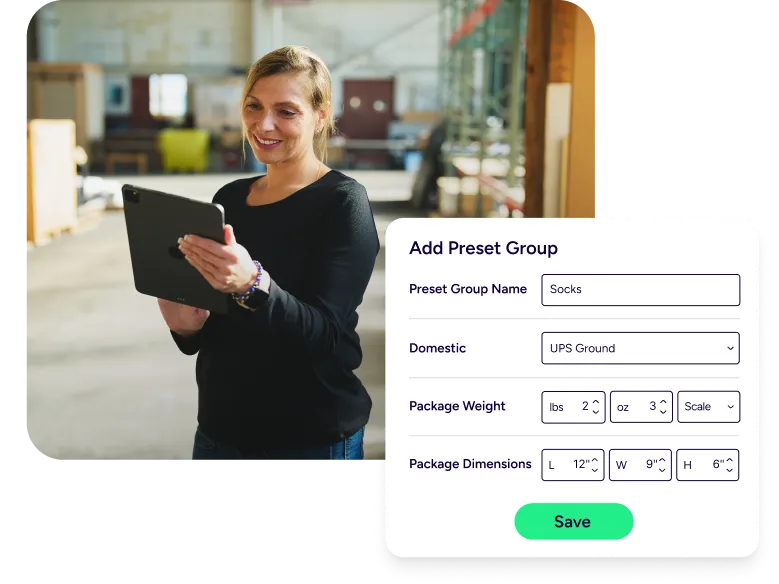
Dimensions are only useful if you act on them. ShipStation automation rules can apply services, package types, and other shipment settings based on what you ship and how big it is. Then you can batch label printing for hundreds of orders at once. Less clicking. Fewer mistakes. More packages out the door before carrier pickup.
Add tracking, returns, and mobility to the same flow
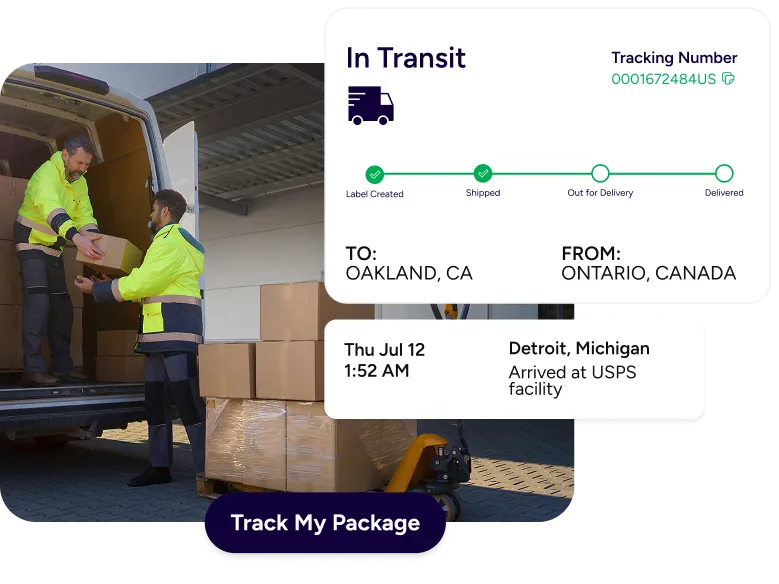
After the label prints, the work isn’t done. ShipStation helps you keep the post-purchase experience strong with branded tracking pages and notifications. You can also offer a returns management portal, so customers can self-serve returns without flooding your inbox. Need to keep shipping moving away from the desk? Use the mobile app to keep tabs on shipments and stay responsive.