 Back





















































Duronic: How a UK Brand Put Its German Warehouse in Charge
"It does make it nice to know that the warehouse can look after themselves."
Read Story
Track inventory, sync orders, and ship from one place—so your team moves faster and stays accurate. From receiving to delivery, ShipStation keeps stock aligned across channels and labels moving in fast batches. Fewer errors. Fewer oversells. Workflows your team can pick up and run with.

Connected to the platforms that power your business


Know exactly what’s on the shelf and where it lives. ShipStation connects inventory, picking, packing, and shipping into one flow—so you stay accurate, move faster, and keep customers informed.

Use one warehouse inventory system to see stock by product and location, right where your team ships. Inventory updates as you fulfill, so you can improve warehouse inventory accuracy and cut back on backorders. If you sell on more than one channel, this matters. Your Shopify, Amazon, and Walmart orders shouldn’t fight over the same last unit.

ShipStation helps you automate warehouse picking and packing with repeatable steps that don’t depend on one expert employee. Batch label printing, pick lists, and scanning workflows reduce rework. Pair that with shipping presets and smart rules, and your end-of-day rush feels calmer. You get speed without cutting corners.

Great fulfillment warehouse software does more than move boxes. It keeps customers informed and sets your team up to win repeat orders. ShipStation includes branded tracking pages and notifications, plus a self-serve returns portal. That means fewer “Where’s my order?” tickets and more customer satisfaction after checkout.
We’ve helped 130,000+ businesses track warehouse inventory, automate shipping workflows, and improve order accuracy from a single platform. Let us give your warehouse the visibility it needs to perform, too.


4.9 rating 67 reviews

4.6 rating 897 reviews

4.3 rating 531 reviews
Connect your sales channels and keep inventory aligned automatically. As orders ship, stock updates. As you restock, counts adjust. No manual reconciliation. No duplicate sales. Just reliable inventory across every channel.
Sources
ShipStation Inventory
Current Configuration
Leather Sneaker
LS-204
42
Available
Crew Neck Sweater
CN-118
18
Available
Leather Tote Bag
LT-310
7
Available
Target
SShopify
Last Synced 2 hours ago
Synced just now
3 SKUs updated
Target
AAmazon
Last Synced 2 hours ago
Synced just now
3 SKUs updated
Target
eeBay
Last Synced 2 hours ago
Synced just now
3 SKUs updated
Map your space the way your warehouse runs, including aisles, rows, and bins. Add inventory locations, then surface them where your team needs them, like on packing slips. It’s a simple change that speeds up picks and cuts wrong-item mistakes. For teams that want tighter control, ShipStation also supports lot tracking with FIFO allocation to help rotate stock and manage expiration dates.
Inventory / All Warehouses
Receive StockReorder AssistCreate Transfer OrderCreate AuditAlert
SKU / Name
Warehouse
Location
On Hand
Allocated
Available
canvas-tote
Canvas Tote
(Multiple)
(Multiple)
70
3
67
Austin Warehouse
Zone B – Shelf 2 – Bin 13B
44
2
42
Received +40Midwest Warehouse
A – Aisle 3 – Bin 04
14
1
13
West Coast Warehouse
Zone A – Shelf 1 – Bin 22
12
0
12
wool-socks
Wool Socks
(Multiple)
(Multiple)
212
16
196
trail-cap
Trail Cap
(Multiple)
(Multiple)
88
4
84
rain-shell
Rain Shell
(Multiple)
(Multiple)
40
2
38
Viewing 1 – 4 of 4 · Reorder Threshold 10
Receive Stock
Warehouse
Austin Warehouse
Quantity
40
Bring products into your warehouse without creating more admin. Track purchase orders, receive inventory into the right locations, and confirm items as they arrive with Scan to Receive. Barcode scanning keeps every step consistent—even for new team members.
Scan to Receive
Scan SKU or UPC
Receive into
Bin A-12
Purchase Order PO-1042
Supplier: Northwind Provisions · Main Warehouse
Item
Ordered
Received
Lot · Expiry
Cold Brew Concentrate
CB-012
24
24
LOT-2611
Exp 05/2027
Oat Milk 1L
OM-104
36
36
LOT-2612
Exp 03/2027
Granola Bars 12ct
GB-220
18
18
LOT-2613
Exp 08/2027
Received units
78 of 78
FIFO allocation
Order #SO-10602 · Oat Milk 1L ×2
LOT-2588
Exp 01/2027 · 6 on hand
LOT-2612
Exp 03/2027 · 36 on hand
Testimonials


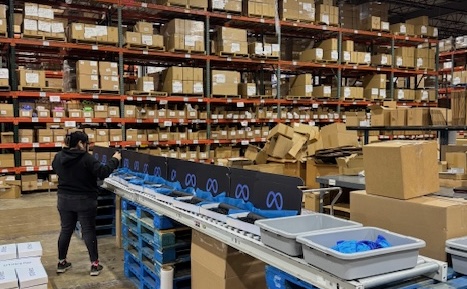
ShipStation isn’t just for the day you ship. Use your shipping history to spot trends and plan ahead. Set reorder thresholds to get alerts when stock drops too low. Then adjust inputs like lead time, buffer stock, and sales patterns so your reorder plan fits your real business. You’ll protect cash flow while keeping best sellers ready to go.
Reorder Assist
Leather Tote Bag · On Hand
Suggested Reorders
Create Purchase OrderProduct
Available
Est. Days of Supply
Stock Status
Suggested Qty
Leather Tote Bag
LT-310
7
4 days
Low Stock60
Crew Neck Sweater
CN-118
18
11 days
Low Stock40
Leather Sneaker
LS-204
42
26 days
In Stock—
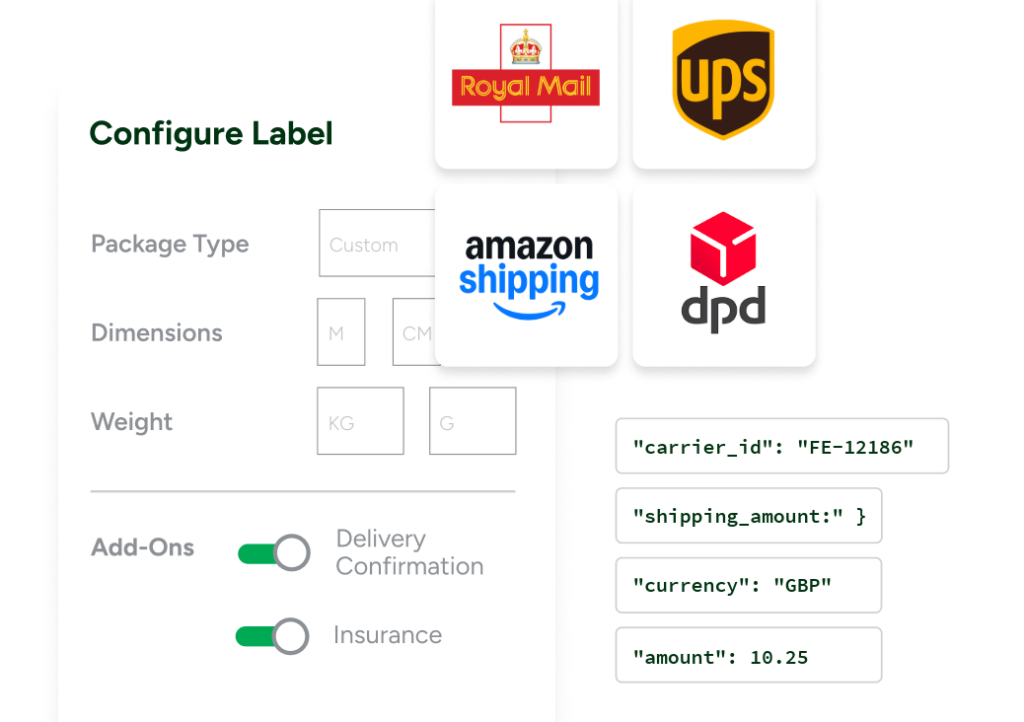
When it’s time to ship, ShipStation turns decisions into rules. Manage orders from all your sales channels in one place, then set automation to apply the right carrier, service, package type, and label options based on your criteria. Use built-in Rate Shopper to find the best rates across 200+ carriers like UPS®, USPS®, FedEx®, DHL Express, GlobalPost™, and more—all in the same screen. Add batch workflows, and you can process more orders with the same team. That’s shipping automation you’ll feel on day one.
Trigger
Orders imported
Order Import Workflow
Step 1
ActiveDefault Confirmation
Filter
No filters
Action
Delivery Confirmation
Step 2
InactiveActiveRate Shopper Rule
Filter
Every order
Action
Set Rate Shopper
Rule Configuration
Rule Name
Rate Shopper Rule
Filter
Orders
Every order
This step will run for all orders.
Action 1
Set Rate Shopper
Rate Shopper
Cheapest
Best Value
Fastest