Back
Back




































USPS shipping boxes for fast, reliable fulfillment
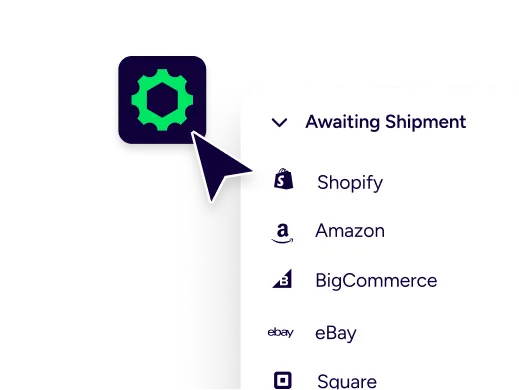
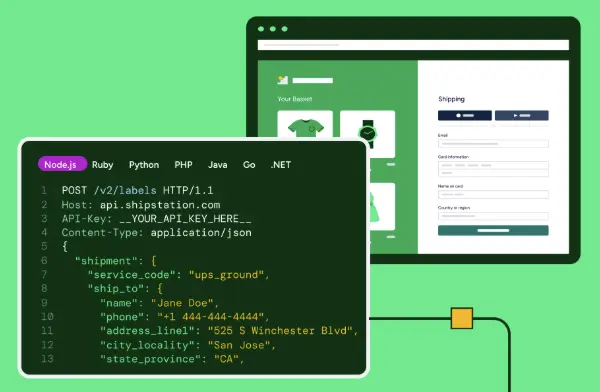
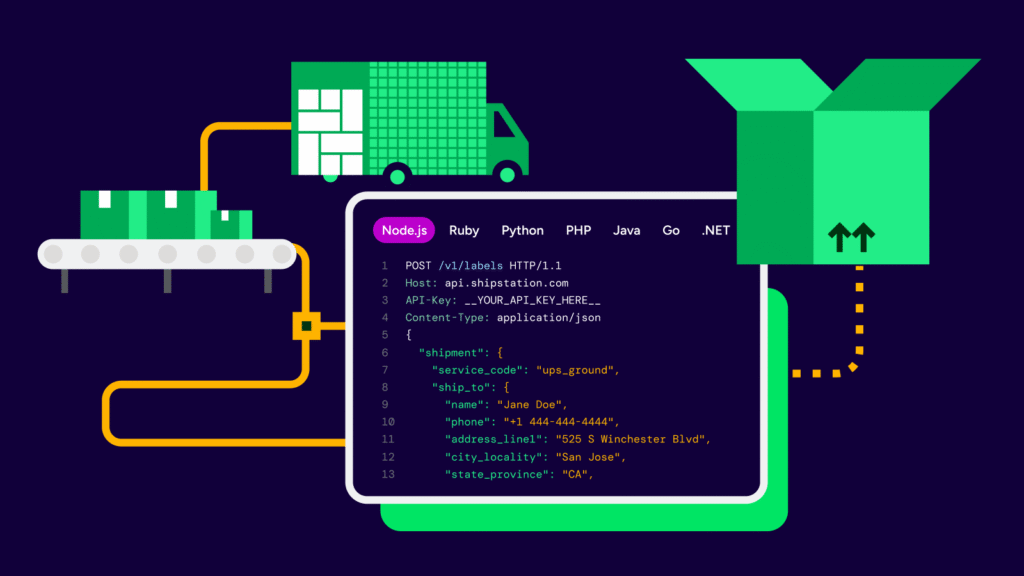
USPS shipping boxes help you pack and ship without overthinking it. The box you choose can affect cost, speed, and how quickly your team moves. With ShipStation, you can pick the right box for each order, compare carrier services, and print labels in seconds—all in one place. Orders sync across channels, repeat steps are automated, and branded tracking keeps customers informed after checkout.
Choose the right USPS packaging for every order
Box choice isn’t just a packing decision—it changes what you pay and how fast orders go out. ShipStation helps you line up packaging with each order, check rates in one view, and keep things moving.

Spend less time thinking about boxes
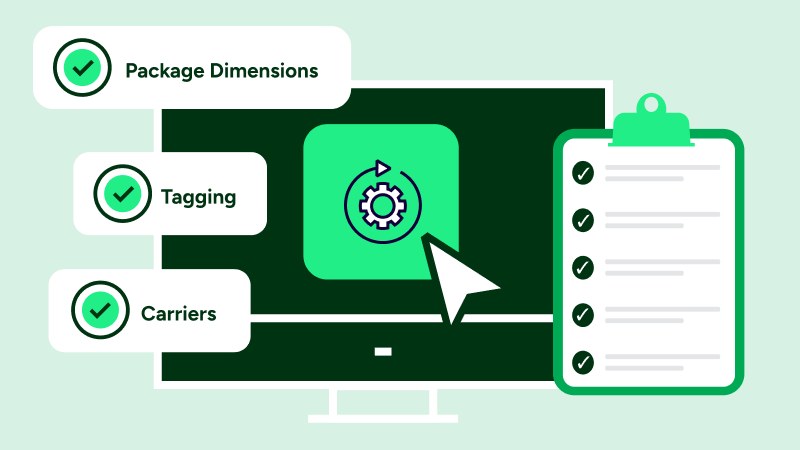
You don’t need to stop and think through packaging every time an order comes in. Save your common box types, reuse them, and keep labels consistent. Fewer clicks at the pack table, fewer slowdowns when volume picks up.

Get the best service for the package
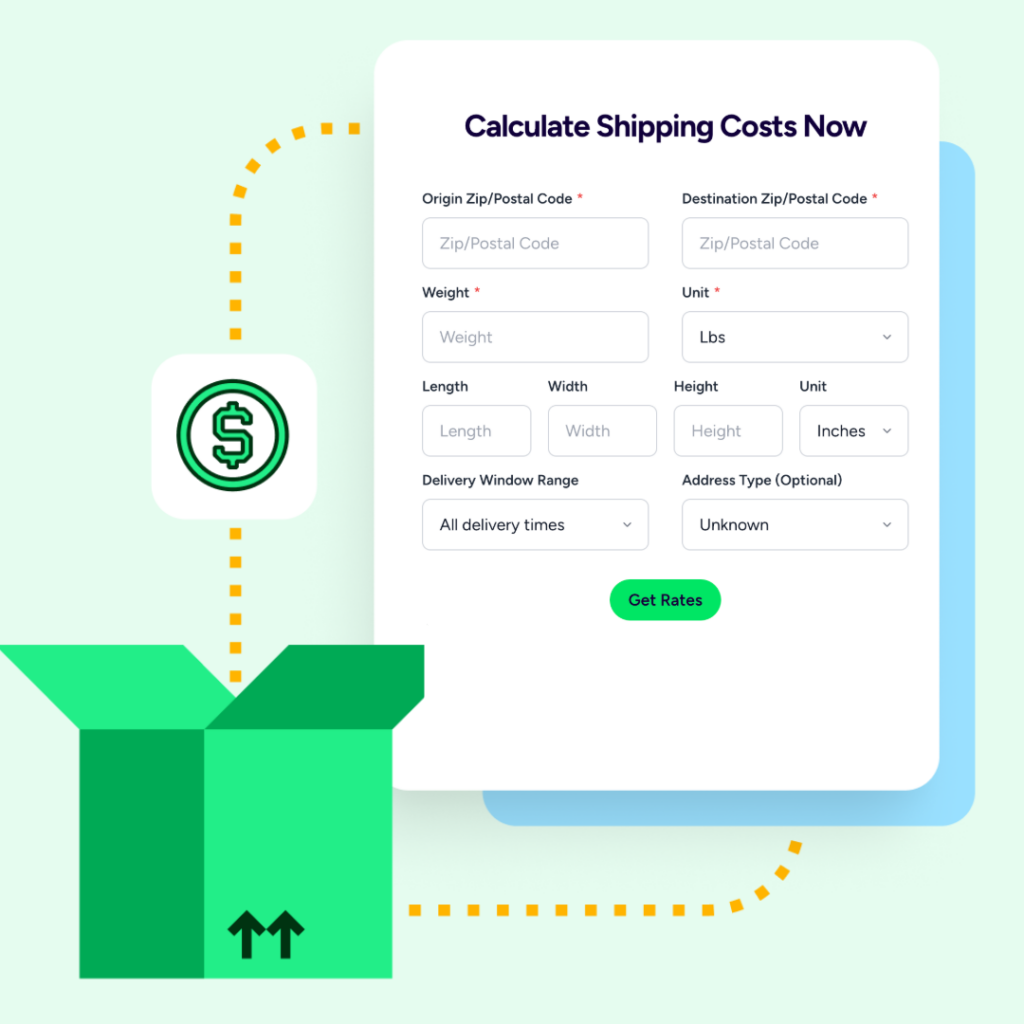
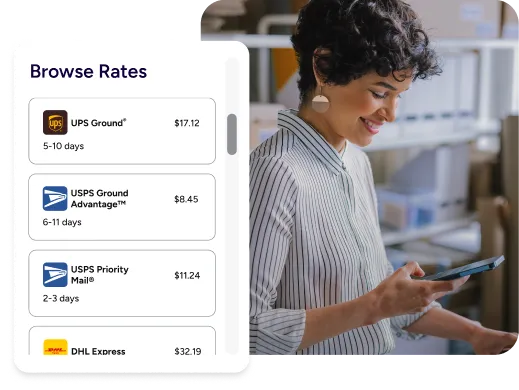
Rates and delivery times show up side by side, so you can see what actually makes sense before you print. USPS, UPS, FedEx, DHL—it’s all there. Pick what works for the order and move on.

Look polished after the label prints
Shipping is one of the last touchpoints your customer sees. ShipStation keeps tracking pages and notifications branded, so it still feels like your business—not just a carrier update. Returns are easier to handle too.
Rated #1 by Industry Leaders






Keep shipping costs in check with USPS packaging
Types of USPS shipping boxes explained
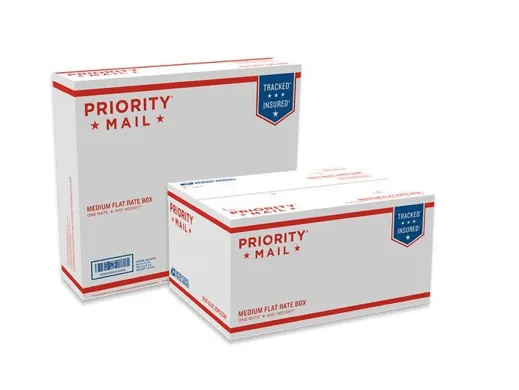
Most USPS packaging falls into two groups: their branded boxes tied to specific services, and whatever boxes you bring yourself. Priority Mail boxes and envelopes are the most common for faster domestic shipping. If you’re shipping by weight, your own packaging may give you more control. Either way, the goal is simple—protect the item, don’t waste space, and stay within service rules.
USPS Priority Mail box sizes and options
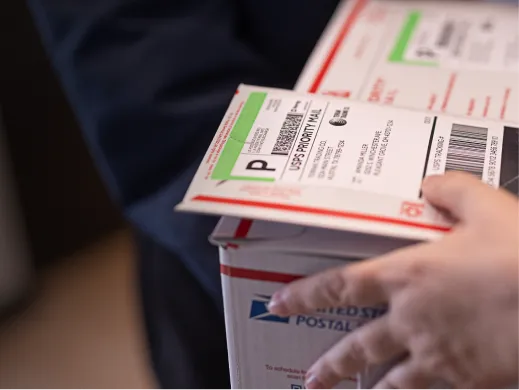
There’s a range of box sizes and envelopes depending on what you’re sending. Softer goods fit in envelopes, small items in compact boxes, bulkier orders in larger ones. In ShipStation, you can save those setups so you’re not entering dimensions every time. It’s a small thing, but it adds up.

What are USPS Flat Rate boxes
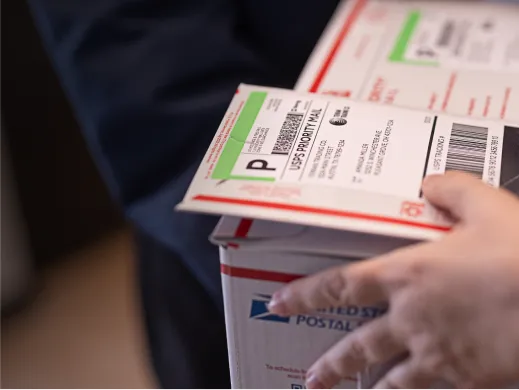
Flat Rate boxes are tied to Priority Mail and come with set pricing based on the box type—not distance. If it fits, it ships at that rate. In ShipStation, they show up once you pick Priority Mail and select a Flat Rate package. Choose one, print, done.
When to use USPS Flat Rate shipping boxes
Flat Rate tends to work when items are heavier than they look or when you want a simple rule your team can follow without thinking too much. It’s also useful if you want predictable pricing across zones. For lighter items, it’s worth checking weight-based rates instead. Sometimes they’re cheaper.
How to order free USPS shipping supplies
Many Priority Mail supplies are free when used with the correct service. You can order them online through USPS or pick them up at a local Post Office. Once you have them, add those box types to ShipStation so your team can select them during label creation.
USPS packaging vs custom boxes comparison
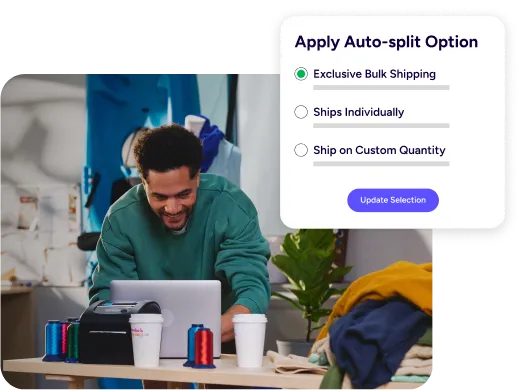
USPS-branded boxes are easy to restock and help speed up packing. Custom boxes can reduce wasted space and offer better protection for fragile items. A simple way to think about it: use USPS packaging for speed and simplicity, and custom boxes when fit or branding matters more. ShipStation lets you keep both options ready and choose per order.

Automate USPS label creation workflows
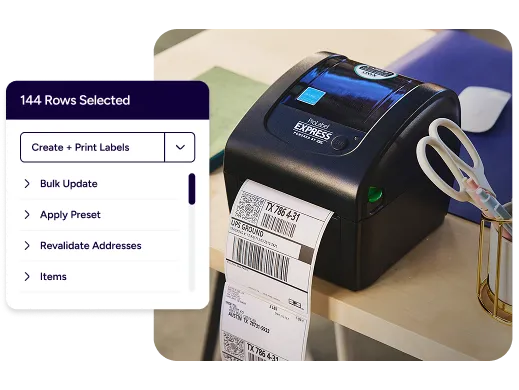
Manual shipping breaks down fast as volume grows. ShipStation automation rules can assign services, confirm package types, and apply presets based on store, SKU, or destination. Your team scans, packs, and prints—and you stay in control. Batch label printing also helps keep things moving during peak days.
Scaling ecommerce shipping with USPS supplies
As you grow, you’re adding channels as much as orders. ShipStation pulls everything into one place across Shopify, Amazon, eBay, Etsy, Walmart, WooCommerce, and more. Saved packages and automation rules carry across channels, so your process stays consistent without extra setup.