Back
Back


























































 Shipping


Splitting Amazon FBA and FBM orders in ShipStation works best when you treat each fulfillment path as its own process. This helps you keep orders visible in one place, route FBM work through your own shipping flow, and send eligible non-Amazon orders to FBA when that’s the right option.
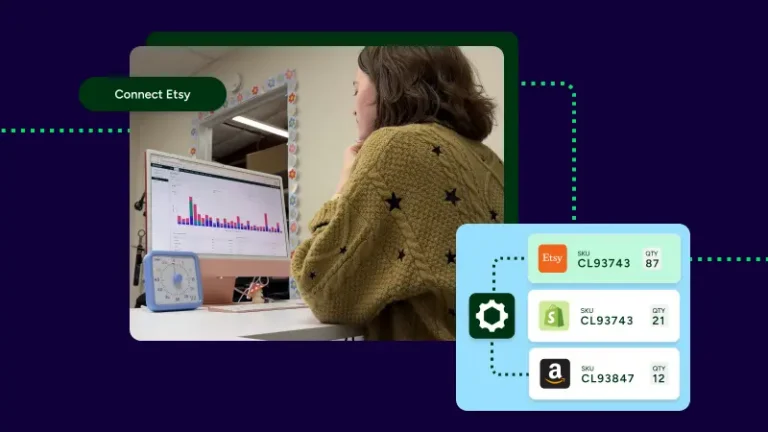
Yes. Many sellers use both. Amazon handles FBA Marketplace orders internally, while FBM orders stay in your hands. On the ShipStation platform, you can still view Amazon orders together, making it easier to track volume, inventory, and service options without bouncing between screens.
That split can be helpful when products have different demand, margins, or handling requirements. It also gives you another option when fees, per item fee pressure, or additional charges change your cost.
The cleanest setup is simple: use a clear FBA path and a clear FBM path. Don’t rely on one mixed setup to decide everything later. In practice, sellers often set rules by SKU, ship-from location, or order type in Seller Central and ShipStation.
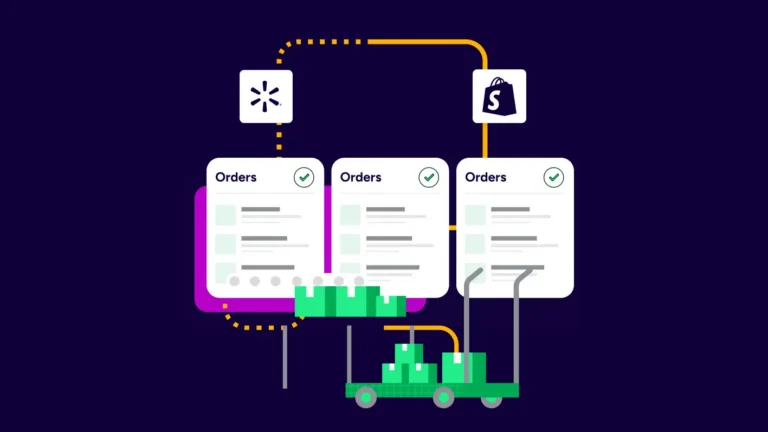
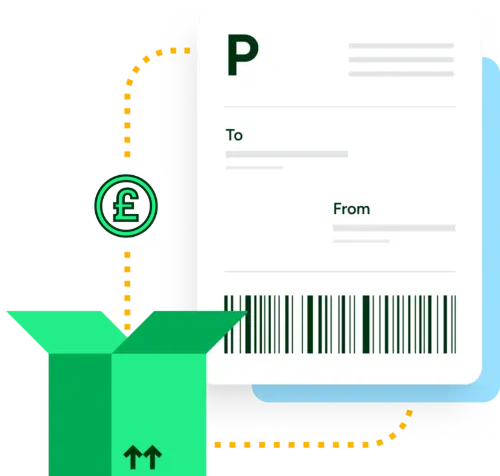
For FBM orders, ShipStation can automatically import orders, apply rules, and help you compare UPS®, USPS®, FedEx®, and DHL Express shipping rates from a single screen. For non-Amazon channel orders, you can also send eligible orders to Fulfillment by Amazon through our fulfillment workflow.
Separate product logic helps you avoid the wrong fulfillment choice. It also helps keep inventory correct. If your FBA SKU does not match the fulfillment SKU you use, the process can fail. It’s best to setup your SKU data carefully before you scale.
Start with three things:
Amazon handles carrier and service choice for FBA fulfillment. For FBM, you control shipping rates, packaging, and delivery flow more directly. That matters for high-demand products, oversized items, branded packaging, or orders that need special handling.
Amazon FBA and FBM can work well together when each order has a clear path. Use FBA when Amazon should store and ship. Use FBM when you want more control over cost, service, or product handling. Ready to simplify the split? Start with ShipStation and connect Amazon Seller Central to keep fulfillment decisions in one dashboard.