Back
Back






























































 Ecommerce Growth


ShipStation’s WooCommerce shipping makes shipping simpler for WooCommerce merchants based in the UK, EU and USA. Orders import automatically, shipping services can be compared in one place, rules can be applied, and labels can be printed in batches—without switching between carrier websites or multiple tabs. With carriers, tracking, returns, and automation all managed from one workspace, teams can get packages out the door faster while keeping customers informed.
For growing stores, that means fewer manual steps, cleaner data, and less time fixing shipping mistakes. This guide covers how to connect your WooCommerce store to ShipStation and start managing your shipping from a single hub.
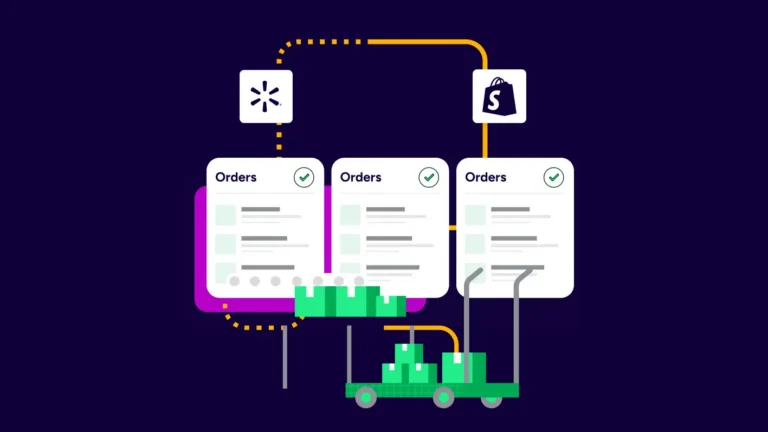
Connecting ShipStation with WooCommerce gives you shipping automation and a single workflow that handles the busywork for you. Orders sync to ShipStation, shipping rules run in the background, labels print in batches, and tracking updates are sent back to WooCommerce for the customer to see.
When order volume climbs, manual shipping begins to break down. Teams jump between WordPress, order screens, carrier sites, spreadsheets, and email. ShipStation cuts that back by centralising orders, carriers, tracking, and returns on a single platform.
For many merchants, the first win is simple: fewer clicks per order. Automation rules can assign services, apply package presets, tag orders, and help teams print more labels per hour with fewer shipping errors. That adds up to significant time savings.
The fastest setup path starts with the plugin. You can download the free plugin from the WordPress directory or add it from your WooCommerce dashboard, then connect your ShipStation account with your store credentials.
A basic setup usually looks like this:
Once connected, new orders flow into ShipStation automatically. If a team runs more than one store, multiple WooCommerce stores can connect to one account. That’s especially convenient for businesses that sell by brand, region, or product line and want one shipping queue instead of several tabs.
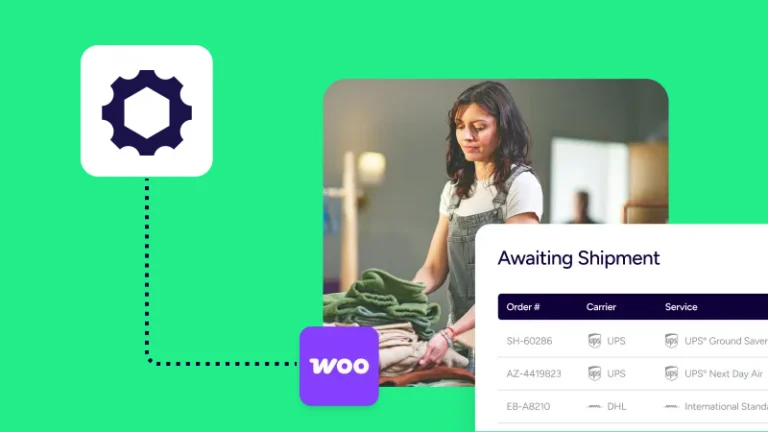
After connecting the platforms, WooCommerce orders import into ShipStation, where staff can filter, tag, sort, print, and ship from one screen. That is a major driver of order fulfilment that’s faster and less error-prone.
For a high-performance order workflow, a few things matter most:
ShipStation is built for merchants who want those steps handled without manual re-entry. Orders can arrive from WooCommerce and other channels into the same queue, which helps sellers who also sell on Amazon, eBay, Etsy, Walmart, or Shopify. Instead of treating shipping as a separate task, the ShipStation platform integrates it into the same daily order routine.
Automation works best when it replaces repetitive decisions. With ShipStation, merchants build rules that apply shipping logic as soon as orders arrive, so the team does not need to make the same choice over and over again.
Common rule ideas include:
Those rules help small teams act bigger without adding headcount. With routine decisions happening in the background, merchants can print up to 15x more labels per hour and decrease shipping errors.
This matters for pro WooCommerce teams that have outgrown single-order shipping. If the same product ships the same way every day, your process should handle that. Good automation does not add complexity. It removes repeated clicks.
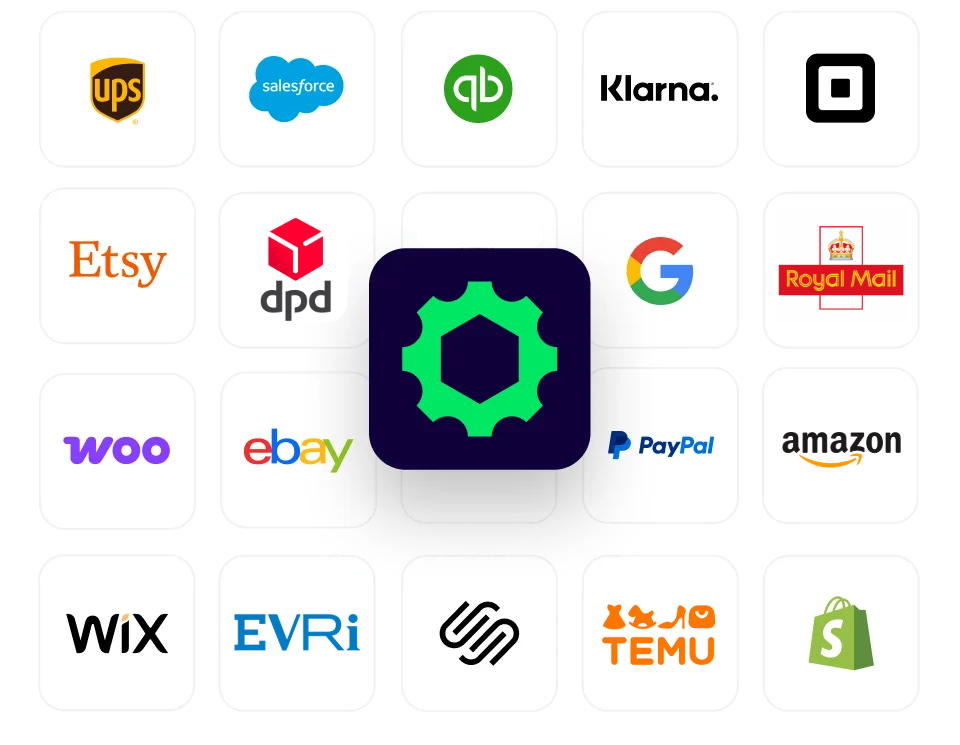
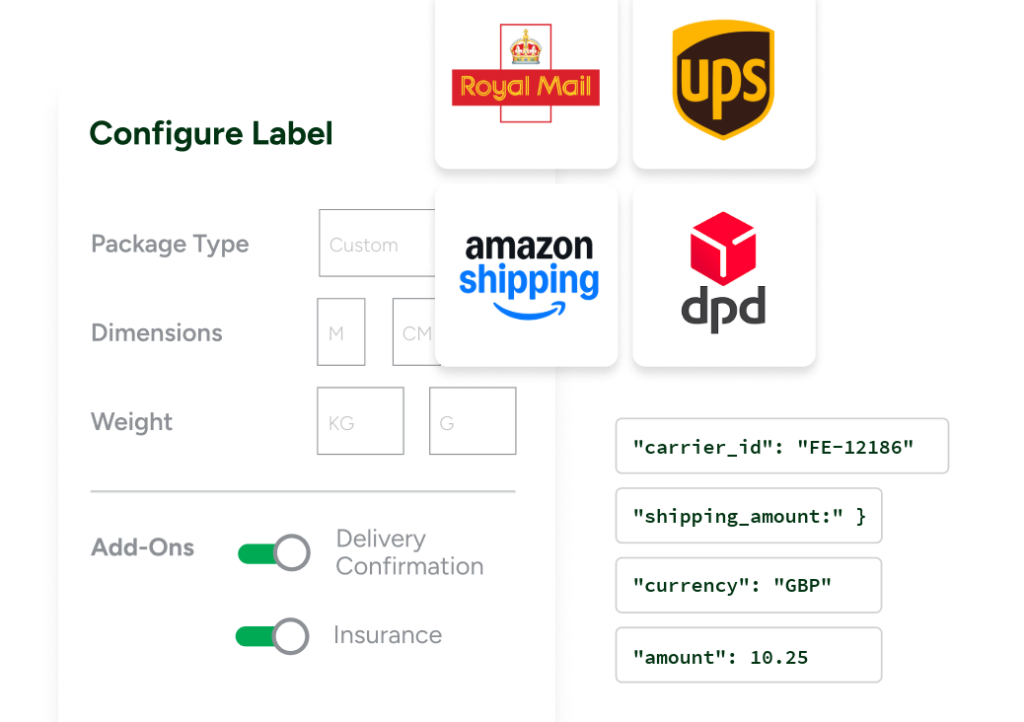
Multi-carrier shipping is one of the clearest reasons to use ShipStation with WooCommerce. ShipStation lets merchants compare rates from all the UK’s major carriers including Royal Mail, DPD, UPS, Evri, InPost and more, side by side, buy and print labels from one screen, and use existing carrier accounts or ShipStation’s discounted rates.
That helps in three ways. First, you can see carrier rates without opening separate sites. Second, you can keep your negotiated rates when you connect your own accounts. Third, you can use both your own carrier accounts and ShipStation rates together, if that works best for your business.
A few practical examples:
For teams that ship every day, that speed adds up. You can bulk update weights, select orders, buy labels, and print labels in batches. If your team ships every day but still prints labels one order at a time, this alone is a big upgrade.
Live shipping rates affect two points: when the shopper checks out and when the merchant buys the label. The customer wants clear delivery options. The shipping team wants accurate carrier rates when it is time to print.
For WooCommerce sellers, this is less about flashy features and more about proper handoff. Product data, weight, dimensions, destination, and service rules all need to stay consistent from the store through label purchase. When that handoff is clean, orders move faster, and the team spends less time fixing bad selections later.
ShipStation helps with labels, offering side-by-side rate comparisons and fast label creation. If your store also depends on live shipping rates at checkout, make sure your WooCommerce setup, plugin choices, and product data all support that goal. Bad weight or box data early in the process usually leads to higher shipping costs later.
Tracking should move back to the customer without extra work. When a label is created in ShipStation, tracking and fulfillment status are pushed back to WooCommerce so buyers know what has shipped and when.
That improves the post-purchase experience right away. Customers do not want silence after checkout. They want clear updates. ShipStation supports branded tracking pages and real-time notifications that help keep customers informed and reduce “where is my order” messages.
The value here is simple:
For stores focused on repeat business, this part matters more than many teams expect. Shipping is not over when the label prints. It ends when the customer knows the order arrived.
ShipStation was the only company to respond to my initial contact for help and was very patient in talking me through the options. So customer service definitely made them stand out.
Returns are part of shipping, not a side task. ShipStation gives merchants a returns workflow that keeps return labels, status, and customer communication tied to the same order history.
The customer gets a clear return path, and the fulfilment and support teams get fewer one-off requests and back-and-forth emails. A self-serve returns portal also reduces friction for stores that process returns often.
There are a few details worth knowing. If you use FedEx return labels through ShipStation, they do not provide tracking updates to ShipStation. That does not remove the value of a return workflow, but it is a useful detail for teams that expect the same tracking behaviour on outbound and return shipments.
If returns affect inventory decisions, keep another boundary in mind. Inventory management is available in the ShipStation user interface, but not through the ShipStation API.
WooCommerce compatibility is not only about whether a plugin installs. It is about whether the shipping setup still works as the store grows, and channels and carriers are added.
Some WooCommerce shipping plugins suffice for very basic tasks. A single-carrier plugin may work for a small store. A basic label tool may work for low volume. But growth changes those requirements. Once a team needs multi-carrier rates, automation rules, tracking, returns, and support for more than one store, basic tools become a constraint.
ShipStation fits that growth curve because it connects WooCommerce to a larger shipping stack:
That is why connecting ShipStation and WooCommerce becomes even more useful over time. The same setup that helps a small store today can keep working when orders spike tomorrow.
ShipStation and WooCommerce shipping automation helps stores cut manual work, compare carrier rates, print labels faster, and send tracking back to customers without the usual friction. If your team is still bouncing among WordPress, carrier sites, and spreadsheets, it’s time for a better fulfilment flow.
Start a free trial today and test the setup with your own store, orders, and carriers.