
































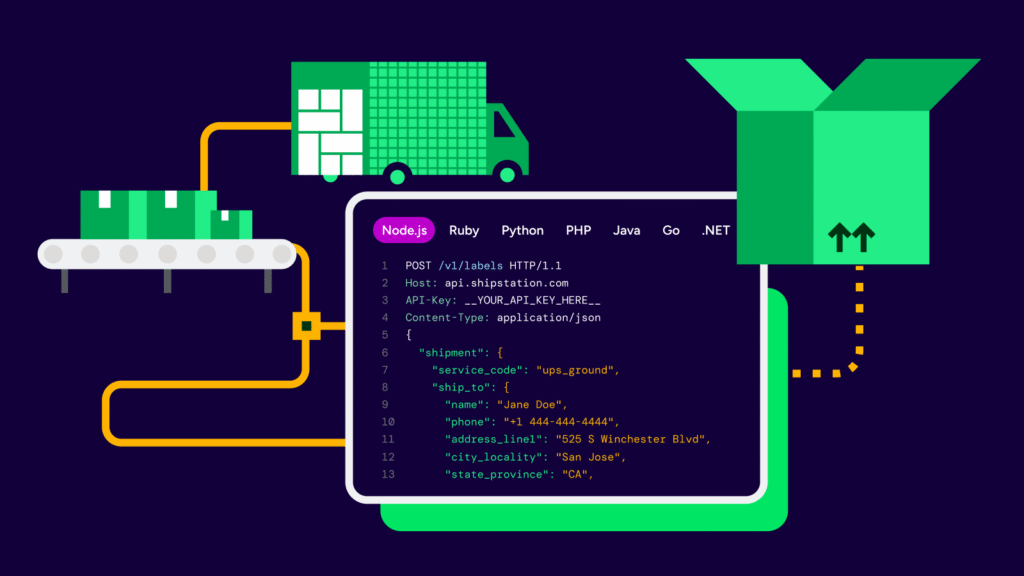
eBay shipping built for fast, accurate fulfilment

eBay shipping gets harder as orders stack up and tools stop working together. ShipStation brings your orders, carriers, and shipping workflow into one place. Import orders, rate shop across carriers, automate repeat steps, and keep your brand visible after checkout.

Ecommerce fulfillment in ShipStation.

Streamline fulfilment for eBay sellers

ShipStation helps you move from paid order to shipped package with fewer clicks, fewer mistakes, and clearer visibility across every shipment, label, and tracking update.

Ship faster, even on busy days

Batch print labels to save time and get orders our the door quicker. ShipStation helps reduce manual shipping tasks for eBay sellers and makes training new help easier. You stay in control, even when volume spikes.

Spend less time choosing carrier services

Rate shopping is built in. You can compare services for speed, cost, and delivery needs without opening separate carrier sites. Choose the best fit for all your eBay order in a few clicks and watch it run. Done.

Keep buyers informed with your brand

Branded tracking pages and notifications help you look polished after the sale. Buyers get clear updates, and you get fewer “Where’s my order?” messages.

Automate eBay shipping workflows

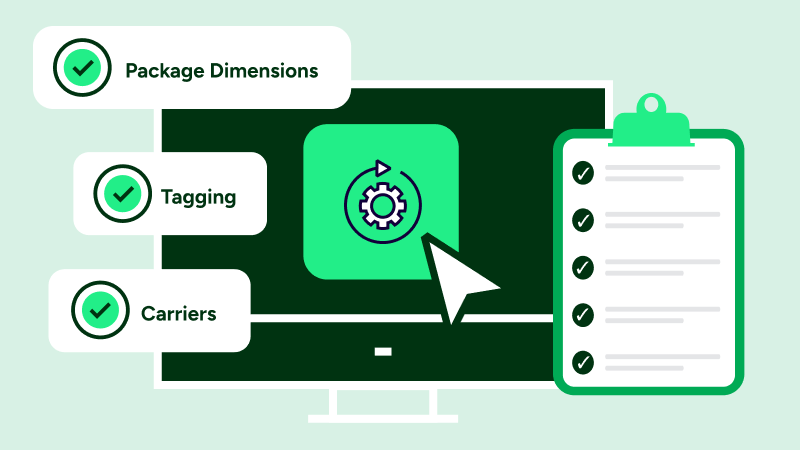
ShipStation connects orders, carrier options, automation rules, returns, and reporting in one place. Set it up once, then let the system handle the repeat work while you focus on growth.

How eBay shipping works for sellers

When you sell on eBay, you still have to choose a carrier, buy postage, print labels, and upload tracking fast. ShipStation pulls those steps into one centralised eBay order fulfilment platform. Set automation rules on all your orders, compare carrier rates, and watch it run seamlessly.

Rate Shopper in ShipStation.

Connect eBay orders to shipping software

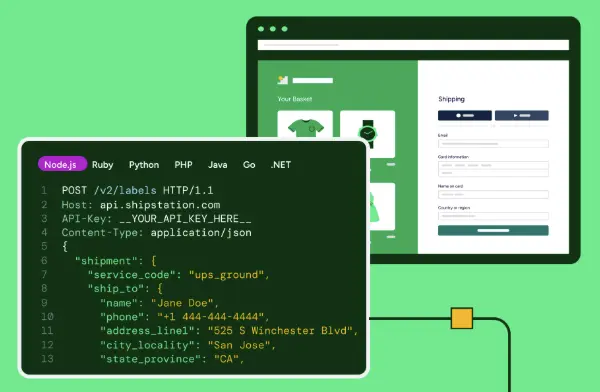
In ShipStation, you connect your eBay store from ‘Selling Channels’, authorise your account, and you’re ready to import. Orders need a Ship To address, phone number and at least one item to sync cleanly. After that, you can connect marketplace orders to fulfilment workflows that match how you pack and ship today.
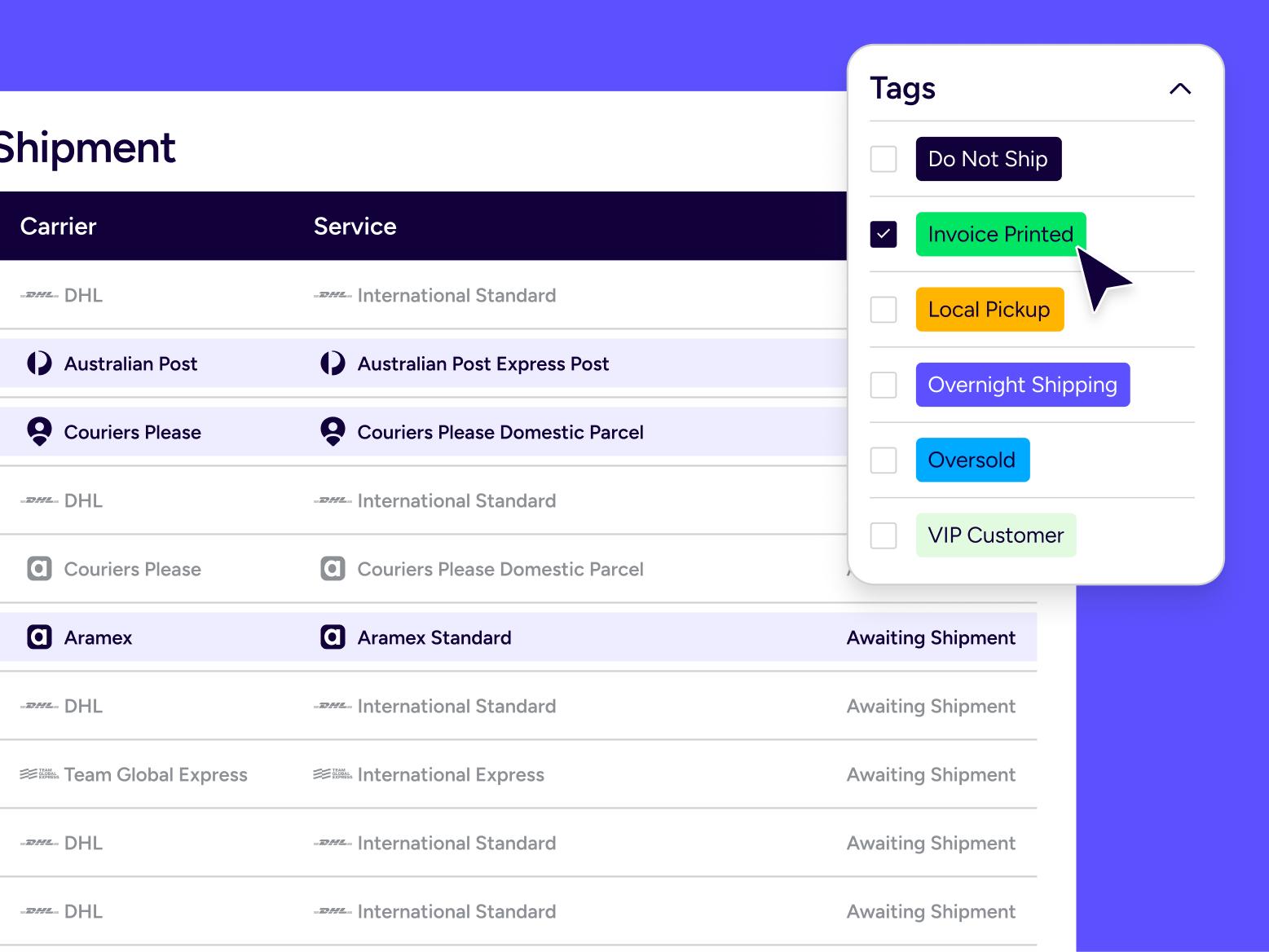
Create eBay shipping labels step by step

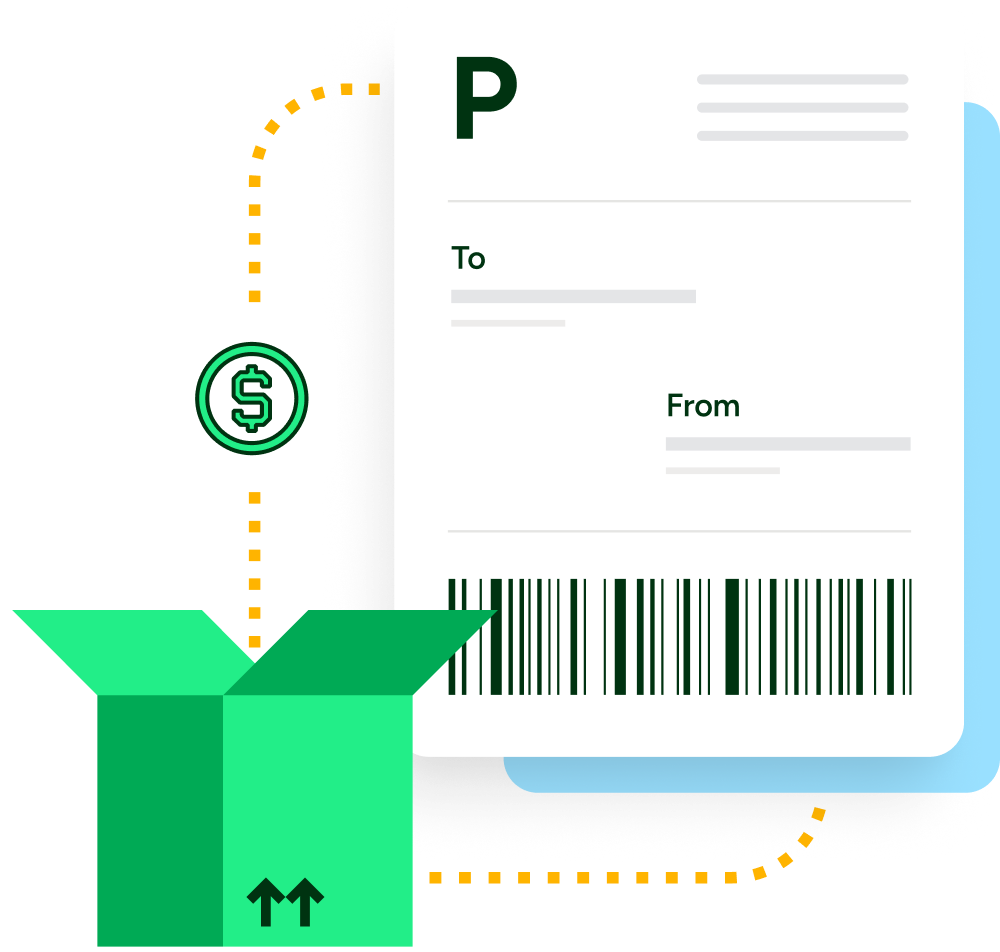
Need a repeatable process your team can follow? ShipStation makes it simple to automate shipping labels for eBay marketplace orders. Select one order or a batch, confirm package details, pick a service, then create and print. Fast steps. Clean output.

Printing shipping labels in ShipStation.

Compare carrier rates for eBay shipments

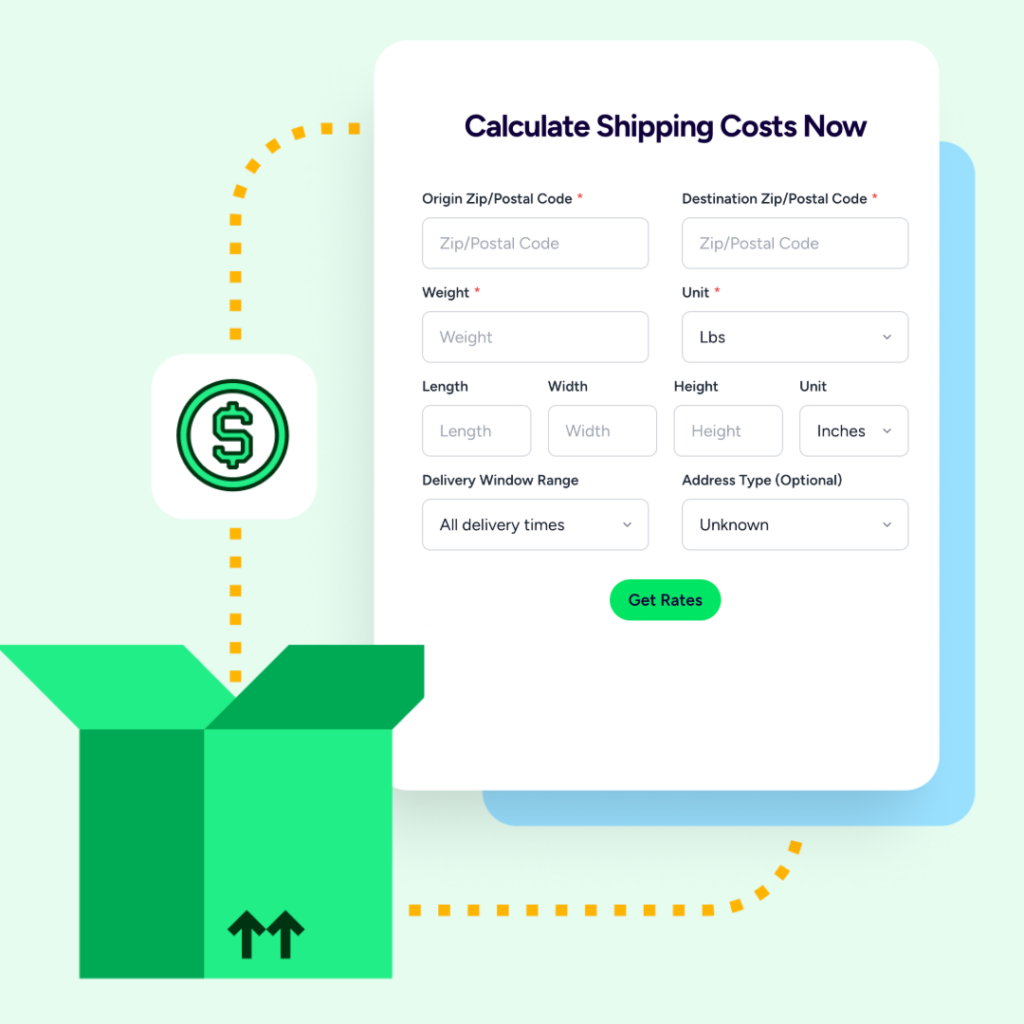
ShipStation is a multi carrier shipping solution for marketplace merchants that lets you compare rates in real time across Aramex, Couriers Please and PARCELPOINT, in addition to your own negotiated carrier rates. Compare, pick and ship. It’s that simple.

Shipping rate comparison in ShipStation.

Manage eBay and other sales channels together

Most growing sellers don’t live in one marketplace. ShipStation helps you manage eBay shipping alongside other channels like Amazon, Etsy, Shopify, WooCommerce, and more. With 100+ integrations, you can route orders into one workflow, apply consistent rules, and keep your team on the same screen.
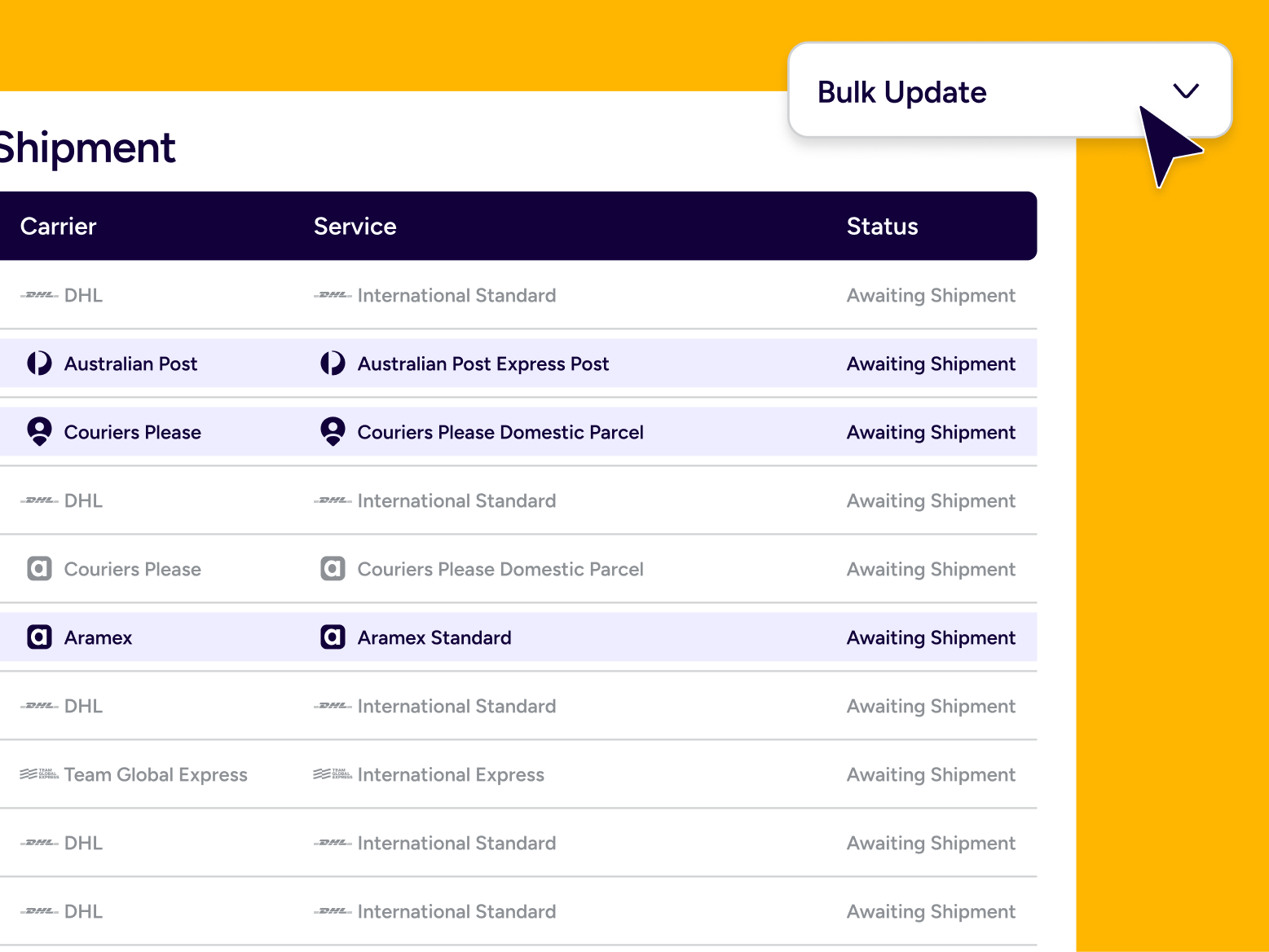
eBay shipping FAQ for sellers using ShipStation

Yes. ShipStation can automatically import orders and apply rules so label creation is faster and more consistent. You can batch print labels, reuse presets, and reduce repeat data entry.
Yes. ShipStation sends shipment details back to eBay when you create a label, so your buyers get tracking and your orders update faster. This helps streamline shipping and tracking processes for ecommerce marketplaces.
You’ll need an active eBay seller account and up-to-date login credentials. eBay also requires periodic re-authentication, so plan to refresh access when prompted to keep imports running smoothly.
You can. ShipStation rate shopping helps you compare services across multiple carriers in one view, so you can balance speed and cost for each order. It’s a direct way to compare carrier rates for eBay shipments without extra tabs.
Yes. ShipStation is built to manage eBay and other sales channels together. Orders from connected stores import into one dashboard, so your team can ship with one process across channels.
ShipStation supports eBay Guaranteed Delivery when you use the Door-to-Door Guarantee option in eBay. Your workflow in ShipStation stays the same, and you can still use your own label branding while meeting eBay’s requirements.