Back
Back




































 Platform Options


Choosing between ShipStation and Shippo comes down to how you ship today and where you want your business to go. This comparison examines how each platform handles carriers and rates, order management, automation, pricing, and other aspects of fulfillment, so you can see which one aligns better with your shipping operation.
ShipStation is a shipping and fulfillment platform built for sellers shipping across multiple channels. It pulls orders into a single queue, helps you compare carrier rates, automates repetitive decisions and tasks, and keeps tracking and returns in one place.
Shippo takes a more API-first approach, giving merchants tools to print labels, compare carrier rates, and build shipping into their own applications. It’s a popular choice for smaller operations and teams that want to integrate shipping directly into their own software.
The real question when comparing ShipStation and Shippo is how much of your shipping operation you want to manage in one place. If you’re shipping a handful of orders a week or building shipping into your own software, Shippo’s lightweight, API-first approach may be all you need. If you’re managing orders across several channels and want automation to take repetitive work off your plate as volume grows, ShipStation gives you more tools to work with.
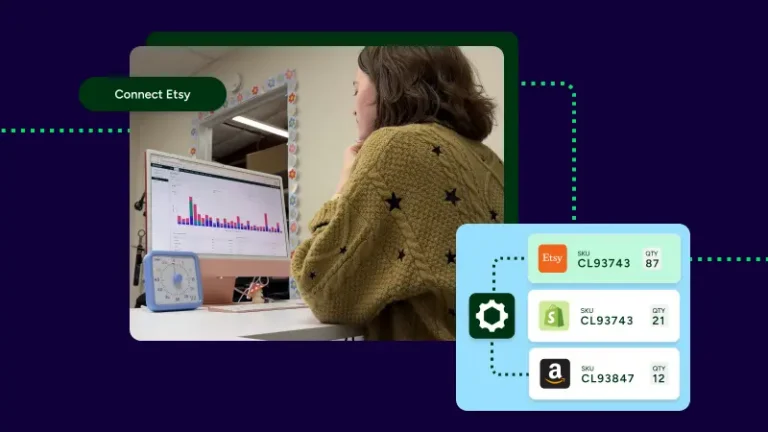
ShipStation is designed for merchants who have outgrown managing shipping by hand. Orders from 200+ selling channels, including Shopify, Amazon, eBay, Etsy, Walmart, and WooCommerce, land in one queue, so you don’t have to bounce between tabs to find what needs to ship. From there, you can combine or split orders, ship a single order in multiple shipments, and sync inventory across channels to help prevent overselling.
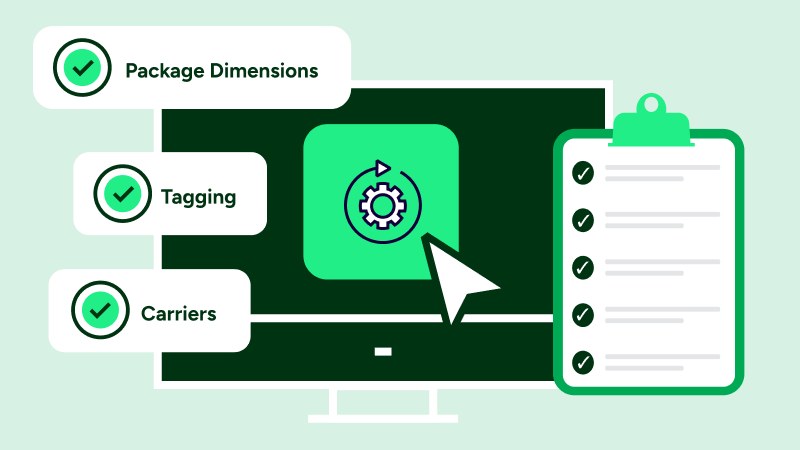
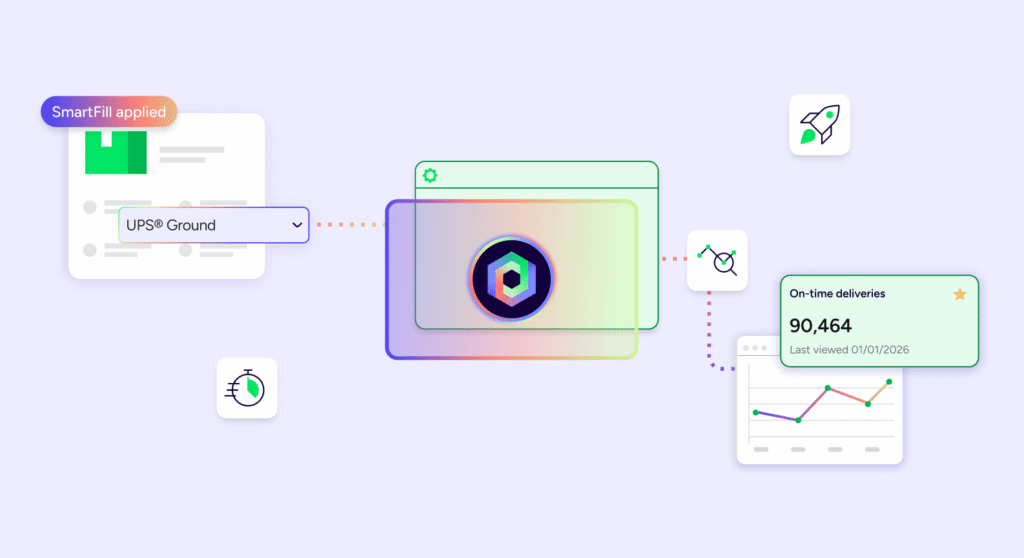
Automation is where time savings really add up, with rules that handle repetitive decisions, such as choosing a carrier based on weight, tagging Amazon orders as priority when they are imported, setting a service based on SKU, applying box presets, or routing orders to the closest warehouse. Automated Rate Shopper picks the best option without manual intervention.
Pair those rules with batch printing, and you can generate hundreds of labels at once instead of processing each order individually.
Rates and post-purchase tasks are handled in the same place. ShipStation lets you compare UPS®, USPS®, FedEx®, and DHL Express rates side by side, connect your own carrier accounts, and access available discounted rates. Branded tracking pages and a self-serve returns portal extend the experience beyond the point of shipment.
Shippo can be a good fit when your shipping needs are more basic. Its free plan includes a monthly label allowance, integrations, and discounted carrier rates, giving newer or lower-volume sellers a way to print labels without committing to a paid subscription. Its straightforward setup can also help merchants get to their first label quickly.
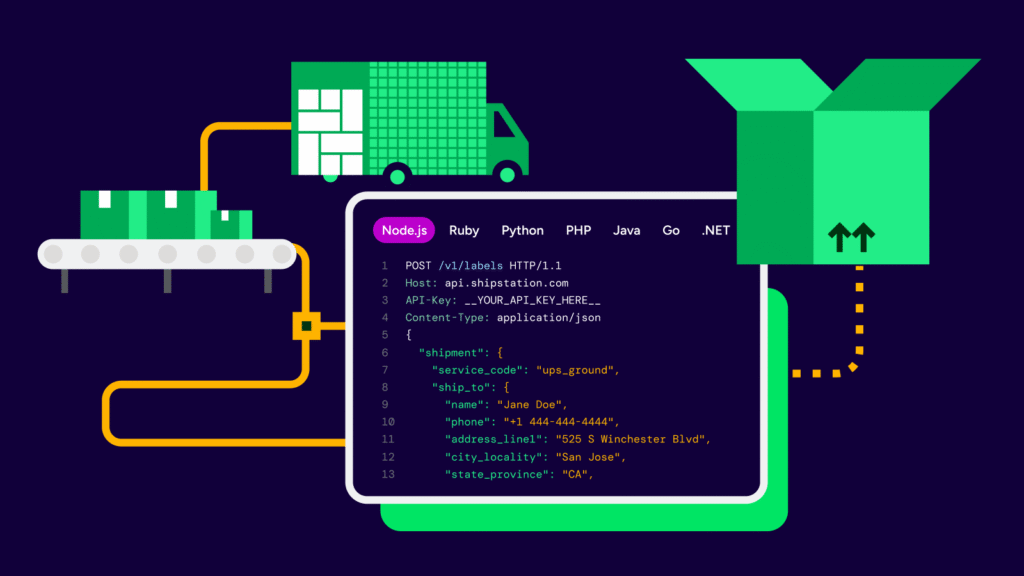
Shippo is also built with developers in mind. Its REST API and SDKs make it possible to build shipping into your own checkout or applications, while marketplaces and other platforms can embed shipping functionality for their sellers. Its network of 40+ carriers can also be useful for businesses shipping internationally.
The differences become more important as your operation grows. Automation features are available on Shippo’s paid plans, so free-plan users may need to handle more shipping tasks manually. If you’re adding sales channels, managing more order exceptions, or want rules to handle repetitive work automatically, compare the plan features and limits closely before choosing a platform.
| Feature | ShipStation | Shippo |
|---|---|---|
| Order management | ||
| Selling channel integrations | Yes200+ channels, including Amazon, Shopify, TikTok Shop, Walmart Marketplace, WooCommerce, and eBay | Yes20+ platforms |
| Native marketplace order support | YesAmazon FBA and FBM, eBay, Etsy, and Walmart Marketplace orders in one queue | Yes10+ marketplaces |
| Carriers and rates | ||
| Multi-carrier label printing | YesUPS®, USPS®, FedEx®, DHL Express, GlobalPost™, Canada Post, Australia Post, Royal Mail, DPD, and more from one screen | YesUSPS, UPS, FedEx, DHL, and others |
| Side-by-side rate comparison | Yes200+ carriers; live rates compared per shipment; the cheapest option highlights automatically | Yes40+ carriers |
| Platform-discounted carrier rates | YesDiscounted rates with UPS, USPS, FedEx, DHL Express, GlobalPost, and more | YesDiscounted rates with UPS, USPS, FedEx, DHL Express, and more |
| Bring your own carrier account | YesKeep your negotiated UPS or FedEx rates | YesPer-label fee applies to entry plans |
| LTL freight | YesBook, compare, and track LTL freight on the same platform as parcel | No |
| Fulfillment operations | ||
| Batch label printing | YesPrint 200 labels in one click to a 4×6 thermal printer, no driver setup | YesPrint up to 100 labels per batch |
| Automation rules | YesAutomated rate shopping that chooses the cheapest, fastest, or best-value option for each shipment; Pick a carrier by weight, route by ZIP, tag on import, apply insurance thresholds, and more | PartialPaid plans only, not the free tier |
| Multi-warehouse ship-from | YesRoute based on available inventory and closest to the destination ZIP; split an order across locations | PartialMultiple ship-from addresses, but no ZIP-based routing rules |
| Inventory management | YesStock syncs across all channels in real time, with low-stock alerts by location, reorder assist for accurate forecasting and reordering stock, purchase orders, stock auditing, lot tracking, units of measure, scan-to-receive, and other features. | NoNot built into the platform |
| Post-purchase and returns | ||
| Self-service returns portal | YesBranded portal; email a pre-paid return label in one click | No |
| Branded tracking and notifications | YesBranded tracking pages, options for promotional graphics/image; shipped, in transit, and delivered updates | PartialBranded experience on paid plans |
| International customs forms | YesCN22 and CN23 auto-fill, with options for guaranteed duties and taxes upfront, HS code lookup | YesCustoms forms and commercial invoices |
| Platform and support | ||
| Mobile app for shipping | YesiOS and Android | NoMobile-responsive web app only |
| REST API and webhooks | YesCustom label generation plus webhooks for every shipment update | YesDeveloper-first, with documented SDKs |
| Onboarding and support | YesEmail and chat on Starter; phone, email, and chat on Standard and Premium, plus onboarding support for some plans | PartialSelf-serve setup; dedicated support on enterprise plans |
| Pricing | ||
| Pricing model | Month-to-month subscriptionCancel anytime, no contract | Monthly free label allowanceSubscription by label volume, plus usage; per-label and per-API-call fees |
ShipStation pulls orders from 200+ selling channels into a single queue, so you can manage shipments from Shopify, Amazon, eBay, Etsy, Walmart, WooCommerce, BigCommerce, TikTok Shop, Wix, Squarespace, and Square without bouncing between tabs. Both platforms support many of the channels sellers use most. The difference becomes more noticeable as you add stores and marketplaces.
That breadth matters in day-to-day operations, not just on an integration list. As you expand to more channels, those orders can flow into the same queue without requiring you to rebuild your shipping workflow. You can connect multiple stores to one account, filter orders by source channel, manage marketplace and webstore orders side by side, and automatically send tracking information back to the relevant channel.
Order complexity is where basic label printing and a broader shipping platform start to diverge. ShipStation keeps order and shipment records separate, so a single order can have multiple shipments when items need to ship separately, or a package requires more than one box. You can also combine or split orders when needed.
If your team regularly handles partial shipments, edited orders, multi-box shipments, or marketplace orders that require specific tags and service rules, compare those workflows closely before choosing a platform.
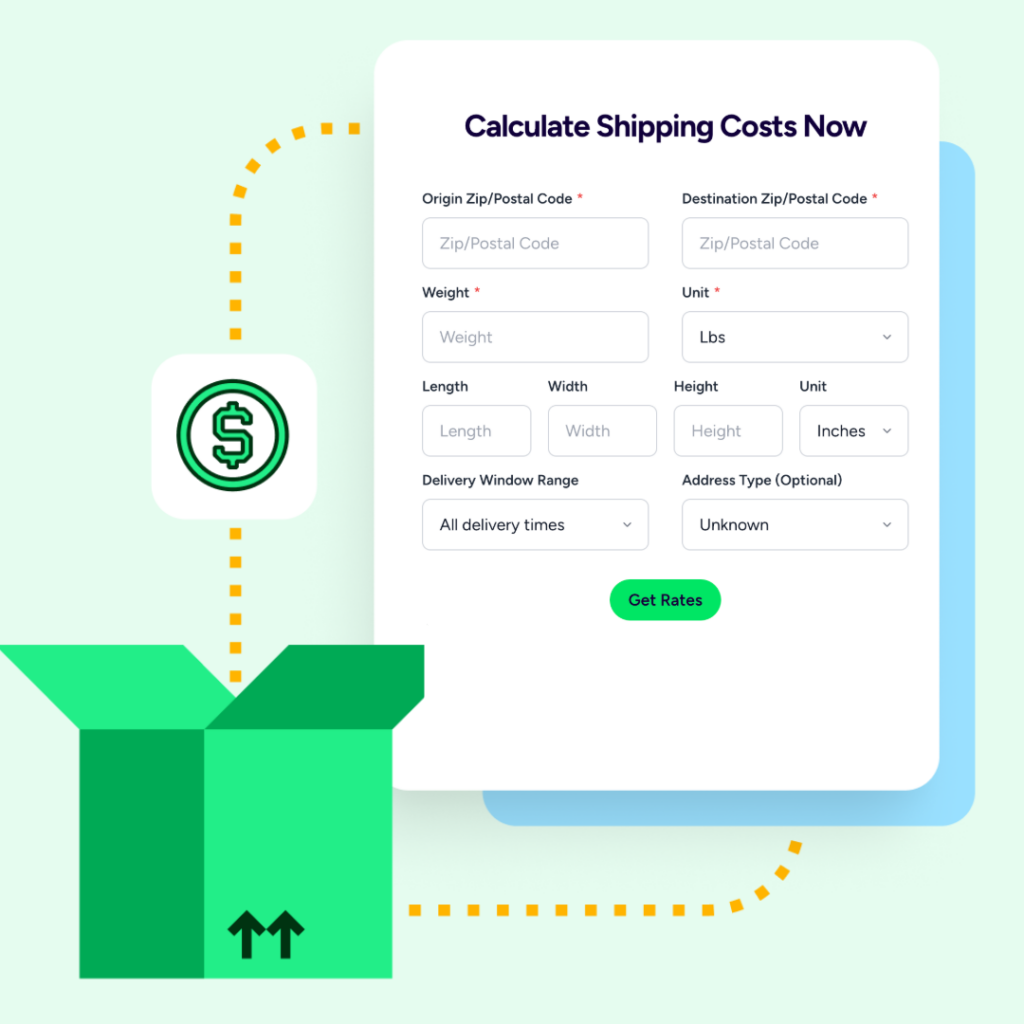
Shipping costs depend on the shipment, not just the carrier. ShipStation lets you compare UPS®, USPS®, FedEx®, and DHL Express rates side by side, then choose the service that fits the package, destination, and delivery requirements. You can compare services using ship-from and ship-to details, weight, dimensions, address type, and service class. Browse by carrier or view available rates together, then apply the service you want to the shipment.
You also have flexibility in how you manage your carrier accounts. Connect your own UPS or FedEx account to use your negotiated rates, use ShipStation’s available discounted rates, or compare options across 200+ carriers.
Both platforms support rate shopping and bring-your-own carrier accounts, while Shippo offers a carrier network of 40+ options, including a broad selection for international shipping. The bigger difference is what happens after you find the right rate. ShipStation combines rate shopping with automation and order management, allowing rules to help select a carrier or service instead of requiring someone to make that decision manually for every shipment.
International shipping is another area where both platforms cover the basics. ShipStation supports customs forms, duties and taxes (including a fully guaranteed prepaid option), harmonized tariff codes by SKU, and international shipping to 200+ countries. Shippo also generates customs documentation and commercial invoices and supports cross-border shipping.
The better fit depends on what you value most. If carrier breadth is your top priority, Shippo is worth considering. If you want rate shopping to work alongside order management and shipping automation, ShipStation offers a more connected workflow.
Shipping automation turns repetitive shipping decisions into rules, reducing manual work and errors while helping orders move through your operation faster. ShipStation’s automation rules can handle many of the steps that would otherwise require someone to make the same decision order after order.
Batch printing is another major time-saver. You can process and print large groups of labels at once, while ShipStation Connect connects printers, scales, and scanners to your workstation.
Inventory management and warehouse management are areas where the platforms differ more significantly. ShipStation can sync inventory levels across connected sales channels, helping reduce the risk of overselling the same item on Amazon, Shopify, and eBay. It also supports multiple ship-from locations, rule-based routing, mobile picking workflows, pick-to-tote, units of measure, non-pickable locations, and more.
Shippo supports multiple ship-from addresses, but it isn’t designed to replace a dedicated inventory management system. If inventory synchronization and multi-location routing are important to your operation, compare how each platform fits with the rest of your technology stack.
Shippo can be a straightforward way to get started, but its automation capabilities are tied to paid plans. If automation is important to your workflow, compare the features and limits included at each plan level before you choose.
Tracking and returns can have just as much impact on the customer experience as delivery, and both platforms cover the core post-purchase workflows.
ShipStation brings shipment tracking and returns management together in the same platform. You can provide branded tracking experiences and send shipment updates as orders move through the delivery process. You can also create return labels and manage returned shipments, helping your team keep visibility from the original shipment through the return.
Shippo also supports branded tracking and return labels, giving merchants the tools to keep customers informed and manage returns without having to build those workflows from scratch.
ShipStation goes further with its self-service returns experience. Customers can initiate returns through a branded portal, while your team can manage return-related tasks without relying as heavily on back-and-forth emails. The platform also encourages exchanges over returns to keep customers satisfied, while putting money back in merchants’ pockets.
For sellers looking to reduce “where is my order?” requests and make returns easier to manage, keeping outbound shipping, tracking, and returns within the same platform can mean fewer systems to maintain and a clearer view of the customer journey.
Shipping data should help you make better decisions, not just show you what happened. ShipStation’s reporting provides visibility into shipping volume, carrier usage, shipping costs, and inventory. That can help you identify spending patterns and evaluate whether your carrier and service rules are working as intended.
Shippo also offers shipping analytics through Shippo Intelligence, with availability depending on your plan.
The important question is how much you rely on shipping data to manage your operation. If you’re regularly evaluating carrier costs, service levels, order volume, or inventory, look for reporting that connects shipping activity to the orders and products behind it.
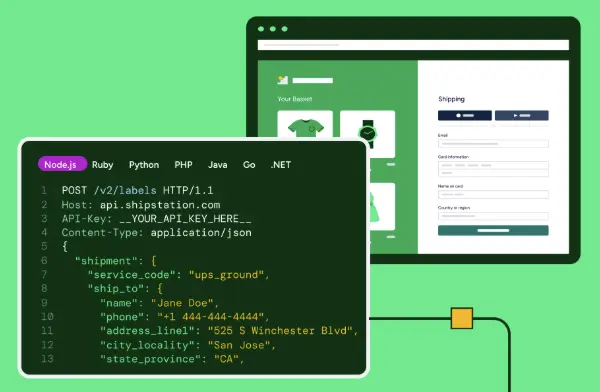
Both platforms offer APIs and integrations for businesses that want to connect shipping with the rest of their technology stack. ShipStation provides API access and webhook events for shipment updates, making it possible to connect shipping with systems such as a WMS, ERP, or accounting platform.
Shippo has a particularly strong focus on developers. Its documented APIs and SDKs are designed for teams building shipping into their own applications, while Shippo for Platforms provides marketplaces and other technology companies with tools to embed shipping capabilities for their users. If developers are the primary audience for your shipping solution, that’s an important advantage for Shippo.
Day-to-day access is different. ShipStation offers a mobile app that can be useful when you need to manage or print shipments away from your usual workstation, such as at a pop-up shop or trade show. It also supports mobile picking workflows, scan-to-receive, stock audit, and end-of-day tasks.
Shippo uses a mobile-responsive web experience, with bulk shipping workflows designed primarily for desktop use.
Support also depends on the plan you choose. Both platforms provide self-service documentation and resources, with more hands-on support available at higher tiers. ShipStation also offers dedicated onboarding support to help merchants set up and run their integrations, automation, and shipping. Shippo focuses on getting merchants up and running quickly with documentation, guides, and developer resources.
Pricing is one of the biggest reasons merchants compare ShipStation and Shippo, but the better value depends on how much you ship and how your operation is structured.
Shippo has an advantage for very low-volume sellers with its free tier, which includes a monthly label allowance, integrations, and discounted carrier rates. That gives smaller operations a way to print labels without committing to a paid subscription. ShipStation doesn’t offer a permanent free plan, but it does offer a free 30-day trial with no credit card required.
The pricing models also differ. ShipStation uses a subscription model with month-to-month flexibility and no long-term contract. Shippo offers subscription tiers based in part on monthly label volume, with additional per-label or usage-based fees depending on the plan and features you use. Using your own carrier account can also affect the per-label cost on some plans.
Whichever platform you choose, compare the total cost of your workflow rather than just the starting subscription price. Consider the software, carrier postage, surcharges, usage fees, the time your team spends processing every order, and your desire to replace third-party vendors.
Shippo can be a good fit for very low-volume merchants and developer-first teams that want a free plan, straightforward setup, or the flexibility to build shipping into their own applications.
ShipStation is a better fit for merchants managing orders across multiple channels who need broader integrations, more robust order management, automation, and batch shipping within a single workflow. As order volume and complexity grow, those tools can help reduce manual work and keep fulfillment running efficiently.
The right choice ultimately depends on how you ship today, how complex your operation is, and where you expect it to go next.