Back
Back




































 Technology & Integrations


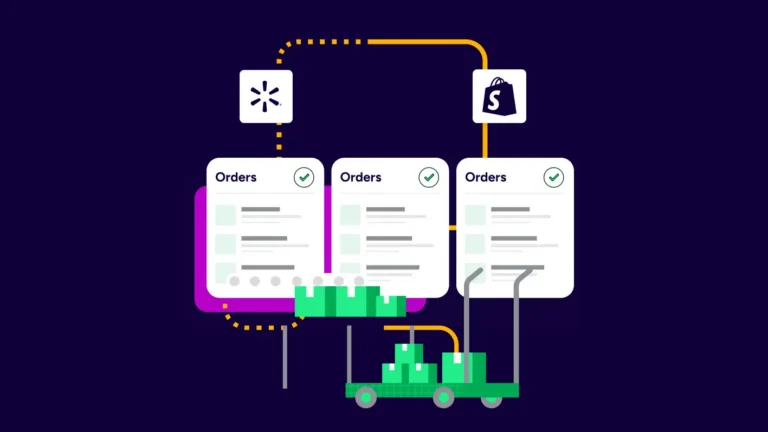
Selling on Walmart and Shopify? Here’s how to manage shipping in one place: connect both stores to ShipStation, pull every order into one dashboard, and set rules that handle labels, tracking, and updates for you. When volume picks up, that single view saves time, gives you more control, and helps you catch shipping issues before they slow down your team or your customer.
Managing shipping in one place means your Walmart and Shopify orders land in one queue, use one set of shipping rules, and push tracking back without manual copying. Instead of bouncing between tabs, you can review orders, compare rates, print labels, and track shipment status from one screen.
That matters more than it sounds. Split systems create real problems: missed orders, wrong service choices, late tracking updates, and messy handoffs between team members. A shared dashboard gives you one source of truth for what shipped, what still needs action, and which order setting needs attention next.
Without ShipStation, our current shipping volume and handling would be massive. We’d need to go into each different platform, print things out, and it takes so much time. Having everything all together is just so quick and efficient.
The cleanest setup is simple: connect Walmart and Shopify to ShipStation, import orders, then check product mapping and store settings before you print anything. That keeps shipping data consistent from day one and helps you avoid duplicate work later.
Start with these steps:
If you sell the same product on both channels, SKU matching matters. Good mapping helps stock stay aligned and makes automation easier to apply. It also reduces issues when one channel uses a slightly different listing title than the other.
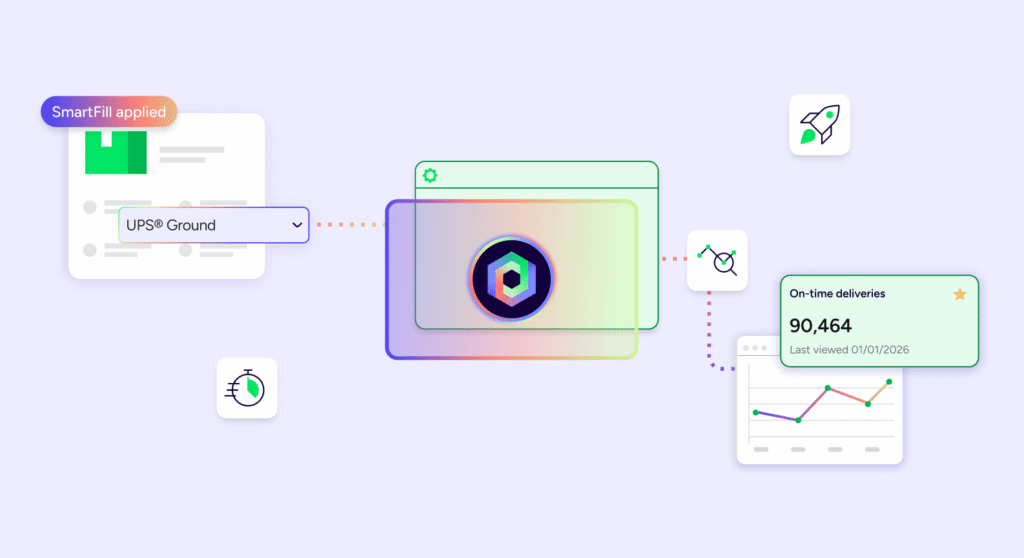
Automation does the heavy lifting once your stores are connected. You can set rules that tag orders, choose services, apply package presets, or route shipments based on weight, SKU, channel, or ship-from location. That cuts manual clicks and gives you tighter control over fast-moving order volume.
A few useful rules for Walmart and Shopify sellers include:
This is where one dashboard starts to pay off. Instead of making the same choice over and over, you set it once and let the system handle the repeat work. Your team spends less time fixing preventable errors and more time getting orders out.
Once orders are in one place, shipping gets much faster. You can review rates, choose a service, print labels in bulk, and send tracking back to Walmart and Shopify without re-entering data. For growing sellers, that single workflow is often the difference between staying caught up and falling behind.
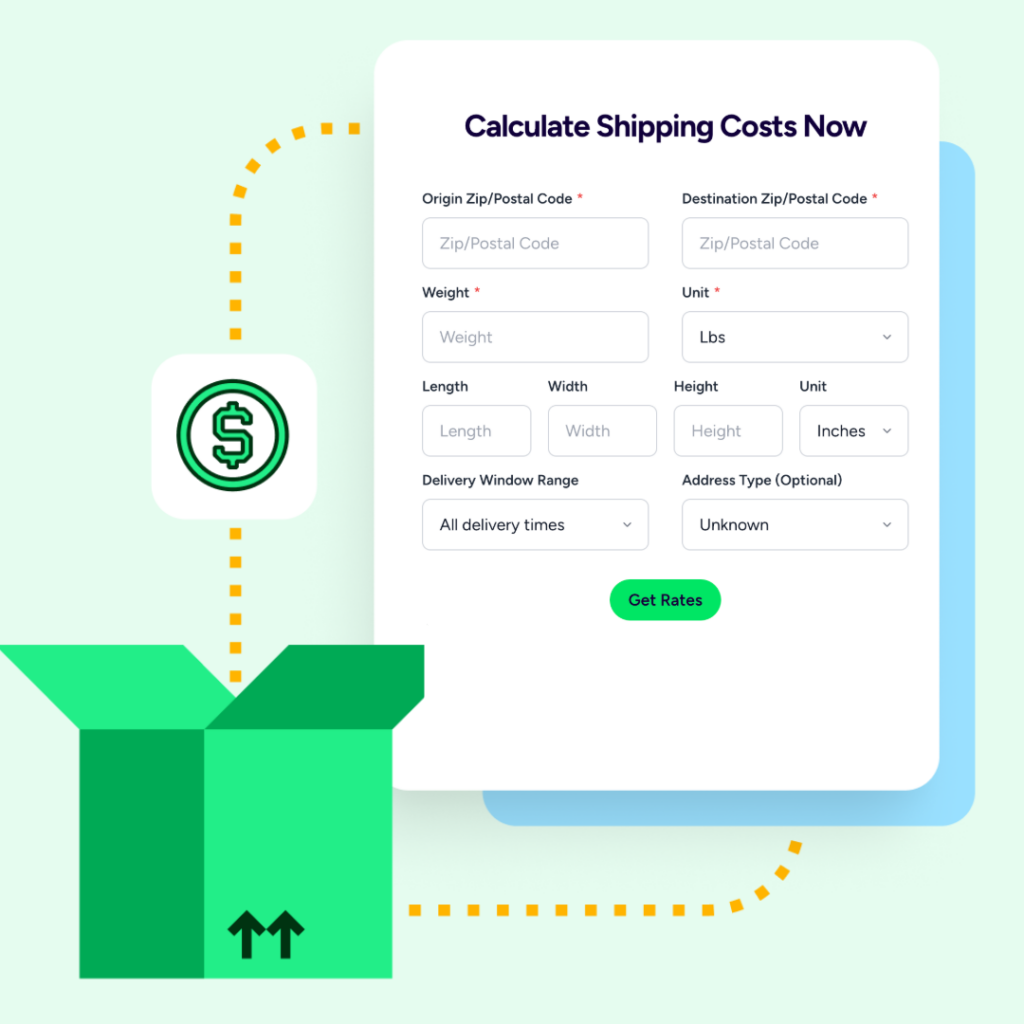
ShipStation lets you compare UPS®, USPS®, FedEx®, and DHL Express rates side-by-side, then pick the option that fits your delivery needs. You can print labels one at a time or use batch printing when the queue gets busy. If weights need changes first, bulk update those values, then print.
Tracking matters too. As soon as you create a label, ShipStation automatically sends shipment details back to the selling channel. That update includes the order number, shipping service, and tracking number. You can also adjust marketplace notification timing in your store settings, or disable a notification on a single order when needed.
Customers want clear delivery information and steady updates. Managing both channels in one place helps you set shipping options with more consistency, keep estimates realistic, and track what buyers will actually see after checkout.
A few smart habits help:
When you control these details from one dashboard, you reduce mixed messages. That helps your customer trust the order process more. It can also increase repeat business because buyers get cleaner tracking, fewer surprises, and faster answers when they ask where a package is.
Most setup problems come from three places: unmatched SKUs, missing order details, or rules that don’t apply the way you expected. The fix is usually to review the order source, confirm product data, and test your settings with a small sample before you scale them across everything.
Watch for these common issues:
When something looks wrong, start small. Open one affected order and check the store mapping, package setting, service rule, and notification choice. That step-by-step review usually shows where the issue began. Once you fix the rule, the rest of the queue gets easier to handle.
If you ship from more than one location, one platform helps you keep that complexity under control. You can set locations for different products, route orders based on stock, and choose whether speed or lower shipping cost matters more for that order.
This is useful when one warehouse can’t fulfill every item. You may want the closest location for faster delivery, or the fewest locations to keep total shipping cost lower. ShipStation supports both kinds of logic, so you can choose the setup that fits your business. That gives you more control as order count grows and your fulfillment network gets more complex.
Selling on Walmart and Shopify works better when your shipping does too. One dashboard helps you set rules, print faster, track every order, and handle issues before they turn into delays. If you’re ready to save time and keep both channels under control, start a free trial with ShipStation and see how quickly one workflow can clean up daily shipping.