Back












































The Pharmaceutical and Healthcare Shipping Guide
How to manage shipping costs, compare carriers, track orders, and stay in control
 Scroll to explore
At a glance: What healthcare shippers need to know about pharmaceutical shipping
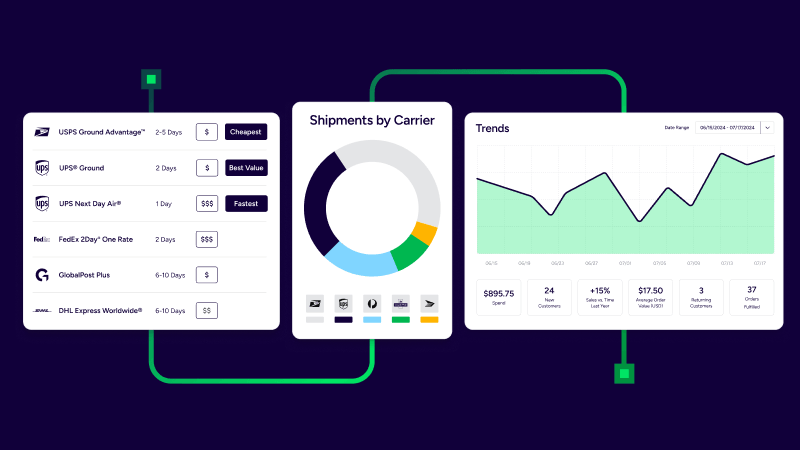
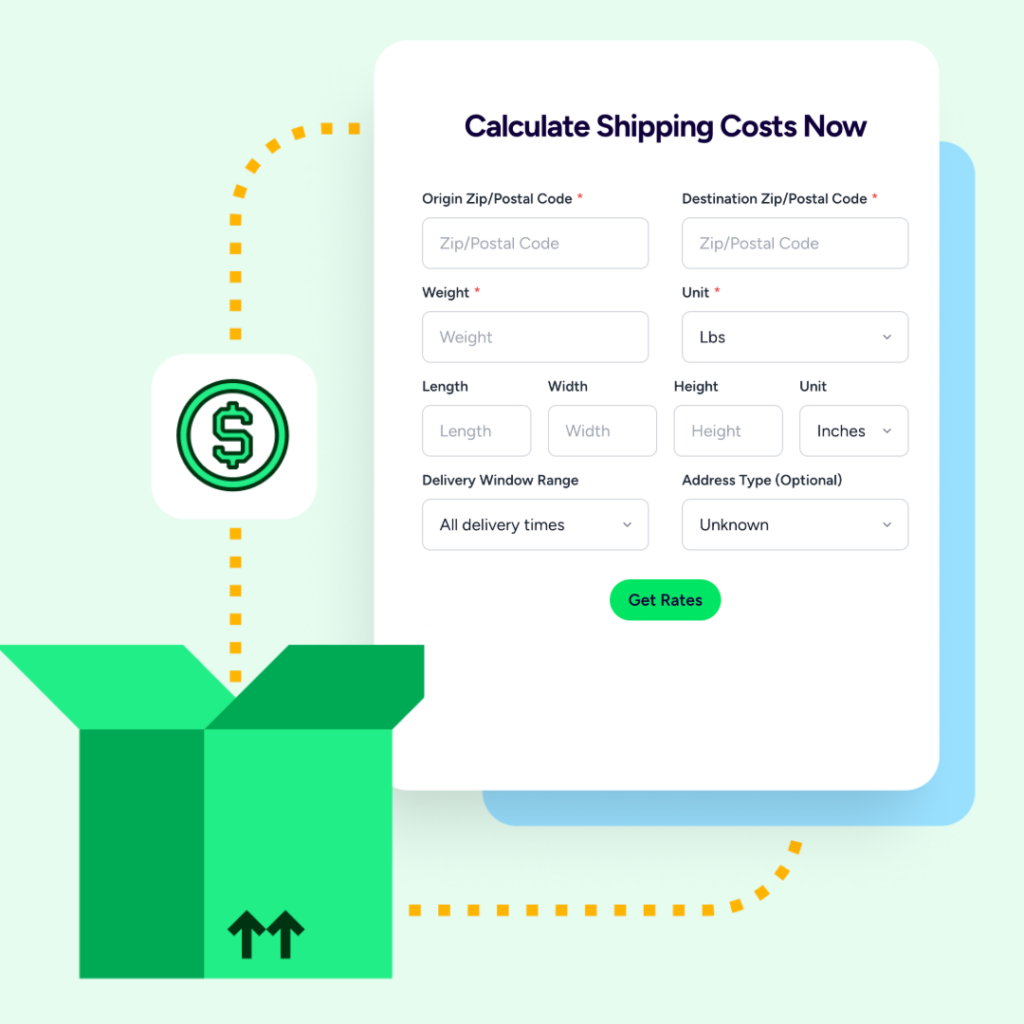
Lower costs without sacrificing delivery speed. Compare parcel and U.S. freight options, then rate shop by cost and transit time to find the best fit for each order.
Everything in one place. Manage orders, labels, tracking, and automation in a single workflow, reducing manual data entry and the need to switch between systems.
More accurate inventory records. Track lots and expiration dates, use FIFO workflows, and search orders by lot to quickly identify affected shipments.
Stronger proof of delivery. Use signature options and address validation to improve delivery documentation and accountability.
Shipment visibility without the guesswork. See what’s in transit, delivered, or needs attention. ShipStation doesn’t monitor temperature, so cold-chain requirements must be managed separately.
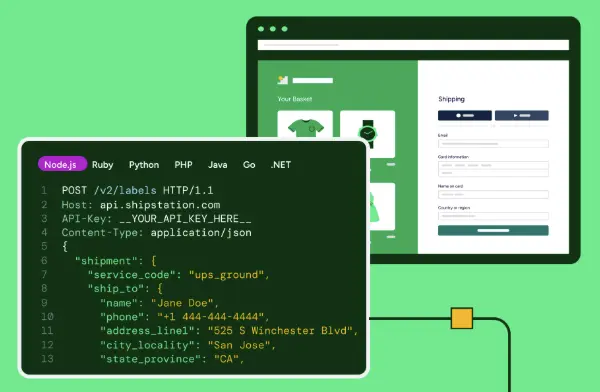
Integrations that fit your workflow. Connect VirtueScript, CarePortals through Custom Store, and pharmacy or fulfillment partners to reduce manual order entry.
Added protection for high-value or fragile orders. Insurance options and proof of delivery provide greater confidence when shipping products that need extra care.
Pharmaceutical shipping leaves no room for error
In healthcare, a shipping error isn’t a minor inconvenience. It’s a patient waiting on a prescription, a pharmacy fielding calls, and a team scrambling to make it right. This section looks at what’s actually at stake when orders go wrong, where manual processes tend to break down, and why a more controlled approach starts with the everyday details of how you ship.

Pharmaceutical shipping moves quickly, and mistakes can have serious consequences.
A wrong address doesn’t just mean paying for a reshipment. It can delay a patient’s medication. A missed delivery window can send a customer to your phone line instead of their mailbox. And a lost package with no delivery signature leaves you without clear proof of receipt.
If you run an online pharmacy, a durable medical equipment (DME) business, or a medical supply store, you probably recognize the routine. Orders arrive from multiple channels. Someone transfers them into a spreadsheet. Someone else compares carrier rates across browser tabs. Shipping labels are printed one at a time, and tracking numbers are manually copied back into order records.
That’s not an efficient shipping operation. It’s administrative overhead disguised as shipping.
This guide explores how to reduce manual work, manage transit times, and keep your supply chain moving. We’ll cover carrier comparisons, shipping automation, inventory recordkeeping, delivery documentation, and ways to maintain accountability for your most sensitive orders.
A quick note on rules: Regulations for shipping medications and other healthcare products vary by product, destination, and the parties involved. This guide is educational and isn’t legal advice. Always review carrier rules and the regulatory requirements that apply to your business.
None of this is inevitable. These are process problems, and the first place to fix them is the service you choose for every order.
How to lower pharmaceutical shipping costs without slowing delivery
Savings rarely come from one big cut. They come from dozens of small, repeatable decisions about mode, carrier, and service level, made order by order. This section walks through the three questions that narrow your options, how parcel and U.S. freight compare, and the everyday habits that quietly add cost, so you can spend where speed matters and save where it doesn’t.
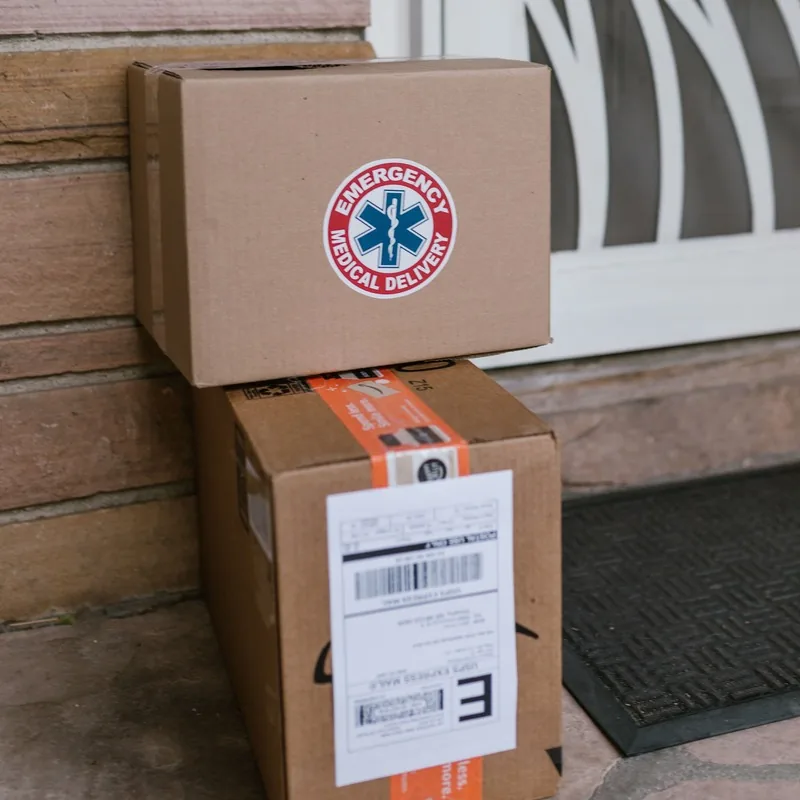
Not every order needs the same treatment. A box of bandages headed across the state doesn’t need the same service as a time-sensitive prescription going to another region. Treat them the same and you burn either margin or time.
The fix is to choose deliberately, order by order. That means comparing shipping options in one place instead of defaulting to whatever carrier you used last week.
Start with three questions before you pick a carrier or service level:

What’s in the box?
Medicine, supplies, and devices have different handling needs and different tolerance for delay.

Where is it going?
Distance, destination rules, and delivery area all shape your options.

How urgent is it?
Faster service costs more. Spend that money where a delay would actually hurt.
Those three answers narrow your choices quickly. The rest is comparison.
Parcel or U.S. freight
Most pharmacy and healthcare e-commerce orders ship as parcels: single boxes or small multi-box orders sent through carriers like UPS®, USPS®, and FedEx®. Bigger movements, such as bulk supplies sent to a clinic or distributor, may call for U.S. freight.
Pharmaceutical and healthcare transportation comparison

Parcel
Best suited for:
Daily patient and customer orders, supplies, and smaller devices
What to consider:
Service level, transit time, signature options, and per-package cost

Freight
Best suited for:
Larger or heavier shipments, such as bulk supplies sent to a clinic or distributor
What to consider:
Pickup and delivery logistics, handling requirements, and a different set of documents
The point isn’t to pick a winner. It’s to avoid being locked into one mode of shipping when the order calls for the other.
Where pharmaceutical shipping costs creep in
Increased costs rarely show up as one big line item. They build from small habits:
Each one is small. Together, they’re your margin. Audit your last 30 days of shipments. Sort by service level and flag any fast service used on an order with a long delivery window. That’s usually the quickest savings you’ll find.
Smart choices only stick when they’re easy to make. That’s why the next step is bringing the whole process into one place.
Run healthcare shipping in one place with pharmacy shipping software
Orders, labels, tracking, and automation work better as one workflow than as four separate jobs. When they share a single home, data enters once and carries through to the label and the tracking update. Here’s what a connected process looks like compared with scattered tools, and which repeatable decisions are worth turning into automation rules first.
Here’s a question worth asking your team: how many places does an order live between “placed” and “delivered”?
For many healthcare sellers, the honest answer is four or five. The store. A spreadsheet. A carrier website. A label printer app. An email thread for exceptions. Every handoff is a chance for something to break.
What a connected workflow looks like
When orders, labels, tracking, and automation come together in one platform, the work changes shape. With pharmacy shipping software, you create an account, connect your sales channels, and orders flow in automatically. You pick a service, print the shipping label, and the tracking number goes back to the order. No jumping between systems.
Automation gives you time comes back
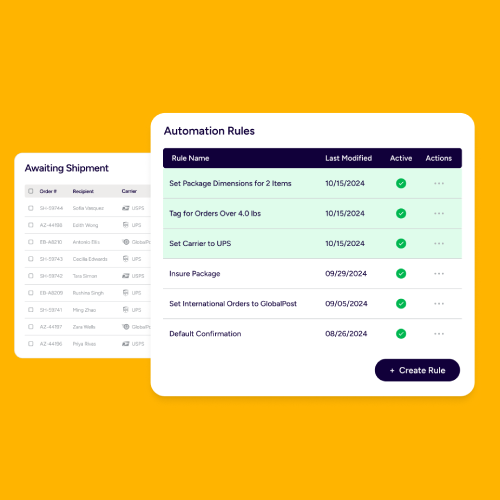
Once your process lives in one place, you can automate the repeatable parts. Think of rules that route certain orders to a specific service, flag orders that need a signature, or apply the same settings to every order from a given store.
You decide the rule once. It runs every time.
That’s time your team can spend on patient and customer questions, inventory, and growth instead of re-keying data. Start with your most repetitive decision. If your team makes the same call on 50 orders a week, that’s your first automation rule.
A connected workflow gets orders out faster and cleaner. In healthcare, though, speed only counts if you also know exactly what you shipped.
Keep pharmacy inventory records tight before you ship
Lot and expiration data turn a product notice into a quick search instead of a scramble through records and memory. When that information travels with your inventory and your orders, you can respond faster and with more confidence. Here’s how lot tracking, expiration dates, and order search by lot work together, plus a checklist you can use to test your own process.

When a manufacturer issues a notice about a product lot, the question you need to answer in minutes is: which orders contained it, and where did they go? If the answer lives in someone’s memory or a pile of printouts, that’s a problem.
Lot and expiration tracking
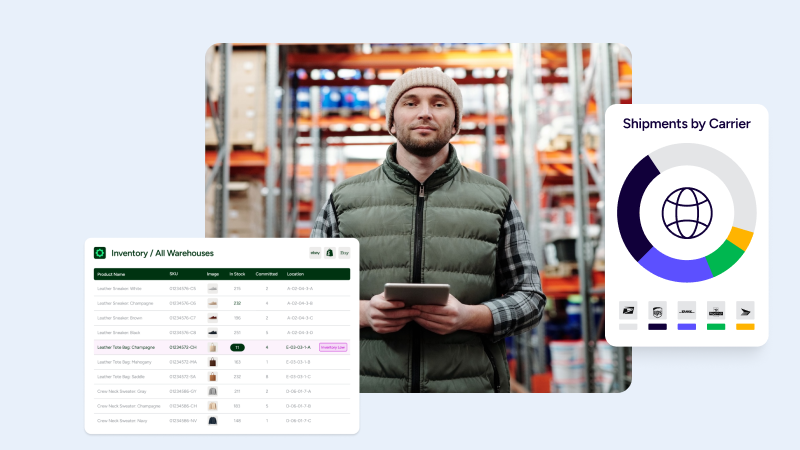
ShipStation supports lot and expiration tracking, so the details that matter travel with your inventory. You can track by lot, record expiration dates, and run first in, first out (FIFO) workflows, which means the oldest eligible stock ships first.
FIFO matters most when your products have shelf lives. Ship newer stock while older stock sits on the shelf, and you end up writing off inventory that could have reached a customer.
Search orders by lot
Here’s the practical payoff. With order search by lot, you can find the orders tied to a specific lot without digging through records by hand. That helps you review affected orders faster and respond with more confidence.
It also makes it easier to review orders by destination when regulatory requirements shape how you work. If different destinations carry different rules, being able to see where products went is a real time-saver for any pharmaceutical shipping operation.
A lot-tracking checklist
Use this as a starting point for your own process:
Run a “mock recall” once a quarter. Choose a lot at random and time how long it takes to find every order that included it. The gap between that number and the number you’d want is your to-do list.
Tight records tell you what went out and where it went. Rate shopping decides how it gets there.
Rate shopping for pharmaceutical shipping: Parcel and freight
The cheapest label and the right label aren’t always the same. Delivery windows, order urgency, and carrier performance all change the answer from one shipment to the next. This section explains how to weigh price against transit time, why comparing a broad carrier network matters in healthcare, and how to build default rules so the best choice becomes the easy one.

A rate shopping tool that only compares two or three carriers isn’t really shopping. It’s browsing.
Rate shopping means seeing your real options across a broad carrier network at the moment you ship, then choosing based on cost and delivery time together. That matters most when increased costs, tight delivery windows, or a change in mode of transport squeeze your margin.
Why it matters in healthcare shipping
Think about the tension healthcare sellers live with. Some orders are routine and price-sensitive. Others are time-sensitive and worth paying for. A single carrier contract rarely serves both well.
Comparing carriers per order lets you:
One workflow covers your daily parcel shipping and freight when you need it. You don’t maintain a separate process for each.
Make rate shopping a habit, not an event
Rate shopping works best when it’s built into the way you ship, not something you do when you remember. Set default rules so the system suggests the right service for each order type, and reserve manual choices for exceptions.
Revisit your default rules each quarter. Carrier services and your own order mix change. Defaults that made sense in January may cost you in July.
Rate shopping puts the right service on the label. Next comes the part that protects you when something goes wrong: proof the package arrived.
How proof of delivery strengthens chain of custody when shipping medications
Getting a package to the right door is one job. Documenting that it arrived is another, and it’s the one that protects you when questions come up. Signature options, address validation, and tracking each add a layer to your records. Here’s how they fit together into a chain-of-custody record, with a pre-shipment checklist you can use before every order leaves the dock.

If you’ve ever had a customer say “I never got it,” you know how a delivery dispute goes. Without proof, it’s your word against a tracking status. That’s a real risk when you’re shipping medications.
Signature options
ShipStation supports signature confirmation and adult signature where the carrier supports them. For orders where someone needs to be there to receive the package, those options put a person on the record.
Which orders need them? That’s a business and compliance decision, not a shipping one. Some teams require a signature on every medication order. Others reserve it for specific products or order values. Whatever your rule, you can build it into the workflow so it doesn’t depend on someone remembering.
Availability varies by carrier and service, so check what each one supports before you make signature part of a default rule.
Address validation
The cheapest delivery problem to fix is the one that never happens. Address validation checks the destination before the shipping label is created, which cuts down on delivery mistakes caused by typos, missing apartment numbers, and incomplete details.
A corrected address at label creation costs you seconds. A misdelivered medication costs you far more.
The chain-of-custody record
Combine address validation, signature options, and shipment tracking, and you get something useful: a clearer record of where an order went and who received it. That’s a stronger chain of custody than a screenshot of a tracking page.
A pre-shipment checklist
Before an order leaves your dock, confirm:
A clear delivery record protects you after the fact. Tracking protects you while the package is still on the move.
Shipment tracking and visibility without guessing
Good visibility means fewer status questions and faster answers when an order goes off track. It also means knowing exactly what tracking can and can’t tell you. This section covers what you can see after a label is created, how to work by exception instead of checking every shipment, and where temperature-sensitive products need a separate plan alongside your shipping software.

What you can see
After labels are created, tracking updates, branded notifications, and dashboard visibility show you what’s moving, what’s been delivered, and what needs attention. You don’t have to check each carrier site one by one.
Branded notifications also keep customers informed without extra work from your team. A customer who gets a clear update doesn’t need to call your pharmacy line to ask.
The dashboard view helps your team work by exception. If 95 orders are moving normally and five need attention, you focus on the five.
What shipping software doesn’t see
Here’s the line we promised to draw. ShipStation does not monitor product temperature or package conditions. Tracking tells you where a package is and whether it’s been delivered. It doesn’t tell you how warm it got on the truck.
That distinction matters, because many pharmaceutical products have temperature requirements. This section is general education, not a ShipStation capability.
Common temperature ranges, in plain terms
Requirements depend on the product, so always follow the manufacturer’s labeling. These are the ranges that come up most in pharmaceutical shipping:
Needs can differ for finished drugs, raw materials, and medical devices, so confirm requirements for your specific product.
How to plan around it
If your products need temperature control, build a two-part setup:
You can also choose faster services for time-sensitive orders. Shorter transit means less time in the network, which is a smart habit for any product that doesn’t like sitting around.
Don’t ship temperature-sensitive products late in the week unless you’ve confirmed the carrier will deliver before the weekend. Build that rule into your workflow.
Tracking shows where each order stands, but it’s only as good as the data feeding it. That’s where integrations come in.
What to look for in pharmacy shipping software integrations
The right integrations keep order data moving without anyone retyping it, which means fewer errors and less time spent on handoffs. This section covers where ShipStation connects for healthcare workflows, including VirtueScript, CarePortals through Custom Store, and pharmacy or fulfillment partners, plus four questions to ask about any integration before you rely on it to run your daily shipping.

Where ShipStation connects
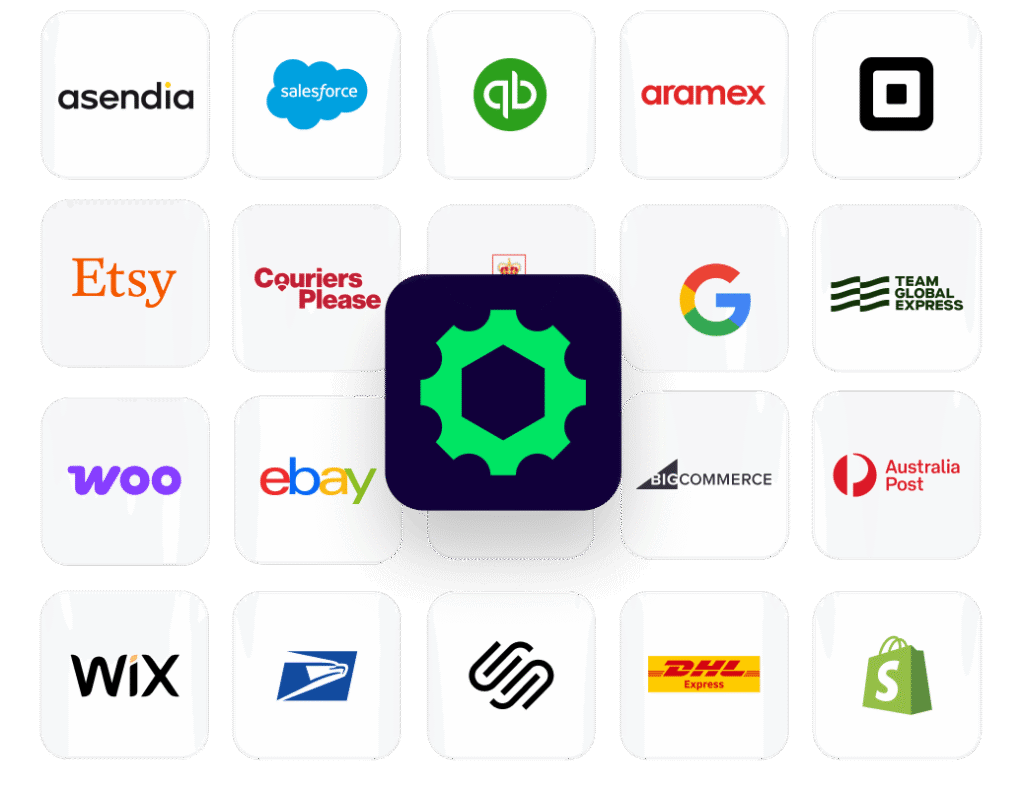
ShipStation connects with hundreds of stores and marketplaces. For healthcare shipping, that includes:
Those connections cut re-entry and keep data moving across your supply chain. When an order is captured once and carries through to the label, you remove the step where most typos happen.
Before you rely on a connection, check the details:
Custom Store is worth knowing about if your platform isn’t on the standard list. It gives you a way to bring orders in from systems that don’t have a built-in connection.
Integrations also scale with you. Adding a new sales channel or fulfillment partner shouldn’t mean rebuilding your process.
Clean data gets orders out the door correctly. For the shipments worth the most, you’ll want protection that goes further.
Extra protection for high-value and fragile medical supply
Insurance, signatures, and packaging each cover a different kind of risk, and none of them replaces the others. The goal isn’t to protect every order the same way. It’s to match the safeguards to the stakes. This section shows how to set rules for coverage in advance, pair insurance with proof of delivery, and pack fragile shipments so they arrive intact.

Not every shipment carries the same stakes. A specialty medication, a diagnostic device, or a piece of medical equipment can be worth hundreds or thousands of dollars. Losing one hurts.
Shipment insurance
ShipStation offers shipment insurance options. You add coverage to eligible shipments, so a loss or damage claim doesn’t come out of your pocket alone.
Coverage details, limits, and eligibility depend on the provider and the shipment, so review the terms before you rely on them. What you control is which orders get coverage. Set that rule in advance instead of deciding order by order.
Pair coverage with proof
Insurance works better alongside documentation. Proof-of-delivery tools document receipt, and together with signature options they give you a stronger position if something goes wrong.
Here’s a simple way to think about it:
You don’t need to over-protect everything. You need to protect the right things. Pharmaceutical orders, devices, and other sensitive goods move with more confidence when the safeguards match the stakes.
Pack it like you mean it
Documentation can’t stop a crushed box. Fragile and high-value orders still need sturdy packaging, appropriate cushioning, and clear handling labels. Good packaging and good records work as a pair.
Photograph high-value orders before sealing them. A quick photo takes seconds and strengthens any claim.
Protect the shipments that matter most, and the rest of your process can stay fast and simple. With the safeguards in place, the last step is turning everything you’ve read into a plan.
Your pharmaceutical shipping roadmap
Better pharmaceutical shipping gets built in stages, not in one big switch. Six steps take you from scattered tools and manual handoffs to a process you can trust, with each step building on the one before it. Use the table below as a working plan, start at step one, and use the gut check at the end to see how far along you already are.
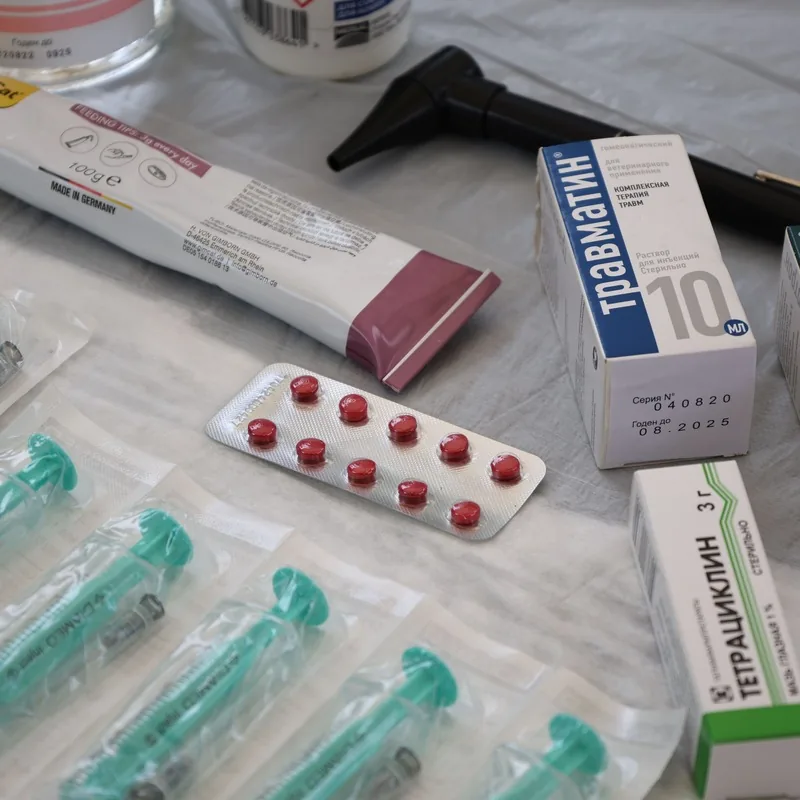
You don’t need to change everything at once. Here’s a practical order of operations, from mapping your process to planning for temperature-sensitive products.
You don't need to change everything at once
Map your current process from order to delivery
You can’t fix handoffs you haven’t seen
Connect your sales channels and healthcare platforms
Removes re-entry, the most common source of errors
Set rate shopping defaults by order type
Matches service level to urgency and protects margin

Turn on lot and expiration tracking and FIFO workflows
Makes affected orders searchable in minutes

Add automation rules for signatures, insurance, and routing
Applies your safeguards consistently, without relying on memory

Plan separately for temperature-sensitive products
If you’re ready to try it, you can sign up for a free ShipStation trial and connect your first channel in a few minutes.
Gut check: You’re in good shape if you can find every order that included a specific lot in minutes, you know which orders require a signature without asking anyone, and no one on your team is retyping an address.
Each step you complete removes a handoff and adds a layer of control. Here’s what it all adds up to.
Pharmaceutical shipping, simplified
Pharmaceutical shipping doesn’t have to be a juggling act. Here’s the short version of what we covered, from choosing the right carrier and running one connected workflow to tracking lots and documenting delivery, plus a clear look at where ShipStation fits and where a specialist partner is still the right call for temperature-sensitive products.

Pharmaceutical shipping rewards the teams that stay in control of the details. That means choosing the right mode and carrier for each order, running healthcare shipping from one place, keeping lot and expiration records that follow the order, documenting delivery, and protecting the shipments that matter most.
ShipStation helps you do all of that, with rate shopping, automation, tracking, address validation, signature options, insurance options, lot and expiration tracking, and healthcare integrations. It doesn’t provide cold-chain packaging or monitor temperature, so pair it with a specialist when your products need one.
The question isn’t whether you can afford to improve your shipping process. It’s whether you can afford another month of retyped addresses, guesswork, and slow answers when something goes wrong.
Want to see best-in-class shipping software in action? Start your free ShipStation trial and begin simplifying and streamlining your shipping process today.