Back
Back











































Control Amazon Fulfillment Across Every Channel From One ShipStation Dashboard
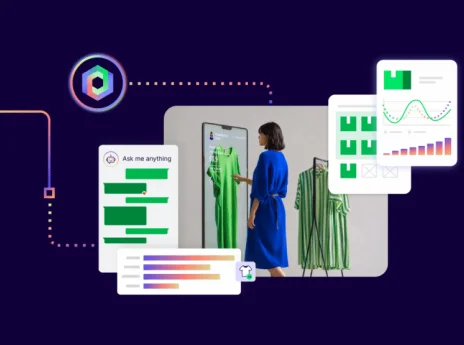
Amazon fulfillment can be fast and reliable, but it can also split your workflow. ShipStation brings your orders, inventory signals, and shipping actions into one place, so you can ship your way and still keep Amazon in the mix. Send eligible orders to FBA, ship FBM in batches, compare carrier options, and keep customers in the loop with branded tracking.
Centralize fulfillment across sales channels
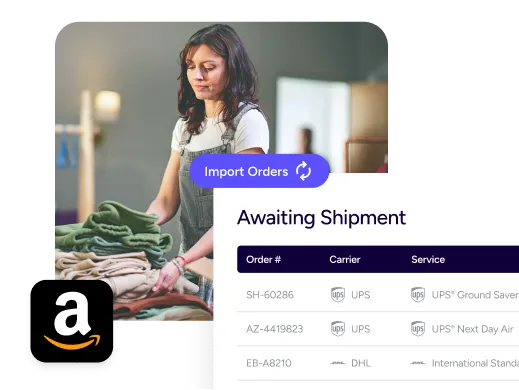
Keep everything in one place—no tab switching required. Import orders from your storefront and marketplaces, route each order to the right path, and track progress in one unified view that your whole team can learn fast.
Rated #1 by Industry Leaders






How Shipstation works with Amazon fulfillment
Connect Amazon FBA to shipping software
ShipStation is Amazon fulfillment integration software that lets you connect FBA and route orders there with Send to Fulfillment. Once an order ships, status and tracking updates flow back so your original sales channel stays accurate. You stay informed without manual copy and paste. ShipStation supports connecting FBA accounts for the US, Canada, and the UK.
Scale ecommerce fulfillment operations
Growth usually means more tools. ShipStation helps you scale ecommerce fulfillment operations with workflows your staff can learn quickly. Filters, tags, and batch tools keep your queue clean. Mobile options help you keep shipping moving from the warehouse floor. It’s a high volume order management system feel, without the heavy setup.
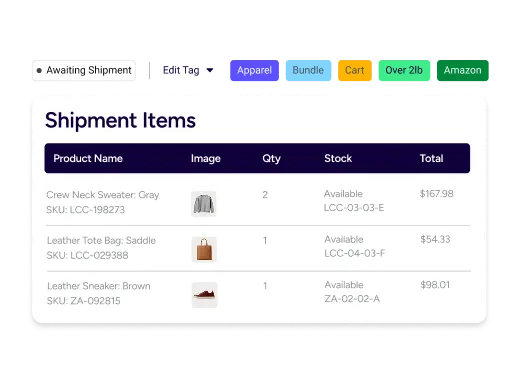
Amazon seller shipping automation tools
When you fulfill orders yourself, ShipStation helps you automate shipping for Amazon sellers with rate shopping and presets. Compare rates across USPS®, UPS®, FedEx®, and DHL Express® in one place, then print labels in bulk. You can also set rules that pick the right service based on weight, destination, or shipping method. That’s how you optimize multichannel shipping operations and protect margin.
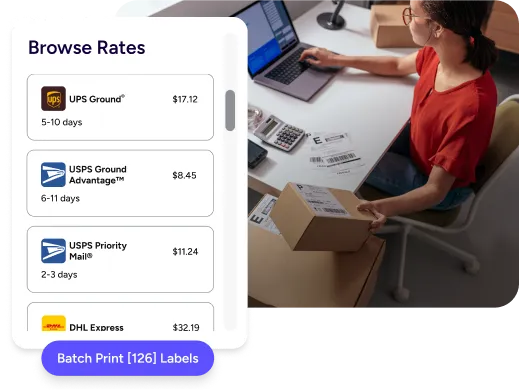
Multi platform order management strategy
A smart multi platform order management strategy means you don’t treat every channel the same. Some orders belong with FBA. Others need your custom packaging, kitting, or inserts. With ShipStation, you can manage FBA and FBM orders side by side, then choose the best path per SKU, per destination, or per delivery promise you made at checkout.
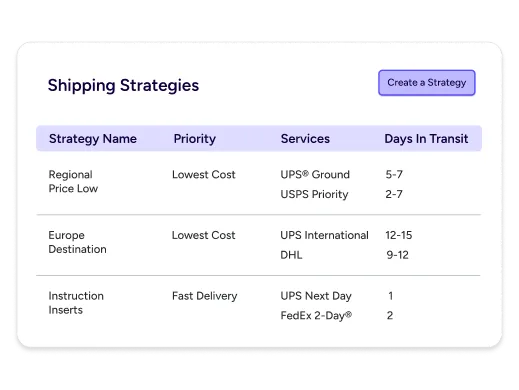
Improve order visibility across channels
You can’t fix what you can’t see. ShipStation helps improve order visibility across channels by importing orders into one view, then showing statuses as they move from paid to shipped. Add branded tracking pages and notifications so customers check your page, not a carrier page.
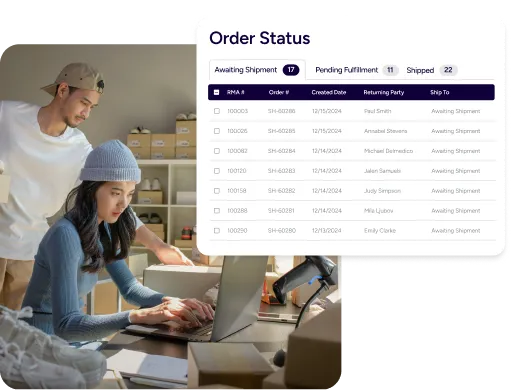
Streamline Amazon seller workflows
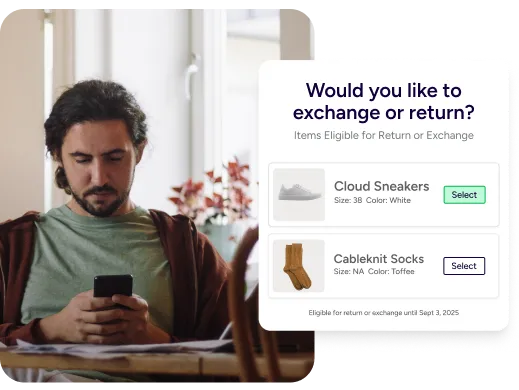
Returns are part of shipping. Make them less painful. ShipStation’s returns portal gives customers a simple, self-serve flow and keeps your team out of email chains. Pair that with inventory management so you can make smarter restock choices and avoid oversells. For teams that need more control, rules can route exchanges, apply tags, and keep handling steps consistent.