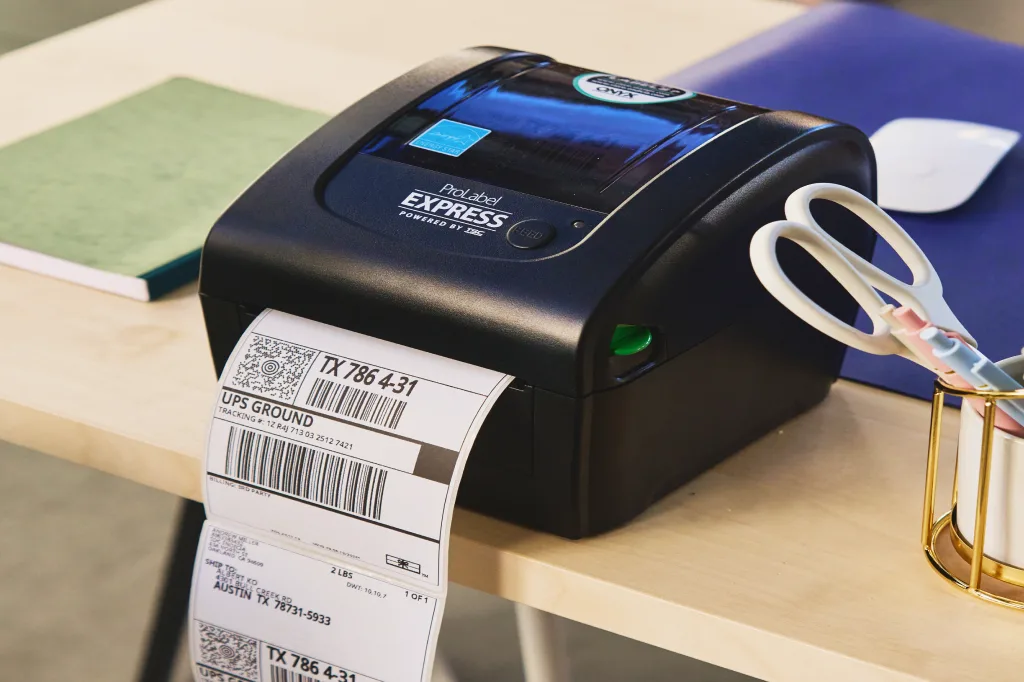













































Automated order fulfillment software for fast, error-free shipping
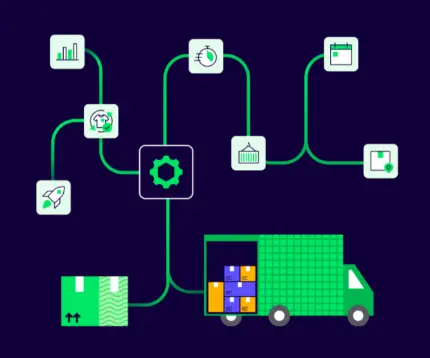
Automate your processes from click to ship with ShipStation’s automated order fulfillment software. Intelligent rules guide picking, packing, and shipping so orders move faster, errors are minimized, and labor costs are reduced. By applying predictive insights and workflow recommendations, your team spends less time troubleshooting and more time keeping customers happy.
Connected to the platforms that power your business
Turn manual fulfillment into smart workflows
Put automation at the core of your order fulfillment process. ShipStation cuts manual data entry and helps you manage inventory levels and shipping labels across all sales channels. Result: faster, more accurate fulfillment. Put your shipping on autopilot. Try it free.
See ShipStation automation in action
Testimonials
Hear From our Customers
How Aloha Beer Scaled from Startup to Award-Winning Brewery with Trusted Shipping Solutions
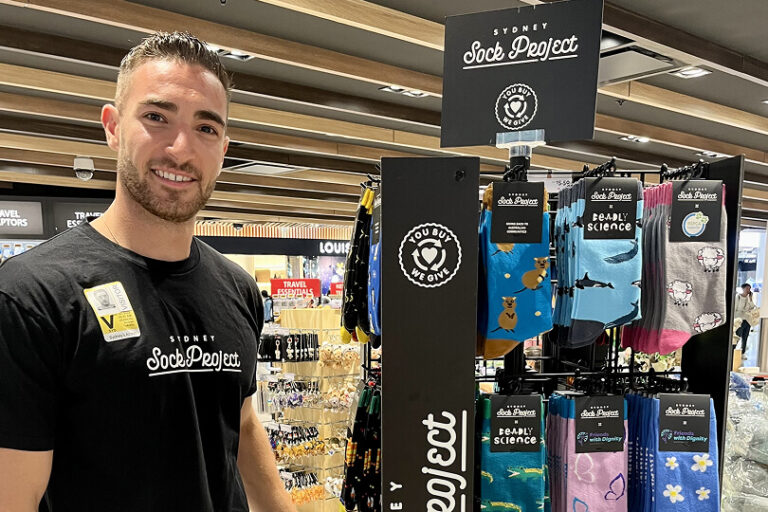
Sydney Sock Project: Scaling a Side Hustle to a $6M+ Social Enterprise
Fulfillment automation features built for real-world operations
Automation Rules that match your exact workflow
Tackle the tasks that slow your team down with Automation Rules. Trigger actions based on almost any order detail, like destination, order value, item, tag, or sales channel. Automatically:
- Choose the right shipping service and package type
- Set insurance, confirmation, and delivery options
- Add tags, assign orders to users, or apply custom packing slips
Implement automated order logic once, then let ShipStation handle the heavy lifting. Use rules to automate order fulfillment from cart to carrier.
Awaiting Shipment
Order #
Recipient
Carrier
Service
Package
Weight
SH-59744
Sofia Vasquez
AZ-44198
Edith Wong
EB-82A10
Antonio Ellis
SH-59743
Cecilia Edwards
SH-59742
Tara Simon
EB-82A09
Rushina Singh
SH-59741
Ming Zhao
AZ-44197
Zara Wells
SH-60042
Tara Simon
AZ-44196
Priya Rivas
AZ-44222
Edith Wong
AZ-44208
Priya Rivas
EB-83B65
Antonio Ellis
Applying Automation Rules:
Always use GlobalPost for
international shipments
Rate Shopping that automatically gets you the best rates
Automatically compare rates across carriers and services for every shipment, using your rules to balance cost and delivery speed. The right option is selected every time—reducing manual decisions, and keeping shipping costs under control as volume grows.

Auto-Routing sends orders to the best warehouse
Determine how to best fulfill customer orders based on where products are stocked. Prioritize speed or the fewest number of shipments to create a more cost-effective operation. Intelligent rules are reflected in every order. No back and forth. Orders get routed and split automatically, so your team doesn’t have to decide where to ship from for every order.
Orders
All Orders
Abandoned Carts
All
Shipping
Label Delivery
Completed
Order
Date
Total
Delivery
7823
25-01-01
$110.00
Flat Rate
7824
25-01-01
$52.00
Flat Rate
7825
25-01-01
$772.00
Express
7826
25-01-01
$18.00
Flat Rate
7827
25-01-01
$66.00
Flat Rate
New Order [342]
Auto-Split for multi-location and partial shipments
When items in the same order are in different warehouses or must ship separately, Auto-Split automatically creates multiple shipments. Each shipment receives the right service, package, and warehouse assignment. Reduce manual work. Minimize costly errors. Give your customers a seamless experience.
Apply Auto-split Option
Exclusive Bulk Shipping
Ships Individually
Ship on Custom Quantity
Update Selection
Product Defaults travel with every SKU
Set Product Defaults so shipping details are never a guessing game. Save item weight, dimensions, preferred services, and customs information directly in your product catalog to save time. SmartFill remembers how you ship and automatically applies weight and dimensions based on past shipments, filling in details as orders come in. The result is less manual entry, more accurate rates, and consistent, compliant shipping for every order.
Awaiting Shipment
Order #
Recipient
Carrier
SH-59744
Sofia Vasquez
USPS
AZ-44198
Edith Wong
UPS
EB-A8210
Antonio Ellis
GlobalPost
SH-59743
Cecilia Edwards
UPS
SH-59742
Tara Simon
USPS
EB-A8209
Rushina Singh
UPS
SH-59741
Ming Zhao
UPS
AZ-44197
Zara Wells
GlobalPost
AZ-44196
Priya Rivas
USPS
Automation Rules
Rule Name
Last Modified
Active
Actions
Set Package Dimensions for 2 Items
10/15/2024
Tag for Orders Over 4.0 lbs
10/15/2024
Set Carrier to UPS
10/15/2024
Insure Package
09/29/2024
Set International Orders to GlobalPost
09/05/2024
Default Confirmation
08/26/2024
Create Rule
Preset Groups for products you ship the same way
Configure shared shipping details once for similar products. Preset Groups let you apply standard weights, package types, and customs information across multiple SKUs. When those items appear in an order, ShipStation automatically applies the correct settings, saving you time on future orders.

Add Preset Group
Preset Group Name
Socks
Domestic
UPS Ground
Package Weight
lbs
2
oz
3
Scale
Package Dimensions
L
12″
W
9″
H
6″
Service Mapping from checkout to shipping label
Bridge the gap between what shoppers see at checkout and what your warehouse uses to ship. Service Mapping lets you connect store shipping options to carrier services. When a customer chooses Standard, Expedited, or Free Shipping, ShipStation automatically selects the matching service and package type so you can always deliver on time. No more guesswork.

Shipping Services
Requested service
Shipping service
Standard
UPS Package
Standard
USPS Package
Standard
UPS Package
Smart international workflows
Extend automation beyond domestic shipping. Set customs details like content type, non-delivery preferences, and international services using product defaults and rules. Harmonization (HS) codes and declared values are applied automatically, so cross-border orders are ready to ship without extra research. Your team moves faster, avoids compliance mistakes, and supports global growth without adding complexity. Compare pricing plans to start scaling with automated shipping today.

USPS® First Class Mail International Parcel
Customs Declaration
C22
Contents:
Gift
Merchandise
Other
Documents
Commercial Sample
From:
James Clark
12959 Coral Street Place
Los Angeles, CA 90066
United States
Detail Descriptions of Contents
Qty
Weight
Value
($USD)
To:
Tim Clark
Universal Export
61 Horsen Ferry Road
London S1, United Kingdom
Shoes
1
3
1
$100.00
lb
oz
Total
3
1
$100.00
I certify the particulars given in this customs declaration are correct. This
item does not contain any dangerous article, or articles prohibited by
legislation or by customs for postal regulations. I have met all applicable
export filing requirements under the Foreign Trade Regulations.
PS Form 29760FCMI
Mailing Office Date Stamp
08.27.2024
90066
Customs Forms
Auto-assign orders to anyone
Route work automatically without manual handoffs. Automation Rules assign orders to the right users, teams, or connected fulfillment partners based on factors like sales channel, destination, or product type. This simplifies 3PL coordination and internal workflows while keeping every order visible and on track from assignment to shipment.
Awaiting Shipment
Order #
Carrier
Service
Item Name
Order Date
Status
Bulk Update
SH-60286
DHL
International Standard
Crew Neck Sweater
9/15/2024
Awaiting Shipment
SH-60285
UPS
UPS® Ground Saver
Hooded Sweatshirt
9/15/2024
Awaiting Shipment
SH-60284
UPS
UPS® Ground
Cable Knit Sweater
9/14/2024
Awaiting Shipment
SH-60283
FedEx
FedEx Express Saver®
Boyfriend T-Shirt
9/14/2024
Awaiting Shipment
SH-60282
USPS
USPS Parcel Select
Hooded Sweatshirt
9/14/2024
Awaiting Shipment
SH-60281
UPS
UPS® Ground Saver
Hooded Sweatshirt
9/14/2024
Awaiting Shipment
SH-60280
UPS
UPS® Ground Saver
Pocket T-Shirt
9/13/2024
Awaiting Shipment
SH-60279
UPS
UPS® Ground Saver
Cable Knit Sweater
9/13/2024
Awaiting Shipment
SH-60278
USPS
USPS Priority Mail®
Hooded Sweatshirt
9/12/2024
In Transit
SH-60277
DHL
International Standard
Oversized T-Shirt
9/12/2024
In Transit
Rule Name
Set Package Dimensions for 2 Items
Tag for Orders Over 4.0 lbs
Set Carrier to UPS
Insure Package
Default Confirmation
Tag for Orders Over 4.0 lbs
Create Rule
Reprocess automation as needed
Update your fulfillment strategy without reworking every order. Reprocess Automation Rules lets you reapply updated rules and product defaults to orders that are still awaiting shipment. ShipStation re-runs the relevant automation in bulk, so changes take effect quickly without extra clicks, manual fixes, or added risk.

Automation Rules
Rule Name
Last Modified
Active
Default Confirmation
3/10/25
Fraud Check
4/22/25
Reprocess Automation Rules
Connect automation to your tech stack
ShipStation works alongside enterprise resource planning (ERP) systems, inventory tools, and warehouse technology to streamline the entire supply chain. Automated storage and retrieval systems move items inside the warehouse. ShipStation automation takes over from the moment the order imports, through label creation and dispatch. The result is a continuous flow that keeps inventory accurate and orders moving.

144 Rows Selected
Insights balance manual and automated work
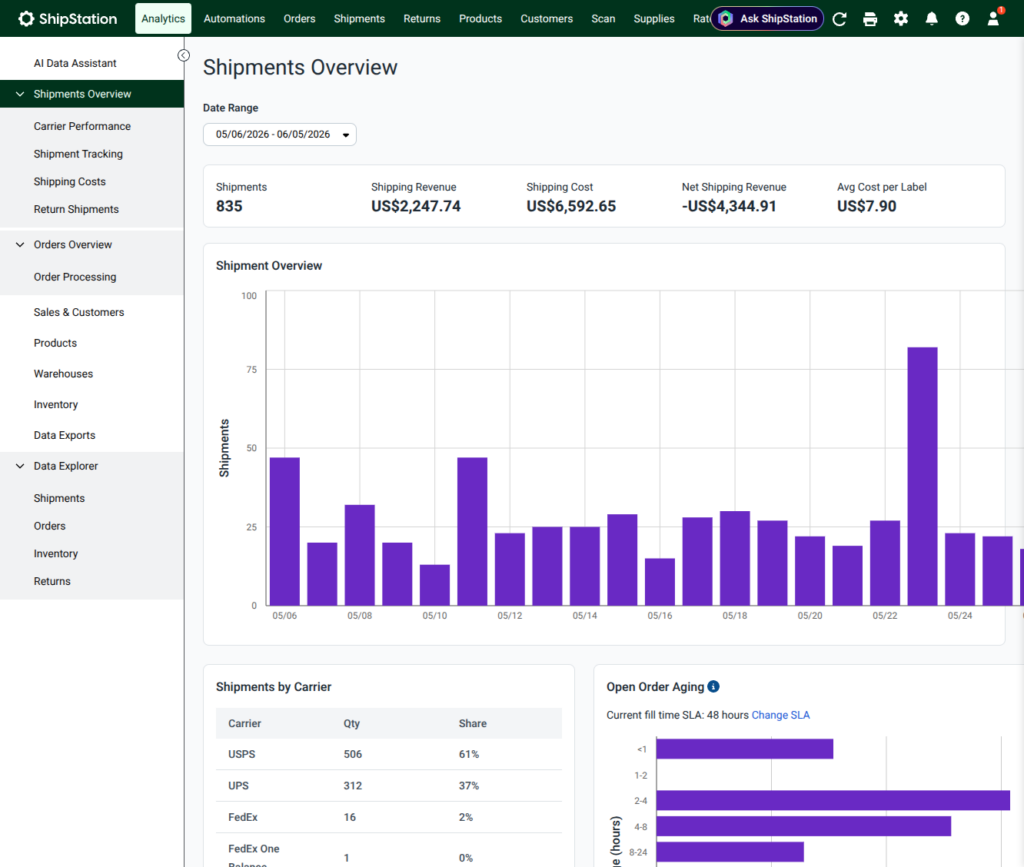
Get visibility into where manual steps slow you down. Performance insights help you spot patterns—orders that require extra handling, rules that could be expanded, or services that create friction. Use that clarity to fine-tune automation with additional rules, presets, or service mappings. Over time, your fulfillment operation becomes more efficient and easier for warehouse and customer service teams to manage together.

Fulfillment Status
294
Orders
Ready to Pick
81
Ave time: 8 hrs
Picking
152
Ave time: 2 hrs
Picked
37
Ave time: 4 hrs
Shipped
26
Order 08219
SKU: 83827170021
Qty 1
SKU: 28821450021
Qty 1
Inventory Low
RELATED CONTENT
Helpful Shipping Resources
Browse additional articles, guides, and insights related to shipping and fulfillment. These resources provide practical advice and best practices to support your day-to-day operations.
Try us free
What you can look forward to in your 30-day free trial:
Get instant access to all of our features


Connect to over 400 integrations
See how much our rates can save you on shipping
Create your ShipStation account
By clicking 'Get Started', you agree to our Terms & Privacy Policy and Carriers' Terms .
Automated order fulfillment software FAQs
What is automated order fulfillment?
Automated order fulfillment uses software to handle repetitive steps in picking, packing, and shipping orders that would otherwise be manual. In ShipStation, this means using rules, routing, product defaults, and service mappings to determine how to ship an order, which warehouse should fulfill it, and which shipping labels to create. The best part is that your team doesn’t have to touch every order.
How does ShipStation automation reduce labor costs and human error?
By replacing manual data entry and decision-making with consistent rules, your team spends less time clicking through orders and more time on high-value work. Automation standardizes order processing across sales channels, reducing errors, mis-shipments, and rework. The result is a more cost effective operation that scales intelligently as order volume grows, without increasing headcount.
Can ShipStation automation work with my existing inventory management and ERP systems?
Yes. ShipStation integrates with a wide range of carts, marketplaces, inventory management tools, and ERPs. Orders flow in from your existing systems, and ShipStation handles shipping-specific tasks automatically.ShipStation Inventory and Warehouse tools reduce complexity to centralize stock tracking, lot management, and warehouse operations, so fewer systems need constant monitoring.
Do I need a dedicated IT team to set up automated order fulfillment?
No. Most workflows can be configured directly inside the ShipStation interface using rules, presets, and mappings. Developers can extend automation by connecting custom systems through ShipStation API, but day-to-day adjustments to your automated order fulfillment software can usually be handled by operations or warehouse managers.
How does automation handle exceptions?
Automation rules help you handle common scenarios, while exceptions are surfaced for review. For example, you can tag orders that contain out-of-stock SKUs, route them to a specific user, or hold them in a dedicated status. This keeps your automated order fulfillment process flowing for in-stock items while making sure edge cases receive the attention they need instead of slipping through unnoticed.
Can automated order fulfillment still support personalized or special handling requests?
Yes. Automation doesn’t mean one size fits all. You can trigger specific workflows when an order contains certain products, tags, or notes, such as adding fragile handling instructions, including marketing inserts, or choosing a specific carrier service. This allows you to deliver a highly personalized experience within a repeatable automated framework that keeps fulfillment running efficiently.
How does automation impact customer experience and support teams?
When orders are processed consistently and shipped on time, customers experience fewer delays, mis-shipments, or missing items. That means fewer “where is my order” contacts and less time spent by support teams fixing fulfillment mistakes. With ShipStation automation running behind the scenes, customer service agents can focus on proactive communication and higher value interactions instead of chasing down basic shipping issues.
What metrics should I track to measure the success of automated order fulfillment?
Key metrics include order processing time, on time ship rate, mis-shipment rate, and support contacts related to shipping or fulfillment errors. You can also monitor labor hours per order and the percentage of orders fully handled by automated workflows. As you fine tune your automated order fulfillment software, you should see processing times decrease, error rates drop, and your team able to handle more volume without adding proportional headcount.