 Back






































Supercharge your Shopify store with ShipStation
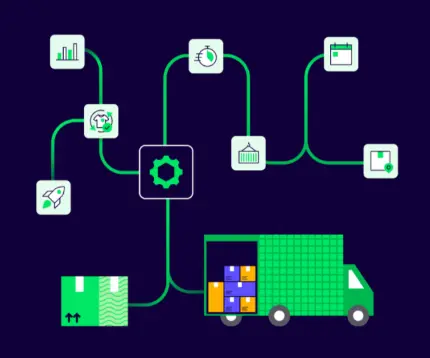
Unlock the ultimate fulfillment powerhouse for your Shopify store—or multi-store empire. Bring orders, shipping, and returns together in one dashboard with powerful automation, discounted carrier rates, and the flexibility to grow on your terms.
Key integration features
- Ship from the right location with automatic routing and split shipments
- Meet delivery promises with Shop Promise visibility, ETAs, and priority sorting
- Simplify international shipping with auto-filled HS codes for customs
- Keep orders and inventory in sync with flexible import delays and inventory updates
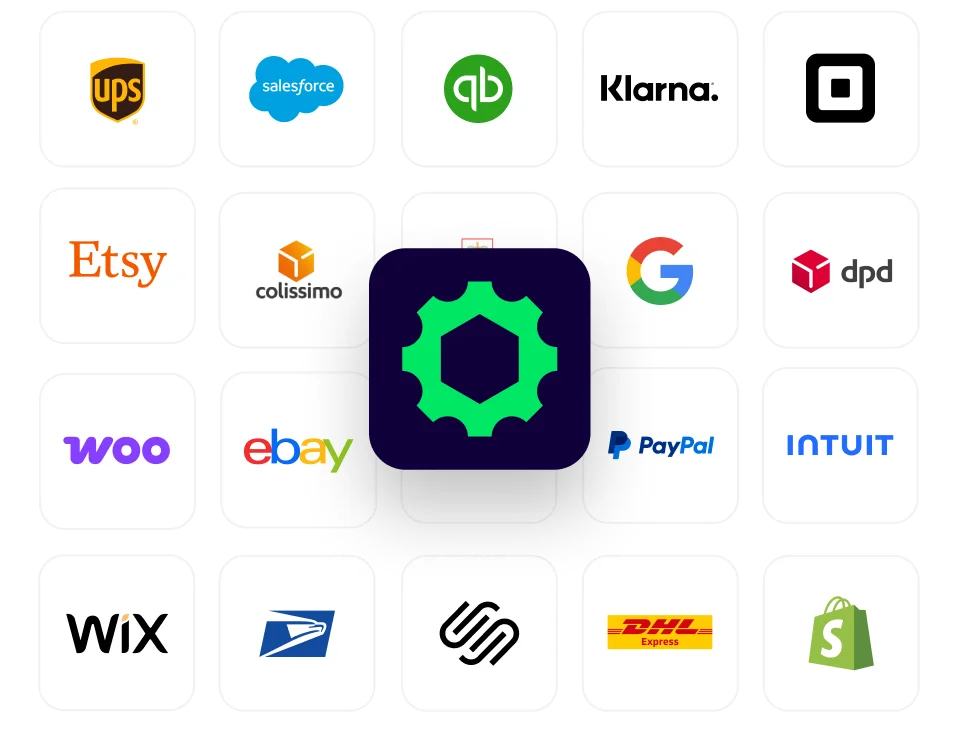
- Manage multiple Shopify stores and marketplaces from one dashboard
About
Connect Shopify to ShipStation to bring orders, inventory, and fulfillment together across every store, marketplace, and shipping location. Get the visibility and control to keep your business moving as you grow.
Keep fulfillment moving with less manual work. Automatically import Shopify's routing details and split shipments, prioritize orders by delivery deadlines, and streamline international shipping with synced HS codes. Capture last-minute order edits, keep inventory in sync, and put intelligent rate shopping to work across your operation.
Why Shopify sellers choose ShipStation
Move beyond basic shipping tools with ShipStation
STEP 1: CREATE YOUR SHIPSTATION ACCOUNT
Start a free ShipStation trial or log in to your existing account to get started.
STEP 2: CONNECT YOUR SHOPIFY STORE
In ShipStation, go to Settings > Selling Channels > Store Setup. Select Shopify and follow the prompts to connect your store and import your orders.
STEP 3: SET UP SHIPPING AND START FULFILLING
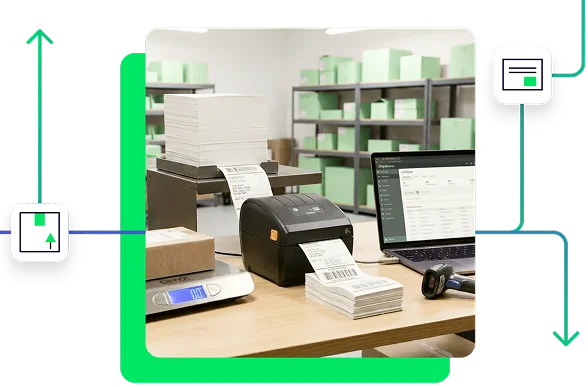
Add your ship-from location, activate or connect your carriers, and choose your label format. Then you’re ready to manage Shopify orders, compare rates, and create shipping labels in ShipStation.
TESTIMONIAL
Find the best rate for every order
Compare rates, delivery speeds, and services side-by-side for every order that comes in from Shopify, and let ShipStation pick the best option—with up to 90% discounted rates across 200+ carriers.
ShipStation AI
Next-gen shipping intelligence
- SmartFill
- Automated Order Creation
- Universal AI Connect (MCP)
- Batch Label Processing
- Auto-PRO Retrieval
- Dynamic Spot-Pricing Engine
- Packing Recommendations
- 24/7 Always-On Support
- Smart Case Routing
- Autonomous Dispatch Recovery
Sign up for a free trial. No credit card required.
FAQ
Shopify ShipStation FAQ
Can I connect more than one Shopify store to a single ShipStation account?
Yes. You can connect multiple Shopify stores to one ShipStation account, and each store stays visible as its own order source. That makes it easier to filter orders, assign automation rules, and manage separate storefronts or multi-channel hubs (like Amazon, eBay, and Etsy) without juggling separate shipping tools.
Do I need to stop shipping from Shopify while switching over?
No. Many teams phase ShipStation in without a hard cutover. You can add your Shopify store, start routing part of your fulfillment through ShipStation, and let the team keep working while you refine setup, automation rules, and pack-station flow.
Does ShipStation pull inventory from Shopify, or do I maintain inventory separately?
ShipStation pulls product and inventory data directly from Shopify into your shipping dashboard. You can choose how stock is managed: use ShipStation to track inventory across channels and automatically update stock levels as orders ship, or continue managing stock inside Shopify while using ShipStation strictly for fulfillment.
When I buy a label, does the order get marked fulfilled in Shopify automatically with tracking?
Yes, this happens automatically. When you fulfill an order and purchase a shipping label in ShipStation, three things happen instantly:
- The order status in Shopify automatically updates to Fulfilled.
- The carrier tracking number syncs straight to the Shopify order record.
- ShipStation notifies your customer with their branded tracking details.
This eliminates manual data entry and keeps fulfillment records aligned across both systems.
How do customers see shipping rates at Shopify checkout? Do I set rates in Shopify or in ShipStation?
Customers with a Shopify Plus Plan can see shipping costs in Shopify when they check out.
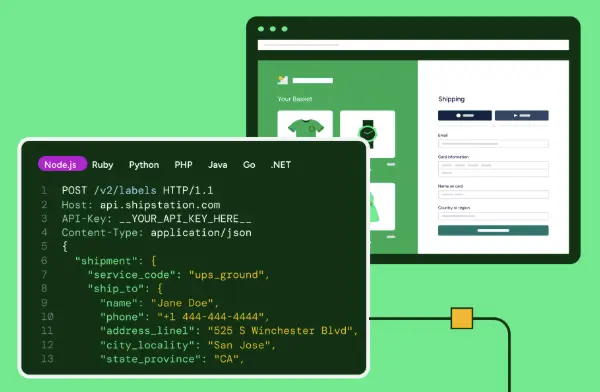
You can set up simple shipping costs directly in Shopify (like flat fees or free shipping). If you want customers to see exact, live prices from carriers like UPS or USPS, ShipStation can send those prices to Shopify for you.
Setting checkout prices is separate from shipping the order. Once the customer pays, the order moves to ShipStation, where your team can compare real carrier costs and pick the cheapest label to buy.
Why does it still ask for weight if the order came over from Shopify?
Shopify sends ShipStation the order details, but a label also needs accurate shipment details: the package weight and, in some cases, its dimensions. ShipStation will ask for them when:
- The product has no weight saved in Shopify or ShipStation.
- The packaging changes the shipment, such as when you add padding or combine items.
- The box you’re using differs from what’s in the product record.
Checking these details keeps your rates, labels, and delivery estimates accurate. Tip: Import your product catalog from Shopify so product weights carry over automatically. You’ll be asked less often.
What does ShipStation do that Shopify Shipping doesn't?
If you’re weighing Shopify Shipping vs. ShipStation, here is the bottom line: Shopify handles basic shipping, but ShipStation is built to supercharge your entire fulfillment engine as you scale.
Instead of just printing single labels inside your store admin, ShipStation pulls all your orders into a powerhouse shipping command center. It gives growing brands complete operational control with multi-channel order syncing, smart multi-warehouse routing, and instant rate-shopping across top carriers like USPS, UPS, and FedEx. You get high-volume batch label printing, automated workflows, AI-driven inventory forecasting, fully branded tracking pages, and seamless returns—everything you need to run a fast, modern, and high-margin shipping operation. ShipStation also lets you access over 200+ integrations, from NetSuite to WooCommerce.
Can I manage returns and exchanges for Shopify orders through ShipStation?
Yes. ShipStation doesn’t just handle returns—it turns them into a retention and revenue engine for your Shopify store.
With flexible, highly customizable return and exchange workflows, ShipStation gives you complete control over how returns are processed across all your channels. Instead of juggling disconnected steps or manual tracking, every return stays tied directly to the original order while empowering your brand with:
- Over 80 Rule-Based Configurations: Standardize your return policies across every sales channel while setting smart rules for auto-approvals, return reasons, and routing.
- Branded Self-Service Portals: Deliver a frictionless, high-end post-purchase experience that keeps your brand front and center.
- Revenue Protection & Exchanges: Seamlessly guide customers toward exchanges or new purchases right inside the portal—turning potential refunds back into active sales.
- Deep Return Analytics: Track return reasons and product trends in real time so you can spot product issues fast and optimize your inventory.
Instead of treating returns as an operational tax, ShipStation keeps your revenue in motion and transforms post-purchase friction into long-term customer loyalty.
Can ShipStation route Shopify orders across multiple warehouse locations automatically?
Yes. ShipStation supports multi-location order routing for merchants operating multiple fulfillment centers or 3PL facilities. Orders imported from your stores can be automatically routed to the nearest warehouse with available stock using preset automation rules or Shopify’s native smart routing logic, reducing transit time and shipping costs per order.
How are customs forms handled for international Shopify shipments?
ShipStation streamlines international shipping by generating paperless customs declarations directly from imported Shopify product data. Harmonization (HS) codes, package values, and item descriptions pass through automatically to participating carriers, eliminating manual document printing and speeding up customs clearance.
Can I manage Shopify orders on the go using the ShipStation mobile app?
Yes. The ShipStation mobile app gives you real-time visibility into your orders, fulfillment status, and check inventory levels right from your iOS or Android phone. You can review pending orders, track active shipments, reprint labels, or check delivery status wherever your business takes you.