Back
Back



Recommended Thermal Label Printers For Printing Shipping Labels
ShipStation is all about efficiency. Which comes in handy as the holiday rush ramps up. This is the time of year to make order fulfillment as streamlined as possible. And one way to fulfill orders even more effortlessly is to invest in a shipping label printer such as a thermal label printer. ShipStation also partners with Onyx Products for shipping supplies like printers and scales.
If you are looking for a recommendation on a laser printer to print on 8.5″ x 11″ paper, check out these great recommendations from The Wire Cutter and TechRadar.
Why You Should Upgrade to a Thermal Printer
If you run an ecommerce business, printing labels is a big part of your day. Thermal printers free you from dealing with desktop printers, taping paper labels onto a box, or buying expensive integrated labels. Since they use heat to transfer pigments onto a surface instead of using ink, they can print much more quickly. Thermal printer labels can also be surprisingly affordable. Instead of label rolls, some models of printers even support fanfold labels which are substantially less money per label.
Check out the Onyx Product store for products.
Recommended Thermal Label Printers For Printing Postage
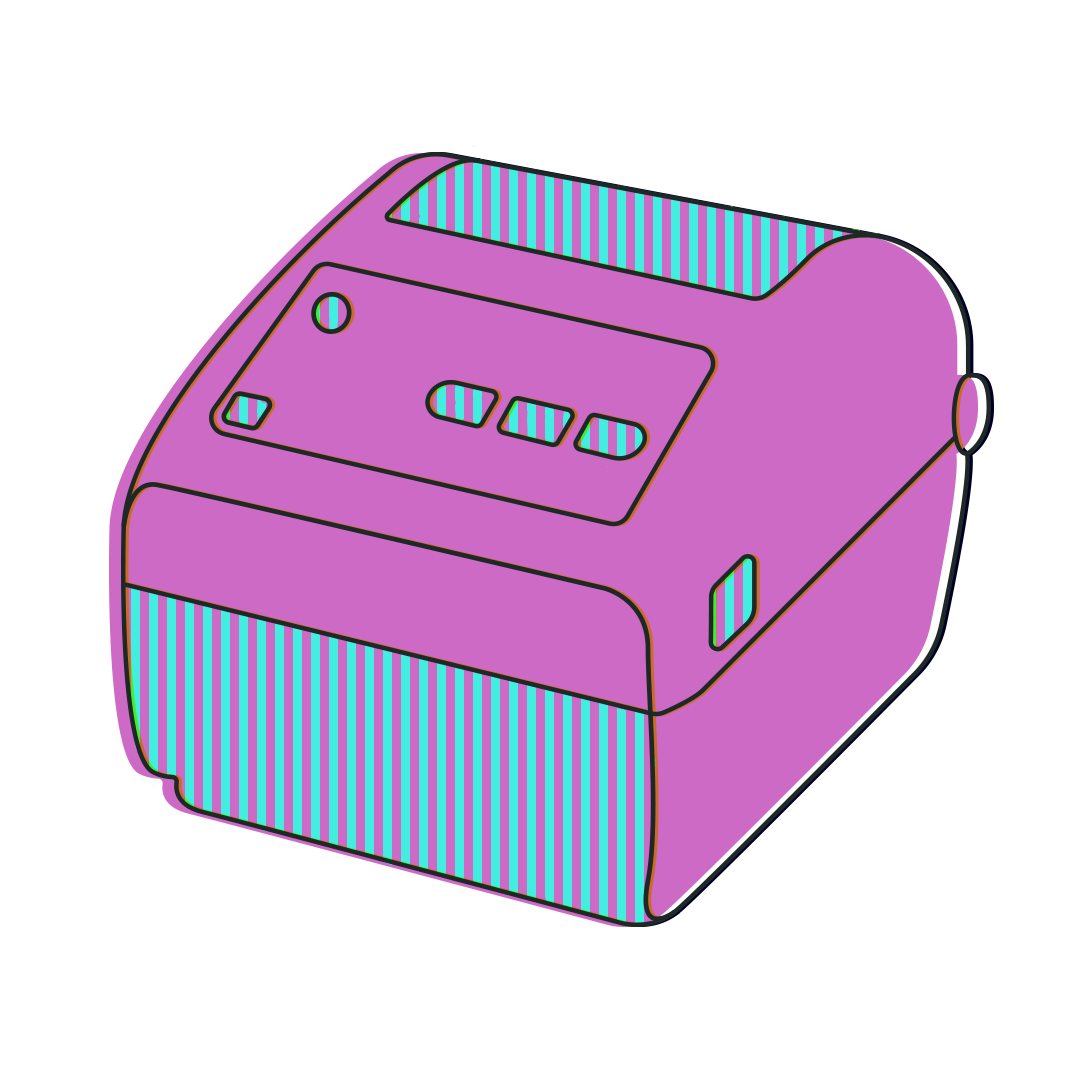
Three of the most commonly used and well-reviewed thermal printer manufacturers are the DYMO 4XL, the Zebra GK420, and the Rollo Thermal Label Printer. They each have their own strengths, and there are areas where other models beat them out. These are models we’ve either tested, use around the office to print labels, or have been praised by ShipStation customers.
Rollo vs DYMO 4XL vs Zebra GK420 Comparison
| Model | Rollo Thermal Label Printer | DYMO LabelWriter 4XL | Zebra GK420 Thermal Printer |
| Labels Supported | Supports both rolled and Fanfold labels | Only supports DYMO-specific label rolls | Supports both rolled and Fanfold labels |
| Setup Difficulty | Fairly easy | Very easy | More detailed, but allows for greater customization |
| Print Speed | *Up to 150mm per second | 88mm per second | 127mm per second |
| Print Resolution | Max. Resolution 203 dpi | Max. Resolution300 dpi | Max. Resolution208 dpi |
| Bottom Line | The Rollo printer is an affordable, dynamic option that gives you some flexibility offered by more higher-end printers, but has a lesser print quality than the other models in its price range. Not supported on ShipStation Connect. | The DYMO LabelWriter 4XL is the easiest of these label printers to set up, but is much more restrictive in terms of supported labels, which can be a turnoff for some buyers. | The Zebra GK420d is ideal if you want a more customizable printing experience, but is better suited for larger volume (50+ shipments a day). |
| Setup | PCMac | PCMac | PCMac |
| Where to Buy | Rolloprinter.comAmazon | DYMO.comAmazon | Zebra.comAmazon |
Recommended Thermal Printer Breakdown
These are the models that we either recommend or our customers do. The DYMO 4XL is generally the simplest to set up, the least fickle, and doesn’t need to be callibrated. The Zebra GK420 is a great upgrade pick that prints faster, with more customizable options, but is much more expensive and can be difficult to set up. The ROLLO Thermal Printer is a great alternative to the DYMO in that it has more customizations like fanfold label support, but it has a slightly more detailed setup process, and may have a hard time working with third-party cloudprinting apps like ShipStation Connect without a special plugin. Regardless, these are three of the most popular, highest-praised models. Ultimately, one of these three should be the right printer for you!

DYMO LabelWriter 4XL Thermal Printer
The DYMO LabelWriter® 4XL is one of the highest-rated thermal label printers by ecommerce sellers. It’s simple to set up and, unlike most other label printers, label misalignment is not an issue that you will likely encounter due to how the spool fits into the printer. It produces crisp, clear thermal transfer labels every time.
DYMO 4XL Pros:
- The most user-friendly thermal label printer that we recommend
- Doesn’t require the occasional calibration many other models do to realign the labels.
- DYMO 4XL print quality rivals that of the Zebra ZD series.
DYMO 4XL Cons:
- Slowest label printing speed
- Doesn’t support fan-fold labels
- Is restricted to specific label rolls (must have perforations between each label)
- Is sometimes mistaken for The DYMO 450. The DYMO 450 series, including the Twin Turbo, WILL NOT print 4″x6″ thermal transfer labels. Only the DYMO LabelWriter 4XL is able to.
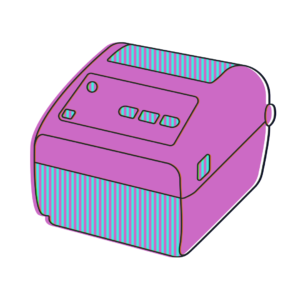
Zebra ZD420 Direct Thermal Printer
The Zebra ZD420 is a workhorse of a printer. It is a bit pricier than the DYMO label maker, but it can be fine-tuned to print exactly to your preferences. It also is a bit more powerful and initiates print jobs more quickly. If you’re using something like Scan To Print, it can print out the labels as quickly as you can create them. If you are looking for something that can handle the pressure of printing thermal labels all day, the Zebra ZD420 may be the best thermal label printer for you. Unlike the other two models being reviewed, the ZD420 also supports wireless and Bluetooth connectivity. (Note: Though Zebra no longer manufactures the GK series printers, they are still great printers that we also highly recommend.)
Zebra Thermal Label Printer Pros:
- Quickest at sending print jobs to printer
- Supports fanfold labels
- Prints clearly at top speed, making it more ideal if you’re a high-volume seller
Zebra Thermal Label Printer Cons:
- Zebra thermal printers tend to be more expensive (typically around $365)
- More involved setup process
- Standard Zebra driver is not ideal when printing shipping labels on PC. We’ve found it works best with the third-party Seagull Scientific Driver
- Currently, ShipStation doesn’t support the model’s wireless printing technology. You would need to use ShipStation Connect to accomplish this.
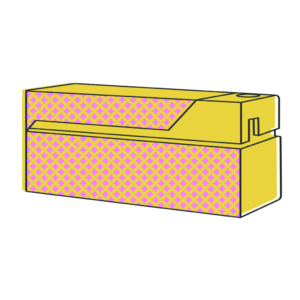
Rollo Thermal Label Printer
Rollo is the new kid in town and it’s ready to make a name for itself. Not only does this compact powerhouse cost less than the DYMO 4XL, it also supports fanfold labels! So unlike the DYMO, which requires very specific rolls of labels, you can feed a box of 4”x6” labels into your Rollo and get to printing.
Rollo Pros:
- Compact size, about as big as a heavy-duty stapler
- Supports fanfold labels
- Print speeds that rival that of the Zebra GK series
Rollo Cons:
- Lesser print quality than that of the Zebra or DYMO models (though still effective for scanning/readability)
- While some customers have had success downloading this Chrome extension to function with cloud-printing apps like ShipStation Connect. However, it should not be expected to print without having to first download PDFs when using ShipStation.com.
- Does not include an enclosure for the label spool or fanfold labels. Requires additional label container.
- Is sometimes back-ordered, making you have to wait longer to receive unit
How ShipStation Makes Thermal Printers Better
Batch Shipping
Batch shipping with ShipStation lets you print up to 500 labels at once. With a good thermal printer, you can print all of your labels for a day at once.
ShipStation Connect?
ShipStation Connect is ShipStation’s cloud printing app. It allows you to print shipping labels directly from your computer to your printer without having to download or view the labels first. It can work from any device logged into ShipStation. So you can open ShipStation on a phone in Tokyo and print at your warehouse in Butte, Montana.
Sign up for a free ShipStation trial and start saving time and money on ecommerce printing today!