 Back
Back








































How Shipping Automation Helps Meat Church Handle 2,000 Orders a Day at Peak Season
"The simplicity of ShipStation was a big attraction to us from day one."
Read Story



Need to create shipping label files fast, without bouncing between carrier sites? ShipStation helps you create shipping label workflows from one dashboard, so orders flow in, rates show up, and labels print on cue. Compare services, reduce retyping, and keep your customers in the loop with branded tracking and notifications.
Connected to the platforms that power your business


Move from paid order to printed label in fewer clicks. Import orders, shop rates, apply rules, and print in bulk. Get a cleaner workflow, fewer mistakes, and more time for the work that grows your business.

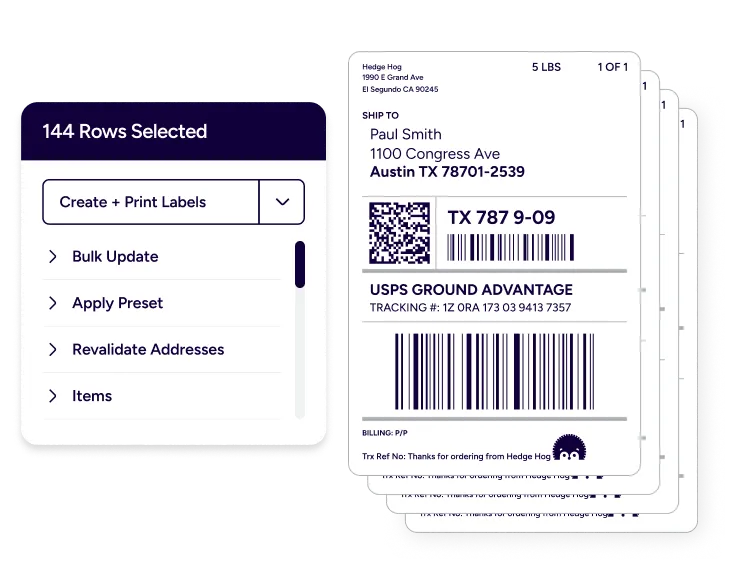
ShipStation is powerful fulfillment software built for real shipping days. As shipping label software, it helps you pull in orders, choose a service, and print labels for packages instantly. Your team stays in one screen with a centralized shipping label management platform that’s easy to learn and quick to repeat.

Connect to 100+ channels so you can create labels from ecommerce orders across Shopify, Amazon, eBay, Etsy, Walmart, BigCommerce, and more. That means you can generate shipping labels from orders automatically, keep shipment statuses updated, and streamline the order-to-label process without copy and paste.

When volume spikes, small errors get expensive. ShipStation helps you reduce manual data entry for shipping labels and keep key shipment details consistent. The result is simple: you improve fulfillment speed and accuracy while keeping your operation steady, even on your busiest days.
We’ve helped 130,000+ businesses create and print shipping labels in seconds, automatically. Let us speed up every label in your workflow, too.


4.9 rating 67 reviews

4.6 rating 897 reviews

4.3 rating 531 reviews
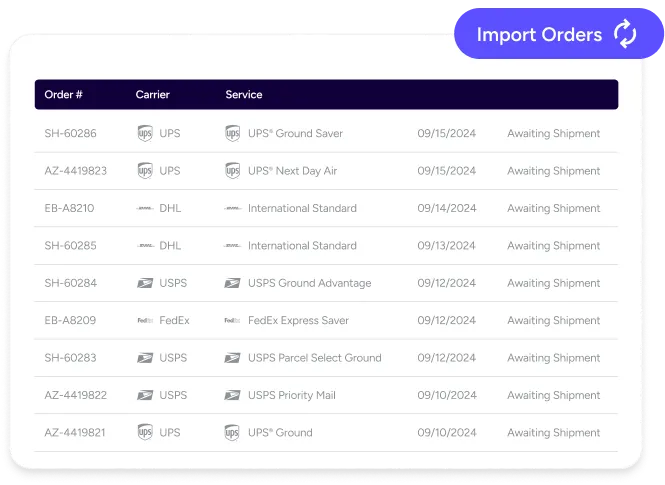
Start by importing your orders, then select an order to configure shipment details. Choose your ship-from location, package type, weight, and service. Next, review the available rates and create the label. ShipStation can automatically mark the order as shipped and send tracking back to your store, keeping your workflow tight and your customers updated quickly.
Most labels need a ship-from address, ship-to address, package weight, and a carrier service. Dimensions may also be required for some services, and they help keep rates accurate. To reduce touchpoints, save common package setups and defaults, then reuse them across orders. That’s a simple way to keep data clean as you scale.
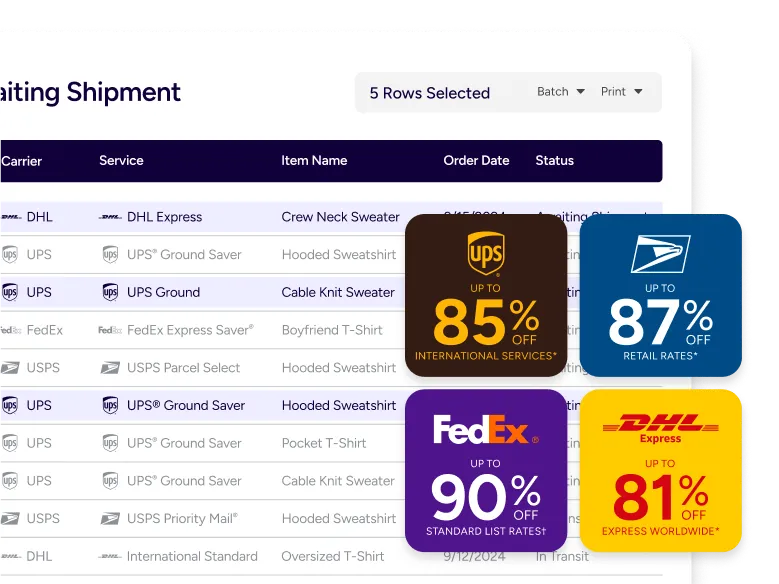
You can create labels for multiple carriers in one place and keep your options open until you’re ready to purchase postage. With ShipStation, you can compare carrier rates before label creation across UPS, USPS, FedEx, GlobalPost, and DHL Express. That makes it easier to meet delivery promises and protect margins without juggling tabs. For more options, visit carriers.
Testimonials


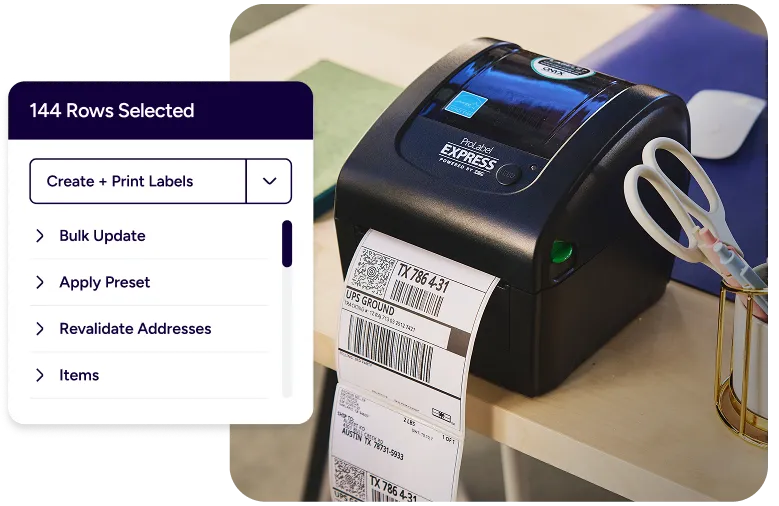
Big pick runs should feel easy. With batch tools, you can select multiple orders and create labels in fewer steps, supporting batch label printing for fulfillment teams. Add ShipStation Connect to send labels directly to your thermal printer without extra print screens. For experienced shippers, Quickship keeps you moving while labels generate in the background.
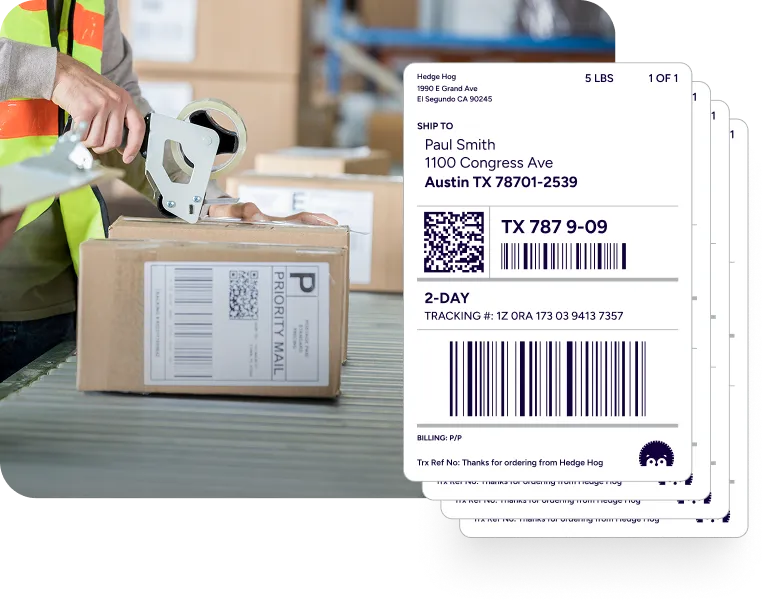
Some days you ship from a spare room. Other days you’re on the warehouse floor. ShipStation is built so you can create shipping labels from home or the office and keep the same workflow as you grow. Use the mobile app for quick actions on the go, and keep your tracking experience on brand with branded tracking.
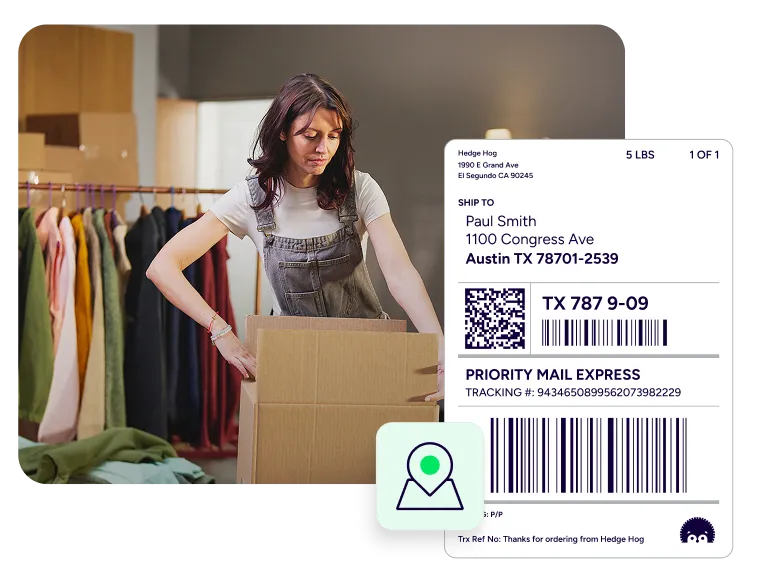
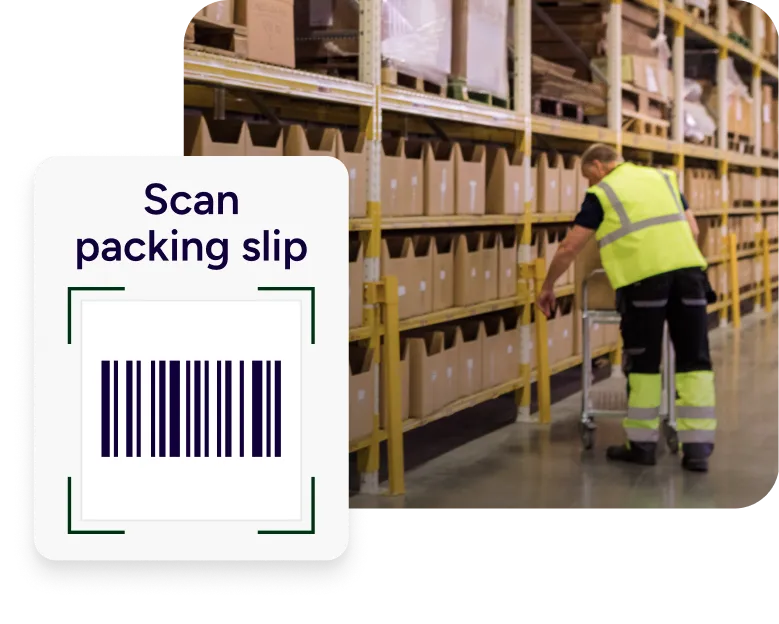
As orders climb, you need an engine, not a patchwork. ShipStation supports scan-to-print flows that cut mouse time and help prevent wrong-box mistakes. Use Scan to Print for quick handling, or Scan to Verify & Print to confirm items before the label prints. This ecommerce shipping automation approach helps you scale shipping label production easily, turning ShipStation into your high-volume shipping label creation system.
RELATED CONTENT
Browse additional articles, guides, and insights related to shipping and fulfillment. These resources provide practical advice and best practices to support your day-to-day operations.

Finding the cheapest way to ship a package doesn’t mean sacrificing quality. Affordable shipping rates are available to anyone that knows where to look.

Whether you’re shipping a single order or managing high-volume ecommerce fulfillment, ShipStation’s shipping cost calculator helps you get fast, reliable quotes from top carriers so you can save time and money with every label.
Learn how freight optimization helps reduce shipping costs, improve LTL efficiency, strengthen carrier strategy, and build a smarter supply chain.
What you can look forward to in your 30-day free trial:
 Get instant access to all of our features Connect to over 400 integrations See how much our rates can save you on shipping








Yes. You can create a manual order or use the Rate Calculator to create a label when you don’t have an imported order. It’s helpful for one-off shipments, replacements, or B2B shipments.
Yes. You can build automation rules to assign carrier, service, package, and other settings. This helps automate the shipping label workflows ecommerce operations rely on for speed, especially when orders come from multiple channels.
Save presets for package types and shipping defaults, then apply rules based on tags, order items, or destination. You’ll spend less time making the same decisions and reduce rework when new staff join.
Yes. You can batch-select orders, create labels together, and print them in a single run. This supports high-volume pick-pack-ship days and helps keep your station running smoothly.
Yes. After you create the label, ShipStation can send branded tracking notifications and route shoppers to a branded tracking page. That means fewer “Where is my order?” messages and a smoother post-purchase experience.