Back
Back











































FedEx distribution built for fast, multi-location shipping
FedEx distribution gets more complex with every warehouse, SKU, and sales channel you add. ShipStation connects your FedEx® workflow to every order — compare shipping services, print labels in batches, and push tracking back without delay. Route shipments by rule, keep packages moving, and scale across the United States without adding headcount.
Shipping services that cut clicks and keep orders moving
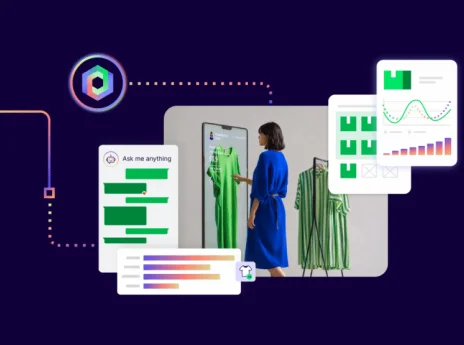
Run FedEx distribution from one screen. Shop rates, route orders, and send tracking updates without hopping between tools—so nothing sits waiting on a manual decision.

Save on FedEx standard shipping without extra math
See FedEx rates next to other shipping services, then pick the best fit per package. Use your own FedEx account, keep negotiated rates, and still rate-shop when costs shift. If a money-back guarantee applies, you’ll see your chosen service and shipment details together for reference.

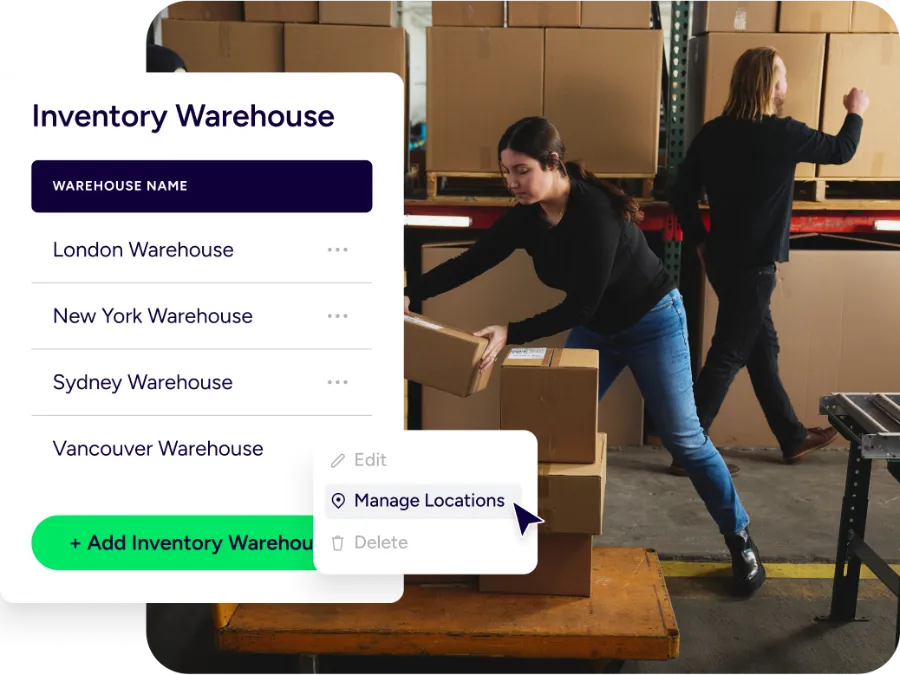
Ship from the right location, every time
Split inventory across locations and still work from one queue. Route orders to the closest ship-from site, a 3PL, or a FedEx-powered node based on address, stock, tags, or rules. Fewer zone miscalculations, faster delivery windows, and handoffs that don’t require a conversation.

Turn tracking into a better FedEx delivery experience
Give buyers one tracking link that carries your brand, not FedEx’s. They follow scans without digging through emails. You get fewer inbound “where is my order?” messages, and your team catches shipment exceptions before customers do.
Rated #1 by Industry Leaders






Ship across the United States with FedEx-ready workflows
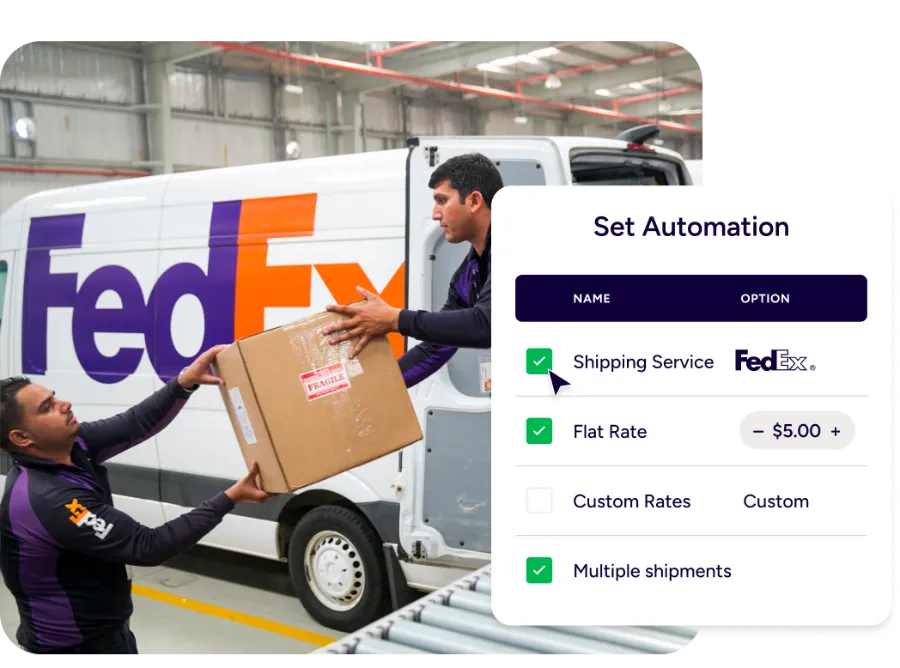
Ship with the right FedEx service, automatically
Pick FedEx Ground® when it fits, switch services when it doesn’t — no manual rework. Set automation rules by weight, destination, SKU, or tags, and let rate shopping confirm the call at label time. Service choices stay consistent across packages even when volume climbs.

Branded tracking that helps customers follow FedEx
Replace carrier-first pages with a branded tracking page and notifications that feel like you. Your tracking link opens in its own tab, works in common browsers, and stays easy to read on mobile. Buyers may browse in English, Español, and Français, but your tracking experience stays simple in every language. One place for tracking. Fewer threads to manage.

Pickups, end-of-day forms, and scan-to-ship for daily shipments
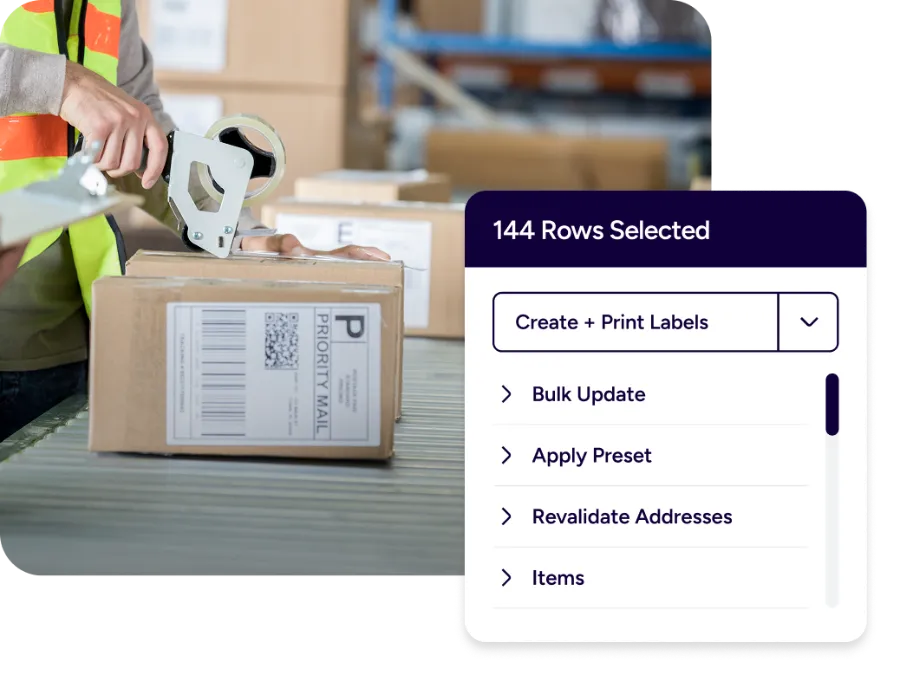
When you’re shipping at scale, drop-offs don’t cut it. ShipStation supports scheduling FedEx pickups so outbound shipments tied to that ship date are included. For certain FedEx Ground and FedEx Home Delivery shipments, you can print a FedEx Ground Manifest from the End of Day section. Print labels in batches, scan, and move.
International distribution with customs forms handled in flow
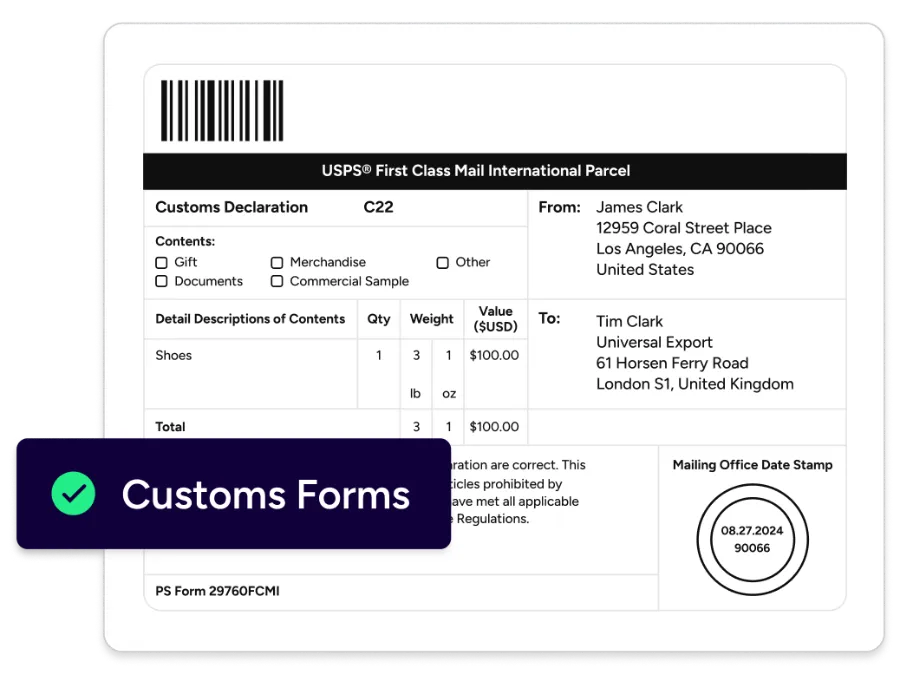
Ship internationally without stalling at the customs step. For some carriers, customs forms print with the label. For others, they’re submitted electronically and don’t need printing. UPS®, USPS®, FedEx®, and DHL Express each handle it differently — ShipStation keeps the workflow consistent regardless.
Heavy, freight, and specialty packages stay organized
Bulky orders, multi-piece shipments, and FedEx Freight® moves still need the same visibility as a standard parcel. Keep parcel and freight-adjacent work tracked under the same rules, tags, and reporting — so nothing falls out of the queue because it was oversized. For restricted shipments, check FedEx terms before you ship.