Back
Back










































 Technology & Integrations


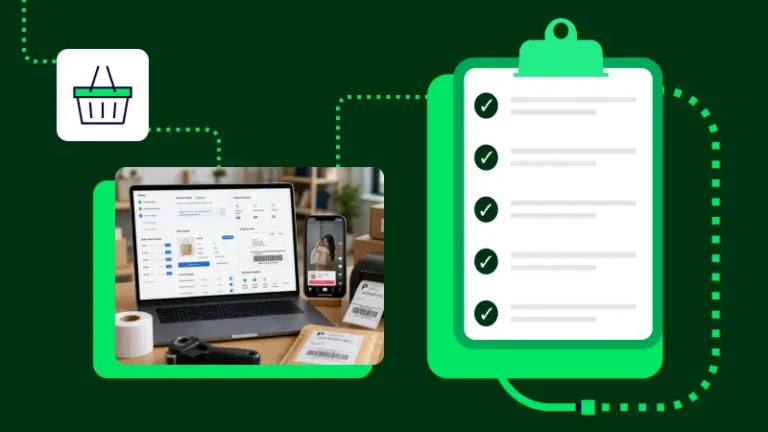
Connecting TikTok Shop to ShipStation is simple once you know where the setup lives. Connect the account, approve access, and your order flow can move into one place for shipping and daily fulfillment. Below, we’ll walk through each of the 5 steps, plus the settings, import rules, and support options that matter after setup.
You can connect TikTok Shop from the store setup area in a few clicks. Use an active TikTok Shop login and a US- or UK-based ShipStation account, then follow these steps:
Once setup finishes, we import TikTok Shop orders into one queue and open your store settings. From there, you can set branding, customer email notices, and other store-level options.
For order import, each order needs a ship-to address. If you plan to use TikTok Shipping or CBT labels, the product also needs weight and dimensions. Supported order data can include email, phone number, requested service, weights, discounts, and item options.
After the connection is live, choose how you want to handle shipping. Seller Fulfilled orders let you select your own carrier and service. TikTok Shipping orders use TikTok labels, so you can manage both from the same account.
TikTok order types import by default. If you only want one import option, contact support. If import slows down, support can also help limit older orders. If authorization expires, reconnect the store. TikTok Shop merchants need to reauthorize every 90 days.
A clean TikTok Shop connection saves time, keeps each order in one place, and makes shipping easier to manage day after day. Connect the store, review your settings, and test your first label. If you’re ready to move faster, start a free trial and connect TikTok Shop in ShipStation today.