Back
Back











































How Shipping Automation Helps Meat Church Handle 2,000 Orders a Day at Peak Season
"The simplicity of ShipStation was a big attraction to us from day one."
Read Story
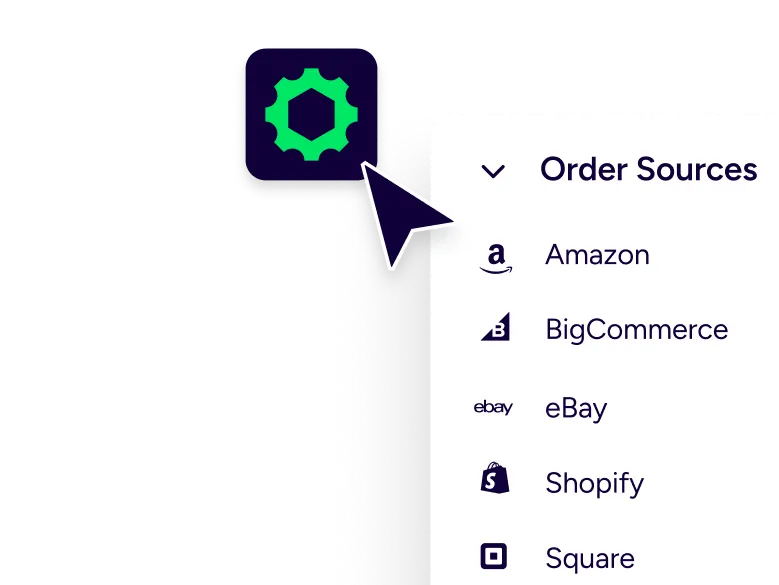
ShipStation gives you one place to manage orders from all your sales channels—Shopify, Amazon, Etsy, eBay, Walmart, BigCommerce, WooCommerce, and TikTok Shop—so you can pull addresses and prep postcard drops in batches without jumping between tabs. When it’s time to ship everything else, rate-shop across 200+ carriers including UPS®, USPS®, FedEx®, DHL Express, and GlobalPost™ to find the best price before you print. One platform, fewer clicks, more printing.
Cheap printing is nice. Cheap delivery is better. We help you control the real cost per drop: postage choices, address cleanup, and the labor of getting every order out the door on time.

Cheap postcard printing quotes don’t include the messy part. You still need clean addresses, the right mailable format, and a repeatable mailing flow. We keep that work tight with batches, presets, and rate shopping that fits your process. When you’re sending postcards plus packages, you can pick the cheapest carrier per shipment without jumping between tools.

Every Door Direct Mail (EDDM) and similar broad-reach tactics can work for broad reach. But your best list is already in your order history. Filter by SKU, channel, region, or last order date, then build custom postcards for the segment you actually want back. Postcards create a real moment customers remember. And your campaign stays tied to the customer record, not a random route.

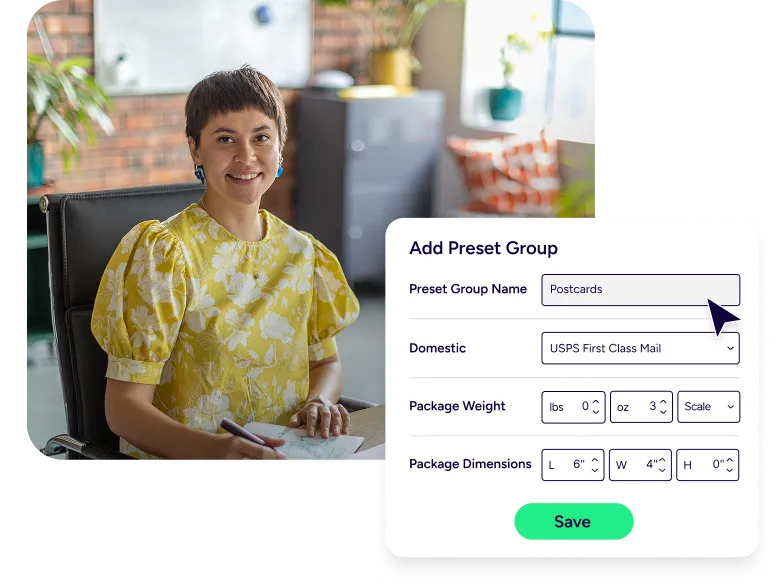
When a pallet of standard postcards shows up, speed matters. You need a flow that’s ready every week, even when volume jumps. Save your shipping presets. Reuse your pick lists. Batch-print documents. Then repeat the same steps for the next order wave, without redoing settings or hunting for addresses.






Start with the data you already trust. We pull orders and customer addresses into a single view, so you can build a postcard list without copying and pasting between tabs. Filter by store, tag, item, or date. Then group those records into a batch you can work through fast. This is the difference between “we should do postcards” and “postcards went out today.”
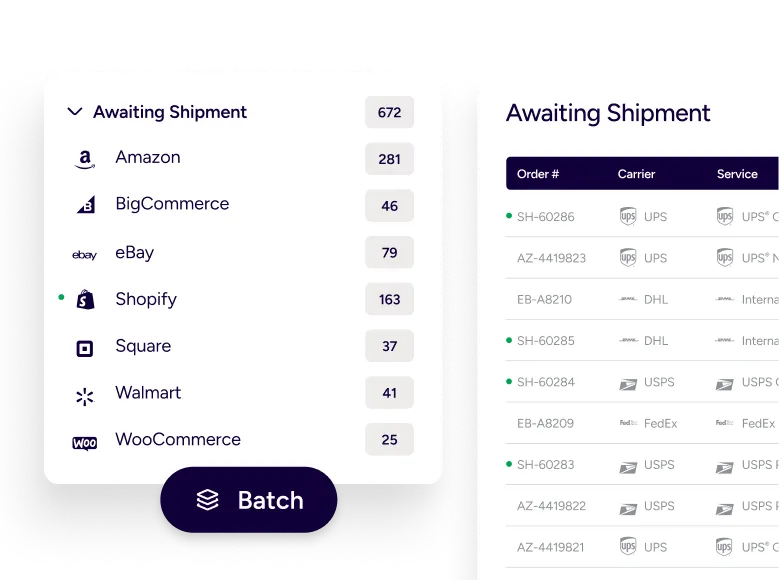
Postcards are all about mailability. Standard postcard options like 4×6 or 4.25×5.5 are common because they’re easy to handle and plan around. In our platform, you can set up presets that match how you mail, then print USPS postage in batches so you’re not buying postage one piece at a time. You can also keep your package shipping in the same place, with USPS Ground Advantage® and Priority Mail® available when you need them.
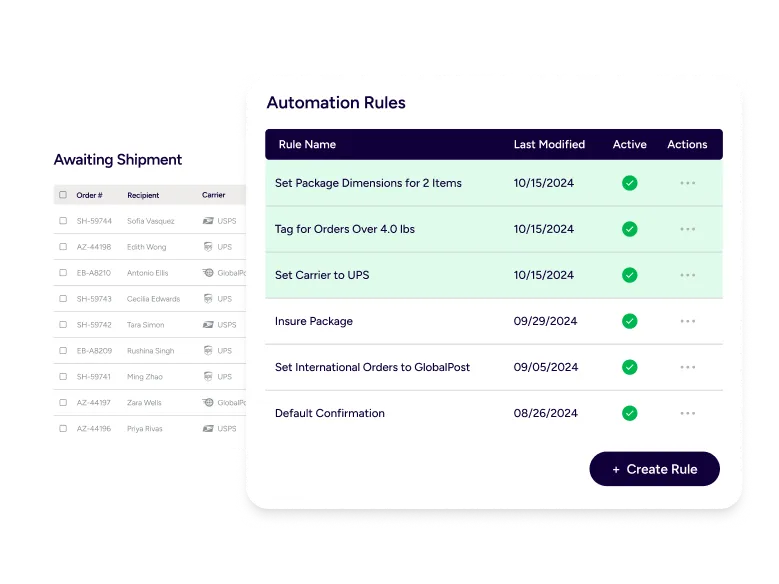
Manual work is the hidden line item. Build automation rules that apply the same decisions every time. For example, tag campaign orders on import, set a default service for a specific mailing type, or route work to the right ship-from location when you run more than one warehouse. Set it once. Run it weekly. Your team stays focused on packing and prep, not clicking through the same fields.
Many postcard campaigns don’t end with a postcard. You might follow up with samples, replacement parts, or a small box for a VIP segment. That’s where side-by-side rate comparison earns its keep. Keep your carrier accounts together and shop rates in one screen. Use your own negotiated UPS or FedEx rates, or print USPS postage through us, including access to discounted USPS rates on many package services.
Testimonials



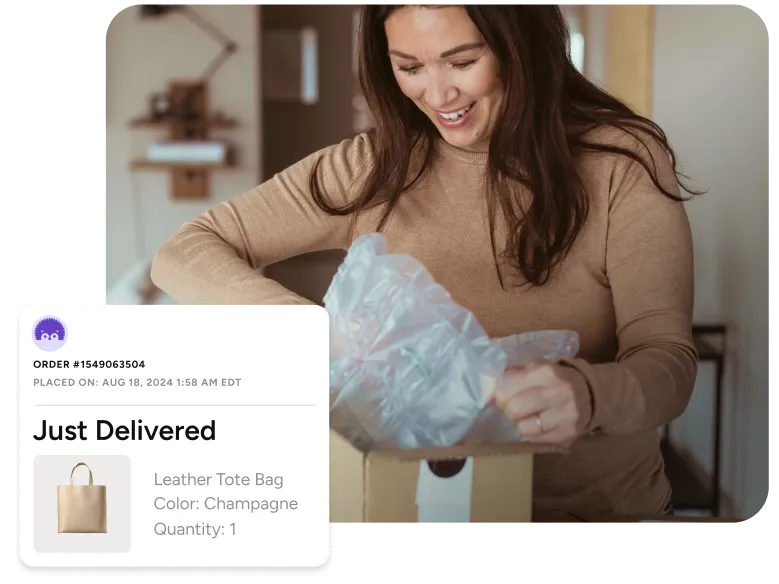
A postcard can drive the first action. The next shipment needs to land just as clean. Use branded tracking pages and notifications so customers see your logo and brand colors, not a generic carrier page. It cuts “where is my order” tickets and keeps your campaign experience consistent from the first touch to delivery confirmation. When you ship a follow-up product, tracking becomes part of the marketing, not an afterthought.
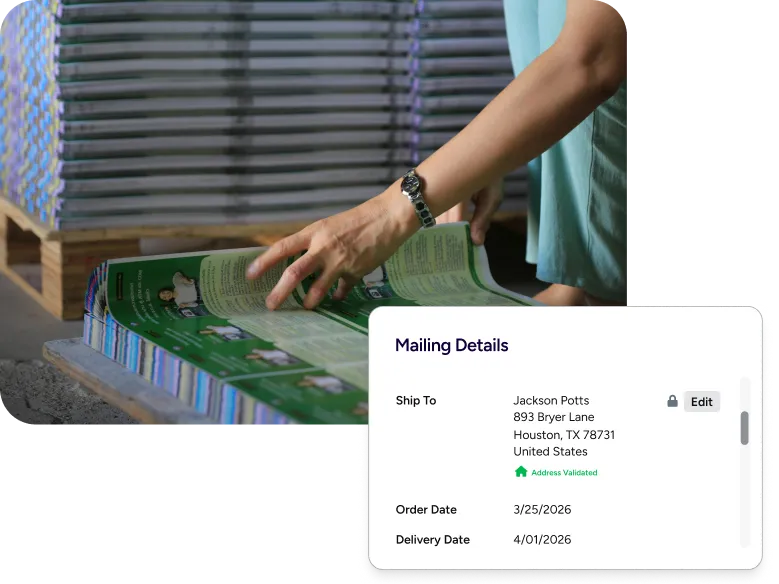
Whether you choose spot UV, die-cut shapes, or a specific cardstock weight, your print decisions are locked in before ShipStation gets involved. What we handle is what comes after: once the boxes arrive, you need a clean address file, a mailing batch that’s ready to run, and a workflow your team can repeat without guessing. Export one clean file, keep naming consistent so nobody grabs an old draft, and use presets so the same settings apply every time. If your campaign includes postcards, flyers, or business cards going to different segments, you can manage those drops together without rebuilding the flow from scratch.
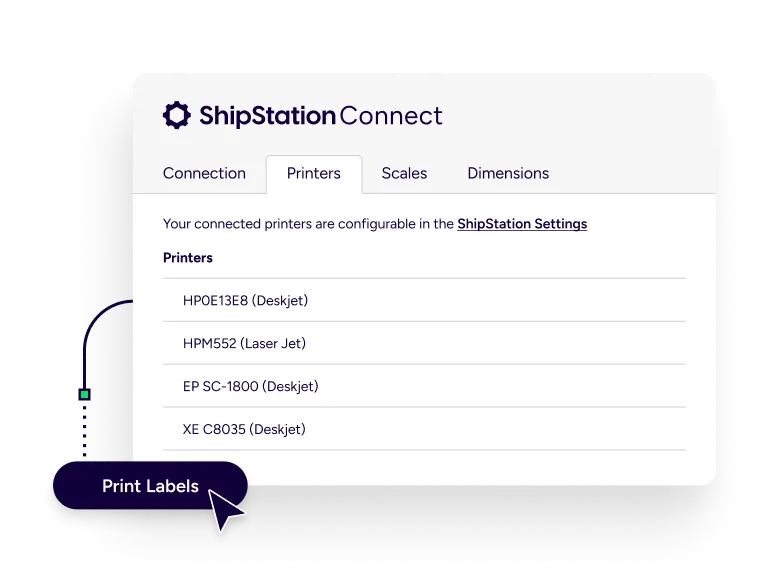
When it’s time to ship or mail, printing should feel instant. ShipStation Connect can route print jobs to the workstation where your printer is plugged in, and it works with many thermal label printers. For Connect, USB connections are the safest setup. If your setup is different, you still have options like Download PDF or Browser Print. That flexibility matters when you’re juggling postcards, packing slips, and outbound labels in the same day.