 Back











































eBay Shipping Calculator: Estimate Costs and Protect Your Margins
Find out how much shipping your eBay items costs before you list them. Enter the weight, size, and destination to compare carrier rates side by side, then see what connecting your eBay store to ShipStation can do for your shipping.
Calculate Shipping Costs Now
Connected to the platforms that power your business


How to Use the eBay Shipping Calculator
Get an estimate in three steps before you list your item.
- Enter your ZIP codesAdd where the item ships from and where the buyer is.
- Add weight and dimensionsWeigh the item packed and measure the box you will use. For irregular items, measure a box they fit in. Length, width and height are required to return rates.
- Compare carriers and servicesSee each option with its delivery estimate and choose by price and speed.
How Shipping Is Calculated on eBay
When you list an item, you choose how the buyer’s shipping cost is set.
| Option | How it works | Best for |
|---|---|---|
| Calculated shipping | You enter the package type, dimensions and weight, plus your ZIP code and any handling fee. eBay then updates the shipping charge each buyer sees based on their location and the services you offer. | Items that vary in weight or ship across the country |
| Flat rate shipping | You set one price for every buyer, or use shipping rate tables to vary the price by region or service. | Light items with similar costs everywhere |
| Free shipping | You absorb the cost and build it into the item price. | Competing on search results and “free shipping” filters |
With calculated shipping, you choose which services to offer and the order buyers see them in. It is only as accurate as the weight and package details you enter: a wrong weight means a wrong quote, and you cover the difference. Sellers can ship with standard carrier rates, discounted rates through eBay shipping labels, or their own custom rates.
Estimate Shipping Costs Before You List
Clear shipping math protects your margin. ShipStation connects the estimate to labels, tracking, and automation in one workflow.

Estimate with real package details
Weight, box size, service, and buyer ZIP code drive the price. Enter them accurately so your estimate reflects the real shipment and not a guess that shrinks your margin later.

Protect profit beyond postage
Look at shipping cost, packaging and handling together, so you can choose calculated, flat rate, or free shipping without losing money.

Turn estimates into labels and tracking
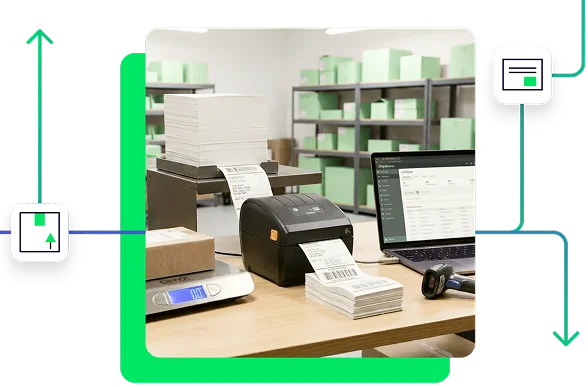
ShipStation imports your eBay orders, supports batch printing, and sends tracking back to eBay, so you go from estimate to label with less manual work.
Simplify eCommerce Shipping With a Trusted eBay Shipping Calculator






From Estimate to Shipped Order
Compare carriers and services
Compare options for the same shipment across USPS®, UPS®, FedEx®, DHL Express and GlobalPost™, including USPS Ground Advantage®, UPS® Ground and FedEx Ground®, before you buy a label or set buyer-facing shipping charges.

See how dimensional weight changes the cost
A light item in a large box can be priced like a heavier shipment. Length, width, height, and weight all affect the rate, so measure every side.
Pick the right strategy for each listing
Calculated shipping works when cost varies by buyer location or package size. Flat rate works when your products ship in a narrow range. Free shipping can help conversion, but only if your price can absorb the cost.
Connect eBay orders to labels and tracking
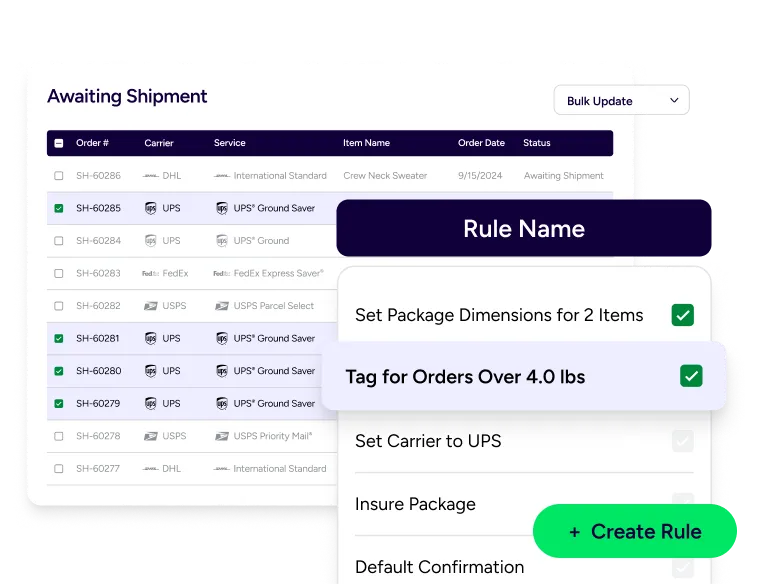
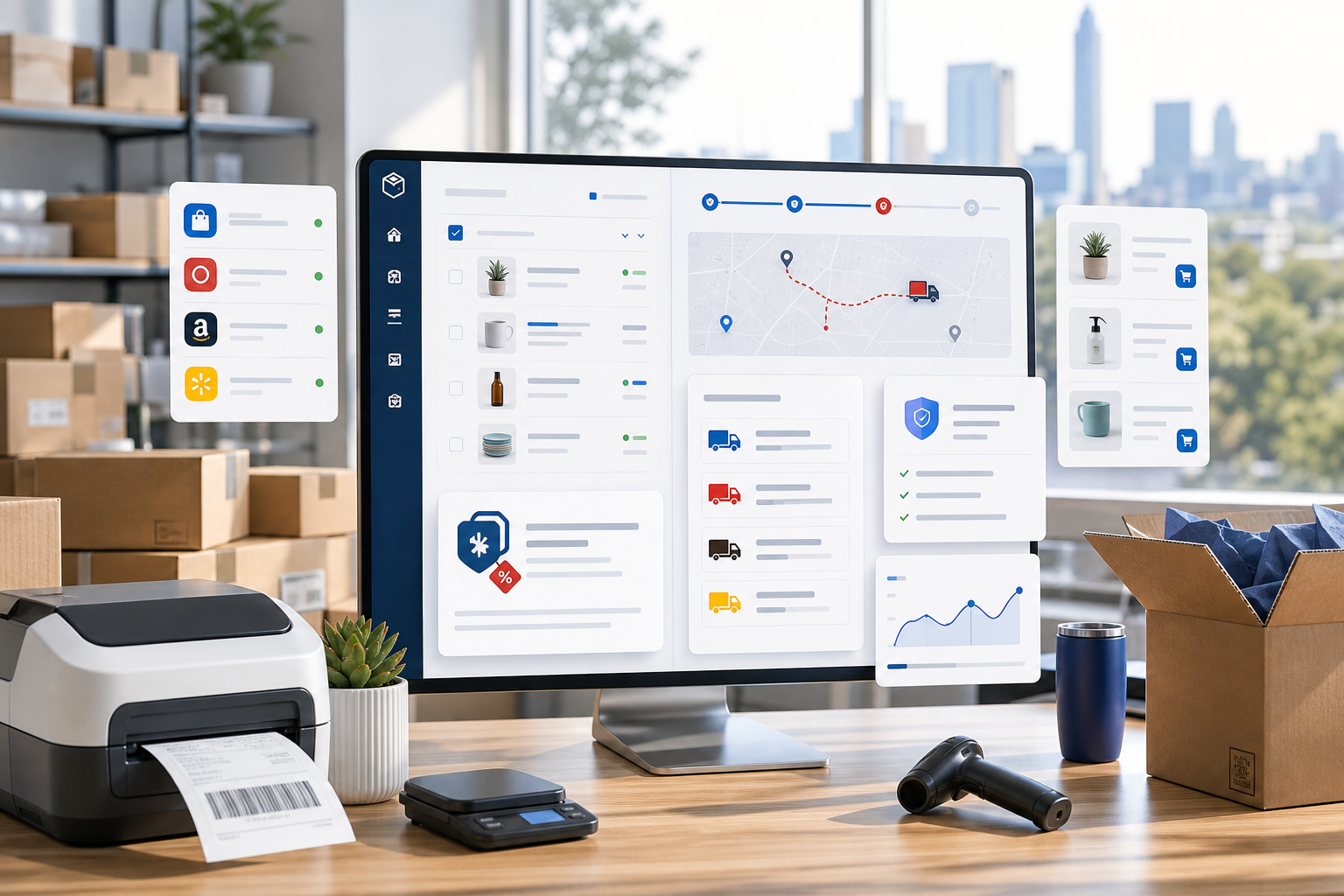
Orders import into one dashboard, automation rules can select services and tags, and tracking is sent back to eBay after you print the label.
Connect Your eBay Store to ShipStation
Go from estimate to label in a few minutes.
- Create your accountStart your free ShipStation trial.
- Add eBay as a selling channelGo to Settings > Selling Channels > Store Setup > Connect a Store or Marketplace, and choose eBay.
- Authorize ShipStationSign in to eBay and approve the connection. eBay authorization needs to be renewed periodically.
- Import orders and shipSet your shipping presets, compare rates and print labels.
RELATED CONTENT
Helpful Shipping Resources
Browse additional articles, guides, and insights related to shipping and fulfillment. These resources provide practical advice and best practices to support your day-to-day operations.

The Cheapest Way to Ship Packages
Finding the cheapest way to ship a package doesn’t mean sacrificing quality. Affordable shipping rates are available to anyone that knows where to look.

Calculate Shipping Costs and Start Saving Now
Whether you’re shipping a single order or managing high-volume ecommerce fulfillment, ShipStation’s shipping cost calculator helps you get fast, reliable quotes from top carriers so you can save time and money with every label.
Freight Optimization: How to Build a Smarter LTL Shipping Strategy
Learn how freight optimization helps reduce shipping costs, improve LTL efficiency, strengthen carrier strategy, and build a smarter supply chain.
Try us free
What you can look forward to in your 30-day free trial:
 Get instant access to all of our features
- Connect to over 400 integrations
- See how much our rates can save you on shipping


Create your ShipStation account
By clicking 'Get Started', you agree to our Terms & Privacy Policy and Carriers' Terms .