








































UPS international shipping made simple with ShipStation

UPS international shipping gets complex as you add channels, countries, and higher customer expectations. ShipStation keeps it simple. Manage orders from all your sales channels in one place and compare UPS rates with discounted rates across 200+ carriers—so you always choose the best option. Use UPS through ShipStation or connect your own account and keep fulfillment moving.

A simpler way to run UPS international shipping

UPS international shipping moves faster when your tools work together. ShipStation brings rate shopping, automation, tracking, and reporting into one platform—so you can ship with confidence and scale without adding complexity.

Find the best rates without switching tools

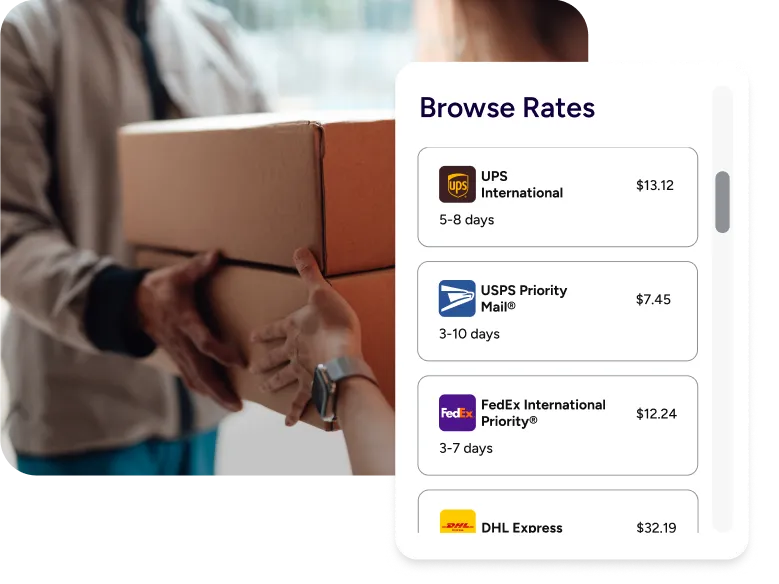
Stop jumping between carrier sites. Rate Shopper compares your UPS rates with discounted rates across 200+ carriers in one view, so you can choose the best option for every shipment without switching tools. Compare services by speed, cost, and destination, then choose the best option for every shipment.

Keep cross-border orders under control

Cross border ecommerce shipping with UPS works best when your shipping tool stays organized. ShipStation pulls orders from your store and marketplaces, then keeps addresses, items, and package details tied to each shipment. That means fewer copy-paste mistakes. It also means your team can ship confidently, even when volume jumps.

Deliver a branded experience worldwide

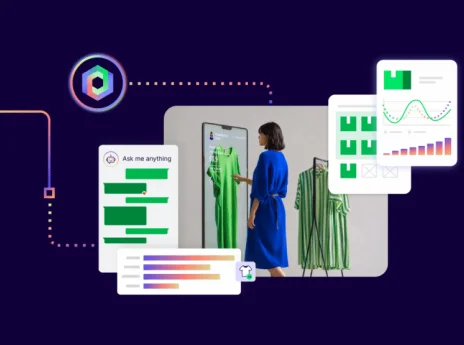
Your customer doesn’t care which system you used. They care about updates. ShipStation gives you branded tracking pages and notifications, so your brand stays front and center after checkout. Add a self-serve returns portal too. You reduce “where’s my order” emails and keep repeat buyers in the loop.

UPS worldwide delivery services explained UPS offers multiple international services based on speed, destination, and package type. ShipStation helps you choose the right one faster, then scale with automation, batch tools, and visibility across carriers. Compare your negotiated UPS rates with discounted rates side by side to avoid overpaying and reduce shipping costs over time.

Manage global shipments in one platform

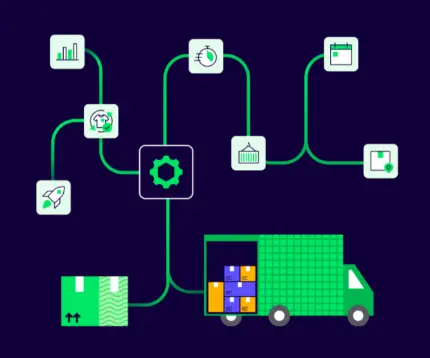
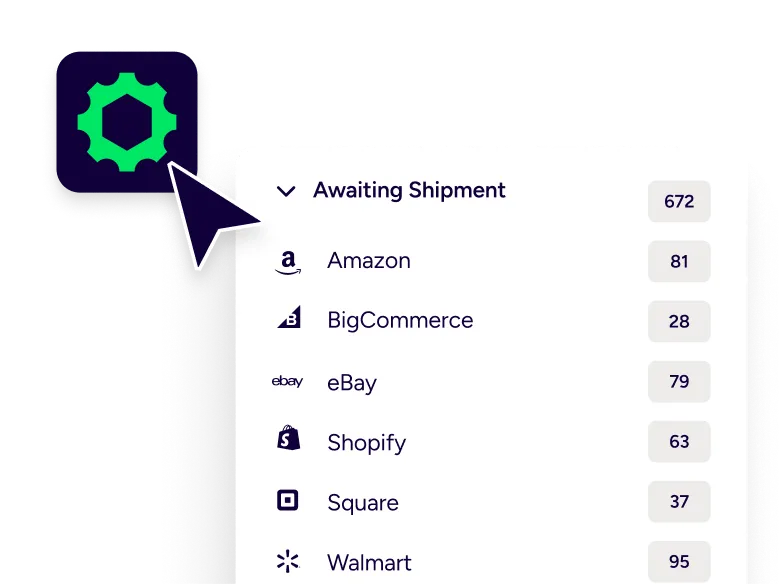
Growth creates complexity fast. ShipStation gives you one shipping workspace that connects to 100+ selling channels, including Shopify, Amazon, Etsy, eBay, and Walmart. Standardize workflows, apply presets, and ship consistently without extra effort.

Find the right carrier for every shipment

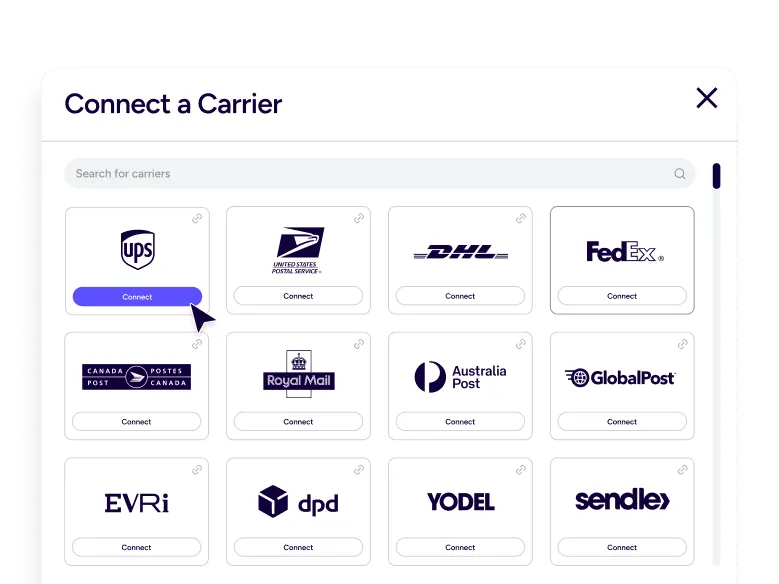
The right carrier depends on your product, destination, and delivery promise. Compare UPS with DHL and FedEx in real time using both your negotiated rates and ShipStation’s discounted rates, so you can make better decisions on every shipment—not just one-off choices.Then track performance over time to make smarter decisions.

How UPS international shipping pricing works

International labels are more than “base rate plus distance.” Service level, package size, destination, and duties and taxes can all change the final cost. ShipStation helps you see options before you commit, and it supports common UPS choices like:

  • UPS Worldwide Express®, UPS Worldwide Express Plus®, UPS Worldwide Saver®, and UPS Worldwide Expedited® for time-definite or day-definite delivery
  • UPS® Worldwide Economy for low-weight shipments to select destinations, with delivery duties unpaid (DDU)
  • UPS Standard® to Canada or Mexico for less urgent ground options

One more detail that matters: UPS often acts as a customs broker for international shipments. Some UPS worldwide services include brokerage fees in the label cost, while UPS Standard does not.

Automate decisions and ship faster

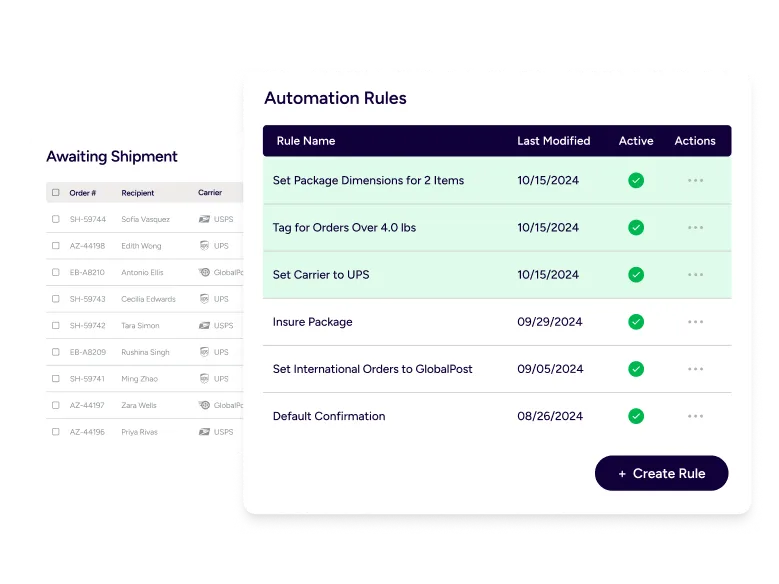
Manual decisions slow teams down. ShipStation automation rules apply the right carrier, service, and settings based on order data. Batch label printing keeps fulfillment efficient, and mobile tools help your team stay flexible.

Optimize your international shipping strategy for ecommerce

You don’t need an enterprise setup to ship like one. Define your delivery promise, duties strategy, and preferred services by region, then let ShipStation put it into action. Automation keeps workflows consistent, reporting helps you improve over time, and branded tracking protects your customer experience. Built-in returns tools help you recover revenue and keep customers coming back. Want to go deeper? Explore ShipStation automation and integrations to build a setup that scales. [ShipStation automation](https://www.shipstation.com/features/shipping-automation/) and [ShipStation integrations](https://www.shipstation.com/integrations/) to build a setup that scales.

UPS international shipping FAQs

ShipStation shows estimated delivery dates based on the service you select and the destination. Use those UPS international delivery time estimates to set clearer expectations at checkout and in your support replies. Always build in a little buffer for customs processing.
Yes. You can view services from UPS, DHL Express, and FedEx in one workflow, then choose based on speed, cost, and package needs. It’s the simplest way to rate shop without switching tools.
For international shipments, UPS will often act as a customs broker and may charge a brokerage fee. Some UPS worldwide services include brokerage fees in the label cost, while UPS Standard does not. If a fee isn’t included, it can show up later as an adjustment from the carrier.
DDU means the recipient pays duties and taxes on delivery. DDP means the payor of shipping charges can be billed for duties and taxes instead of the recipient. ShipStation supports options to bill duties and taxes to the payor of shipping charges so you can match the experience you want to deliver.
Start with the promise you’re making: fastest possible, predictable day-definite, or cost-effective delivery. Then compare services by destination, package weight, and how you want to handle duties. In ShipStation, you can test rules, track results, and adjust fast as you learn what works.

One place for your business

Begin a free trial to see what’s possible with ShipStation.