Back
Back











































From $33,000 to 18,000 Stores: How Black Girl Sunscreen Ships at Scale
"ShipStation is seamless when it comes to international. We wouldn't prefer it any other way."
Read Story
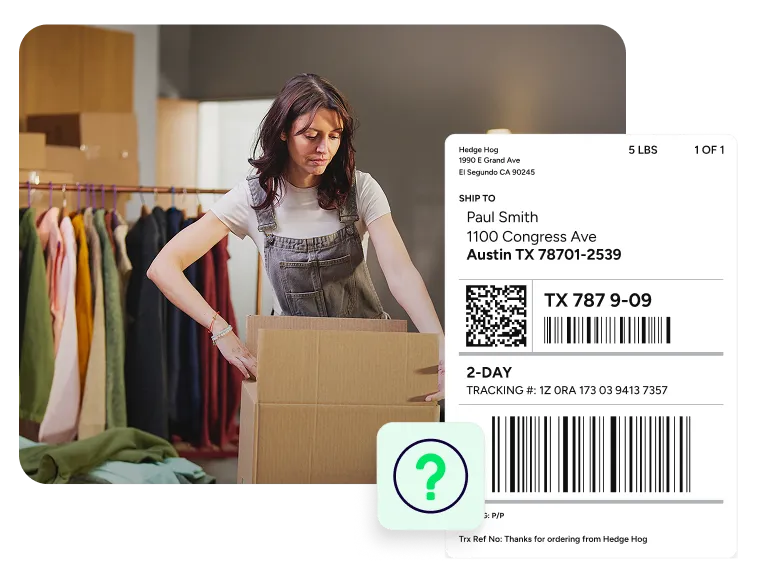
Shipping in USPS bubble mailers should feel simple. With ShipStation, you can compare USPS® services for a padded envelope, buy the label, and push tracking back to your store in minutes. Pick Priority Mail®, Ground Advantage®, or Priority Mail Express®, then print in a batch and keep orders moving.
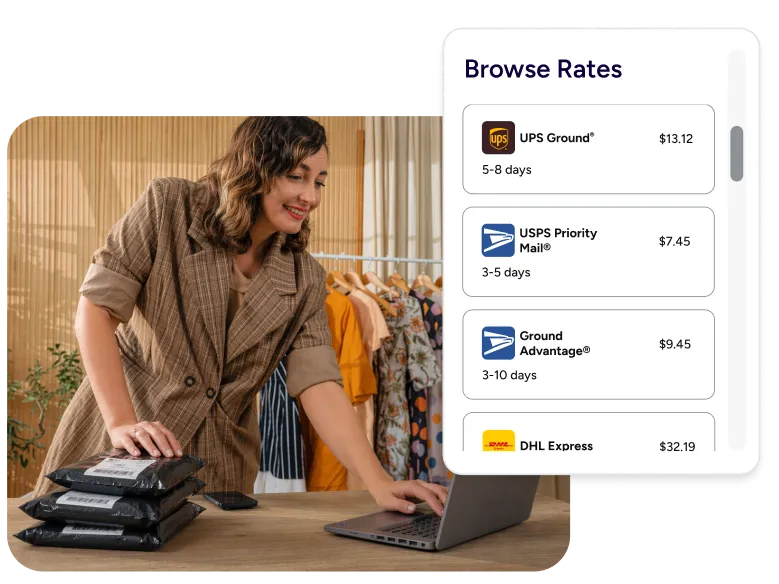
Whether you use free Flat Rate® supplies or paid ReadyPost® mailers, our platform shows the rate choices on screen. You pick speed, cost, plus tracking, then ship without guesswork.

When a Priority Mail Flat Rate padded envelope makes sense, you can select the right service and package type and see discounted commercial rates next to retail rates. You still get USPS Tracking service, but you don’t have to do math per order. Pack Priority Mail once, then repeat the same steps all day.

If you’ve been buying postage at the Postal Store, you know the drag. Pull your orders in one queue, buy labels, and move items shipped to “out the door” fast, even when delivery is within business days. You can still stock shipping supplies and retail items where you like. Your workflow stays the same. Your time doesn’t.

Bubble mailers work great for small, light products. They also create lots of tiny decisions. We help you lock in choices with presets and automation, so each order gets the same service, package, and return contact info. That’s how you scale without extra clicks, even when stock orders spike.






When you’re using Flat Rate packaging, select USPS Priority Mail as the service, then choose Flat Rate as the package type. Once it’s enabled, Flat Rate options appear right where your team already works. You’ll see commercial pricing in your account when offered, which helps you avoid guessing based on a mailer alone.

Sometimes Flat Rate costs more than it needs to. If you use ReadyPost mailers or your own bubble mailer, you can rate-shop USPS Ground Advantage (formerly USPS First Class Package) against other services before you buy. Our rate screen can also show UPS®, USPS, FedEx®, and DHL Express options side-by-side, so you don’t lock into one carrier out of habit.
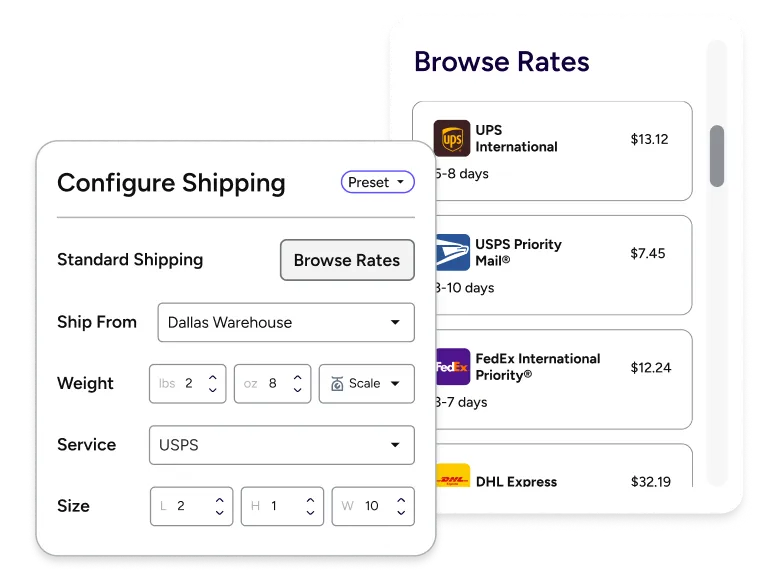
When speed matters, choose Priority Mail Express as your service and keep everything else the same. You still ship in a padded envelope. You still print the label from your desk. And you still send tracking fast, which helps when you need to apologize for a late handoff and want to cut the chance of a cancel request.

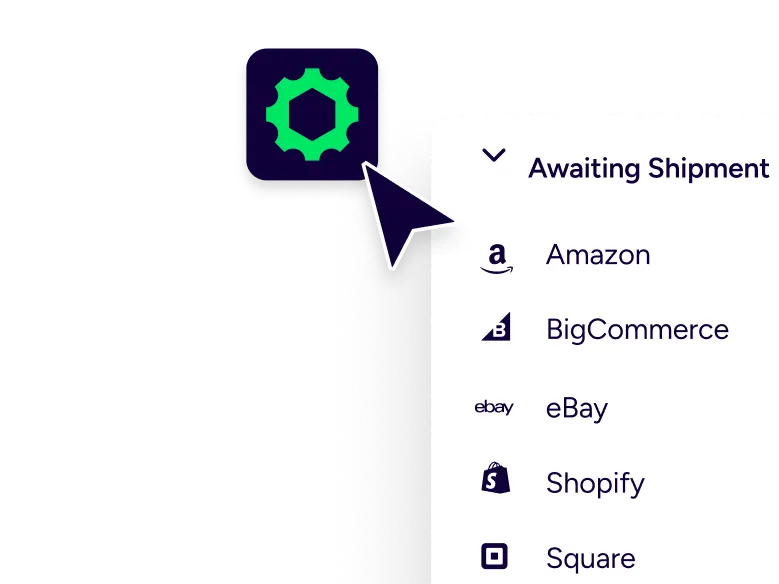
Pull orders from Shopify, Amazon, eBay, Etsy, Walmart, and more. Then let rules do the sorting. You can tag orders on import, set service by weight, and apply package presets. If you sell on Amazon, you can also split Amazon FBA and Amazon FBM orders by rule, so each one routes to the right ship flow.
Testimonials



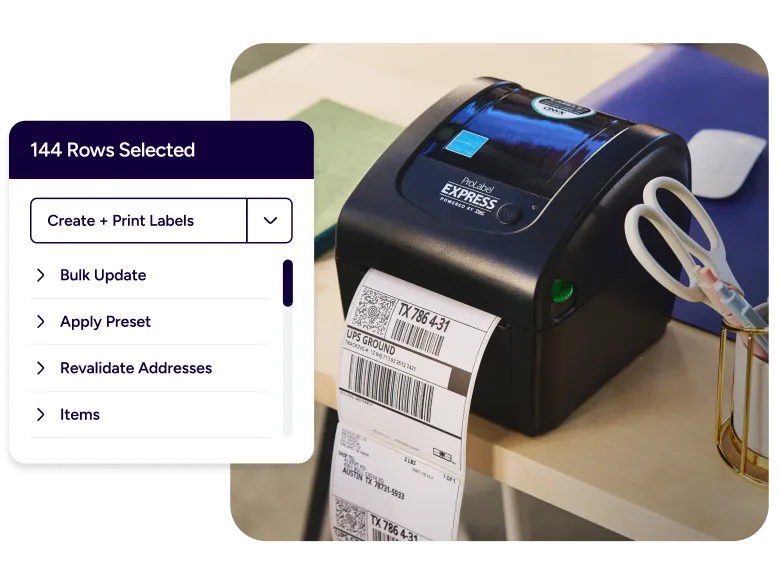
Print labels in batches, including “print all” when you’re ready to move. Many teams print 200 labels in one click, then pack and seal each bubble mailer without bouncing between screens. At the end of the day, generate a USPS scan form, and keep your daily handoff clean. You can also schedule a UPS or USPS pickup inside ShipStation.
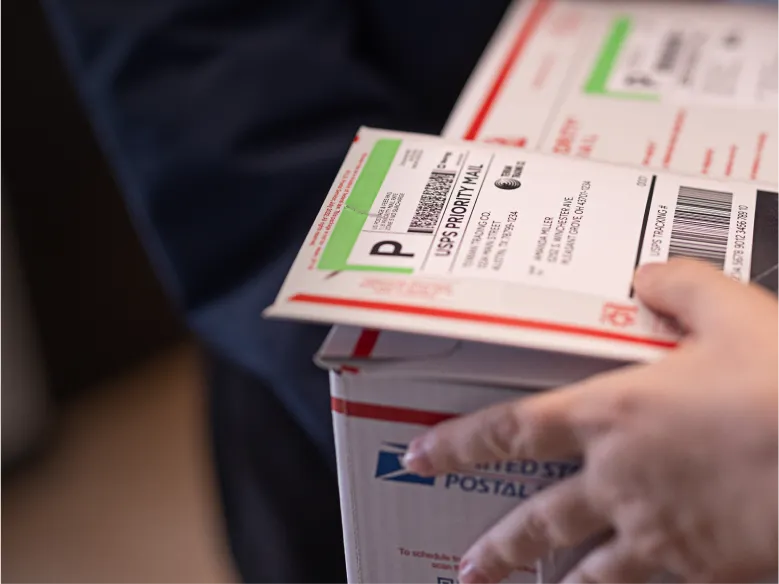
If your team orders supplies from the Postal Store or keeps saved USPS product links for common mailers, it helps to keep the workflow consistent: choose the shipping service first, confirm the package type next, then print the label. In general, Flat Rate padded envelopes work well when order weight varies, while ReadyPost® or your own bubble mailers are often a better fit for lightweight shipments using pay-by-weight services. For boxes versus bubble mailers, most teams simply choose whichever protects the item best, then compare rates before buying postage.
If a label PDF opens to a “file requested not found” style message, don’t panic. First, check for a blocked popover or a browser download setting. Next, reload the page and try again. If you landed on an unrelated tab like careers, the link may be broken due to copy-paste. For accessibility act checklists, downloading the label directly (instead of in-tab viewing) often helps.