 Back
Back











































From $33,000 to 18,000 Stores: How Black Girl Sunscreen Ships at Scale
"ShipStation is seamless when it comes to international. We wouldn't prefer it any other way."
Read Story
Learn how to pack your item, choose the right USPS® service, calculate postage, print a discounted shipping label, and schedule pickup or drop-off — all without standing in line. With USPS from ShipStation, you can create domestic and international USPS labels immediately and access pre-negotiated USPS rates, all in one streamlined workflow built for real shipping days.
Connected to the platforms that power your business


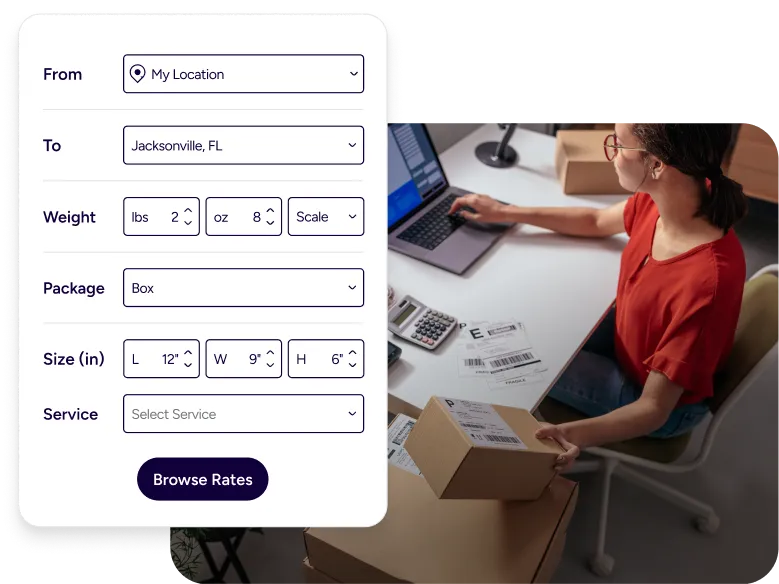
Bring your orders, labels, rate comparisons, tracking, and returns into one place. ShipStation gives you immediate access to USPS from ShipStation, discounted USPS rates, automation tools, and multi-carrier rate shopping — so you reduce clicks, avoid manual calculations, and scale shipping without adding complexity.

Stop copying addresses and retyping weights. ShipStation pulls order data from your store and marketplaces, then helps you print USPS labels online in a clean, repeatable flow. The result is simple: you reduce time spent shipping, even when orders spike.

Rate shopping should not feel like a math test. With ShipStation, you can compare services and set shipping presets, so your team picks the right option fast. You can also use a multi carrier shipping platform view if another carrier is a better fit.

Shipping is part of your customer experience. ShipStation helps you share tracking updates with branded tracking pages and notifications, so buyers see your name first. You also get tools to track packages in real time and answer “where is it?” questions quickly.
We’ve helped 130,000+ businesses ship USPS packages faster and cheaper — all online. Let us cut the cost and the queue for yours, too.


4.9 rating 67 reviews

4.6 rating 897 reviews

4.3 rating 531 reviews
Start by importing your order or entering shipment details manually. Confirm the address, enter weight and dimensions, and select the appropriate USPS service. ShipStation calculates postage in real time, including access to pre-negotiated USPS discounts. Once you create the label, print it immediately and schedule pickup or drop off the package. Tracking is generated automatically and shared with your customer.
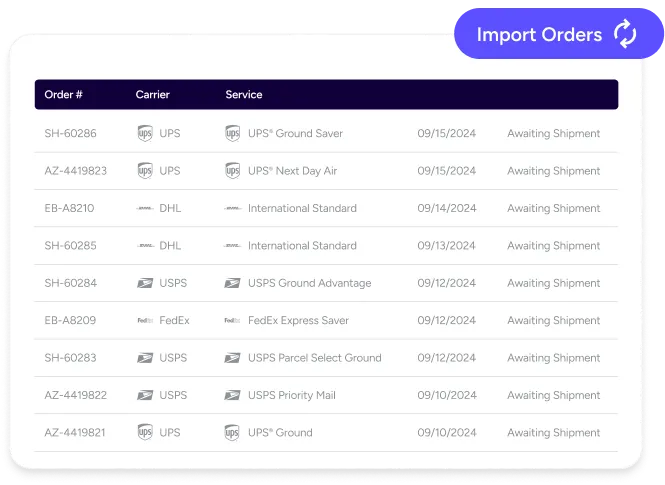
Choosing the right USPS shipping service directly affects both cost and delivery speed. In ShipStation, you can compare options like USPS Ground Advantage®, Priority Mail®, Priority Mail Express®, Media Mail®, and international services side by side, with real-time rates based on weight, dimensions, and package type.
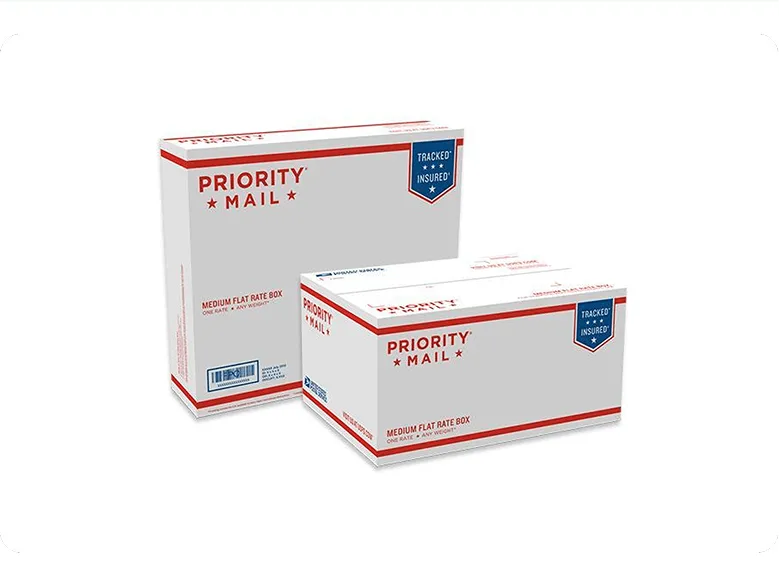
Packaging plays a role, too. A Flat Rate box or padded envelope may lower costs for heavier items, while custom packaging can be more efficient for lightweight shipments. ShipStation shows those differences instantly, so you can select the most cost-effective option before printing.
To keep decisions consistent, save commonly used services and package types as presets. Set defaults by order tag, SKU, weight range, or destination so your team ships accurately without second-guessing.
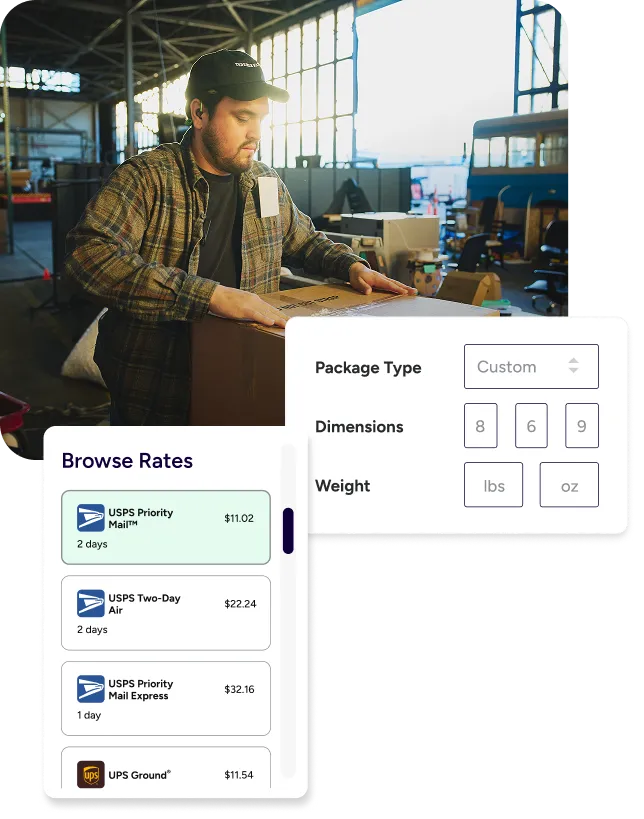
USPS Priority Mail vs First-Class Mail is a common decision point for small packages. The best choice depends on weight, package type, and how fast your buyer needs it. ShipStation makes it easier to compare options without leaving your workflow. You can see services side by side while you pack, then pick the one that fits your promise. If you ship daily, those quick choices add up to real savings and fewer delays.
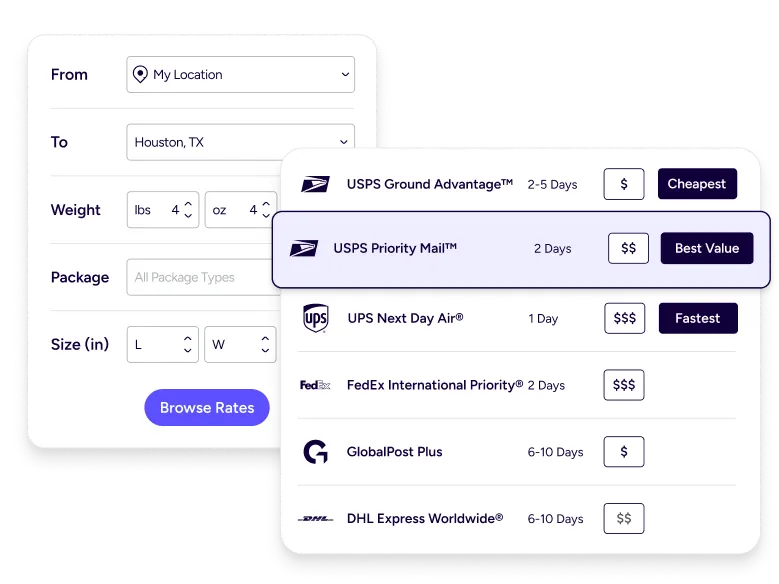
You should not have to open extra tabs to calculate USPS shipping costs. In ShipStation, you can calculate postage online as part of the label flow. Enter weight and dimensions, then view available services and rates. This helps you spot cases where a different package type changes the total. It also helps you stay consistent, which is key when you quote shipping on your site and want fewer surprises later.
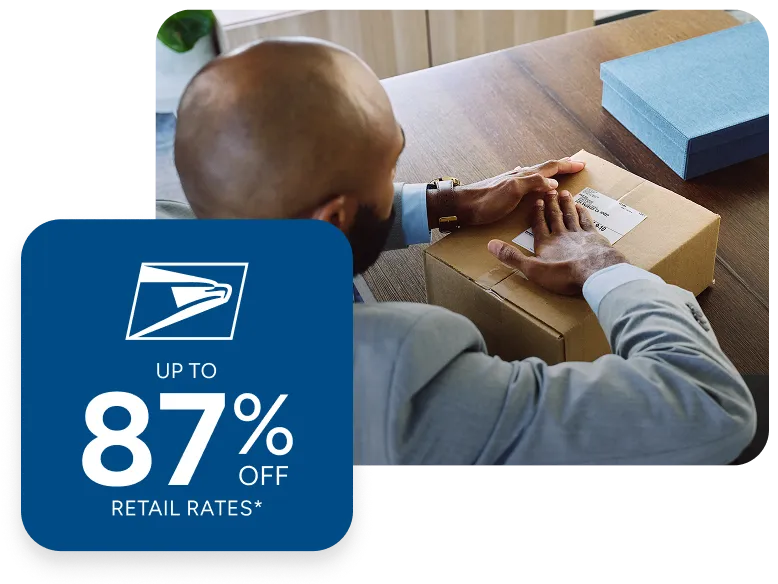
Every shipping day has cost pressure. ShipStation helps you access discounted USPS rates available through ShipStation, without forcing a complicated setup. You still rate shop. You still control service choice. You just get a more cost-effective way to buy postage as you scale. For many sellers, those savings help protect margins when ad costs rise or when free shipping becomes the norm in your niche.
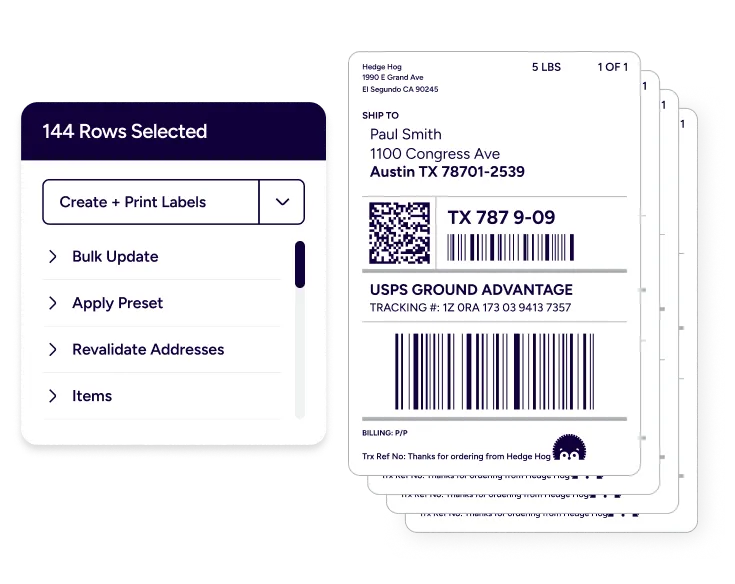
When you print USPS labels online, speed matters. ShipStation is built for fast label creation and easy reprints when you need them. You can create USPS shipping labels from several places in the app, so you are not hunting for the right screen. Once a label is ready, print it and move on. No waiting. No counter lines. Just a clean handoff from packed box to outgoing pile.
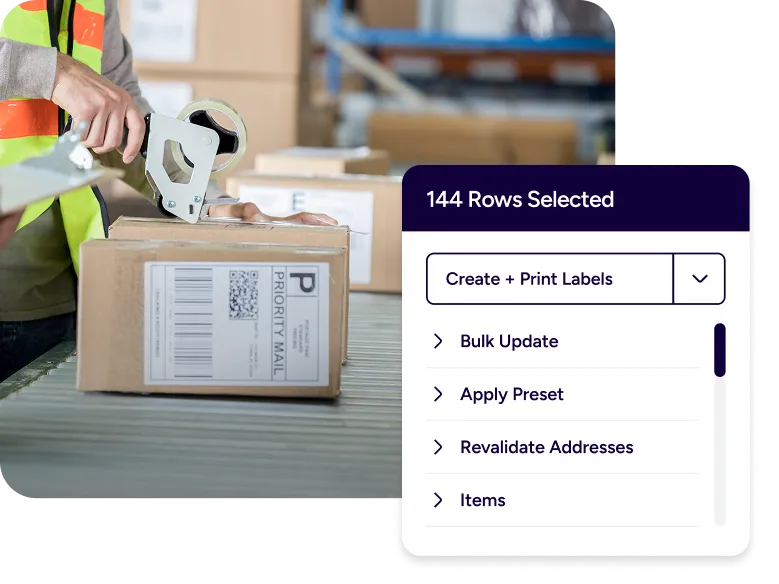
ShipStation lets you select many orders and print labels in bulk, so your orders stay in motion. This matters for growing brands that ship from a garage one month and a warehouse the next. It also helps when you run promos and volume jumps overnight. Print in batches, pack with rhythm, and finish faster.
Testimonials



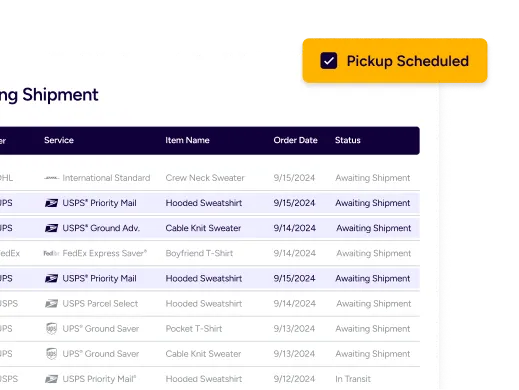
You can schedule USPS pickup so you don’t lose time driving to drop-offs. This is a great fit when you ship from a home office, studio, or small warehouse with limited staff. Plan pickups around your packing routine, then keep your day moving. For many shippers, pickup is the difference between “I’ll ship tomorrow” and “it’s out today.” It supports a better customer experience, too.
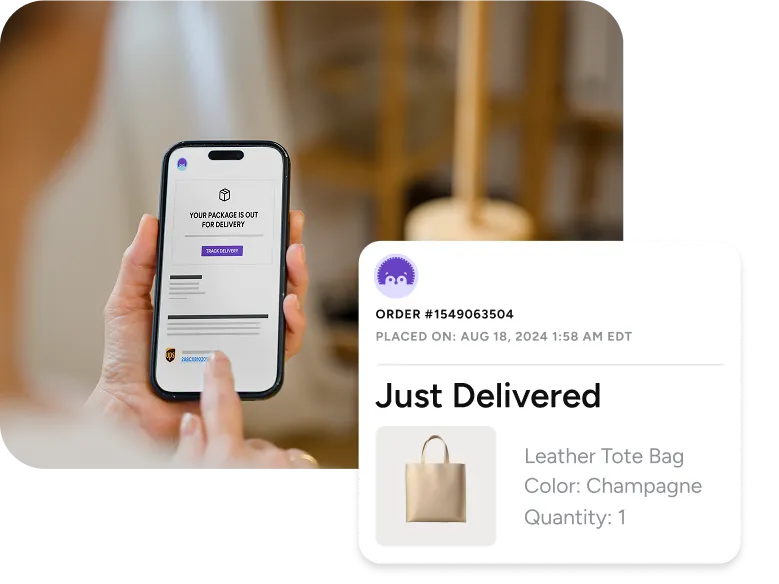
Customers want updates fast. When you track USPS shipments through ShipStation, you can also keep the message on-brand. Share tracking links through branded tracking pages and notifications, so buyers recognize your store, not just the carrier page. You can track packages in real time, cut down on support tickets, and set clear expectations after the sale. It’s a small touch that feels big when you are scaling.
To ship USPS packages from home, you need three things: accurate labels, a printer setup, and a repeatable packing station. ShipStation helps you handle the label part fast, then stay organized as volume grows. You can keep your shipping settings saved, print postage instantly, and avoid re-entering the same details each time. Add a quick pickup request, and you have a home-based shipping loop that feels professional.
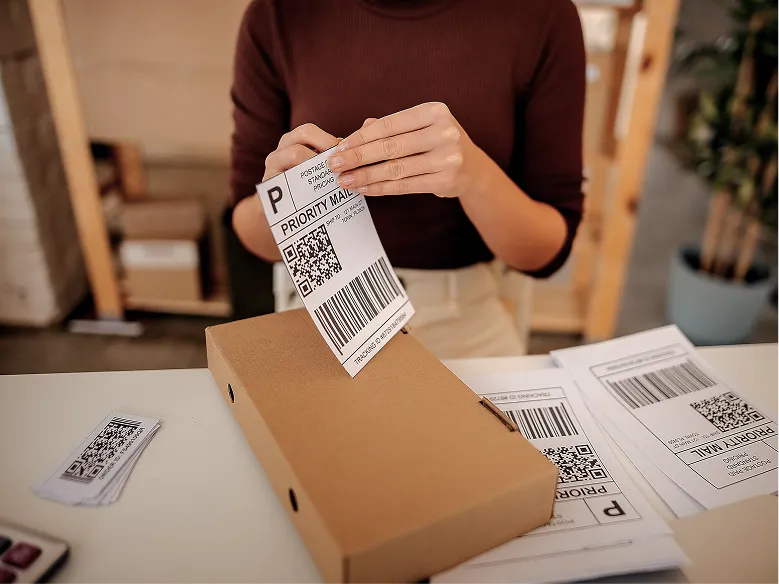
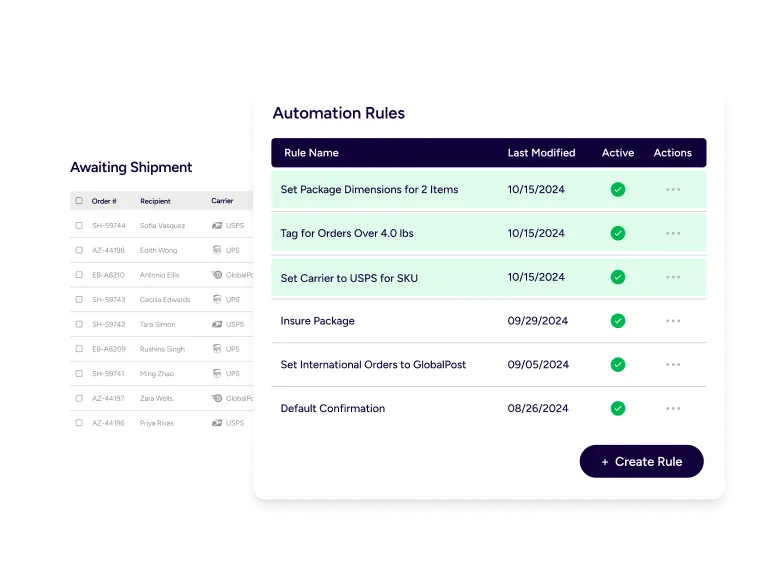
Manual work sneaks in everywhere. ShipStation helps you automate USPS shipping workflows with automation rules that fit how you ship. That means fewer clicks, fewer missed steps, and fewer “why is this service wrong?” moments. You can automate repeat shipments by setting rules like:
This is how you streamline shipping operations without a big IT project.
As volume climbs, the pain changes. One day you are printing a few labels. Next week you are managing backorders, tracking issues, and returns. ShipStation supports small business shipping solutions with tools that stay useful as you grow: inventory management to reduce oversells, a mobile app for shipping on the go, and a returns management portal that lets customers self-serve. Your process becomes repeatable, even when your product line expands.

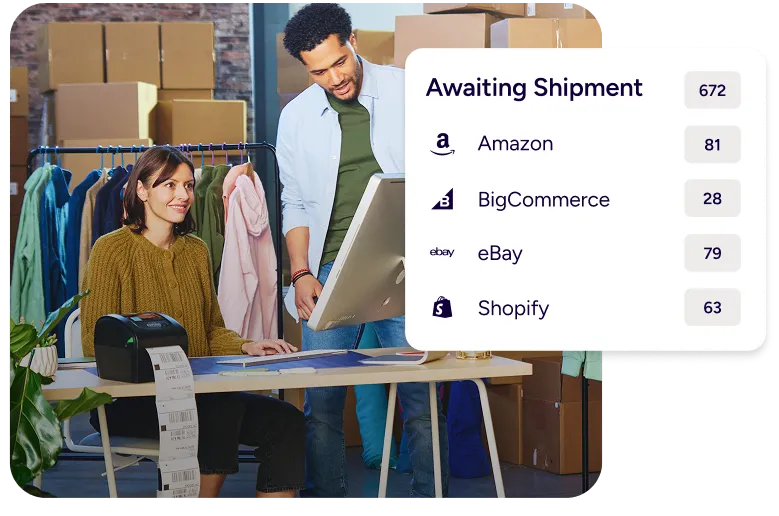
Ecommerce USPS fulfillment gets messy when orders live in too many places. ShipStation fixes that with a centralized shipping dashboard that pulls orders from your webstore and marketplaces. Connect platforms like Shopify, Amazon, eBay, Etsy, Walmart, BigCommerce, and WooCommerce, then ship from one view. This helps with ecommerce order fulfillment USPS flows because your team works from the same list, with the same rules, and the same label process.
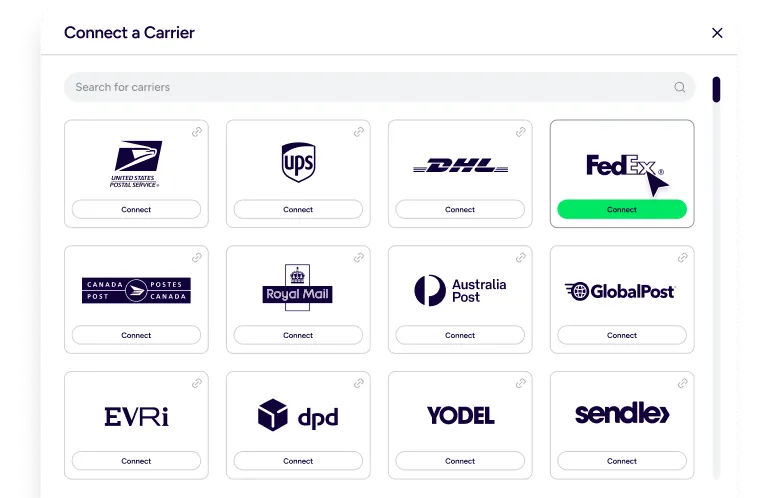
USPS is a great option for many packages, but you should not feel locked in. ShipStation is a multi carrier shipping platform, so you can compare USPS® with UPS®, FedEx®, and DHL Express® in the same place. If a package is oversized, high value, or time-sensitive, you can quickly switch services and keep going. You still use one workflow. You still print from one system. That flexibility keeps costs under control and helps you hit delivery promises.
Shipping gets messy when orders are scattered across logins. ShipStation connects with a wide range of selling channels, so you can pull orders into one place and ship faster. This is the practical side of “integrations.” You see the order. You ship it. You move on. That matters when your day includes customer emails, stock counts, and supplier calls. One login for shipping helps you keep your focus.

Some tools assume perfect data and perfect days. Real days are different. ShipStation supports quick edits, address checks, and easy reprints so you can keep moving when something is off. You can create USPS shipping labels, add insurance options when needed, and keep documents organized by shipment. This is the difference between “done” and “done right,” especially when you ship hundreds of packages a week.

Shipping starts before the label. If you sell on your own site, the rates and delivery choices in checkout can affect conversion. ShipStation supports checkout rate options through compatible store setups, so shoppers can see clear delivery speeds and costs. When your shipping choices match what you can fulfill, you reduce complaints later. You also reduce cart drop-off tied to confusing shipping totals.
What you can look forward to in your 30-day free trial:
 Get instant access to all of our features Connect to over 400 integrations See how much our rates can save you on shipping








By clicking 'Get Started', you agree to our Terms & Privacy Policy and Carriers' Terms .
Yes. You can create USPS shipping labels in ShipStation, print them at your workspace, then hand off packages via pickup or drop-off. This supports USPS shipping from home and keeps your day moving. It’s designed for repeat shipping, not one-off trips.
ShipStation lets you calculate postage online while you create a label. Enter the package weight and dimensions, then compare service options and costs. This makes it easier to spot cheaper choices and keep your shipping consistent.
Set up your printer, connect your store, and use ShipStation to print postage instantly as soon as orders import. You can print USPS labels online one at a time or in batches. If you need to reprint, you can do that without rebuilding the shipment.
Yes. After your labels are ready, you can schedule USPS pickup so packages leave without a post office run. This is helpful for home-based sellers and small warehouses. Pickup also helps you hit daily cutoffs more often.
ShipStation pulls orders from your selling channels into a single view, then supports fast label creation and batch shipping. That makes ecommerce USPS fulfillment more predictable, even when you sell on multiple marketplaces. You can also use automation rules to reduce manual steps.
Yes. You can automate repeat shipments with presets and automation rules that apply the right service, package, and settings. This is a practical way to streamline shipping operations and reduce time spent shipping. Your team follows one process, even when volume jumps.
ShipStation stores tracking numbers with each shipment and helps you track packages in real time from your dashboard. You can also send branded tracking updates to customers, so they do not have to search for info. This cuts down on “where is my order?” tickets.
ShipStation supports USPS and also lets you compare other carriers in the same workflow. If you need a different speed, route, or handling option, you can rate shop across carriers and still keep one label process. It’s built to be your centralized shipping dashboard, even as your needs change.