Back
Back











































 Technology & Integrations


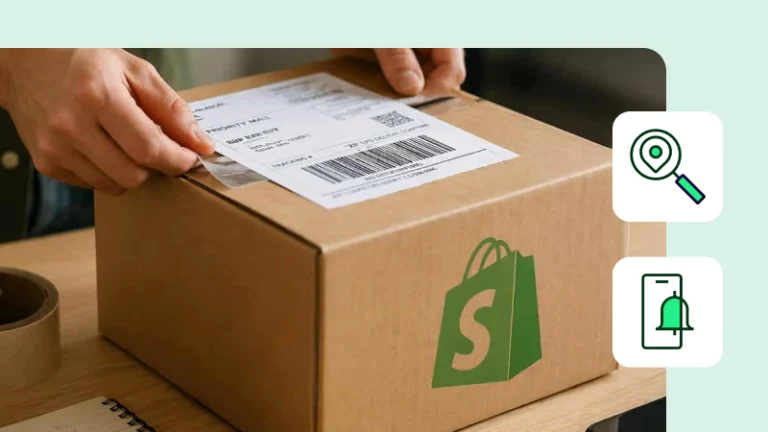
Customers expect more than a shipping confirmation after they place an order. They want to know when their package is on the way and where it is throughout the delivery process. A reliable tracking experience can reduce “Where is my order?” questions, build confidence in your brand, and give customers a clearer post-purchase experience.
Tracking notifications work best when a single system owns the message and every label pushes tracking data back quickly. When you create a label in ShipStation, the order can be updated in Shopify with fulfillment and tracking details. This guide shows how the connection works, when to send emails from Shopify or ShipStation, and how to build a cleaner post-purchase experience for every customer.
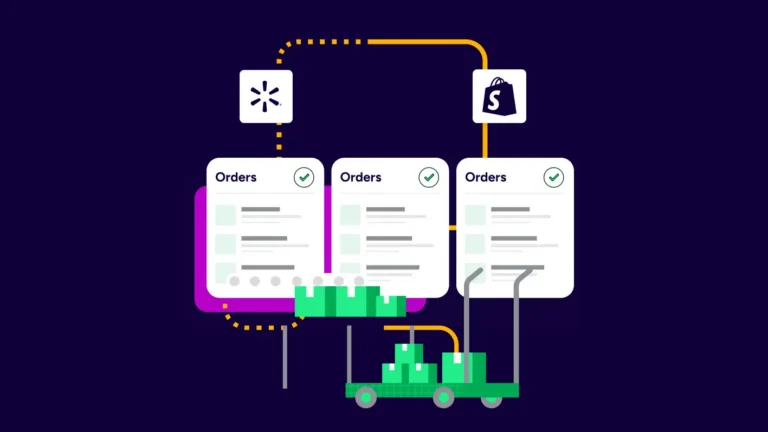
Shopify and ShipStation tracking notifications work by passing shipment data back to your store. In plain terms, you print the label in ShipStation, the tracking details are updated, and your workflow triggers a customer notification that includes the stats and instructions on how to follow the delivery.
That matters because post-purchase confusion usually starts with one missing step. A label gets created, but the customer never sees the tracking number. Or both systems send messages, creating duplicate emails.
With the right setup, ShipStation pulls order data from Shopify, including customer contact details, shipping method, line-item details, and order notes. Then, once you create the shipment, tracking info automatically flows back to Shopify. That gives your store one clean order record and gives your customer fewer reasons to ask where the package is.
ShipStation was the only company to respond to my initial contact for help and was very patient in talking me through the options. So customer service definitely made them stand out.
You should stick with one sender for shipping notifications. Using both Shopify and Shiptation simultaneously can create duplicate emails, mixed branding, or delivery messages that arrive out of order. One source keeps the order history clean and keeps the customer experience easy to follow.
If you want the message to match the rest of your Shopify store emails, Shopify may be the better fit. If you want stronger shipping-focused messaging, branded tracking pages, and shipping emails tied closely to label creation, ShipStation may be the ideal choice.
Shopify makes sense when your store already handles most customer communications. That includes order confirmations, marketing automations, and branded checkout messages.
Choose Shopify when you want:
ShipStation is the better route when shipping is more complex, and your team wants tighter control over shipment events. That includes batch printing, multiple carrier accounts, branded tracking pages, and delivery-focused notifications.
Choose ShipStation when you want:
The cleanest setup follows a simple rule: connect the store, create labels in one place, and confirm a single notification path. That keeps every order moving through the same workflow and lowers the chance of missed tracking updates.
A solid setup usually looks like this:
If your team ships high volume, this matters even more. A repeatable setup helps you print labels faster, keep orders accurate, and make sure customer messages go out the same way every time. It also makes training easier when new staff jump into fulfillment during peak weeks.
Branded tracking pages turn a plain tracking link into part of your post-purchase experience. Instead of sending customers back to a carrier page with someone else’s logo, you can keep your branding visible as the shipment moves from packed to delivered.
That sounds small. It isn’t.
Customers check tracking when they care most. They want delivery details, not guesswork. ShipStation supports branded tracking pages, branded notifications, and proactive shipment updates so customers can see what’s happening without opening a support ticket. Tracking pages can also carry your logo, brand colors, and promotional content.
This helps in two ways. First, it can reduce “where is my order” questions. Second, it keeps your store visible after checkout, when many brands disappear behind carrier pages. If you want notifications that keep customers engaged, branded tracking pages do real work.
Customers don’t think in systems. They think in moments. Did my order ship? Is it out for delivery? Was it delivered? That’s why the best notification flow treats email and SMS as one plan, even if different tools handle different parts of the message stack.
ShipStation can handle shipment-focused communication through branded emails and tracking pages. Many merchants also map email and SMS touchpoints across the wider customer journey, so shipping updates fit neatly beside checkout, loyalty, and support messages.
The key is consistency. Keep the same voice, same order details, and same delivery timing across channels. If your email says the shipment is on the way, your tracking page should match. If SMS is part of your brand’s broader communication plan, it should point back to the same source of truth. Mixed messages confuse customers. Clear messages build trust.
Automation rules help you move faster by removing repetitive choices from the shipping desk. Instead of clicking through the same steps for every order, you set rules once and let ShipStation apply them automatically as orders come in.
That can cover a lot of daily work:
This is where shipping software starts earning its place. Manual work piles up fast. One order is easy. Hundreds are not. ShipStation automation can help teams print more labels per hour, reduce shipping errors, and keep every shipment moving through the same logic. That makes your business easier to run, especially when sales spike across channels.
Multi-location fulfillment works best when order routing happens automatically, not from memory. If your team ships from a warehouse, retail back room, and a small overflow site, you need each order to land in the right place fast.
ShipStation supports multi-location fulfillment from a single dashboard. You can add multiple ship-from locations, route orders to the closest warehouse by ZIP, and split orders based on stock. That gives your store a single workflow, even when inventory sits in more than one place.
For Shopify brands, that matters for both speed and accuracy. The platform can import order data, while ShipStation helps create the fulfillment logic around that data. Your team sees the order, ship-from details, shipment status, and customer information in one place. That reduces re-entry, lowers mistakes, and helps you keep delivery promises without adding more manual checks.
Shopify shipping gets a lot easier when rate shopping and label printing are in the same place. Instead of opening separate carrier screens, you can compare your options side-by-side, use your own carrier accounts, or mix them with ShipStation rates from one platform.
ShipStation lets you compare UPS®, USPS®, FedEx®, and DHL Express rates in one workflow. The practical setup is simple:
Many merchants use both. That’s the sweet spot. Your team keeps existing carrier relationships while still seeing discounted carrier rates where they make sense. ShipStation can offer up to 90% off major carriers, and automated rate shopping can quickly compare parcel options. You spend less time checking rates by hand and more time getting orders out the door.
When tracking notifications do not go out, the fix is usually simple. Start by checking whether the order has tracking details, whether Shopify received the fulfillment update, and whether only one system is set to send the message. Most issues come from setup overlap or missing order data, not from the shipping step itself.
Run through this checklist:
Issues with addresses can slow everything down. If a customer’s address is incomplete or invalid, the shipment may stall before the notification flow even starts. Good address checks, clear order data, and one notification source usually solves the problem fast.
Shopify and ShipStation tracking notifications work best when your order data, label printing, and customer messaging follow one clear path. Pick one notification owner, keep tracking details flowing back to Shopify, and use branded updates to strengthen the post-purchase experience. If you want fewer manual steps and cleaner shipping communication, start a free trial and see how ShipStation fits your store.