Back
Back











































 Technology & Integrations


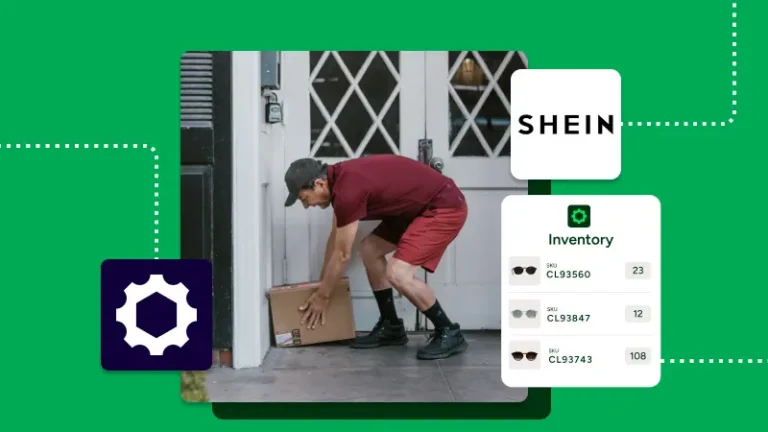
Centralized fulfillment helps Shein sellers ship faster, cut manual work, and stay in control as order volume grows. Shein seller fulfillment works better when ShipStation pulls orders into one dashboard, helps create labels in bulk, and keeps tracking moving back to your sales channels. This guide covers setup, automation, customer updates, and a few tax details sellers shouldn’t ignore.
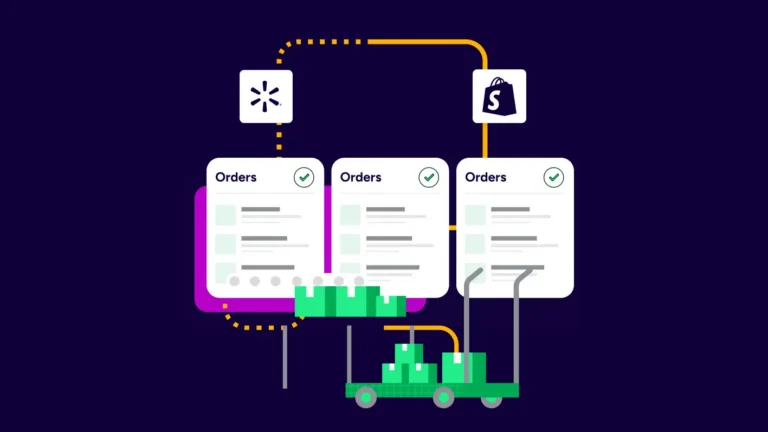
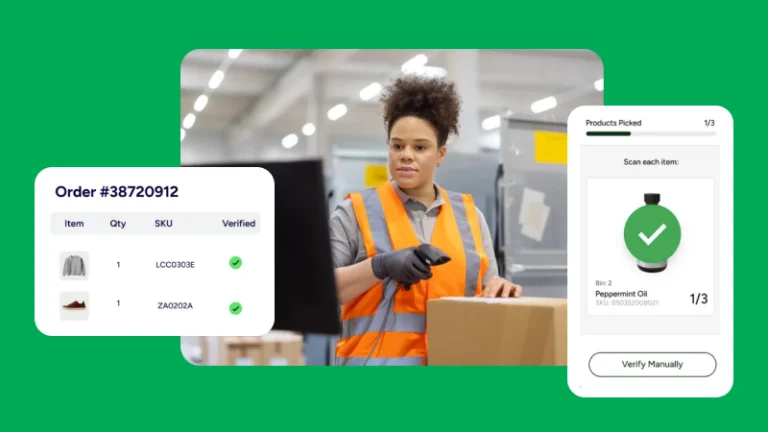
The biggest win is simple: fewer tabs, fewer clicks, and fewer mistakes. The ShipStation platform brings Shein orders into one place so a business can manage shipping alongside other marketplaces and stores without bouncing between screens all day.
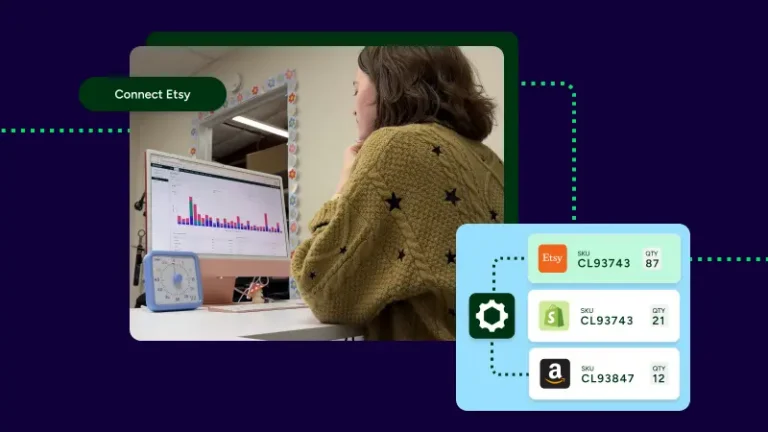
Many businesses sell on Shein, Shopify, Amazon, eBay, Etsy, or a Facebook Marketplace app at the same time. Instead of copying order information from listing to listing, the team can create labels, review service options, and track fulfillment from one queue. For growing businesses, that kind of control makes it easier to handle spikes without adding more busywork.
Fast shipping starts with better carrier choice. ShipStation lets sellers compare services from UPS®, USPS®, FedEx®, and DHL Express in one place so each package gets the right option for speed, cost, and destination.
That helps items ship to buyers with less guesswork. A seller can connect existing carrier accounts, keep negotiated rates, or use available discounted options inside ShipStation. Once labels are printed, tracking and status updates can sync back to connected channels. That means buyers respond to listings and post-purchase messages with more confidence because they can see when an item ships, where it is, and what happens next.
Clear updates also support a better customer experience:
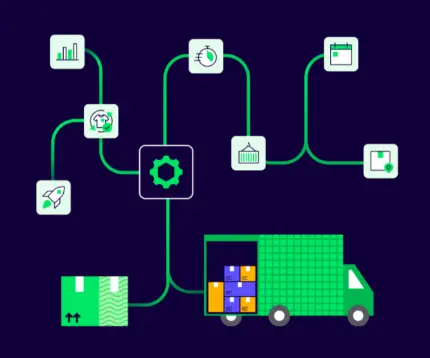
Automation is what turns steady sales into scalable fulfillment. Instead of setting each shipment by hand, ShipStation lets businesses create rules that apply the right service, package, tag, or ship-from location based on order details.
A seller might set one rule for lightweight items, another for urgent orders, and another for international services. Businesses with multiple locations can route orders by ZIP code or location rules. That reduces manual sorting and helps teams print labels in batch printing mode instead of one by one. If a developer needs more control, ShipStation API and webhooks can support custom workflows across other services or Meta platforms without changing the daily shipping screen.
Useful examples include:
Shipping software helps fulfillment move faster, but tax rules still need attention. If a marketplace facilitator collects some tax on a sale, that doesn’t always remove every obligation for a seller in the United States.
A business may still need to review local retail sales rules, remote seller requirements, physical presence standards, and any applicable threshold in a state where it operates. Some remote sellers still need to file a tax return, keep records, or confirm whether marketplace-collected tax covers every transaction type. Streamlined Sales Tax rules may also matter in some states. ShipStation doesn’t replace tax advice, but it does help collect order information, shipment data, and performance data in one place so businesses have cleaner records when they review compliance, privacy policy language, or customer messages.
Getting started is usually straightforward. In most cases, a seller connects Shein as a marketplace, authorizes access, reviews store settings, and tests the workflow before shipping live orders.
After that, the same setup supports growth. The ShipStation platform supports 200+ store and marketplace integrations, 200+ carrier integrations, automation rules, branded tracking, returns, and delivery to 250 countries and territories. So when a business adds multiple channels, expands its product description library, or wants another option for shipping from a new warehouse location, the process doesn’t have to change. The daily work stays familiar, even when volume climbs.
Shein seller fulfillment gets easier when shipping runs from one organized system. ShipStation helps businesses bring orders together, choose carrier services faster, automate repeat tasks, and keep buyers informed with cleaner tracking and messages. For sellers ready to handle multiple channels without more manual work, ShipStation is a practical next step to explore.