Back
Back









































 Technology & Integrations
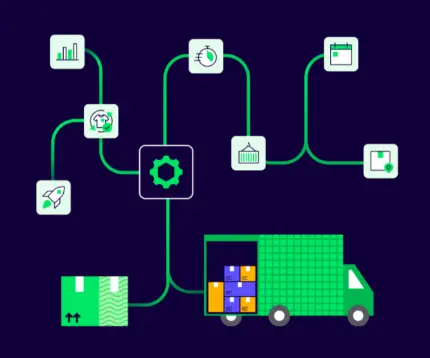





Managing multi-channel fulfillment with ShipStation and BigCommerce is simple: BigCommerce orders import automatically into ShipStation, labels are created in one place, and shipment details are sent back to your store in near real time as soon as you print. That gives you one work queue for selling, packing, and shipping across channels. In this guide, you’ll see how the integration works, how to connect it, and where automation cuts manual data entry.
The BigCommerce and ShipStation integration connects your store to one shipping dashboard. Orders import automatically, and BigCommerce receives shipment details when you create each label. That means your team spends less time copying order data between systems and more time getting orders out the door.
For order import, each order needs at least one physical product and a Ship To address. Once connected, the app helps you manage your business’s order flow without bouncing between tabs all day.
If you also sell on Amazon and eBay, ShipStation can centralize orders from multiple sales channels into a single multi-channel queue. ShipStation can also send shipment updates for those linked marketplace orders.
Connecting BigCommerce and ShipStation is easy and direct. You install the app in BigCommerce, confirm permissions, then log in to your ShipStation account to finish the connection. After that, you can review store settings, branding, customer notifications, and import your first orders.
Here’s the basic flow:
One key detail matters here: only the BigCommerce Store Owner user can install apps from the marketplace. If your company uses BigCommerce Multi-User access, the store owner can grant permission so that other users can open the app too. Each user still needs a ShipStation login.
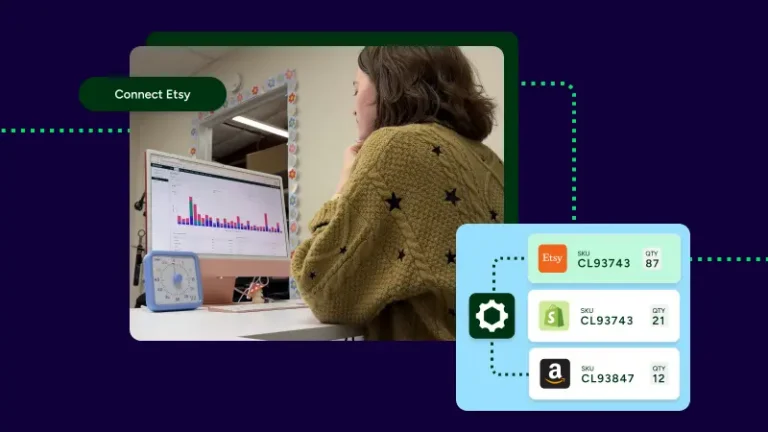
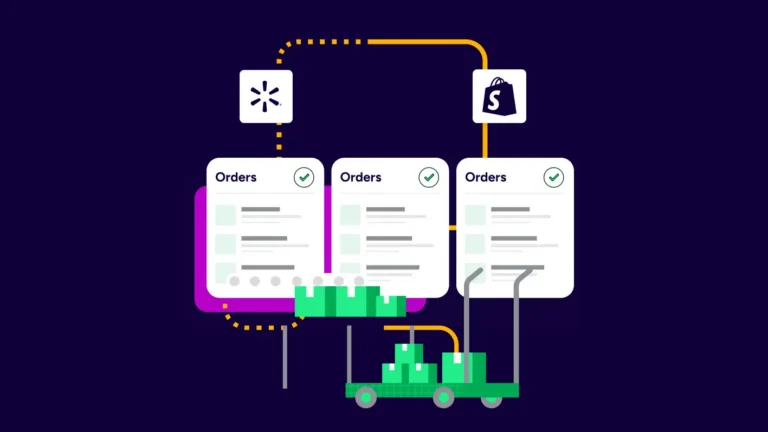
Multi-channel fulfillment works best when every order lands in one place. With BigCommerce connected, you can pull store orders into the same dashboard as Shopify, Amazon, eBay, Etsy, or WooCommerce. That eliminates manual data entry and gives your team a single clear workflow.
From there, automation does the repetitive work:
This is where plug-and-play fulfillment starts to feel real. You connect sales channels, set rules once, and let routine steps run in the background. For growing businesses, that’s often the difference between shipping all afternoon and shipping in minutes.
Without ShipStation, our current shipping volume and handling would be massive. We’d need to go into each different platform, print things out, and it takes so much time. Having everything all together is just so quick and efficient.
The integration covers more than basic order sync. BigCommerce supports newer connection features, including updated carrier tracking link logic. The newer integration also supports multi-storefront setups, which matters if your business operates more than one storefront under a single brand.
A few details stand out for growing teams:
That mix helps operations, inventory management, and customer experience. Your team gets cleaner order handling. Your customers get faster updates and clearer tracking.
Carrier choice is a big part of fulfillment. BigCommerce brings in the order. ShipStation lets you rate shop, print, and send tracking from one screen. You can use your own carrier accounts, ShipStation rates, or both in the same workflow.
For many sellers, that means comparing UPS®, USPS®, FedEx®, and DHL Express side by side instead of checking each carrier separately. You can also connect existing carrier accounts to keep negotiated rates. For USPS savings, no separate Stamps.com® account is required.
That multi-carrier setup works well when pricing is set by packaging and service levels that vary by order. A light parcel might go one route. A heavier box might go another. With automation and shipping rules in place, the right choice is faster to make and easier to repeat.
If you connected BigCommerce years ago, review the current integration before you build new workflows around it. Newer connection logic supports current features, but some users need to renew permissions in the BigCommerce app to keep the connection up to date.
After a migration, check these settings first:
This step matters because old rules can point to the wrong store. A quick cleanup now saves weeks of confusion later.
BigCommerce and ShipStation work well together because the setup is direct and the payoff is practical. Orders import automatically, shipment updates are sent back to your store, and automation removes repetitive work across channels and carriers. If you want one app for multi-channel shipping, batch printing, customer updates, and faster fulfillment, start a free 30-day trial to see how the workflow fits your business.