Back
Back











































 Technology & Integrations


Connecting Amazon to ShipStation is simple once you know the setup path. Connect your Amazon Seller account in ShipStation, confirm a few store details, then let your orders sync into one queue for faster order fulfillment, tracking, and delivery. This guide covers the steps, the settings that matter, and the best ways to scale during peak season.
To connect Amazon, open account settings in ShipStation, go to selling channels, choose store setup, then add Amazon as a marketplace. After you sign in and approve access, ShipStation can import merchant-fulfilled orders so you can manage every order from one place instead of jumping between tabs.
Use these steps:
Once setup is done, Amazon FBM orders can flow into your orders queue automatically.
After the integration is live, review store details right away. This step helps prevent label issues later. It also gives you better control over order management, notification options, and how ShipStation handles pending orders during busy sales windows.
Focus on these settings:
This is also a good time to review privacy permissions and terms on both sides of the connection. Small setup checks now can save you time when orders start piling up.
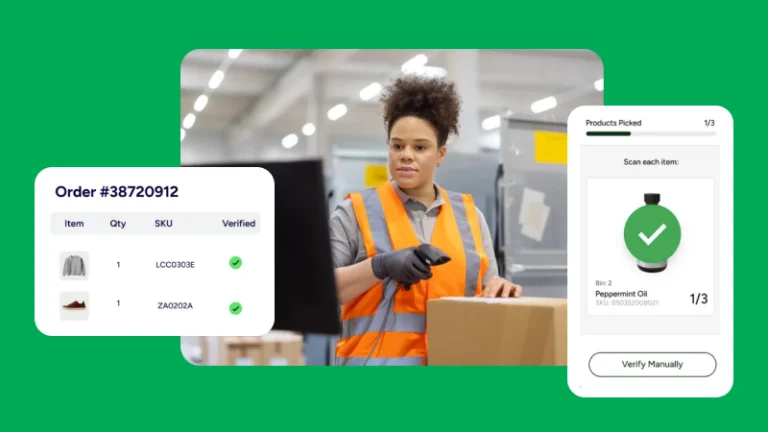
Once Amazon is connected, fulfillment starts in the Awaiting Shipment queue. That’s where ShipStation helps you pick a carrier, compare rates, print labels, and send tracking updates without leaving the platform. For many sellers, this is where shipping gets much easier.
You can:
Some Amazon sellers also use Amazon Buy Shipping as part of their workflow. Others connect their own carrier accounts and rate-shop across multiple carriers. If your business ships pallets too, ShipStation also supports LTL freight for US-based accounts.
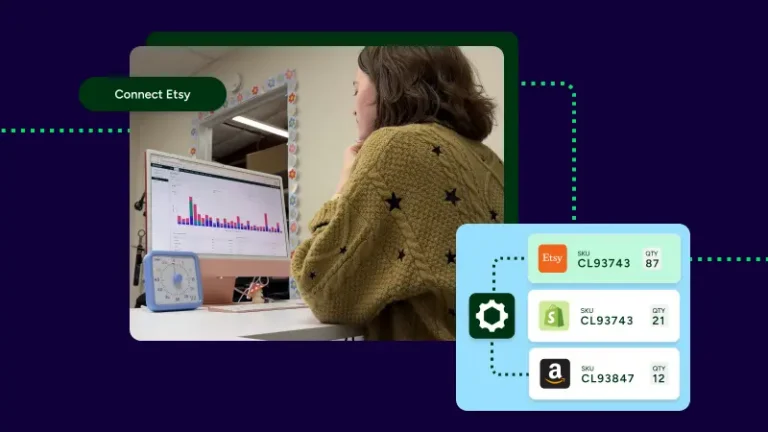
Amazon is often the first connection, not the last one. ShipStation works best when it becomes the center of your ecommerce order management across marketplaces, shopping carts, and shipping tools. That means fewer manual steps and a cleaner view of orders from all your selling channels.
As your business grows, you can connect channels like Shopify, eBay, Etsy, Walmart, WooCommerce, BigCommerce, Squarespace, Wix, PrestaShop, and TikTok Shop. You can also use the ShipStation API to build custom shipping API workflows, shipment updates, and rate retrieval.
Helpful resources include:
For brands building a more global operation, ShipStation supports shipping to 250 countries and territories. That gives growing teams a global intelligent logistics platform with global reach, strong carrier options, and room to scale.
Having a single source, web-based platform for all sales channels that also allows us to use a hub for picking/packing and light production has been critical for our operational growth.
The fastest Amazon workflows rely on automation. Once orders sync in, ShipStation can help route them, tag them, and move them through fulfillment with fewer clicks. That matters most during peak season, when speed and accuracy are under pressure.
Common ways sellers use ShipStation include:
If you sell on several marketplaces, this kind of setup helps you stay ready for volume spikes. It also gives customers clearer tracking, faster delivery updates, and a smoother post-purchase experience. Even better, the same workflow can support parcel shipping today and freight needs later.
Connecting Amazon to ShipStation gives you one place to manage orders, compare rates, print labels, and keep tracking updates moving. Start with the integration, fine-tune your setup, then add automation as volume grows. If you’re ready to bring Amazon, other marketplaces, and carriers into one workflow, start your free trial and see how ShipStation can support your next stage of growth.