Back
Back









































 LTL Shipping





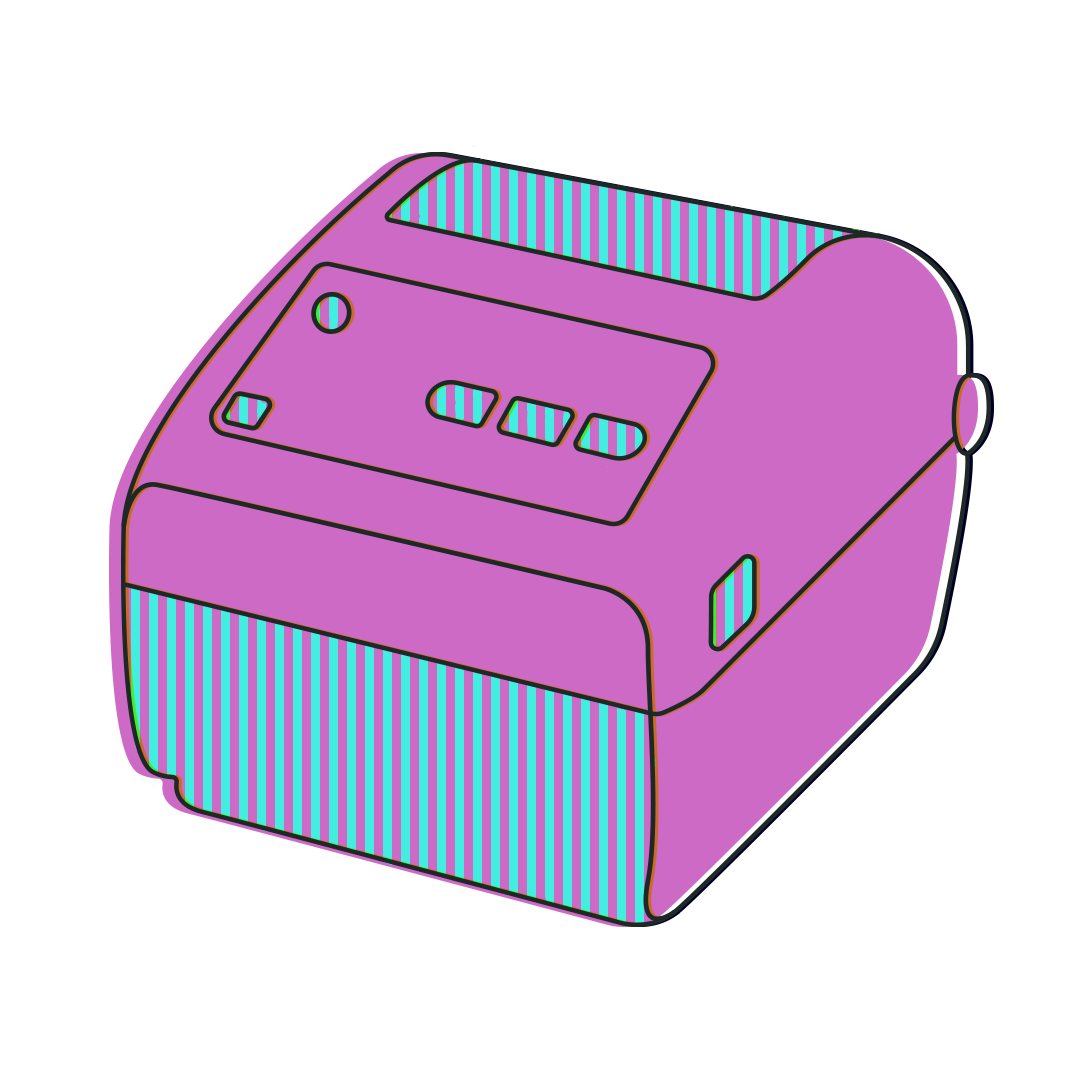
ShipStation is all about efficiency. Which comes in handy as the holiday rush ramps up. This is the time of year to make order fulfillment as streamlined as possible. And one way to fulfill orders even more effortlessly is to invest in a shipping label printer such as a thermal label printer.
If you are looking for a recommendation on a laser printer to print on 8.5″ x 11″ paper, check out these great recommendations from The Wire Cutter and TechRadar.
If you run an ecommerce business, printing labels is a big part of your day. Thermal printers free you from dealing with desktop printers, taping paper labels onto a box, or buying expensive integrated labels. Since they use heat to transfer pigments onto a surface instead of using ink, they can print much more quickly.
Check out the ShipStation Supplies store for products.
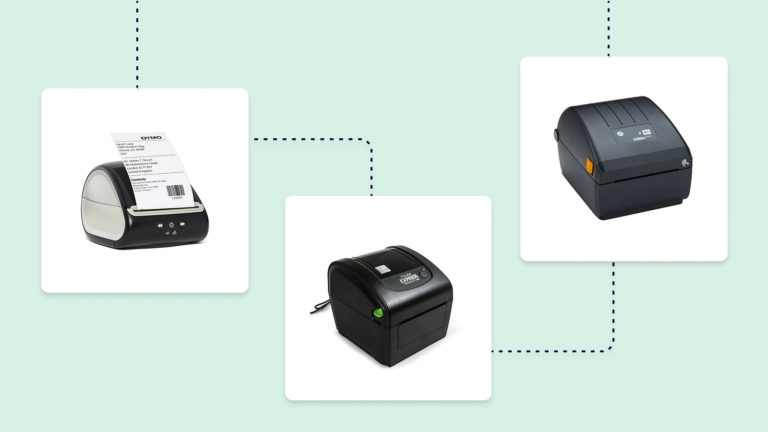
Three of the most commonly used and well-reviewed thermal printer manufacturers are the ProLabel Express Thermal Label Printer, the DYMO LabelWriter 5XL Thermal Label Printer, and the Zebra ZD220 Thermal Label Printer. They each have their own strengths, and there are areas where other models beat them out. These are models we’ve either tested, use around the office to print labels, or have been praised by ShipStation customers.
| Model | ProLabel Express | DYMO LabelWriter 5XL | Zebra ZD220 |
| Labels Supported | Standard thermal labels (shipping, postage, office labels; wide compatibility) | DYMO-branded labels only; supports shipping, barcode, warehouse, and mailing labels up to 4″ wide | Wide range of direct thermal labels (shipping, barcode, industrial labels; flexible media support) |
| Setup Difficulty | Easy–moderate (plug-and-play, often bundle) | Easy (guided setup, DYMO software, auto label detection) | Moderate (more “industrial” setup, driver/config required) |
| Max Print Speed | 50 labels per minute | 53 labels per minute | 40 labels per minute |
| Print Resolution | 203 dpi | 300 dpi | 203 dpi |
| Bottom Line | Best for simple shipping workflows. Affordable and flexible. | Best for ease-of-use and sharp print quality—but locked into DYMO labels. | Best for durability and scalability. More robust, but less beginner-friendly. |
| Where to Buy | ShipStation Supplies | ShipStation Supplies | ShipStation Supplies |
These are the models that we either recommend or our customers do.
The ProLabel Express is practical and straightforward. If you just want reliable shipping labels without friction, this is the easiest “no drama” option. The DYMO LabelWriter 5XL is polished and user-friendly. It prints sharper and has helpful features, but the label lock-in is a real constraint. The Zebra ZD220 is built like a workhorse. It’s the most “serious” printer here—great for higher volume or warehouse use, but setup takes more effort. Ultimately, one of these three should be the right printer for you!
The ProLabel Express is a practical, shipping-focused thermal printer designed for small businesses and e-commerce workflows. It integrates tightly with platforms like Stamps.com and ShipStation, and it supports a wide range of third-party label formats rather than locking you into a single ecosystem. With solid speed (around 5 inches per second) and standard 203 dpi resolution, it delivers reliable output for shipping labels without unnecessary complexity. In short, it’s built to “just work”—simple enough for everyday use, but capable of handling steady shipping volume.
The DYMO LabelWriter 5XL is a user-friendly desktop printer that prioritizes ease of use and print clarity. It stands out for its 300 dpi resolution, which produces sharper barcodes and text than most entry-level thermal printers. Setup is straightforward, and the software experience is polished, making it appealing for office environments or low-friction shipping setups. However, the major tradeoff is its closed ecosystem—recent models require DYMO-branded labels, which can increase long-term costs and limit flexibility.
The Zebra ZD220 is an entry-level industrial printer built for durability and consistent performance in higher-volume environments. It uses a straightforward design with fewer frills but emphasizes reliability, compatibility, and long-term use. While it shares the same 203 dpi resolution as many basic printers, its strength lies in build quality and flexibility—it supports a wide range of media types and integrates easily into warehouse or logistics systems. Setup can take more effort, but once running, it’s stable and dependable.
Batch shipping with ShipStation lets you print up to 500 labels at once. With a good thermal printer, you can print all of your labels for a day at once.
ShipStation Connect is ShipStation’s cloud printing app. It allows you to print shipping labels directly from your computer to your printer without having to download or view the labels first. It can work from any device logged into ShipStation. So you can open ShipStation on a phone in Tokyo and print at your warehouse in Butte, Montana.
Sign up for a free ShipStation trial and start saving time and money on ecommerce printing today!